Best Employee Perks Software for Small Business in 2026: Prices, Free Plans and 5 Picks
Best employee Perks software for small business, compared. 5 tools with published prices, free plans and limits. The catches are listed up front. Decide faster.
- Editor's choiceCompt
Automatic stipends and LSAs
Starts atSee websiteVisit compt.ioFull review - Great alternative
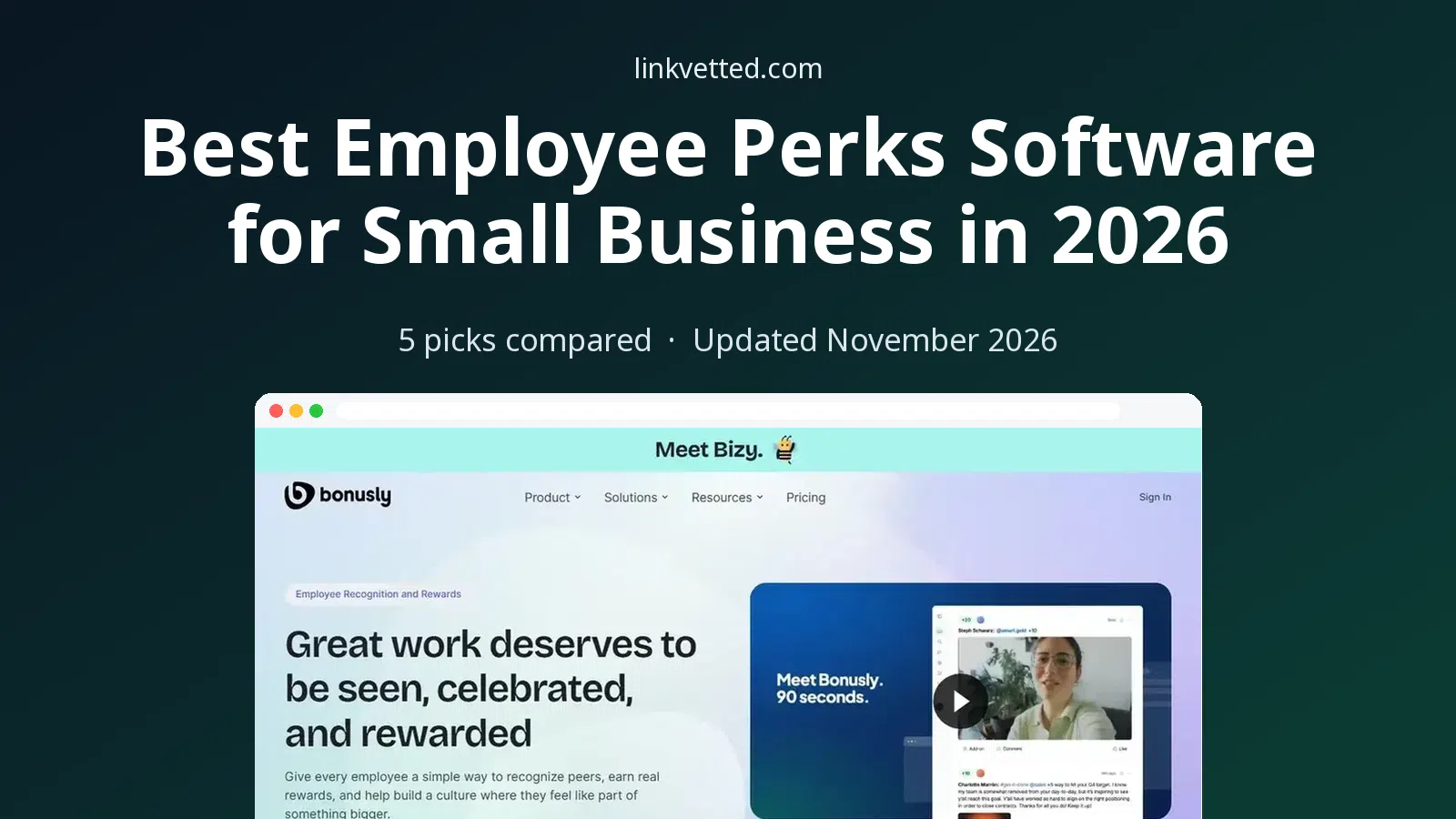
 Bonusly
Recognition and rewards culture
Starts at$3 per user per monthVisit bonus.lyFull review - Also consider
 Snappy
Corporate gifting at scale
Starts at$2000 a yearVisit snappy.comFull review
Direct answer
Compt comes first here, mainly for automatic stipends and LSAs. Listed starting prices: Bonusly from $3 per user per month, Snappy from $2000 a year and Rippling from $8 per employee a month. If your case is different, Bonusly suits recognition and rewards culture and Snappy suits corporate gifting at scale. Prices, free plans and limits for all 5 tools follow.
TL;DR:
- This list starts with Compt, which is built for automatic stipends and LSAs.
- The lowest published monthly entry price here is $3 per user per month, from Bonusly.
- A fair warning about Snappy: concentrated on gifting, not discounts.
- Rippling suits unified HR, IT, and Finance perks.
Last checked November 2026. Prices and plan details were read from the vendors' own pages in November 2026; vendors change plans often, so confirm the current price on the vendor site before you buy.
Quick comparison
| Tool | Best for | Starts at | Free plan? | |
|---|---|---|---|---|
| Compt | Automatic stipends and LSAs | See website | Not stated | Visit |
| Bonusly | Recognition and rewards culture | $3 per user per month | Free trial | Visit |
| Snappy | Corporate gifting at scale | $2000 a year | Yes | Visit |
| PerkSpot | Employee discount access | See website | Not stated | Visit |
 Rippling | Unified HR, IT, and Finance perks | $8 per employee a month | Not stated | Visit |
Employee Perks Software for Small Business, one by one
If you are comparing employee Perks software for small business, this page covers 5 tools in one place: what each is best for, what it costs to start, whether it has a free plan, and the main limit to know about.
Compt
Best for: Automatic stipends and LSAs
Compt was built for automated stipends and LSAs. Compt is a system for stipends and lifestyle spending accounts with automatic tax compliance and payroll integration.
The main drawbacks: Needs payroll coordination.
Worth adding: companies wanting a broader perks catalog should consider extra tools. Compt is built around stipends and LSAs, so it does not include recognition, gifting, or discounts. Pricing for Compt is not stated here, so ask the vendor for current figures. Free options: Not stated.
- Automatic tax compliance
- Stipend and LSA focus
- Stipend-specific use case
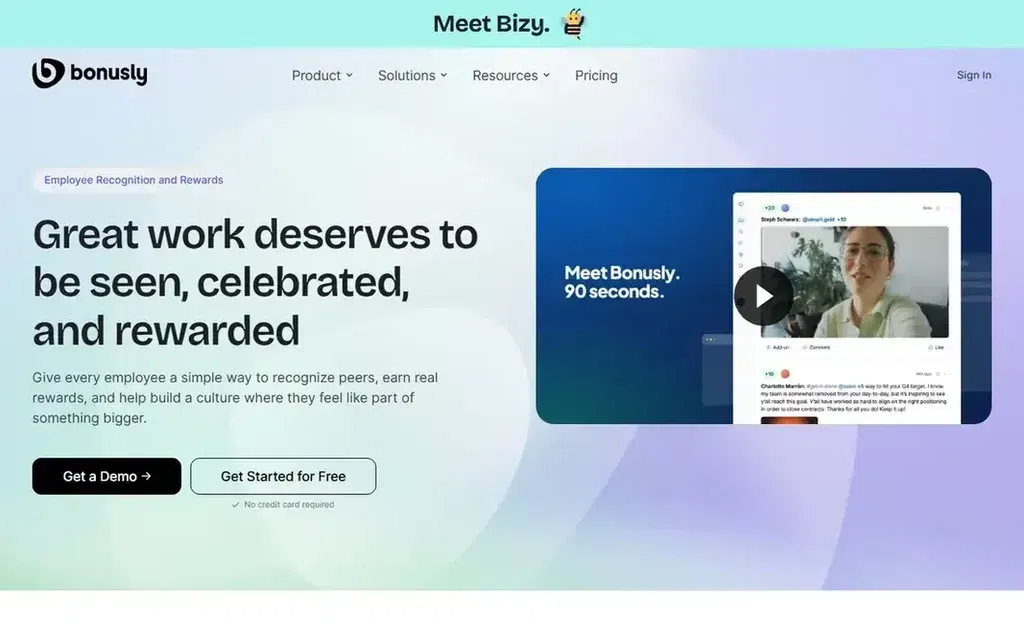
Choose Bonusly for recognition and rewards culture. Bonusly is not a full HR or benefits system, so companies seeking payroll integration or stipend automation will need extra tools.
Points against: Restricted to recognition use cases.
Its value relies on consistent employee participation. Price to start with Bonusly: $3 per user per month. Free plan details: Free trial.
- Live culture visibility
- Recognition-focused system
- Needs employee participation
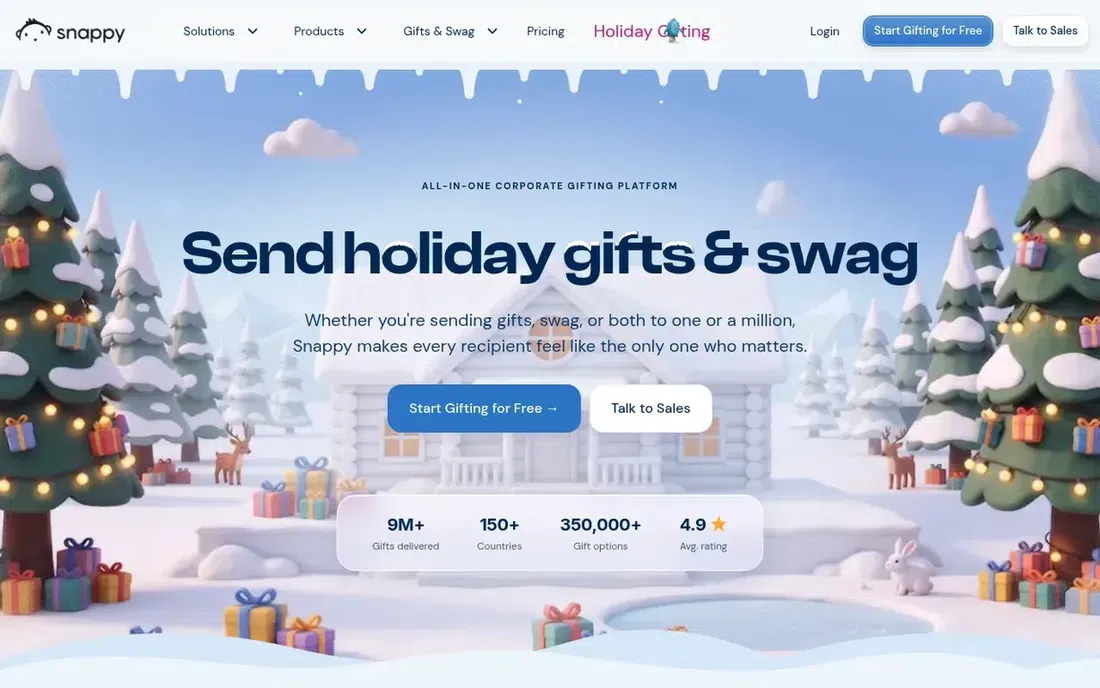
Snappy is built with corporate gifting at scale in mind. Snappy is a corporate gifting product for sending employee and client gifts from one place. It flags easy setup, personalization, and global delivery without needing a delivery address.
More specifically, consider whether one-time or occasional gifting matches your perks strategy before choosing it. On top of that, small firms that want to mark milestones or holidays with gifts may find it a practical fit, notably when recipients are remote or spread across regions. The starting price for Snappy: $2000 per year. Snappy has a free plan.
Drawbacks to consider: Concentrated on gifting, not discounts.
- Send gifts at scale
- Personalization choices
- Recipient choice may vary
PerkSpot
Best for: Employee discount access
Choose PerkSpot for employee discount access. The product is centered on savings instead of recognition or benefits administration. Worth adding: PerkSpot is an employee discount option that positions itself as simple to implement and concentrated on making every dollar count for employees.
Limits to weigh: Restricted to discounts.
More specifically, teams wanting a single product for all perks should look at more full choices. The actual value to employees relies on the discount provides available. PerkSpot does not show a starting price in this comparison, so check the vendor site for current pricing. Trial and free access: Not stated.
- Built to stretch every dollar
- Discount-focused option
- Value relies on vendor provides
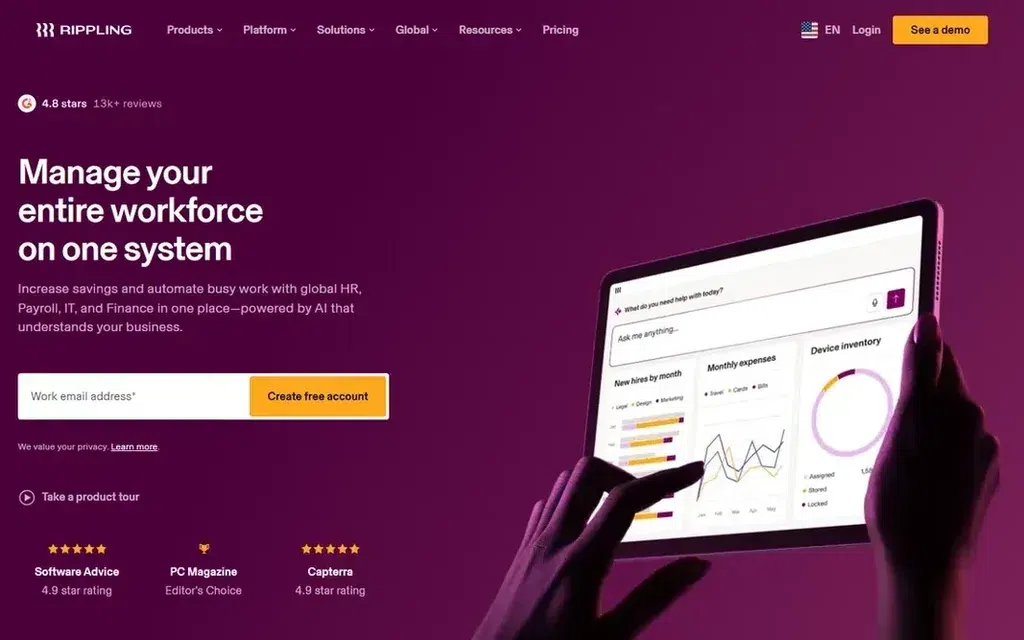
Think of Rippling for unified HR, IT, and Finance perks. Rippling is a workforce management system that brings HR, IT, and Finance apps onto a single data system.
Beyond that, if perks are the sole priority, a focused tool may be simpler to adopt. As for the details, small teams without dedicated HR staff should consider whether the broader system matches their capacity. The starting price for Rippling: $8 per employee per month. Free plan details: Not stated.
Downsides: May be more than perks alone.
Reasons to shortlist it: Unified data product.
- Wide workforce management
- Merges HR, IT
- Setup can need planning
How the list was put together
Selection started from tools commonly considered for employee Perks software for small business, then narrowed to 5 that have clear pricing information or a clear quote process. Plan names, prices and limits change often. Treat the figures here as a starting point and verify them with the vendor. The ranking is editorial: typical fit first, then clear pricing, then free access. If your needs are unusual, read the profiles rather than relying on position.
What to confirm before you sign up
- Confirm the entry price on the vendor page. For Compt and PerkSpot that means a quote rather than a fixed price.
- Test the free plan from Snappy against your real workload before relying on it.
- Use real work to test the free trial from Bonusly, rather than a demo project.
- Before choosing Compt, weigh its main limit: Stipend-specific use case.
- Look at the help docs and support options for Snappy before you commit.
- Check how data leaves Rippling: formats, limits and whether exports are available on every plan.
FAQ
How are the tools for employee Perks software for small business ordered?
The order follows typical fit for employee Perks software for small business, with Compt first and Rippling last, then price clarity and free access. It is editorial judgement, not a score, so another team could rank the tools differently.
Which options for employee Perks software for small business have a free plan?
Snappy is the only tool in this list with a free plan. Free plans usually cap users, projects or features, so check the limits on the vendor page. One other tool offers a trial instead.
What is the cheapest option for employee Perks software for small business in this list?
On published monthly entry prices, Bonusly is the lowest here at $3 per user per month. Entry price is only part of the cost, because seats, add-ons and billing terms can change the total. Each of the 5 options in this employee Perks software for small business guide has its own card above with the price, free plan and limits.
What should a small business look for in employee perks software?
Ease of setup and integration with payroll or HR systems matter for small teams. Beyond that, confirm that the perk types and redemption choices fit your workforce.
Can I try these tools before paying?
Often, yes. Snappy has a free plan and Bonusly offers a free trial. Use your own data and a real task during the test, and check what the free tier or trial limits before you rely on it.
Sources
- https://www.compt.io
- https://bonus.ly
- https://snappy.com
- https://perkspot.com
- https://www.rippling.com