Best Embedded Integration Platforms in 2026: 8 Platforms Compared
We compared the best embedded integration platforms for SaaS teams, covering unified APIs, embedded iPaaS tools, connectors, pricing, and setup effort.

- Editor's choice
 Merge
Unified APIs across HR, CRM, and accounting
Starts at$650 per monthVisit merge.devFull review - Great alternative
 Paragon
Branded in-app integration setup
Starts atSee websiteVisit useparagon.comFull review - Also consider
 Prismatic
Low-code and code-first embedded integrations
Starts atSee websiteVisit prismatic.ioFull review
TL;DR:
- Merge and Apideck suit teams that want one clean API per category instead of building each integration by hand.
- Paragon and Prismatic suit teams that want customers to connect apps inside the product, with a branded setup flow.
- Nango and Cyclr give smaller teams a lower cost way in, with code-first control or a low-code builder.
- Pricing is often quoted, so budget for a per-customer or per-connection charge on top of any platform fee.
- The best embedded integration platform is the one that covers the apps your customers actually ask for first.
Quick comparison
| Tool | Best for | Starts at | Free plan? | |
|---|---|---|---|---|
| Merge | Unified APIs across HR, CRM, and accounting | $650 per month | Yes | Visit |
| Paragon | Branded in-app integration setup | See website | No | Visit |
| Prismatic | Low-code and code-first embedded integrations | See website | No | Visit |
 Workato Embedded | Enterprise automation inside SaaS products | See website | No | Visit |
 Tray.ai | Workflow automation with embedded options | See website | No | Visit |
 Cyclr | Low-code white-label integrations | See website | No | Visit |
 Apideck | Unified APIs with a white-label vault | $599 per month | No | Visit |
 Nango | Code-first integrations developers control | Free | Yes | Visit |
The best embedded integration platforms
An embedded integration platform lets your customers connect their own tools inside your product, without leaving it. We compared official feature pages, pricing pages, and connector catalogs to find options that fit different team sizes and budgets.
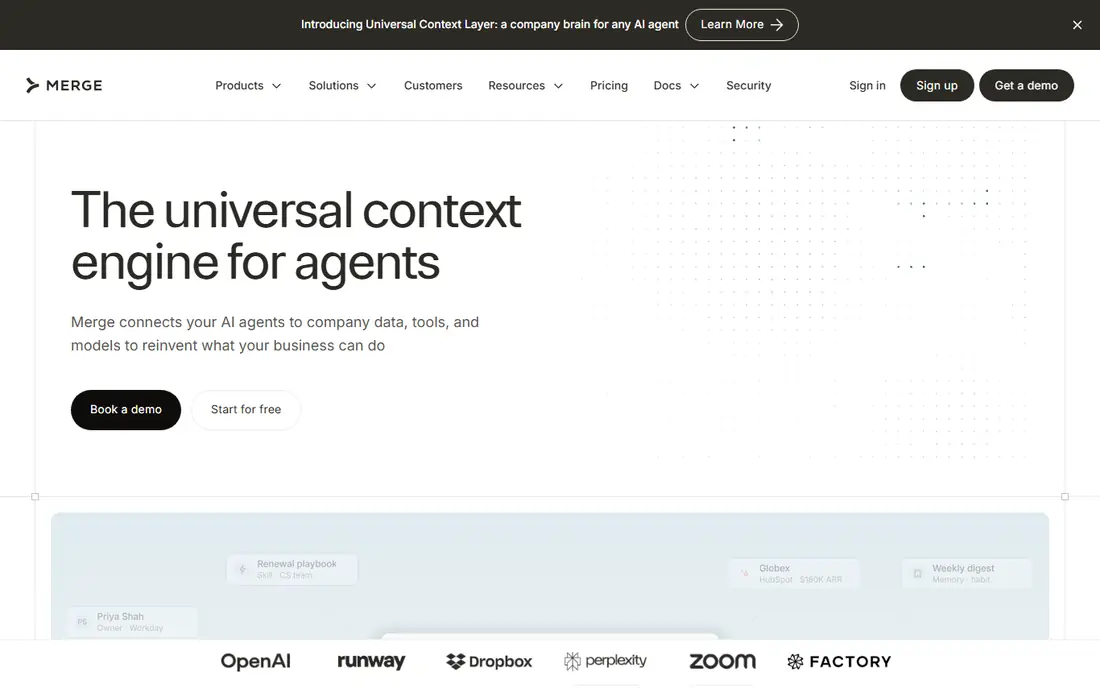
Merge gives your product one API for a whole category, such as HRIS or CRM, instead of a separate integration for every app in that category. That matters when customers use different tools for the same job and expect your product to work with all of them. Merge handles authentication, field mapping, and syncing, which removes a large share of the maintenance work that comes with direct integrations.
Our pick for most teams that need standard business categories is Merge, because its model is simple to explain and price. The trade-off is scope. If your customers need deep, app-specific workflows or unusual endpoints, a unified API may not expose everything you want. Check the field coverage for your top three customer apps before you commit.
- Normalized data models across many apps
- Managed authentication and sync
- Clear per-account pricing
- Category coverage is narrower than a full iPaaS
- Custom or niche apps may need extra work

Paragon focuses on the moment a customer connects an app inside your product. Its Connect Portal is white-labeled, so the setup flow looks like part of your product rather than a third-party add-on. Developers get an SDK and action tools, and Paragon manages the ongoing sync once a connection is live.
This is a strong choice for SaaS teams that care about activation, because a confusing setup flow kills integrations before they deliver value. The catch is price transparency. You will need a sales conversation to learn what Paragon costs at your volume, so get a quote early and model it against your expected number of connected customers.
- Polished Connect Portal for end users
- Managed sync and actions
- Headless option for custom interfaces
- Pricing is quote based
- Advanced hosting options add cost and complexity

Prismatic blends a low-code builder with code-first options, so integration builders can start visually and drop into code when a workflow gets complex. Customers browse an embedded marketplace, configure their own connections, and manage them without filing a support ticket for every change. That self-service angle is valuable once you have many customers with different app stacks.
Prismatic fits B2B SaaS teams with varied customer setups and a developer team that wants control over deployment and versioning. The downside is the learning curve and the quote-based price. Smaller teams may find it more platform than they need in the first year, while larger teams will use the depth.
- Low-code builder plus code for complex logic
- Embedded marketplace for customers
- Strong multi-tenant controls
- Quote based pricing
- The full feature set takes time to learn
Workato Embedded brings an enterprise integration platform into your product, with a huge connector catalog and tools for complex, multi-step automation. It suits SaaS vendors that sell to large customers with strict security, audit, and governance requirements. Recipes can be built, tested, and deployed with controls that IT teams expect.
The trade-off is weight. Workato is priced and sold as an enterprise platform, so a small team may find the sales process and the platform itself more than it needs. If your buyers are large enterprises and your integrations touch core systems, that weight is the point, and Workato earns its place.
- Very large connector catalog
- Mature automation and governance features
- Enterprise security options
- Enterprise pricing and sales process
- Can be heavy for a small product team
Tray.ai is a workflow automation platform that also offers embedded options for SaaS products, so customers can run multi-step workflows that go beyond moving a record from one app to another. Its visual builder suits teams that want business users and developers to share the same integration work. Connectors cover common SaaS apps, databases, and internal tools.
We like Tray.ai for products where integrations are really automations, such as syncing a deal, notifying a channel, and updating a record in one flow. The catch is that pricing and the exact embedded packaging depend on your plan, so confirm what your customers will see and what counts as billable usage before launch.
- Visual workflow builder
- Broad connector library
- Automation beyond simple data sync
- Quote based pricing
- Embedded features vary by plan
Cyclr is built for SaaS teams that want a white-labeled integration marketplace without enterprise pricing. Its low-code builder lets a small team ship connectors and templates, and customers activate them inside the product. That combination makes it a practical middle ground between building everything in-house and buying a large enterprise platform.
Cyclr fits mid-market and smaller SaaS products that need a professional integration experience on a tighter budget. The honest limit is catalog depth. If your customers use less common apps, check Cyclr's connector list first and ask how custom connectors are built and billed.
- White-label embedded marketplace
- Low-code builder
- Tiered plans for smaller teams
- Smaller connector catalog than the biggest platforms
- Some advanced cases need custom work
Apideck follows the unified API model, with one API per category and a white-label Vault where customers connect their accounts. It covers categories from CRM and accounting to HR and file storage, and it supports real-time access through its proxy API where the underlying app allows it. That makes it a direct alternative to Merge for teams that want a similar model with different category strengths.
Apideck is worth shortlisting if your roadmap spans several categories and you want customers to manage connections in your branding. The entry price is not trivial, so it fits teams that already have paying customers asking for integrations, rather than teams still searching for product fit.
- Unified APIs across many categories
- White-label Vault for customer connections
- Real-time data options
- Entry price is high for early-stage teams
- Category depth varies by app
Nango takes a code-first path. Developers write integrations in code, control sync logic precisely, and can self-host the open-source version if data location matters. It includes templates and OAuth handling, but it does not pretend to be a drag-and-drop tool for non-developers. That honesty is part of its appeal for engineering-led teams.
Nango is our pick for startups and developer-heavy teams that want control and a free starting point. The catch is effort. You trade a lower platform bill for engineering time, and you own more of the maintenance. If your team is comfortable with that trade, Nango is hard to beat on flexibility per dollar.
- Open-source and self-hosting options
- Code-first sync logic
- Free tier for getting started
- Requires developer effort
- No polished no-code builder for business users
How we picked these
We compared official product pages, pricing pages, and connector catalogs for platforms that let SaaS products offer integrations inside their own product. We kept only platforms that are actively sold and supported in October 2026, and we favored a mix of unified APIs, embedded iPaaS tools, and code-first options. We did not count a general automation tool as embedded unless it offers an embedded or white-label path for SaaS vendors.
What to check before you buy
Start with the apps your customers already use, not the size of a connector catalog. Ask each vendor to show field-level coverage for your top five apps, including writes, custom objects, and webhooks, because a connector that only reads a few fields will disappoint fast. Then model pricing at three volumes: your current connected customers, double that, and ten times that.
Also test the end-user setup flow yourself. A clean, branded connection screen with clear permissions and error messages will drive more adoption than a longer feature list. Finally, ask about versioning, monitoring, and support ownership. When an integration breaks at a customer site, you need to know who sees the failure first and how fast it gets fixed.
FAQ
What is the best embedded integration platform?
The best embedded integration platform depends on your model. Merge or Apideck fit teams that want a unified API per category, while Paragon and Prismatic fit teams that want customers to configure integrations inside the product. Nango fits developer-led teams that want code-level control at a lower starting cost.
What is the difference between an embedded iPaaS and a unified API?
An embedded iPaaS gives you a builder and a marketplace for many custom workflows, while a unified API gives you one normalized API for a category such as CRM or HRIS. The iPaaS is more flexible, and the unified API is faster for standard categories. Some teams use both, with a unified API for common categories and an iPaaS for custom workflows.
How much do embedded integration platforms cost?
Costs vary widely. Some platforms publish entry prices around $599 to $650 per month, while others quote based on connected customers, connections, or usage. Always ask what counts as a billable unit, whether there is a platform fee on top of usage, and how pricing changes as you grow.
Do I need developers to use an embedded integration platform?
Most platforms need some developer time for setup, even the low-code ones. Nango is the most developer-heavy option here, while Paragon, Prismatic, and Cyclr reduce the work with builders and hosted setup flows. Budget for ongoing maintenance too, because third-party APIs change.
Can customers connect apps without help from my support team?
Yes, that is the point of an embedded marketplace or connection portal. Customers pick an app, grant permission, and configure basic mappings themselves. You should still provide clear help text and a way to disconnect or re-authenticate, because tokens expire and permissions change.