Top 6 Email Testing Software for QA Teams for 2026 (Prices and Free Plans)
Weighing the best email testing software for QA teams? We lined up 6 products by cost, free access and fit. The catches are listed up front. Quick to scan.

- Editor's choiceMailSlurp
API-driven email and SMS automation
Starts at$19.99 a monthVisit mailslurp.comFull review - Great alternativeTestMail
Developer and QA email test automation
Starts at$9 a monthVisit testmail.appFull review - Also considerMailosaur
Automatic sign-up and authentication flows
Starts at$20 per monthVisit mailosaur.comFull review
Direct answer
MailSlurp is the first pick on this list for API-driven email and SMS automation. Listed starting prices: MailSlurp from $19.99 a month, TestMail from $9 a month and Mailosaur from $20 per month. Look at TestMail for developer and QA email test automation, and at Mailosaur for automatic sign-up and authentication flows. Prices, free plans and limits for all 6 tools follow.
TL;DR:
- Number one here is MailSlurp, a fit for API-driven email and SMS automation.
- A fair warning about TestMail: centred on automatic test scenarios.
- For wide email marketing and rendering checks, Litmus is worth a look.
- MailSlurp, TestMail, Mailtrap: these are the 3 tools out of 6 that offer a free plan.
Last checked November 2026. Prices and plan details were read from the vendors' own pages in November 2026; vendors change plans often, so confirm the current price on the vendor site before you buy.
Quick comparison
| Tool | Best for | Starts at | Free plan? | |
|---|---|---|---|---|
| MailSlurp | API-driven email and SMS automation | $19.99 a month | Yes | Visit |
| TestMail | Developer and QA email test automation | $9 a month | Yes | Visit |
| Mailosaur | Automatic sign-up and authentication flows | $20 per month | Free trial | Visit |
 Mailtrap | Sandbox testing plus live sending | $12 a month | Yes | Visit |
| Email on Acid | Pre-deployment email checks before sending | $99 per month | Free trial | Visit |
| Litmus | Wide email marketing and rendering checks | See website | Not stated | Visit |
6 email testing software for QA teams in detail
LinkVetted compared 6 email testing software for QA teams. The goal is a practical shortlist: published prices, free plan facts, best-fit use cases and honest limits for every entry.
MailSlurp
Best for: API-driven email and SMS automation
MailSlurp serves API-driven email and SMS automation. MailSlurp supplies email and SMS testing through APIs and SDKs, with real device previews, email auditing, inbox placement testing and support for message pipelines and data extraction. On top of that, the API-first design makes it a natural fit for automatic test suites.
Drawbacks to consider: Developer-centric setup.
From a buyer's view, choose MailSlurp when automatic inbox creation and programmatic verification are central to your QA process. The developer-oriented model means testers without coding involvement may need engineering support to get value. MailSlurp pricing: $19.99 per month. MailSlurp includes a free tier.
- APIs and SDKs for testing
- Supports inbox placement audits
- Broader scope than straightforward SMTP capture
TestMail
Best for: Developer and QA email test automation
TestMail serves developer and QA email test automation. TestMail is built to automate email tests, with a focus on new user signups, transactional emails and spam scores. It is positioned for developers and QA teams.
It hands testers a way to confirm that messages triggered by application events arrive as expected. In practice, the tool is oriented toward automation, so teams wanting a visual sandbox or rendering previews across clients may need additional tools. Choose TestMail when signup and transactional email verification is the core requirement and you want it scripted. TestMail starts at: $9 per month. TestMail has a free plan.
Honest limits: Concentrated on automatic test scenarios.
- Spam score checks included
- Automates sign-up and transactional email tests
- Less suited to manual review workflows
Mailosaur
Best for: Automatic sign-up and authentication flows
Mailosaur is a good fit for automatic sign-up and authentication flows. Mailosaur is built around automation, so manual testers looking for a visual inbox to poke at may prefer a more straightforward sandbox tool.
Drawbacks to consider: Needs integration into test code.
Mailosaur offers instant, secure inboxes, test numbers and email previews so teams can automatically test sign-up, password reset and authentication flows. Pick Mailosaur when your regression tests have to confirm that verification and reset emails actually arrive and render correctly. What you pay to start with Mailosaur: $20 per month. Free access: Free trial.
- Email previews included
- Designed for automatic flow testing
- Centred on automation use cases
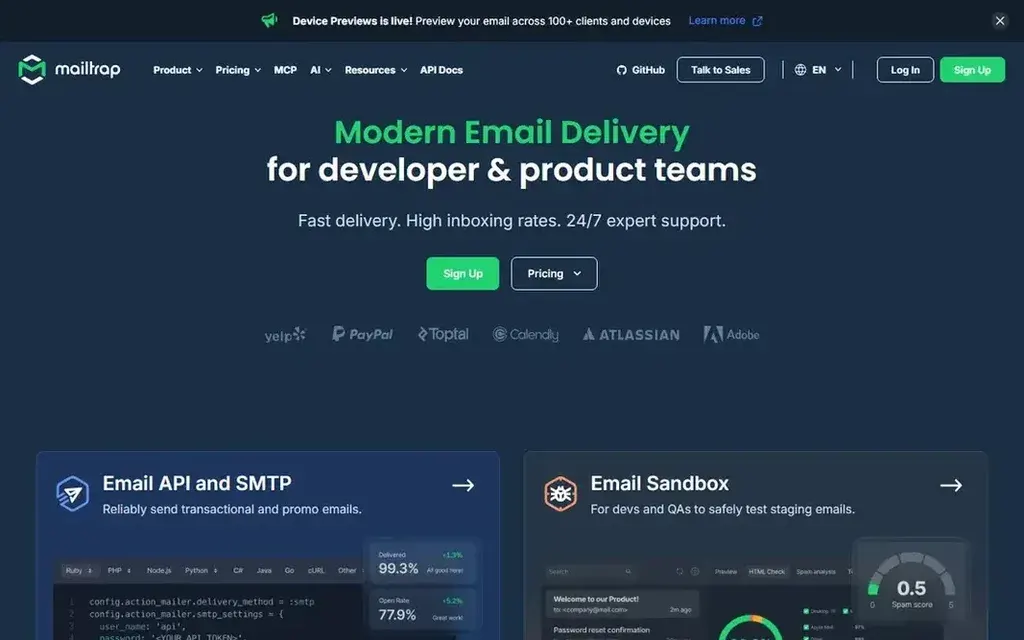
Mailtrap is built with sandbox testing plus live sending in mind. Configuration of sending domains and sandbox behavior takes some setup.
Trade-offs to know: Sandbox and sending setup takes configuration.
Worth adding: pick Mailtrap when you want a sandbox and production sending path from the same vendor, and look elsewhere for purely local development capture. Price to start with Mailtrap: $12 per month. Mailtrap offers a free plan.
- Sandbox testing before real delivery
- Bulk and marketing email
- Feature set spans beyond testing
Email on Acid
Best for: Pre-deployment email checks before sending
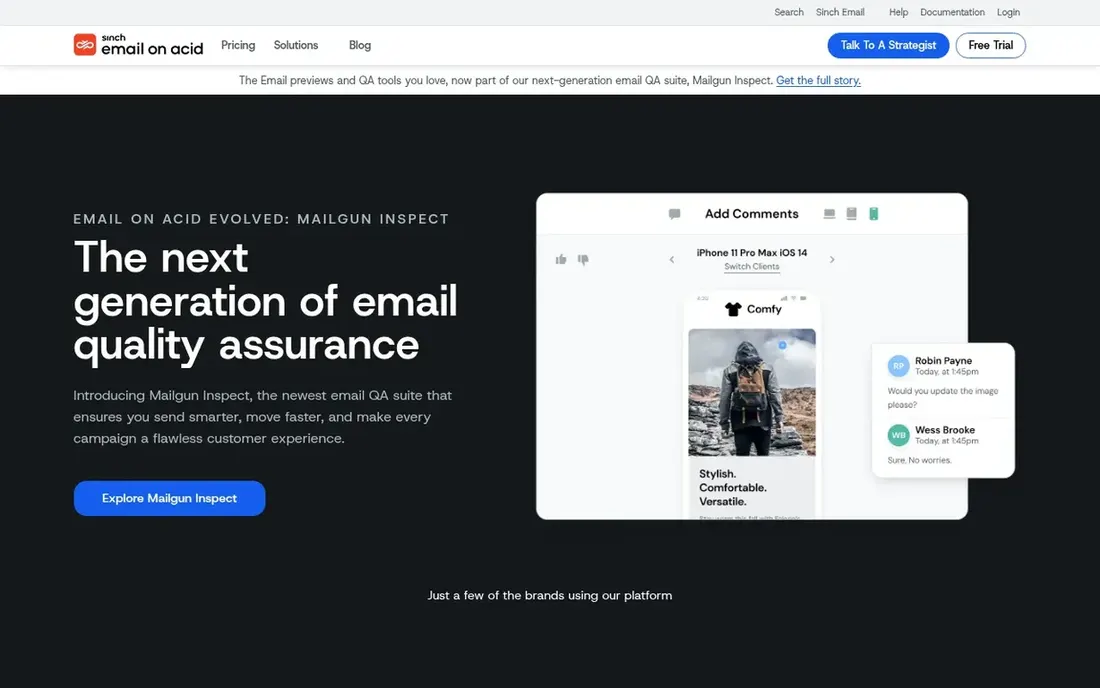
Think of Email on Acid for pre-deployment email checks before sending. Email on Acid describes itself as a leading email pre-deployment suite and now introduces the next generation of the product as Mailgun Inspect.
The main drawbacks: Product direction is changing.
In practice, choose Email on Acid when pre-send verification is the priority and the Mailgun direction aligns with your stack. In practice, the emphasis is on verifying emails before they go out, which suits QA teams that want a dedicated checkpoint between build and send. Email on Acid cost at the entry level: $99 per month. Trial and free access: Free trial.
- Now evolves into Mailgun Inspect
- Targeted at catching issues before launch
- Narrower than full marketing products
Litmus
Best for: Wide email marketing and rendering checks
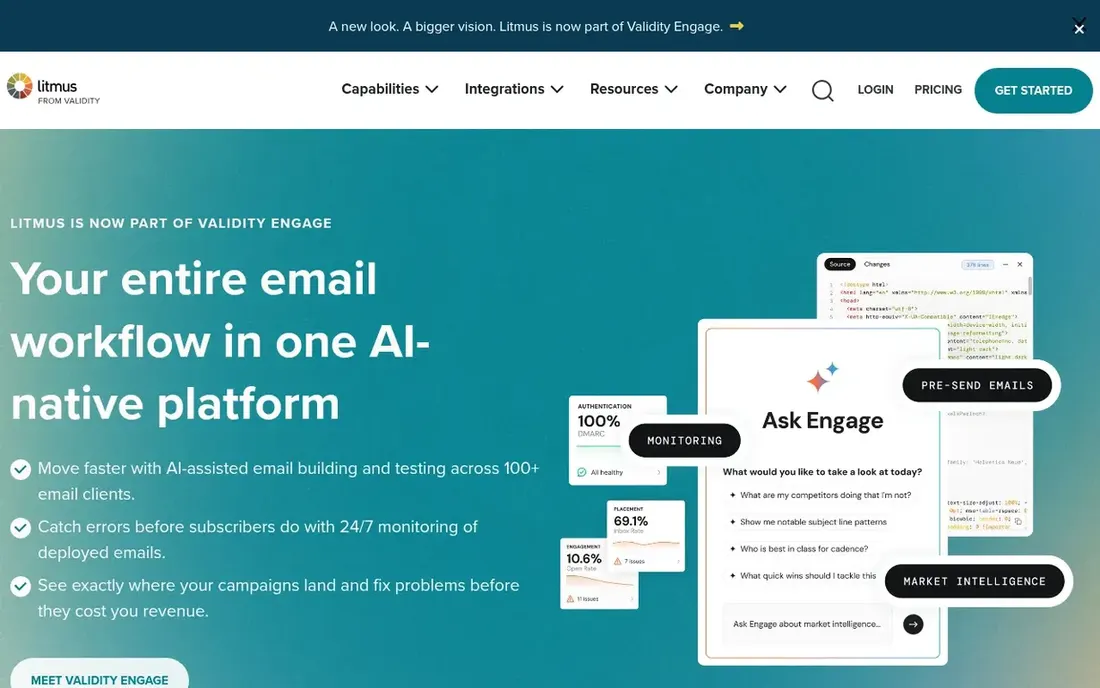
In short, Litmus is for wide email marketing and rendering checks. Teams with narrow automation requirements should compare lighter developer-focused choices before committing. Pick Litmus when email quality checks have to live inside a wider marketing toolset.
Drawbacks to consider: Marketing focus can overlap with QA tooling.
As for the details, because the product is oriented toward marketing teams, a QA group that only needs inbox capture or SMTP testing may find it heavier than necessary. As for the details, Litmus presents itself as an all-in-one email marketing product with tools and options built to help teams make every send count. Litmus shows no starting price here, so confirm the cost on the vendor site. Trial and free access: Not stated.
- Fits teams that combine QA with campaign work
- All-in-one email marketing system
- May be broader than pure testing needs
How we built this list
Selection started from tools commonly considered for email testing software for QA teams, then narrowed to 6 that have clear pricing information or a clear quote process. Seat minimums, billing terms and add-ons can move the real cost, so the starting prices here are a guide and not a quote. The order reflects how well each tool fits the most common buying scenario for email testing software for QA teams, then price clarity, then free plan access. It is a starting point, not a verdict.
Before you commit
- Ask Litmus for a written quote, since no starting price is shown.
- Check what the free option really includes: MailSlurp, TestMail and Mailtrap offer a free plan, and usage caps differ.
- Use real work to test the free trial from Mailosaur and Email on Acid, rather than a demo project.
- Read the limits listed for MailSlurp first: developer-centric setup.
- Add up seats, add-ons and usage charges for Mailosaur before comparing it with cheaper entries.
- Ask Email on Acid how an export works before you move any records in; an easy exit lowers the risk.
FAQ
What should QA teams look for in email testing software?
Start with the type of testing you need: rendering previews, sandbox SMTP capture, or automatic inbox verification. Then confirm API and SDK support so tests can run in your pipeline, and check how inboxes are created and reset between runs.
Can these tools test SMS as well as email?
MailSlurp advertises email and SMS testing, and Mailosaur mentions test numbers alongside inboxes. Others focus only on email, so check the vendor site if SMS verification is part of your QA scope.
How are the tools for email testing software for QA teams ordered?
MailSlurp sits first and Litmus last because the order follows typical fit for email testing software for QA teams, then price clarity and free access. It is a judgement call, so read each profile for fit and limits.
What is the cheapest option for email testing software for QA teams in this list?
On published monthly entry prices, TestMail is the lowest here at $9 per month. Entry price is only part of the cost, because seats, add-ons and billing terms can change the total.
How do rendering checks differ from delivery testing?
Delivery testing confirms that a triggered message arrives and contains the right content, which is the strength of sandbox and API-based tools.
Is MailSlurp the right pick for everyone comparing email testing software for QA teams?
No single tool suits every team. MailSlurp comes first because it fits API-driven email and SMS automation, while TestMail suits developer and QA email test automation and Mailosaur suits automated sign-up and authentication flows. Match the tool to your own size, budget and workflow before deciding.
Sources
- https://www.mailslurp.com
- https://testmail.app
- https://mailosaur.com
- https://mailtrap.io
- https://www.emailonacid.com
- https://www.litmus.com