Best Electronic Health Records Software in 2026: 8 Systems Compared
Compare the best electronic health records software in 2026 for clinics and practices, with charting, billing, telehealth, and pricing details explained.
- Editor's choice
 athenahealth
Full practice management
Starts atSee websiteVisit athenahealth.comFull review - Great alternative
 DrChrono
Apple friendly practices
Starts atSee websiteVisit drchrono.comFull review - Also consider
 Practice Fusion
Low cost small clinics
Starts atSee websiteVisit practicefusion.comFull review
TL;DR:
- athenahealth and Tebra suit practices that want charting, billing, and scheduling in one managed system.
- SimplePractice is our pick for small therapy and wellness practices, since it is simpler to set up than a hospital system.
- Practice Fusion offers a lower cost entry point for small clinics, though larger groups may need more depth.
- No EHR fits every specialty, so check templates, e-prescribing, and billing support for your exact practice type before you sign.
Quick comparison
| Tool | Best for | Starts at | Free plan? | |
|---|---|---|---|---|
| athenahealth | Full practice management | See website | No | Visit |
| DrChrono | Apple friendly practices | See website | Free trial | Visit |
| Practice Fusion | Low cost small clinics | See website | Free trial | Visit |
 SimplePractice | Therapy and wellness | See website | Free trial | Visit |
 Tebra | Charting and billing | See website | No | Visit |
 eClinicalWorks | Multi-provider groups | See website | No | Visit |
 NextGen Healthcare | Specialty practices | See website | No | Visit |
 AdvancedMD | Billing focused practices | See website | No | Visit |
The best electronic health records software
Choosing an EHR affects daily charting, billing, and patient care for years, so this choice deserves care. This article is general information only, not medical advice, and practices should confirm privacy, security, and compliance details with their own advisers before switching systems. The top 10 electronic health record software lists online often mix hospital systems with small clinic tools, so the eight systems below focus on practices that need a workable daily system, not a hospital wide platform.
athenahealth is a strong fit for practices that want one vendor to handle charts, claims, and scheduling. The system tracks claims, flags denials, and keeps patient records, appointments, and messages in a single workflow. That breadth helps a busy front desk, since staff do not need to reconcile data across three separate tools. The patient portal also lets patients book, pay, and message the practice without phone tag.
The main drawback is the move itself. Pricing is quote based, and implementation includes training and data migration, so a small clinic should budget staff time as well as money. Practices that only need simple notes may find athenahealth larger than needed. For a growing practice that wants billing support built in, it is a solid first system to evaluate.
- Charting, billing, and scheduling in one system
- Large payer network
- Patient portal included
- Pricing is quote based
- Setup and training take time
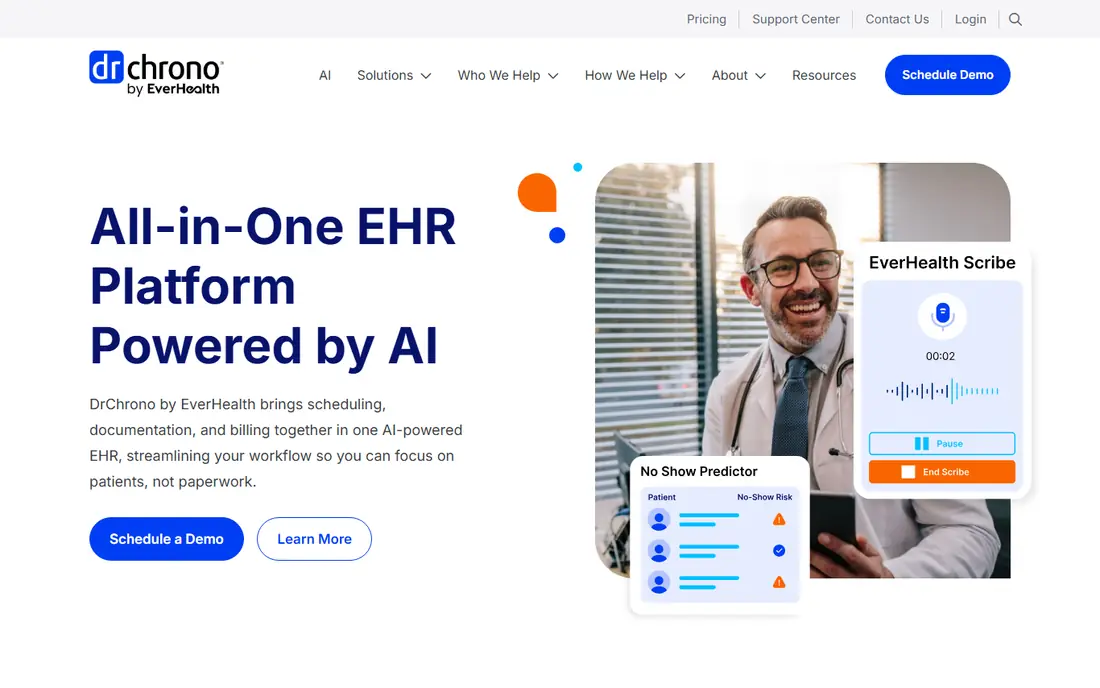
DrChrono stands out for practices that work on Apple devices. Doctors can chart on an iPad during a visit, dictate notes, and check the schedule without returning to a desktop. Templates can be shaped to a specialty, which cuts down on typing for repeat visit types. E-prescribing, lab ordering, and patient messaging sit inside the same record, so a clinician spends less time switching screens.
Billing depth is the area to check closely. Basic claims work well, while complex billing workflows may need a higher tier or an outside billing service. A practice should run a trial with its own visit types and payer mix before committing. For a mobile first clinic, especially one already using iPads, DrChrono is a practical and modern pick.
- Strong iPad and iPhone use
- Customizable chart templates
- E-prescribing included
- Some advanced billing features need higher plans
- Support quality varies by plan
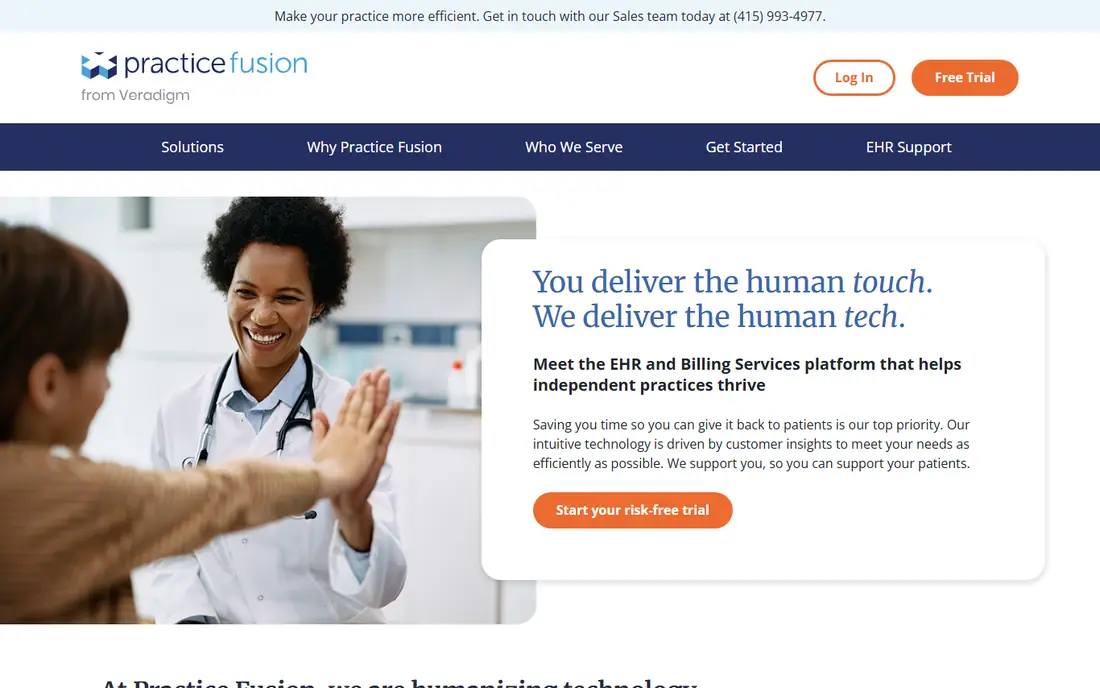
Practice Fusion built its name as a cloud EHR for small practices that could not justify a large enterprise contract. Charting, e-prescribing, lab results, and scheduling cover the daily needs of a small clinic, and the cloud setup means no local server to maintain. That simplicity helps a new practice get started fast, with staff learning one system rather than a stack of tools.
Larger groups may hit limits. Custom reports, complex specialty workflows, and deep billing tools are thinner here than in athenahealth or NextGen. A solo doctor or a two provider clinic will likely find enough depth, while a multi-site group should test reporting and referral workflows early. For cost sensitive small clinics, Practice Fusion remains a useful starting point.
- Lower cost entry point
- Cloud based charting
- E-prescribing and lab tools
- Fewer advanced features than enterprise systems
- Customization is limited
SimplePractice is our pick for therapists, counselors, dietitians, and other small wellness practices. The setup is far simpler than a hospital EHR, with client intake forms, appointment booking, secure messaging, telehealth, and payments in one place. Notes use templates built for therapy and wellness visits, which saves time compared with a generic medical chart. Clients can book online and pay through the portal, which reduces front desk work.
Medical groups with labs, imaging, and complex procedures will need a different system. SimplePractice does not try to be a hospital platform, and that focus is a strength for its core users. A small practice that values a clean client experience and fast setup should put SimplePractice near the top of its shortlist, and confirm that its note templates and billing codes match the practice specialty.
- Simple setup for small practices
- Telehealth and client portal
- Online booking and payments
- Less suited to large medical groups
- Limited hospital features
Tebra, formed from Kareo and PatientPop, pairs clinical charting with billing and patient growth tools. Practices can chart a visit, send a claim, and track practice performance without leaving the system. Patient intake forms, appointment reminders, and review tools help fill schedules and reduce no-shows. That mix suits independent practices that want billing help but do not want a hospital system.
As with other full systems, pricing is quote based, so a practice should ask for a full quote that includes billing, clearinghouse, and support costs. Data migration also needs a plan, especially for practices with years of charts in another system. For a practice that struggles most with billing and patient flow, Tebra is a strong candidate.
- Combines Kareo billing with clinical tools
- Patient intake and reminders
- Clear practice reports
- Pricing is quote based
- Migration from another EHR takes planning
eClinicalWorks serves many multi-provider practices with a broad set of tools, from charting and e-prescribing to telehealth, patient engagement, and population health reports. A group can manage referrals, track chronic care patients, and run quality reports from one system. The patient portal and telehealth tools also help practices that mix in-person and remote visits in one schedule.
The breadth can feel busy at first. New staff need training to find the right screens fast, and practices should set up templates and favorites before go-live. That effort pays off for a group that needs scale and reporting depth. A solo practice may find it more than needed, while a growing group will use more of its features each year.
- Broad feature set for groups
- Telehealth and patient portal
- Population health tools
- Interface can feel busy
- Training is important for new staff
NextGen Healthcare focuses on ambulatory practices, including many specialties that need tailored templates. Orthopedics, behavioral health, ophthalmology, and primary care practices can shape notes, orders, and reports to their own workflows rather than forcing a generic chart. Integrated billing and practice management keep claims and schedules tied to the clinical record, which helps admin staff track revenue by provider and location.
Cost and setup reflect that depth. NextGen suits practices with admin staff who can manage templates, training, and reporting. A very small practice may prefer a simpler tool, while a specialty group that lives in its templates will value the fit. Ask for specialty demos with your own visit types, not just a generic tour, before you decide.
- Specialty templates and workflows
- Integrated billing
- Strong reporting
- Higher cost and setup time
- Best for practices with dedicated admin staff
AdvancedMD pairs a cloud EHR with practice management and billing tools that many independent practices rely on. Scheduling, charting, claims, and patient payments sit in one system, and staff can work from different locations without a local server. The billing tools track claims, denials, and patient balances, which helps a practice spot revenue leaks early. Patient reminders and portal access also reduce phone work.
The full feature set takes time to learn, so a practice should plan training for front desk, billing, and clinical staff separately. Pricing is quote based, and add-ons can change the total, so request an itemized quote. For a practice where billing accuracy and scheduling control matter most, AdvancedMD is a credible and proven option.
- Strong billing and scheduling
- Cloud based access
- Patient engagement tools
- Learning curve for full feature set
- Pricing is quote based
How we picked these
We compared official feature pages, pricing pages, and practice use cases for each system, focusing on charting, e-prescribing, billing, telehealth, patient portals, and specialty templates. We favored systems that are still actively sold and supported in 2026 and that serve distinct practice sizes, from solo therapy practices to multi-provider groups. We did not claim hands-on testing. We weighed ease of daily charting, billing support, patient experience, and how clearly each vendor publishes pricing and support terms.
We also left out hospital only systems that a small practice could not buy or run. A system that fits a 500 bed hospital is not a useful pick for a three provider clinic, even if it is well known. That filter keeps this list practical for the readers most likely to use it.
What to check before you switch EHRs
An EHR switch is a long commitment, so test the daily workflow, not just the sales demo.
Charting speed for your visit types
Ask for a demo using your five most common visit types. Time how long notes take, check template quality, and see how e-prescribing and lab orders work in a real visit. A system that looks good in a generic demo can still slow a specialty practice if templates are weak.
Billing, clearinghouse, and support costs
Get an itemized quote that lists the EHR, billing, clearinghouse, telehealth, and support charges separately. Ask about contract length, data export fees, and what happens to your records if you leave. Billing surprises after go-live are a common source of regret, so settle costs in writing first.
Privacy, security, and data migration
Confirm security practices, access controls, audit logs, and backup plans with the vendor, and discuss them with your compliance adviser. Ask how charts, documents, and patient messages migrate, and how long the old system stays readable. A clean migration plan protects patient care during the switch.
FAQ
What is the best electronic health records software?
There is no single best system for every practice. athenahealth and Tebra fit full practice management, SimplePractice fits small therapy practices, and NextGen fits specialty groups. Match the system to your practice size, specialty, and billing needs, then trial it with real visit types.
What is in the top 10 electronic health record software lists?
Many top 10 lists mix hospital systems, small clinic tools, and practice management software, so they are hard to compare. Focus on systems built for your practice size and specialty, and check charting, billing, and support terms. A hospital system on a top 10 list may be a poor fit for a small clinic.
Is there a free EHR for small clinics?
Truly free full EHRs are rare, and free tiers often limit features, users, or support. Practice Fusion and other low cost options can reduce entry cost, but practices should check what is included and what costs extra. Factor in billing, clearinghouse, and training costs, not just the base price.
How long does an EHR switch take?
A small practice may switch in a few weeks, while a larger group may need several months for data migration, template setup, and training. Plan for a period when staff run both systems in parallel, and keep the old system readable until migration is verified.
Do EHRs include telehealth?
Many modern EHRs include telehealth, a patient portal, and secure messaging, but details vary. SimplePractice, eClinicalWorks, and athenahealth include patient facing tools, while other systems add telehealth as a separate module. Confirm telehealth, consent forms, and payment handling before you sign.