Best Electronic Lab Notebook Software in 2026: 8 Tools Compared
best electronic lab notebook software compared: 8 ELN tools for research records and compliance, with pricing and picks for academic and biotech labs.
- Editor's choice
 Benchling
Biotech research teams
Starts atSee websiteVisit benchling.comFull review - Great alternative
 LabArchives
Clear published pricing
Starts at$575 per user per yearVisit labarchives.comFull review - Also consider
 SciNote
Small regulated labs
Starts atSee websiteVisit scinote.netFull review
TL;DR:
- Benchling is the leading choice for biotech research teams, with molecular biology tools and a free academic plan, while commercial pricing is by quote.
- LabArchives offers the clearest published pricing, with a free tier and a corporate Professional plan at $575 per user per year.
- SciNote and RSpace are strong low-cost options for small labs, with free tiers and compliance features that suit regulated work.
- Labs that need notebook, inventory, and sample management in one system should look at Labguru, LabCollector, and SciSure before buying a notebook alone.
Quick comparison
| Tool | Best for | Starts at | Free plan? | |
|---|---|---|---|---|
| Benchling | Biotech research teams | See website | Yes | Visit |
| LabArchives | Clear published pricing | $575 per user per year | Yes | Visit |
| SciNote | Small regulated labs | See website | Yes | Visit |
 RSpace | Academic and open-science labs | See website | Yes | Visit |
 Labguru | ELN plus LIMS in one system | See website | Free trial | Visit |
 Signals Notebook | Chemistry and enterprise labs | See website | No | Visit |
 LabCollector | Modular labs | See website | Yes | Visit |
 eLabFTW | Free open-source labs | Free | Yes | Visit |
The best electronic lab notebook software
An electronic lab notebook replaces paper records with searchable, timestamped, and shareable experiment records. We compared tools on record keeping, compliance controls, inventory links, and pricing transparency for academic, startup, and enterprise labs.
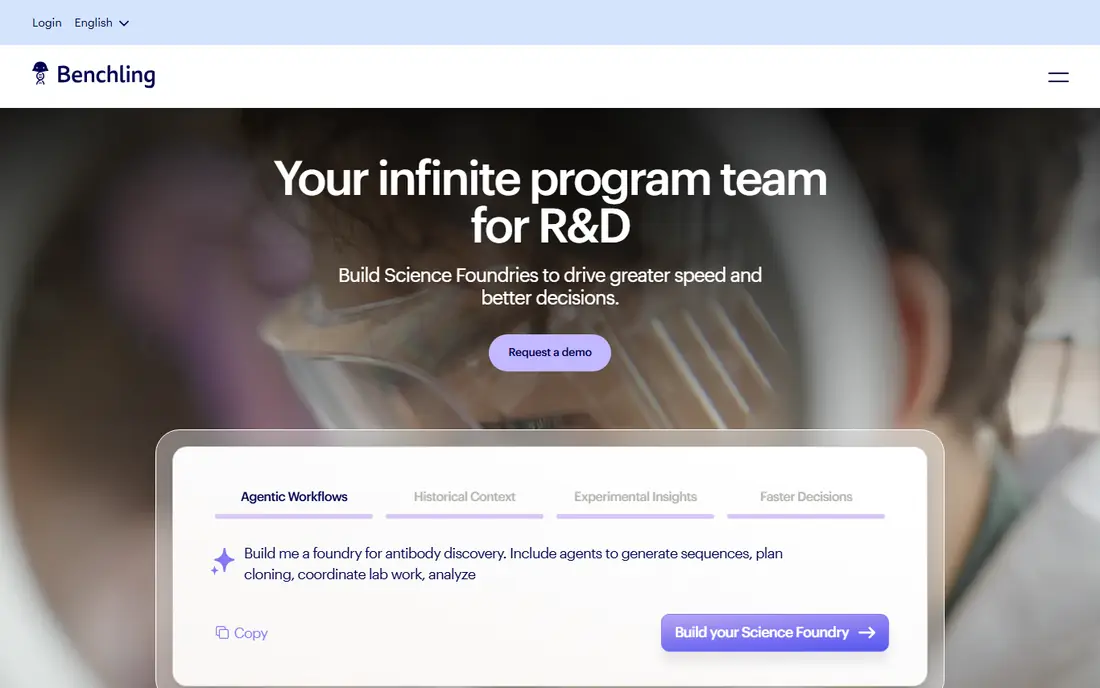
Benchling is the default choice for many biotech teams because it combines a notebook with sequence design, plasmid mapping, and registry tools for biological entities. Researchers can link experiments to DNA sequences, strains, and samples, which keeps results tied to the materials that produced them. Collaboration, permissions, and audit trails support regulated work, and integrations cover instruments and data tools.
The main drawback is cost transparency for commercial labs. Academic users can use Benchling free, but companies must request a quote, and reported commercial pricing is high per user per year. Small academic spinouts should confirm academic eligibility early. Larger biotech teams that already work with sequences will likely find the depth worth the sales process.
- Deep molecular biology and sequence tools
- Strong collaboration and workflow features
- Free for academic users
- Commercial pricing is by quote and can be high
- Smaller labs may find the platform larger than they need
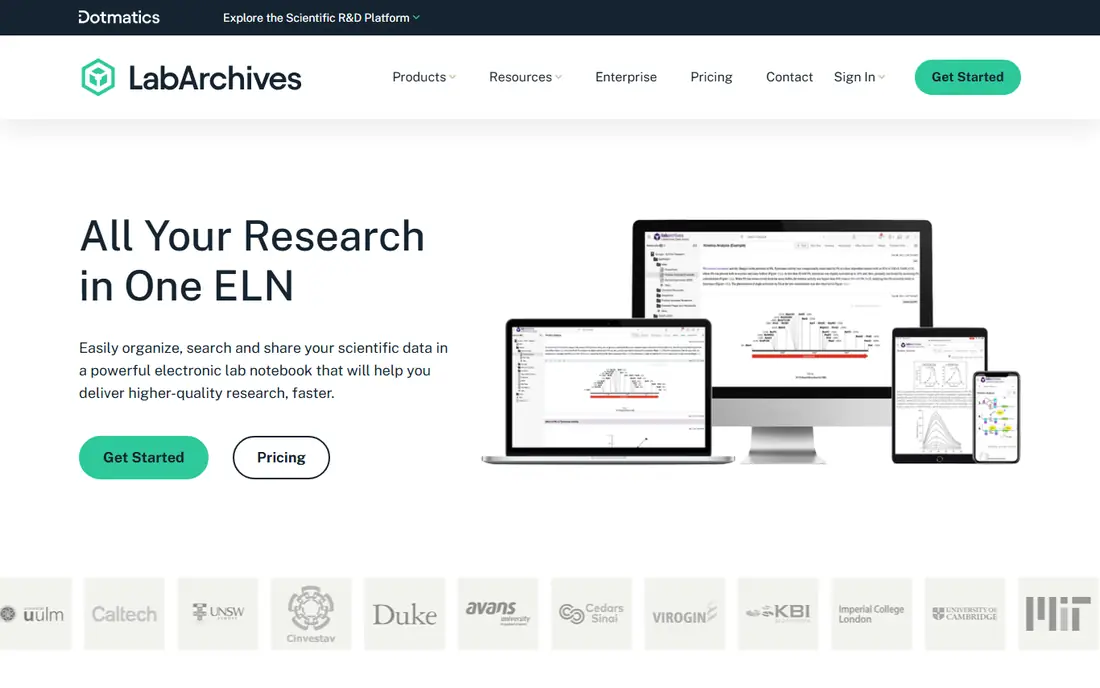
LabArchives is our pick for labs that want to know the price before a sales call. The corporate Professional plan is listed at $575 per user per year, with a lower academic rate and a free edition for individual researchers. The notebook supports templates, widgets for data entry, version history, and sharing across a lab or institution, which helps principal investigators keep records consistent.
The trade-off is specialization. LabArchives is a general research notebook, so it does not match Benchling for sequence work or Labguru for sample operations. For chemistry, physics, and general biology labs that need clean, compliant records and simple budgeting, that generality is a strength. Check storage limits and institutional plan terms before a department-wide rollout.
- Published corporate and academic pricing
- Strong institutional sharing and widget tools
- Free edition for individual use
- Less specialized biology tooling than Benchling
- Some advanced features need higher tiers

SciNote pairs a notebook with project management and inventory, which suits labs that need to track experiments, tasks, and stock together. Researchers can build protocols, assign tasks, attach results, and link inventory items to experiments. Audit trails, electronic signatures, and permissions support work under quality rules, and the open-core model gives smaller labs a real free starting point.
The catch is pricing clarity for larger teams. Paid plans are quoted, so a lab cannot budget from a public price list alone. The free tier is useful for testing, but teams should confirm what the paid tier includes for compliance, storage, and support. For a startup lab that needs structure without a large upfront cost, SciNote is a practical first choice.
- Free tier for individual users
- Project, task, and inventory features in one place
- Compliance controls for regulated work
- Paid and regulated plans are priced on request
- Interface can feel busy for very small teams
RSpace is built for universities and research institutions that need compliant records and control over data. It offers a free Community edition, a self-hosted open-source option, and hosted team plans with audit trails, electronic signatures, and inventory links. That range lets an institution start small and move to a managed plan as adoption grows.
The drawback is that hosted team pricing is sold as annual subscriptions with minimums that may be high for a single small lab. Self-hosting avoids the subscription cost but adds IT work for updates, backups, and security. Academic labs with IT support, and institutions that value open science and data control, will get the most from RSpace.
- Community edition and open-source option
- Strong compliance and audit features
- Flexible hosting options
- Published team pricing starts at higher annual minimums
- Setup can be heavier for self-hosted use
Labguru suits labs that are tired of keeping notebooks, sample lists, and stock spreadsheets in separate tools. It combines experiment records with sample management, inventory, and equipment tracking, so a result can be traced to a sample, a batch, and a storage location. Workflow templates and automation reduce manual data entry for routine assays and production steps.
The broader scope is also the cost. Pricing is by quote, and implementation takes longer than a simple notebook rollout because inventory and sample workflows need setup. Labs that only need experiment notes should choose a simpler tool. Labs that lose time reconciling samples and stock will benefit from Labguru as a single system.
- Notebook, LIMS, and inventory in one platform
- Sample and stock tracking tied to experiments
- Workflow automation
- Quote-only pricing
- Broader scope means a longer setup than a notebook alone
Signals Notebook, from Revvity Signals, is a chemistry-first enterprise notebook. It handles chemical structures, reactions, and experiment data with controls for regulated pharmaceutical and chemical work, including audit trails and electronic signatures. Large teams can standardize templates and workflows across sites, which helps with consistency and inspection readiness.
The trade-off is fit for small labs. Pricing is enterprise-oriented, and the platform is built for organizations with formal quality systems. A university lab or startup may find the cost and implementation heavy. A pharmaceutical or large chemical lab that needs chemistry depth and enterprise governance will find Signals Notebook a strong candidate.
- Strong chemistry drawing and data handling
- Enterprise compliance and audit controls
- Links to other Revvity Signals tools
- Enterprise pricing and sales process
- More than a small lab needs
LabCollector takes a modular approach. A lab can start with the ELN pack and add LIMS, inventory, or other modules as needs grow, rather than paying for a full suite at once. That flexibility suits labs with varied work, from sample storage to experiment records, and the free startup pack gives small teams a way to test the system.
The modular model also makes budgeting less simple. Each module adds cost, and the total depends on the combination chosen. Labs should map the modules they actually need before requesting a quote, and test whether data moves cleanly between modules. For labs that want to buy in stages, LabCollector is a sensible option.
- Modular design lets labs buy only needed tools
- ELN, LIMS, and inventory modules available
- Free startup pack
- Pricing varies by module, so totals need careful checking
- Interface can feel modular rather than unified
eLabFTW is the free open-source option on this list, and it is a genuine notebook, not a trial. Labs can self-host it, control their data, and use experiment records, databases for samples and equipment, and scheduling tools. For academic labs with IT support and tight budgets, eLabFTW provides compliant-style record keeping without a subscription.
The catch is responsibility. Updates, backups, security, and user support fall to the lab or its IT team unless paid hosting is used. There is no vendor sales team to call for a managed rollout. Labs that accept that trade-off get a capable notebook at no license cost. Labs that need vendor support and managed hosting should compare RSpace, SciNote, or LabArchives instead.
- Free under an open-source license
- Self-hosted control over data
- Experiment and database features for many lab types
- Self-hosting requires IT effort
- Support depends on community and paid hosting options
How we picked these
We compared official feature and pricing pages, public ELN comparisons, and compliance documentation, and we focused on tools sold as electronic lab notebooks today. We favored tools with timestamped records, version history, sharing controls, and audit features, and we noted where pricing is by quote rather than inventing a price. We left out general note apps that lack lab-specific record controls, even though some small labs use them informally.
What to check before you buy
A notebook choice affects how a lab proves its work years later, so test record integrity, not only writing comfort. Check how the tool handles edits, deletions, signatures, and exports, and confirm that records remain readable if you leave the platform.
Compliance and audit needs
If your lab works under good laboratory practice, good manufacturing practice, or similar rules, confirm audit trails, electronic signatures, and role-based permissions in the tier you will buy. Ask whether the vendor supports 21 CFR Part 11 style controls where relevant, and test the audit log with a real edit and signature workflow before rollout.
Inventory and instrument links
A notebook gains value when experiments link to samples, stocks, and instruments. Check whether inventory, sample tracking, and instrument data are included or require a separate module. A notebook alone may be enough for a theory-heavy lab, while a wet lab will benefit from inventory links that prevent manual copying errors.
Export and long-term access
Confirm that you can export full records, attachments, and audit history in a usable format. Ask about data residency, backup, and what happens to records at contract end. A lab should never be locked into a notebook that cannot return its own history in a readable form.
FAQ
What is the best electronic lab notebook software?
Benchling is the strongest pick for biotech teams, LabArchives is the clearest on pricing, and SciNote is a strong low-cost option for small regulated labs. The best choice depends on your field, compliance needs, and whether you also need inventory and sample management in the same system.
Is there a free electronic lab notebook?
Yes. eLabFTW is free and open source for self-hosting, Benchling is free for academic users, and LabArchives, SciNote, and RSpace offer free tiers or community editions. Free options vary in support and storage, so check limits and hosting duties before relying on one for critical records.
Do electronic lab notebooks meet compliance rules?
Many do, with audit trails, version history, permissions, and electronic signatures, but the specific controls depend on the plan. Confirm the compliance features in writing for your regulatory framework, and test signature and audit workflows during a trial rather than assuming every tier includes them.
Can an ELN replace paper lab notebooks?
Yes, for most labs, provided the ELN supports timestamped entries, version control, and secure sharing. Paper still appears for field notes and quick sketches in some labs, but the ELN should be the official record. Set a clear policy for what goes in the ELN and how attachments are stored.
How much does an ELN cost?
Costs range from free for open-source and academic tiers to $575 per user per year for LabArchives corporate Professional, with many enterprise tools priced by quote. Budget for implementation, training, and any inventory or LIMS modules, not only the notebook license, when comparing totals.