Best Drag-and-Drop Analytics Software for Teams in 2026: Prices, Free Plans and 5 Picks
Best Drag-and-Drop analytics software for teams: 5 tools compared on price, free plans and fit. Honest caveats for every entry. Pricing and limits included.
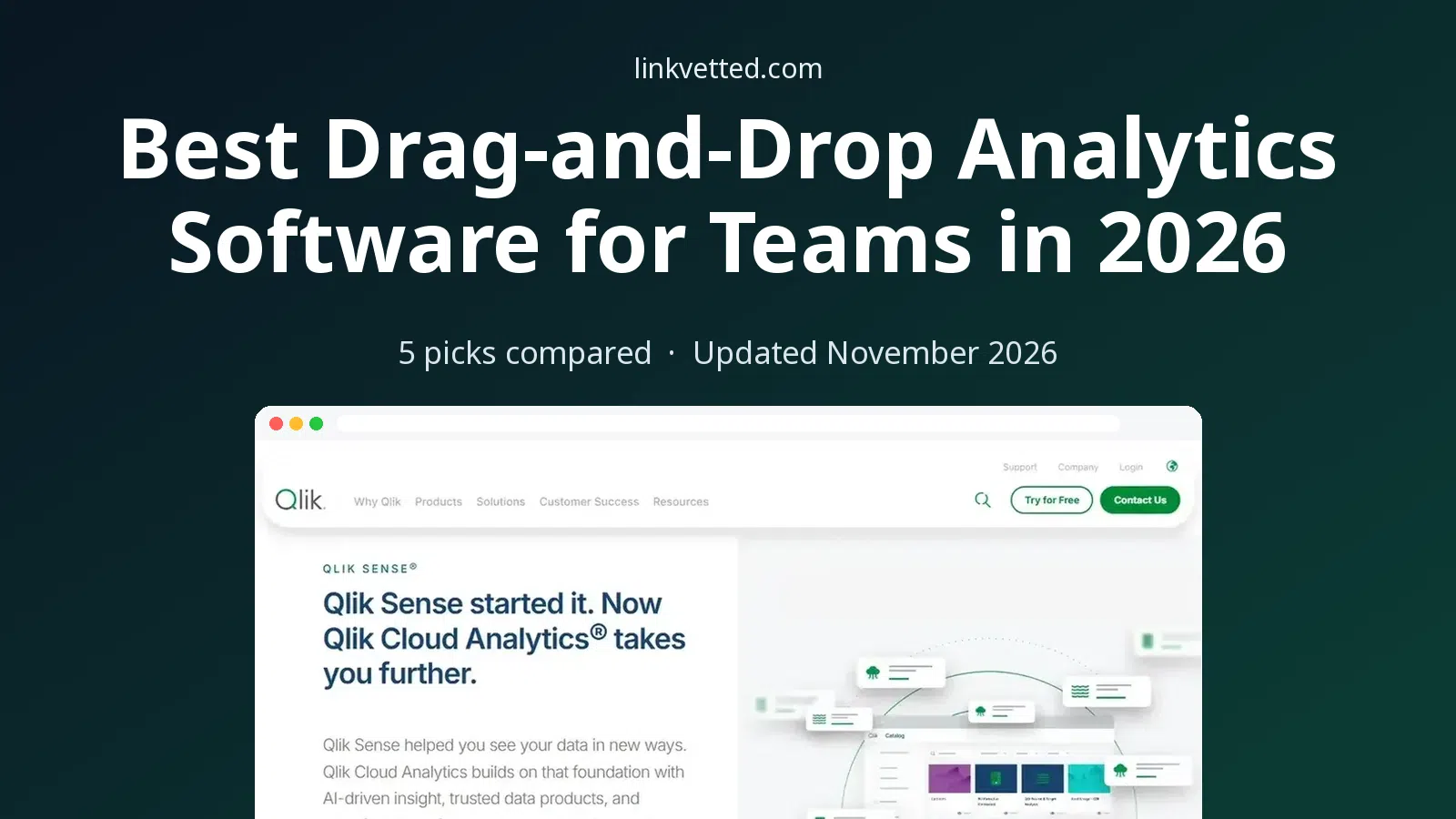
- Editor's choice
 Qlik Sense
End-to-end data integration and analytics
Starts atSee websiteVisit qlik.comFull review - Great alternative
 Looker Studio
Interactive dashboards and shareable reports
Starts atSee websiteVisit lookerstudio.google.comFull review - Also consider
 Sisense
Embedded analytics with adaptable coding levels
Starts atSee websiteVisit sisense.comFull review
Direct answer
Our first pick is Qlik Sense, best for end-to-end data integration and analytics. Listed starting prices: Klipfolio from $120 a month and Tableau from $15 per user a month. Looker Studio fits interactive dashboards and shareable reports; Sisense fits embedded analytics with adaptable coding levels. The full list of 5 tools follows, with prices and free plan facts.
TL;DR:
- Qlik Sense sits first on this list: end-to-end data integration and analytics.
- Tableau has the lowest monthly starting price in this list: $15 per user per month.
- Tableau stands alone as the one tool in this list with a free plan.
- For deep visual analysis with drag-and-drop, Tableau is worth a look.
- What to know about Looker Studio first: most useful for dashboard-style reporting.
Last checked November 2026. Prices and plan details were read from the vendors' own pages in November 2026; vendors change plans often, so confirm the current price on the vendor site before you buy.
Quick comparison
| Tool | Best for | Starts at | Free plan? | |
|---|---|---|---|---|
| Qlik Sense | End-to-end data integration and analytics | See website | Not stated | Visit |
| Looker Studio | Interactive dashboards and shareable reports | See website | Not stated | Visit |
| Sisense | Embedded analytics with adaptable coding levels | See website | Free trial | Visit |
 Klipfolio | Spreadsheet-style automatic dashboards | $120 a month | Free trial | Visit |
 Tableau | Deep visual analysis with drag-and-drop | $15 per user a month | Yes | Visit |
Drag-and-Drop Analytics Software for Teams profiles
LinkVetted compared 5 Drag-and-Drop analytics software for teams. The goal is a practical shortlist: published prices, free plan facts, best-fit use cases and honest limits for every entry.
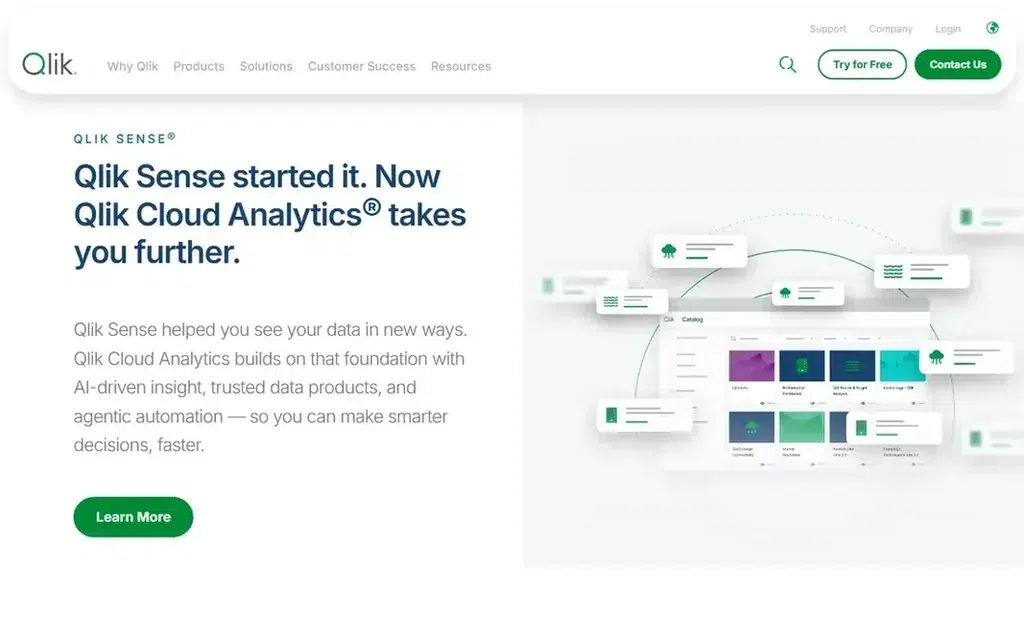
In short, Qlik Sense is for end-to-end data integration and analytics. Qlik, now with Talend, describes a data fabric and next-level insights through end-to-end data integration, data quality and analytics options. Beyond that, since Qlik positions a wide data product, teams seeking only a light drag-and-drop chart builder may find more than they need.
What to check first: Setup can need technical resources.
In daily use, Qlik Sense suits teams that want analytics connected to a wider data integration effort, where governed, prepared data is part of the analytics conversation from the start. As for the details, administrative and integration work can add overhead. Qlik Sense does not show a starting price in this comparison, so check the vendor site for current pricing. Free options: Not stated.
- Data integration and quality capabilities
- Analytics alongside data fabric
- Wide system may overwhelm small teams
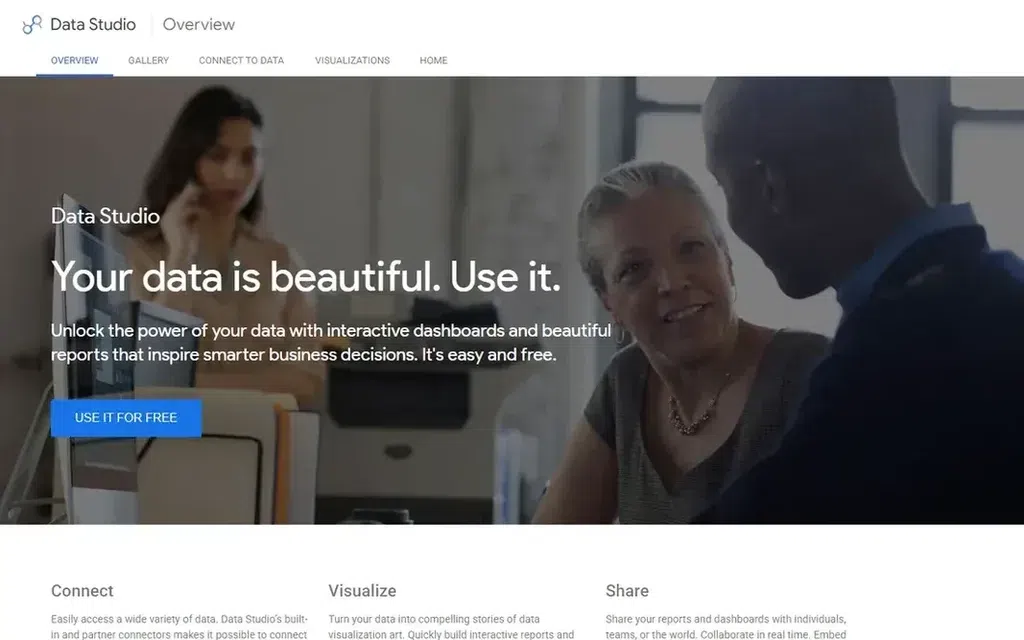
Pick Looker Studio if this describes you: interactive dashboards and shareable reports. It fits teams that want to assemble and share reporting views without heavy engineering, particularly where the goal is clear presentation of metrics to stakeholders instead of deep statistical exploration.
Looker Studio is oriented toward dashboards and reports, so teams needing advanced visual analytics or deep data preparation may find it limiting on its own. No starting price is listed for Looker Studio here; confirm pricing on the vendor site. Trial and free access: Not stated.
Honest limits: Most useful for dashboard-style reporting.
- Report sharing for business decisions
- Straightforward report presentation
- Complicated modeling may need other tools
Choose Sisense for embedded analytics with adaptable coding levels. Sisense is oriented toward embedded analytics, so teams seeking purely internal dashboards may find the emphasis mismatched.
Main advantages: AI-powered embedded analytics.
In daily use, the range of coding choices can also mean more configuration decisions. From a buyer's view, consider a standard BI tool when embedding is not a requirement. Sisense does not show a starting price in this comparison, so check the vendor site for current pricing. Free plan details: Free trial. What to check first: Embedded focus may not suit internal reporting.
- Low-code and no-code choices
- Pro-code
- Adaptability can add configuration choices
Choose Klipfolio for spreadsheet-style automatic dashboards. Klipfolio describes Klips as a complete dashboard option that automates data retrieval and supplies adaptable dashboard presentation and distribution, all with the power and familiarity of spreadsheets. On top of that, Klipfolio centers on dashboard presentation and distribution, so teams needing deeper exploratory analytics may pair it with another tool.
What to check first: Advanced analysis may need another tool.
A broader BI product may be preferable when analysis depth matters more than dashboard clarity. Worth adding: confirm that the data sources you depend on are supported before standardizing. Klipfolio starts at: $120 per month. Free access: Free trial.
- Adaptable dashboard presentation choices
- Spreadsheet familiarity for users
- Focus is dashboard presentation
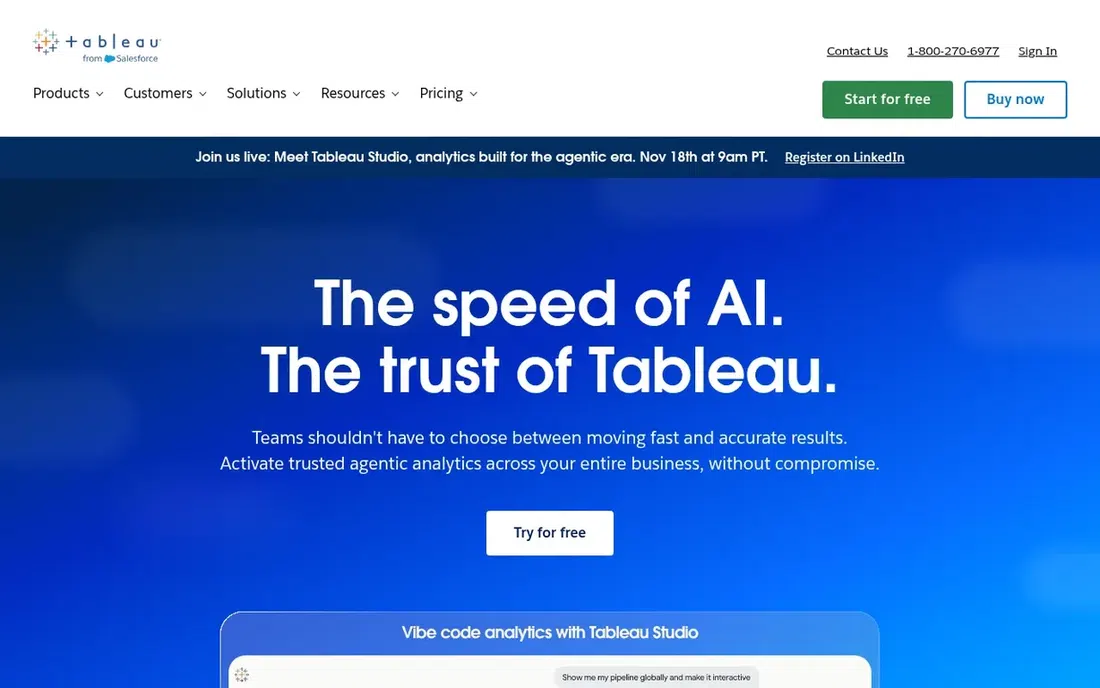
For deep visual analysis with drag-and-drop, Tableau is a natural candidate. Tableau is business intelligence and analytics software built around seeing and understanding data.
Where it is weaker: Can feel complicated for casual users.
Its homepage flags connecting to almost any database, dragging and dropping to create visualizations, and sharing with a click. In practice, if your team wants lighter, quicker reporting with minimal configuration, a more straightforward dashboard tool may be the better fit. Entry price for Tableau: $15 per user per month. Tableau has a free plan.
- Share results with a click
- Drag-and-drop visualization building
- Full analysis may need training
Selection criteria
Selection started from tools commonly considered for Drag-and-Drop analytics software for teams, then narrowed to 5 that have clear pricing information or a clear quote process. Figures are shown as the vendors publish them. Billing terms, seat minimums and add-ons can change the real cost. Tools are placed by general fit for Drag-and-Drop analytics software for teams, with price clarity and free access as tie-breakers. A different team can reasonably rank them differently.
Things to verify first
- Get a written quote from Qlik Sense, Looker Studio and Sisense; the list shows no starting price for them.
- Test the free plan from Tableau against your real workload before relying on it.
- Run a trial of Sisense and Klipfolio with real work before paying for a year; your own workflow is the best test.
- Before choosing Qlik Sense, weigh its main limit: wide system may overwhelm small teams.
- Add up seats, add-ons and usage charges for Qlik Sense before comparing it with cheaper entries.
- See whether Klipfolio offers onboarding or training, and whether it is included in the price.
FAQ
Which options for Drag-and-Drop analytics software for teams have a free plan?
Tableau is the only tool in this list with a free plan. Free plans usually cap users, projects or features, so check the limits on the vendor page. Several others offer a trial instead. For the full picture, the cards above cover all 5 entries of this Drag-and-Drop analytics software for teams list, including price, free plan and limits.
Is Qlik Sense the right pick for everyone comparing Drag-and-Drop analytics software for teams?
No single tool suits every team. Qlik Sense comes first because it fits end-to-end data integration and analytics, while Looker Studio suits interactive dashboards and shareable reports and Sisense suits embedded analytics with flexible coding levels. Match the tool to your own size, budget and workflow before deciding.
What is the cheapest option for Drag-and-Drop analytics software for teams in this list?
On published monthly entry prices, Tableau is the lowest here at $15 per user per month. Entry price is only part of the cost, because seats, add-ons and billing terms can change the total. Prices, free plan details and limits for all 5 tools in this Drag-and-Drop analytics software for teams roundup sit on the individual cards above.
Which drag-and-drop analytics tool is best for non-technical teams?
Start with Qlik Sense if you need end-to-end data integration and analytics. Looker Studio is the better match for interactive dashboards and shareable reports, and Sisense for embedded analytics with adaptable coding levels. The best choice depends on budget, team size and workflow.
How should a team choose between Tableau and a more straightforward dashboard tool?
Tableau emphasizes wide database connectivity and drag-and-drop visualization building for deeper analysis. More straightforward dashboard tools focus on fast, shareable reporting. Choose based on whether your team needs exploratory analysis or quick presentation of standard metrics.
Can I try these tools before paying?
Often, yes. Tableau has a free plan and Sisense and Klipfolio offer a free trial. Use your own data and a real task during the test, and check what the free tier or trial limits before you rely on it.
Sources
- https://www.qlik.com
- https://lookerstudio.google.com
- https://www.sisense.com
- https://www.klipfolio.com
- https://www.tableau.com