Choosing Digital Signage Software for Healthcare in 2026: 6 Options Compared
Best digital signage software for healthcare in 2026: 6 contenders with entry costs and free tiers. Each tool gets a one-line verdict. Narrow your shortlist.
- Editor's choice
 ScreenCloud
Full-stack hardware and software
Starts atSee websiteVisit screencloud.comFull review - Great alternativeMvix
One-time cost deployments
Starts at$500Visit mvix.comFull review - Also consider
 Rise Vision
Emergency alerts and screen sharing
Starts at$11 per display per monthVisit risevision.comFull review
Direct answer
For full-stack hardware and software, ScreenCloud is where this list starts. Listed starting prices: Mvix from $500, Rise Vision from $11 per display per month and Yodeck from $8 per screen per month. For a different need, Mvix covers one-time cost deployments and Rise Vision covers emergency alerts and screen sharing. The full list of 6 tools follows, with prices and free plan facts.
TL;DR:
- The list opens with ScreenCloud, aimed at full-stack hardware and software.
- Mvix, Yodeck: these are the 2 tools out of 6 that offer a free plan.
- Nanonation suits Kiosks and interactive experiences.
- Check the limits for Mvix before you commit: interactive setups need planning.
Last checked November 2026. Prices and plan details were read from the vendors' own pages in November 2026; vendors change plans often, so confirm the current price on the vendor site before you buy.
Quick comparison
| Tool | Best for | Starts at | Free plan? | |
|---|---|---|---|---|
| ScreenCloud | Full-stack hardware and software | See website | Free trial | Visit |
| Mvix | One-time cost deployments | $500 | Yes | Visit |
| Rise Vision | Emergency alerts and screen sharing | $11 per display per month | Not stated | Visit |
 Yodeck | Simple setup for small teams | $8 per screen per month | Yes | Visit |
 TelemetryTV | Cloud content and device management | $8 per device per month | No | Visit |
| Nanonation | Kiosks and interactive experiences | See website | Not stated | Visit |
The 6 tools in detail
Short on time? The summary and table above give the quick view of 6 tools for digital signage software for healthcare, and the profiles that follow give the detail behind each entry.
ScreenCloud is aimed squarely at full-stack hardware and software. ScreenCloud is a full-stack digital signage company supplying hardware and software to run screens at scale, with attention to deployment, management and security.
Buying hardware alongside software means more procurement decisions at the start. No starting price is listed for ScreenCloud here; confirm pricing on the vendor site. Trial and free access: Free trial.
Points against: Best value relies on scale.
- Hardware and software together
- Runs screens at scale
- Hardware decisions add complexity
Mvix
Best for: One-time cost deployments
Mvix was built for one-time cost deployments. Mvix gives you digital signage players and cloud software at a one-time cost with no subscriptions, specializing in enterprise-grade interactive touch-display options for settings like offices, airports, hospitality and campuses. A hardware-led approach means refresh cycles and maintenance fall more on the facility.
Points against: Hardware-centric approach.
Healthcare buyers who want to own equipment outright may find that model appealing. If you prefer continuing cloud updates without managing players, a subscription-style software product may fit better. On cost, Mvix starts like this: $500. Free access exists with Mvix.
Best features of Mvix: Enterprise and interactive focus.
- Players and cloud software
- One-time cost model
- Interactive setups need planning
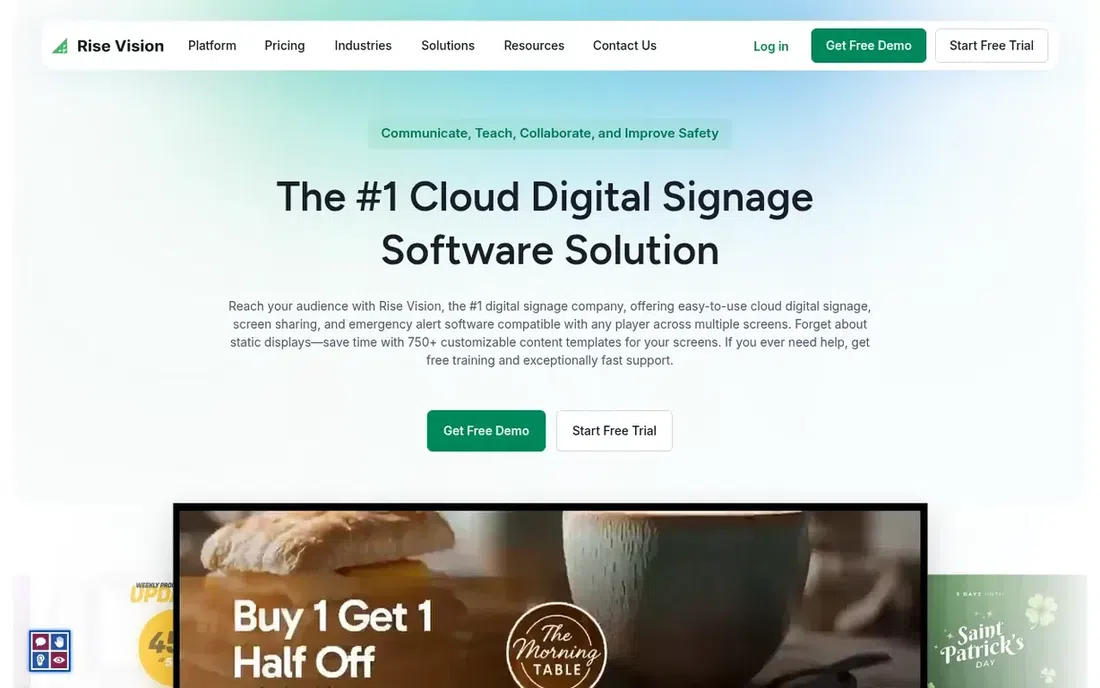
Pick Rise Vision if this describes you: emergency alerts and screen sharing. The breadth of features means administrators should plan how alerts and sharing are governed before rollout.
From a buyer's view, if you primarily need simple menu boards or static notices, a lighter tool may be simpler to operate. Starting cost for Rise Vision: $11 per display per month. Free options: Not stated.
The main drawbacks: Wide feature set takes time to learn.
- Screen sharing support
- Emergency alert capability
- Alert workflows need planning
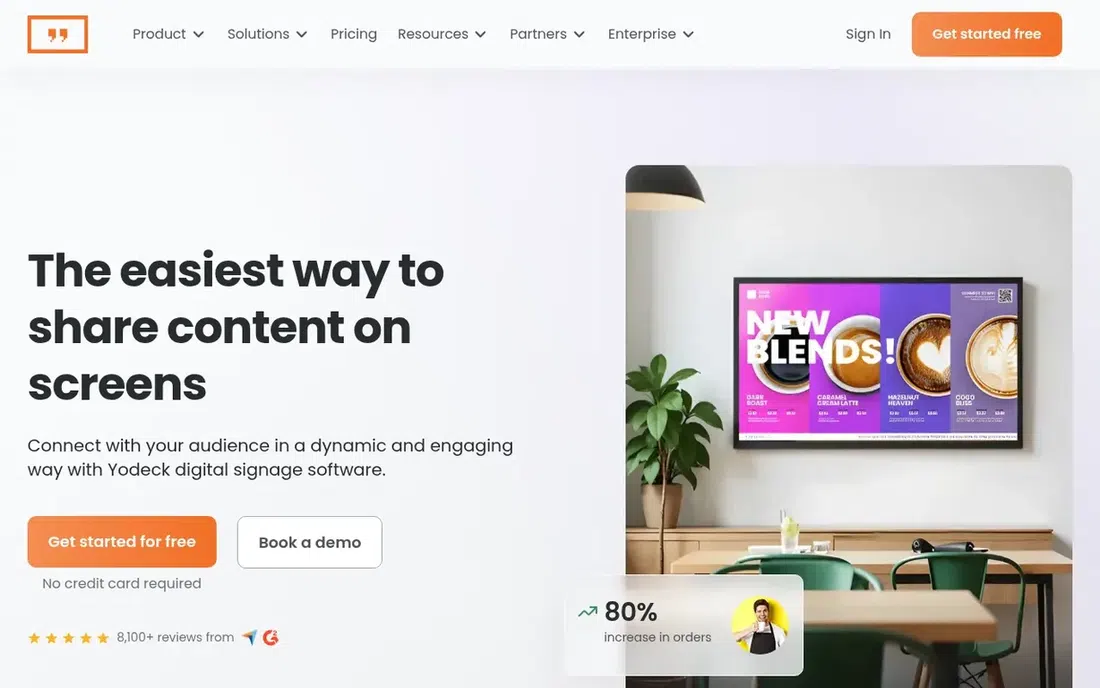
Pick Yodeck if this describes you: simple setup for small teams. Compare it against products with deeper device management if your network spans numerous facilities. More specifically, organizations with complicated multi-site governance or heavy interactive requirements may outgrow a simplicity-first approach.
Limits to weigh: Advanced workflows may need more planning.
Yodeck presents itself as smart and simple digital signage software for creating dynamic displays rapidly. That makes it a reasonable fit for smaller clinics or departments that want to publish schedules, notices and health reminders without a dedicated AV team managing the screens. On cost, Yodeck starts like this: $8 per screen per month. Free access exists with Yodeck.
- Straightforward device management
- Straightforward content creation
- Feature depth varies by need
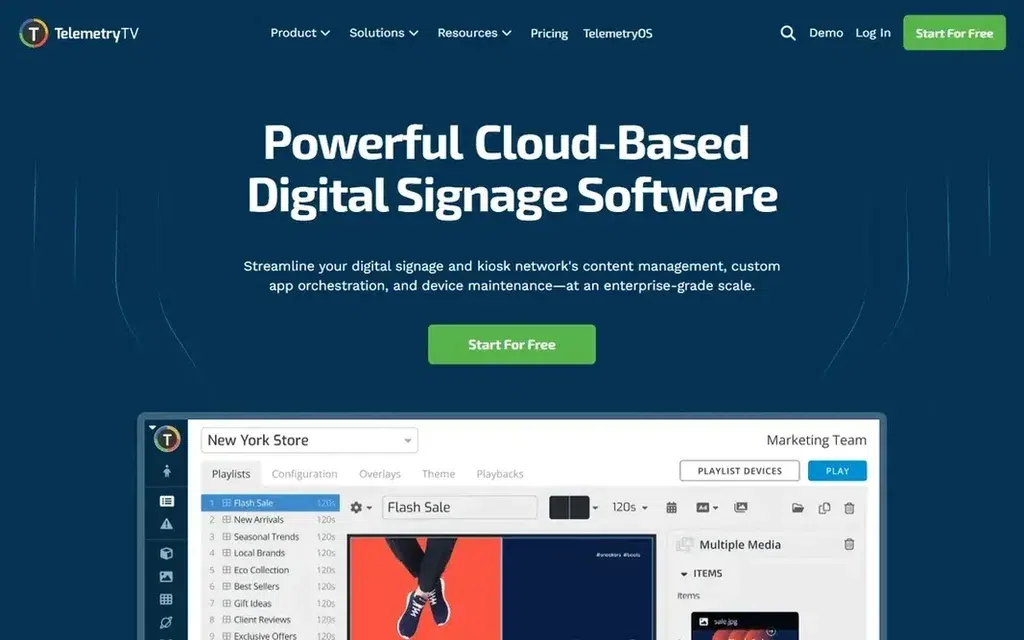
TelemetryTV is designed for cloud content and device management. TelemetryTV is a digital signage product built around cloud-based content and device management.
Limits to weigh: Needs dependable connectivity.
More specifically, since it leans on the cloud, facilities with weak or restricted networks should plan connectivity carefully. Price to start with TelemetryTV: $8 per device per month. TelemetryTV has no free plan.
- Cloud-based content management
- Centralized device control
- Setup effort for large networks
Nanonation
Best for: Kiosks and interactive experiences
Where Nanonation fits: Kiosks and interactive experiences. Hospitals and clinics exploring self-service check-in, wayfinding or patient education kiosks alongside standard signage may value having those capabilities in a single environment.
Interactive deployments normally need more planning around content, hardware placement and upkeep. Pricing for Nanonation is not stated here, so ask the vendor for current figures. As for free access: Not stated.
Points against: Wide scope can slow rollout.
- Single product for several uses
- Long-standing tech and support focus
- Interactive projects need scoping
Our selection method
Selection started from tools commonly considered for digital signage software for healthcare, then narrowed to 6 that have clear pricing information or a clear quote process. Seat minimums, billing terms and add-ons can move the real cost, so the starting prices here are a guide and not a quote. Position on the page reflects fit for a typical buyer first, with price clarity and free access breaking ties. Treat it as a guide, not a ruling.
Before you commit
- Get a written quote from ScreenCloud and Nanonation; the list shows no starting price for them.
- Check what the free option really includes: Mvix and Yodeck offer a free plan, and usage caps differ.
- Use real work to test the free trial from ScreenCloud, rather than a demo project.
- Before choosing ScreenCloud, weigh its main limit: hardware decisions add complexity.
- Check the support hours and onboarding help ScreenCloud offers; smaller vendors vary a lot here.
- Find out whether the entry plan of Rise Vision covers your must-haves or only a trimmed-down version.
FAQ
Is cloud-based or on-premise signage better for hospitals?
Cloud products ease multi-site management but rely on network reliability. Facilities with strict network controls should confirm connectivity and security requirements with each vendor.
How are the tools for digital signage software for healthcare ordered?
The order follows typical fit for digital signage software for healthcare, with ScreenCloud first and Nanonation last, then price clarity and free access. It is editorial judgement, not a score, so another team could rank the tools differently.
Do these tools publish their prices?
Not all of them. ScreenCloud and Nanonation publish no starting price, so expect a quote request for those. The rest, Mvix included, show a starting price, though seats and billing terms still change the final cost.
Do I need interactive kiosks or just displays?
Passive displays suit announcements, menus and schedules. From a buyer's view, interactive kiosks add self-service check-in and wayfinding but need more content design and upkeep, so choose based on your service goals.
Is ScreenCloud the right pick for everyone comparing digital signage software for healthcare?
No single tool suits every team. ScreenCloud comes first because it fits full-stack hardware and software, while Mvix suits one-time cost deployments and Rise Vision suits emergency alerts and screen sharing. Match the tool to your own size, budget and workflow before deciding.
Which options for digital signage software for healthcare have a free plan?
Mvix and Yodeck offer a free plan in this list. Free plans usually cap users, projects or features, so check the limits on the vendor page. One other tool offers a trial instead.
Sources
- https://screencloud.com
- https://www.mvix.com
- https://www.risevision.com
- https://www.yodeck.com
- https://www.telemetrytv.com
- https://www.nanonation.com