Best Digital Experience Analytics Platforms in 2026: 9 Platforms Compared
Compare the best digital experience analytics platforms for heatmaps, replays and product analytics, with pricing and picks for each team size in 2026.
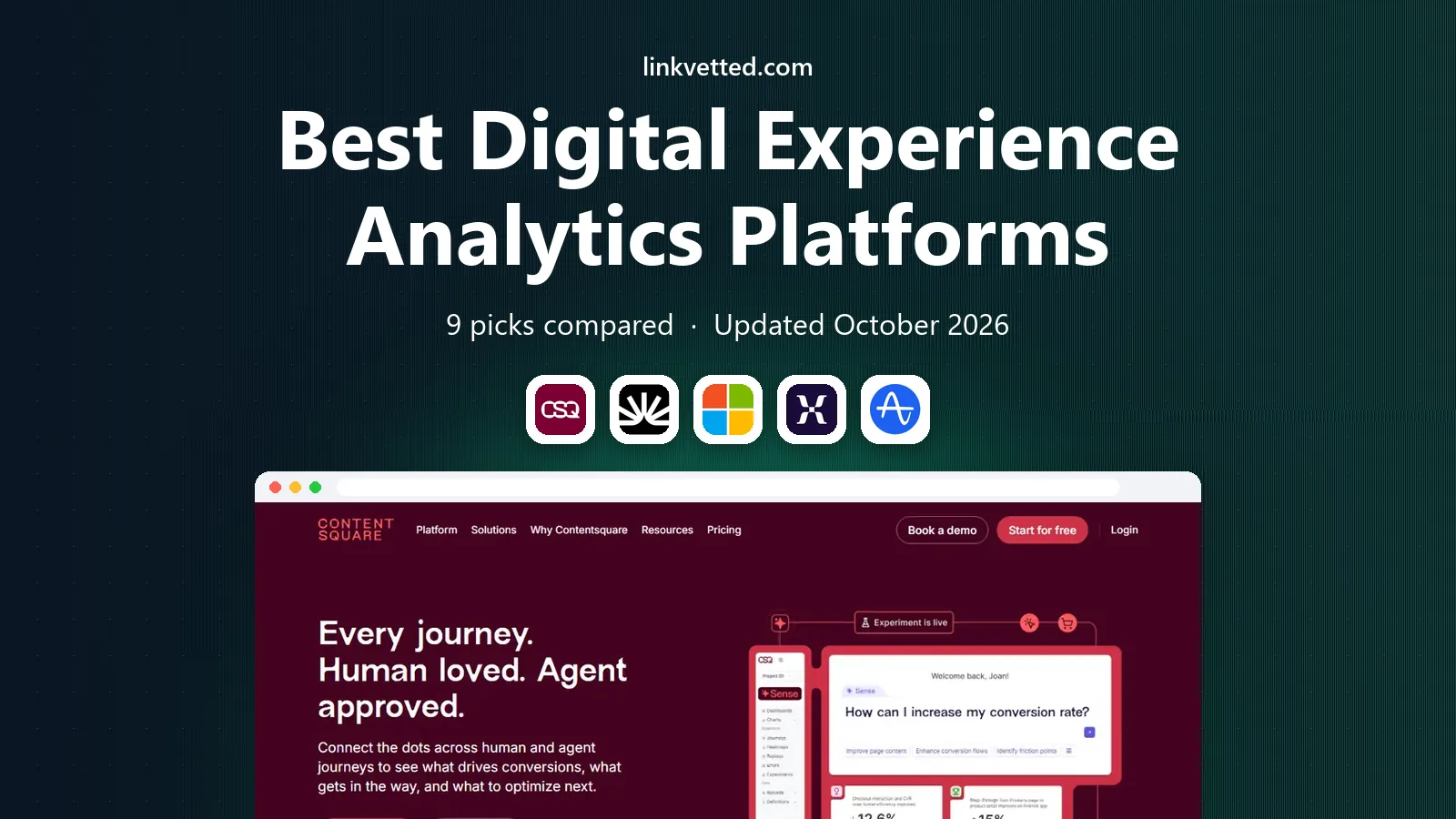
- Editor's choice
 Contentsquare
Enterprises needing heatmaps, replays and journey analysis
Starts at$49 per monthVisit contentsquare.comFull review - Great alternative
 Fullstory
Product and support teams needing detailed replays
Starts atSee websiteVisit fullstory.comFull review - Also consider
 Microsoft Clarity
Small sites wanting free heatmaps and replays
Starts atFreeVisit microsoft.comFull review
TL;DR:
- Contentsquare, now including Hotjar, is the enterprise leader for heatmaps and replays, while Fullstory leads for high-fidelity session replay.
- Microsoft Clarity is free with no traffic limits, which makes it the best starting point for small sites that need heatmaps and replays.
- Mixpanel, Amplitude and Heap suit product teams that need funnels and cohorts, while Mouseflow and Lucky Orange suit smaller marketing teams.
- Pricing is often usage based, so compare session limits, retention and survey billing before you commit, since those decide the real monthly cost.
Quick comparison
| Tool | Best for | Starts at | Free plan? | |
|---|---|---|---|---|
| Contentsquare | Enterprises needing heatmaps, replays and journey analysis | $49 per month | Yes | Visit |
| Fullstory | Product and support teams needing detailed replays | See website | Yes | Visit |
| Microsoft Clarity | Small sites wanting free heatmaps and replays | Free | Yes | Visit |
 Mixpanel | Product teams tracking funnels and retention | See website | Yes | Visit |
 Amplitude | Larger product teams needing scalable analytics | See website | Yes | Visit |
 Heap | Teams wanting autocapture without heavy tracking plans | See website | Yes | Visit |
 Mouseflow | Small to mid-sized sites needing heatmaps and replays | $39 per month | Yes | Visit |
 Lucky Orange | Small businesses doing conversion optimization | $39 per month | No | Visit |
 Quantum Metric | Enterprises analyzing complex customer journeys | See website | No | Visit |
The best digital experience analytics platforms
Digital experience analytics tools show how people actually use a website or app: where they click, where they hesitate, where they drop off and what they do next. The platforms below cover heatmaps, session replays, funnels and product analytics in different mixes. All were available in October 2026, and we focused on tools a US team can buy and install today.
Contentsquare
Best for: Enterprises needing heatmaps, replays and journey analysis

Contentsquare is the enterprise standard for digital experience analytics, combining heatmaps, session replay, form analysis and journey analytics in one platform. Since Hotjar merged into Contentsquare in 2025, new customers buy Hotjar-style tools through Contentsquare plans, with Experience Analytics starting around 49 dollars per month on Growth, billed monthly, and a free tier available. Zone-based heatmaps show which parts of a page drive clicks and revenue, not just raw click counts, which helps large teams prioritize fixes.
The catch is pricing complexity. Experience Analytics, Voice of Customer surveys and Product Analytics are separate product lines, so a full setup needs several quotes. Enterprise costs rise quickly with traffic. For large teams that need deep, governed experience analytics, Contentsquare is our pick for depth and scale.
- Zone-based heatmaps and revenue impact analysis
- Hotjar tools now inside the same platform
- Strong enterprise compliance and access controls
- Higher tiers are quote only
- Product lines are billed separately, which complicates pricing
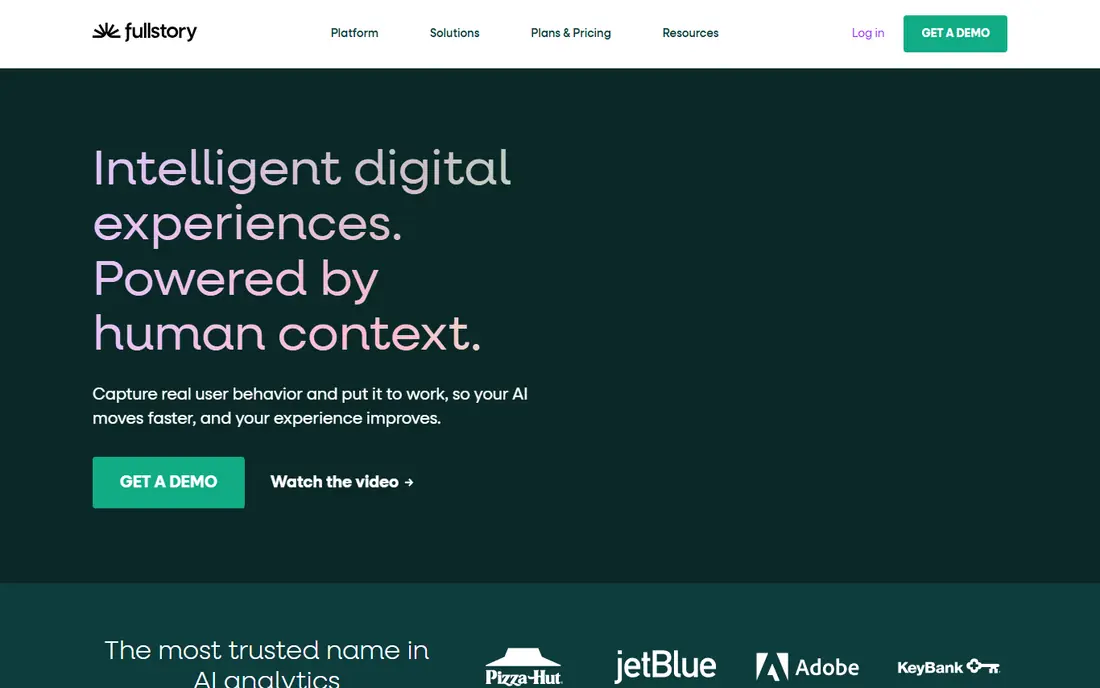
Fullstory records user sessions in high fidelity, letting product, support and engineering teams watch exactly what a user did before an error or a drop-off. Its free tier includes 30,000 sessions per month, 12 months of analytics retention and up to 10 seats in published listings, which is generous for testing. Search, funnels and frustration signals help teams find problem sessions fast, without watching hours of video. Support teams especially value Fullstory for reproducing bugs that users cannot describe clearly.
The trade-offs are price opacity and scope. Paid plans require a quote, and Fullstory lacks the classic heatmap overlays some marketers expect, so many teams run it alongside another tool. Renewal costs can also rise with session volume. For teams where replay quality and debugging matter most, Fullstory is the best replay-first platform here.
- High-quality session replay with fast search
- Free tier with 30,000 sessions per month
- Strong for debugging and support use
- Paid plans are quote only
- No native heatmaps in the classic sense
- Often paired with a separate product analytics tool
Microsoft Clarity is the easiest recommendation for a small site, because it is free, with heatmaps, session recordings and rage-click detection, and no paid plan in published listings. Setup is a single script, and insights appear quickly, which suits bloggers, small stores and startups that cannot justify a paid analytics subscription. Clarity also integrates with common analytics tools, so qualitative replay data sits next to traffic numbers you already collect.
The limits are scope and governance. Clarity does not offer surveys, deep funnel analysis or the enterprise access controls of Contentsquare and Quantum Metric. Larger companies with compliance needs should look at paid platforms. For a first experience analytics tool at zero cost, Clarity is our pick, without hesitation.
- Completely free with no traffic limits in published listings
- Heatmaps, replays and rage-click detection
- Simple setup
- No surveys, funnels or product analytics depth
- Fewer enterprise controls than paid rivals
Mixpanel is a product analytics platform built around events: signups, purchases, feature uses and other actions users take. That model suits SaaS and app teams that need to know which onboarding steps convert, which features retain users and where funnels leak. Boards, cohorts and retention reports help product managers answer those questions without engineering help for every query. A free tier lets small teams test the model before paying, with usage-based paid plans beyond it.
The catch is setup discipline. Mixpanel rewards teams that plan events and properties carefully, and it punishes teams that track everything without a naming plan. It is also weaker on heatmaps and replays than Contentsquare or Fullstory, so many teams pair it with Clarity or Mouseflow. For product analytics depth, Mixpanel is a strong, proven choice.
- Strong funnel, cohort and retention analysis
- Event-based model suits apps and SaaS
- Free tier for testing
- Needs careful event planning
- Session replay is not its core strength
Amplitude is a leading product analytics platform for companies with large user bases and complex products. It handles high event volumes, builds behavioral cohorts, tracks retention and links analysis to experimentation, so teams can test changes and measure results in one workflow. Data governance, taxonomy management and integrations with warehouses and messaging tools help larger teams keep analytics clean as they grow. A free tier exists for smaller teams to start.
The trade-offs are cost transparency and complexity. Paid plans require a quote, and new analysts need time to learn Amplitude's model well. Smaller teams may find Mixpanel or Heap simpler for basic funnels. For larger product organizations that need scale, governance and experimentation, Amplitude is a top pick.
- Powerful behavioral cohorts and experimentation links
- Scales to large event volumes
- Strong data governance tools
- Quote-based paid pricing
- Learning curve for new analysts
Heap stands out for autocapture: it records user interactions automatically, so analysts can define events retroactively without asking engineers to add tracking code first. That saves teams that discover a question weeks after users behaved a certain way, since the data is already there. Heap also offers funnels, retention, session replay and integrations with common product tools. A free tier helps small teams test the approach.
The catch is volume and price. Autocapture generates a lot of data, so teams need to manage what they keep and analyze, and paid pricing requires a quote. Heap is also less of a pure heatmap tool than Contentsquare, so marketing teams may still want a dedicated replay tool. For product teams without dedicated tracking engineers, Heap is a practical, time-saving choice.
- Autocaptures clicks, pageviews and form events
- Retroactive analysis without new code
- Strong for teams without tracking resources
- Paid pricing is quote based
- Data volume needs management to control costs
Mouseflow is a focused experience analytics tool for small and mid-sized websites, offering heatmaps, session replays, funnels, form analytics and friction detection. Its published entry price is 39 dollars per month, with a free tier covering 500 sessions, which makes budgeting simple for small sites. Form analytics is a particular strength, showing which fields cause hesitation or abandonment, a common conversion problem that traffic analytics alone cannot explain.
The limits are scale and surveys. Costs rise with session volume, and advanced survey features sit on higher plans, so high-traffic sites should compare Contentsquare or Clarity. Mouseflow also lacks the product analytics depth of Mixpanel and Amplitude. For a small site that wants heatmaps, replays and form insights at a known price, Mouseflow is a good pick.
- Heatmaps, replays, funnels and form analytics in one tool
- Free tier with 500 sessions
- Published entry price
- Session limits rise costs with traffic
- Surveys need higher plans
Lucky Orange bundles heatmaps, session recordings, surveys, polls and live chat for small businesses focused on conversion rate optimization. Its published entry price is 39 dollars per month, with unlimited surveys on paid plans, which is useful for stores and lead-generation sites that test offers often. The dashboard is simple enough for a store owner without an analyst, and recordings help explain why visitors leave checkout or a signup form.
The trade-offs are trial-only free access and enterprise scale. There is no permanent free plan, only a 7-day trial in published listings, and very high-traffic sites may need a larger platform. Lucky Orange also lacks deep product analytics. For small businesses that want CRO tools in one affordable subscription, Lucky Orange is a strong choice.
- Heatmaps, replays, surveys and chat tools in one dashboard
- Unlimited surveys on paid plans
- Published entry price
- No free plan, only a trial
- Less suited to very high-traffic enterprise sites
Quantum Metric is an enterprise digital experience platform that analyzes customer journeys across web and mobile, quantifies friction in revenue terms, and surfaces the sessions and segments that matter most. That revenue framing helps large teams justify fixes to executives, since a checkout error can be tied to lost orders, not just error counts. The platform also offers strong enterprise security, integrations and support, which large retailers, banks and travel companies require.
The catch is fit and price. Quantum Metric is quote only and built for enterprises, so small sites will find Clarity, Mouseflow or Lucky Orange far better value. Implementation also takes planning and analyst time. For large companies that need journey analytics tied to revenue, Quantum Metric is a top-tier pick.
- Deep journey and friction analysis for large sites
- Strong quantification of revenue impact
- Enterprise security and support
- Quote-only enterprise pricing
- Overkill for small sites
How we picked these
We compared official pricing pages, product pages and feature lists for digital experience analytics platforms still sold in October 2026. We kept only tools that offer heatmaps, replays, funnels or product analytics as a core function, not general web analytics alone. We favored a mix of enterprise, mid-market and free tools, with published pricing where available and See website where plans are quote based. Public reviews helped flag session limits and survey billing that spec sheets often hide.
What to check before you buy
Start with the question you need answered: where do users struggle, which funnel step leaks, or which feature retains users. Heatmap and replay tools answer the first, product analytics answers the second and third, and many teams need one of each. Check session limits, data retention, sampling and whether surveys are billed separately, since those details decide cost. Also confirm privacy controls, including IP masking, sensitive field masking and consent handling, before installing any script.
Test on real traffic, not just a demo
Run a trial on your live site for at least two weeks, with enough traffic to see real friction. Check replay quality on mobile, since many visitors arrive on phones, and test whether heatmaps load fast on long pages. Review a sample of sessions with your team and agree on one fix to measure, so the trial proves value before you pay.
FAQ
What is a digital experience analytics platform?
It is software that shows how people use a website or app, through heatmaps, session replays, funnels and journey analysis. It complements traffic tools like Google Analytics by explaining why users behave a certain way, not just how many visited. Teams use it to fix friction, improve conversion and prioritize product work.
What is the best digital experience analytics tool for a small business?
Microsoft Clarity is best for a free start, with heatmaps and replays at no cost. Mouseflow and Lucky Orange, both from 39 dollars per month, add funnels, form analytics and surveys for small teams. Choose Clarity first, then add a paid tool when session limits or survey needs justify it.
How much do digital experience analytics platforms cost?
Free tools like Clarity cost nothing, while entry paid plans start around 39 to 49 dollars per month for Mouseflow, Lucky Orange and Contentsquare Growth. Enterprise platforms like Fullstory, Amplitude and Quantum Metric price by quote, based on sessions, events and features. Always check session limits and retention in the quote.
Do I need both a replay tool and a product analytics tool?
Many teams do. Replay tools like Fullstory and Contentsquare explain individual struggles, while product analytics tools like Mixpanel and Amplitude explain aggregate funnels and retention. Small sites can start with one tool, then add the second when questions span both individual and aggregate behavior.
Are session replays private and compliant?
Reputable tools mask sensitive form fields, anonymize IPs and support GDPR and CCPA workflows, but you must configure them correctly. Avoid recording passwords, payment details or health information, and review your privacy policy and consent banner before installing a script. Check each vendor's data handling documentation for your industry.