Digital Business Card Software in 2026: The 6 Best Options Side by Side
Compare 6 picks for the best digital business card software, with prices, free plans and who each fits. Caveats come with every verdict. Choose faster.
- Editor's choiceQR Code Generator
Fast vCard and URL codes
Starts atSee websiteVisit qr-code-generator.comFull review - Great alternativeBeaconstac
Managing dynamic QR codes at scale
Starts at$9 a month, billed yearlyVisit beaconstac.comFull review - Also considerUniqode
QR code programs with tracking
Starts at$9 per month, billed yearlyVisit uniqode.comFull review
Direct answer
QR Code Generator leads the list, best for fast vCard and URL codes. Listed starting prices: Beaconstac from $9 a month, billed yearly, Uniqode from $9 per month, billed yearly and HiHello from $5 per user a month. Alternatives: Beaconstac for managing dynamic QR codes at scale, and Uniqode for QR code programs with tracking. The remaining 3 options are covered below with prices and limits.
TL;DR:
- QR Code Generator takes the first slot, best suited to fast vCard and URL codes.
- What to know about Beaconstac first: digital card features are not the focus.
- Only HiHello offers a free plan among these 6 tools.
- For event lead capture and CRM sync, Popl is worth a look.
Last checked November 2026. Prices and plan details were read from the vendors' own pages in November 2026; vendors change plans often, so confirm the current price on the vendor site before you buy.
Quick comparison
| Tool | Best for | Starts at | Free plan? | |
|---|---|---|---|---|
| QR Code Generator | Fast vCard and URL codes | See website | Free trial | Visit |
| Beaconstac | Managing dynamic QR codes at scale | $9 a month, billed yearly | Free trial | Visit |
| Uniqode | QR code programs with tracking | $9 per month, billed yearly | Free trial | Visit |
| Mobilo | WhatsApp scheduling and follow-up | See website | Not stated | Visit |
 HiHello | Branded cards and company directories | $5 per user a month | Yes | Visit |
 Popl | Event lead capture and CRM sync | See website | Not stated | Visit |
Digital Business Card Software compared in detail
If you are comparing digital business card software, this page covers 6 tools in one place: what each is best for, what it costs to start, whether it has a free plan, and the main limit to know about.
QR Code Generator
Best for: Fast vCard and URL codes
Choose QR Code Generator for fast vCard and URL codes. QR Code Generator lets you build codes for URLs, vCards and more, adding a logo, colors and frames and downloading them in high print quality.
That makes it a straightforward choice for putting a scannable contact or link on printed materials, badges or signage when you need a code rapidly instead of a full card system. QR Code Generator does not show a starting price in this comparison, so check the vendor site for current pricing. Trial and free access: Free trial.
Watch-outs: Restricted card profile features. Where it shines: colors and frames.
- High print quality downloads
- Logo
- A good match for straightforward sharing
Beaconstac
Best for: Managing dynamic QR codes at scale
Pick Beaconstac if this describes you: managing dynamic QR codes at scale. A vCard QR code can serve as a straightforward digital business card.
Points against: Digital card features are not the focus.
The product is built around QR codes instead of rich card profiles, signatures or directories. Entry price for Beaconstac: $9 per month, billed yearly. On free options: Free trial. Where it shines: run and track codes.
- Build
- Dynamic QR codes you can update
- Needs QR-centric planning
Uniqode
Best for: QR code programs with tracking
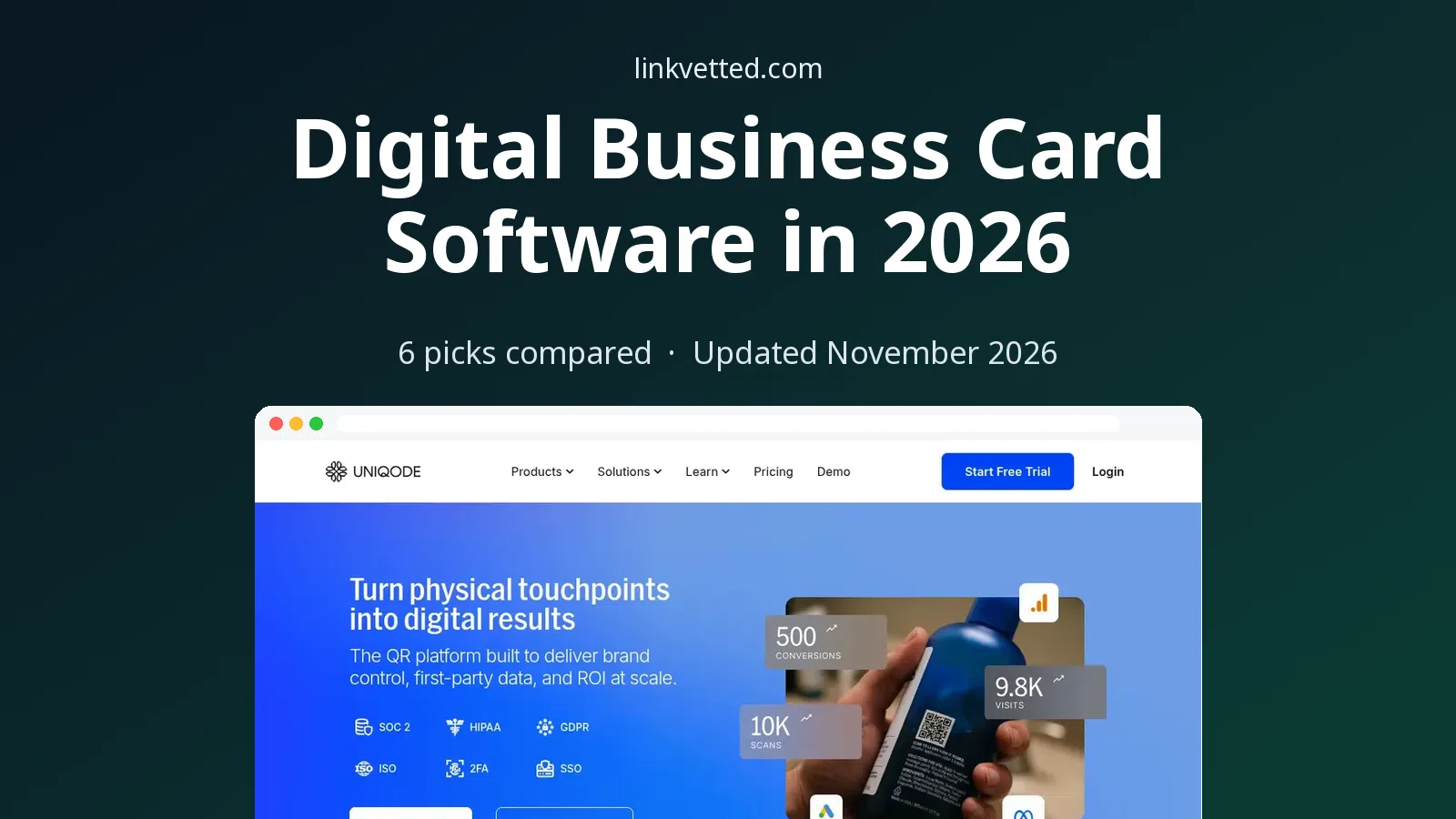
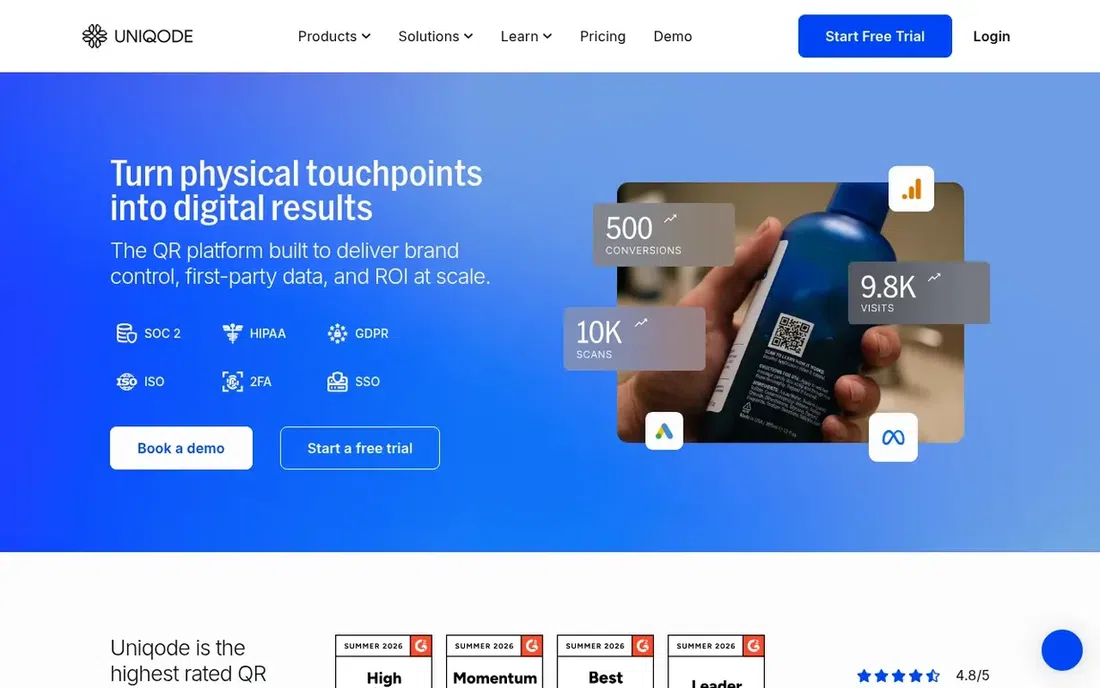
Uniqode is a good fit for QR code programs with tracking. Uniqode shares the same positioning as a QR code generator for firms, letting you build, handle and track dynamic QR codes through an easy-to-use product. For a digital business card, a vCard QR code is a practical way to share contact details, and Uniqode suits organizations that already run QR programs and want one place to handle them.
It does not present itself as a branded digital card, signature or directory product. As for the details, if your team wants a designed profile page and centralized identity, pair a card product with QR sharing rather than relying on codes alone. Starting cost for Uniqode: $9 per month, billed yearly. Free access: Free trial.
Where it falls short: Card branding is restricted.
- Straightforward creation and management
- Works for vCard style sharing
- Not a full digital card suite
Mobilo
Best for: WhatsApp scheduling and follow-up
Mobilo makes the most sense for WhatsApp scheduling and follow-up. Mobilo describes smart appointment scheduling on WhatsApp, turning the messaging app into a scheduling system with AI assistance and around-the-clock availability and no app needed.
Drawbacks to consider: Not a digital business card product.
It is included here since sharing a contact or card frequently ends in booking a meeting, and Mobilo manages that follow-up step inside a channel numerous contacts already use. This comparison lists no price for Mobilo; ask the vendor. Free options: Not stated.
- AI-assisted availability
- Scheduling inside WhatsApp
- Focused on appointments, not identity
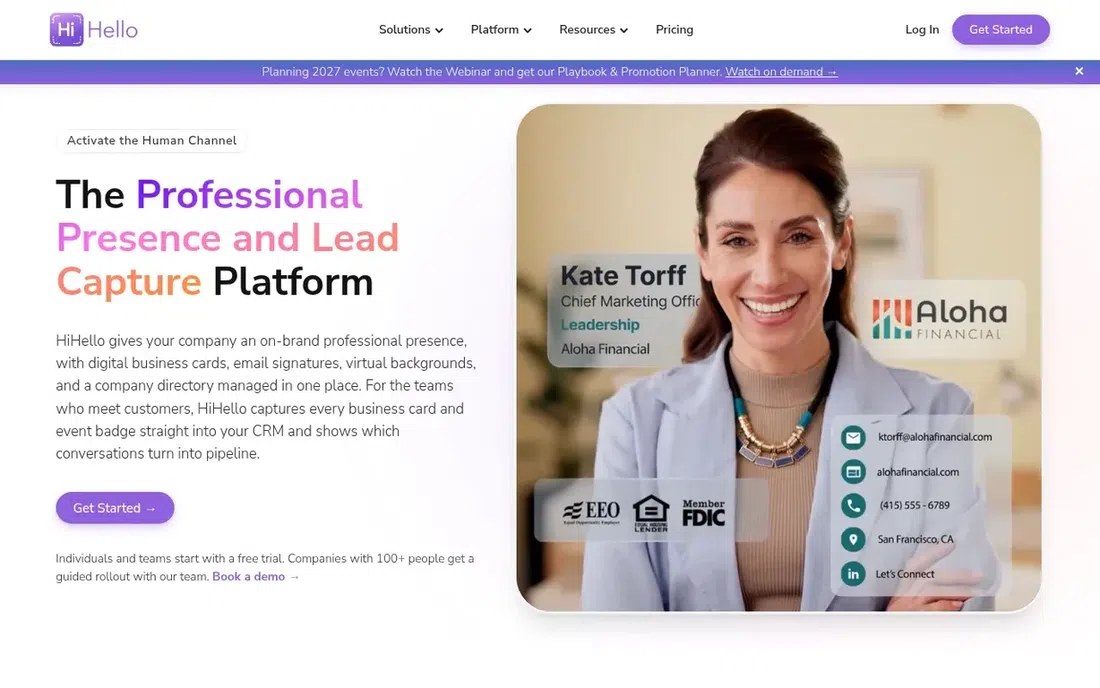
HiHello is a good fit for branded cards and company directories. Since the emphasis is on presence and branding, teams whose primary need is high-volume event lead capture may want a tool built around that workflow. Also, HiHello presents itself as a professional presence and lead capture product.
Where it falls short: Lead capture is not the headline focus.
Its homepage describes digital business cards, email signatures, virtual backgrounds and a company directory managed in one place, targeted at teams who meet customers. That combination makes it a natural fit for organizations that want one on-brand identity across cards, signatures and directories rather than a single standalone card. Choose HiHello when consistent branding and a shared directory matter more than badge scanning or deep CRM enrichment. What you pay to start with HiHello: $5 per user per month. You can start on HiHello without paying.
- Digital business cards plus email signatures
- Designed for teams that meet customers
- Event badge scanning is not described
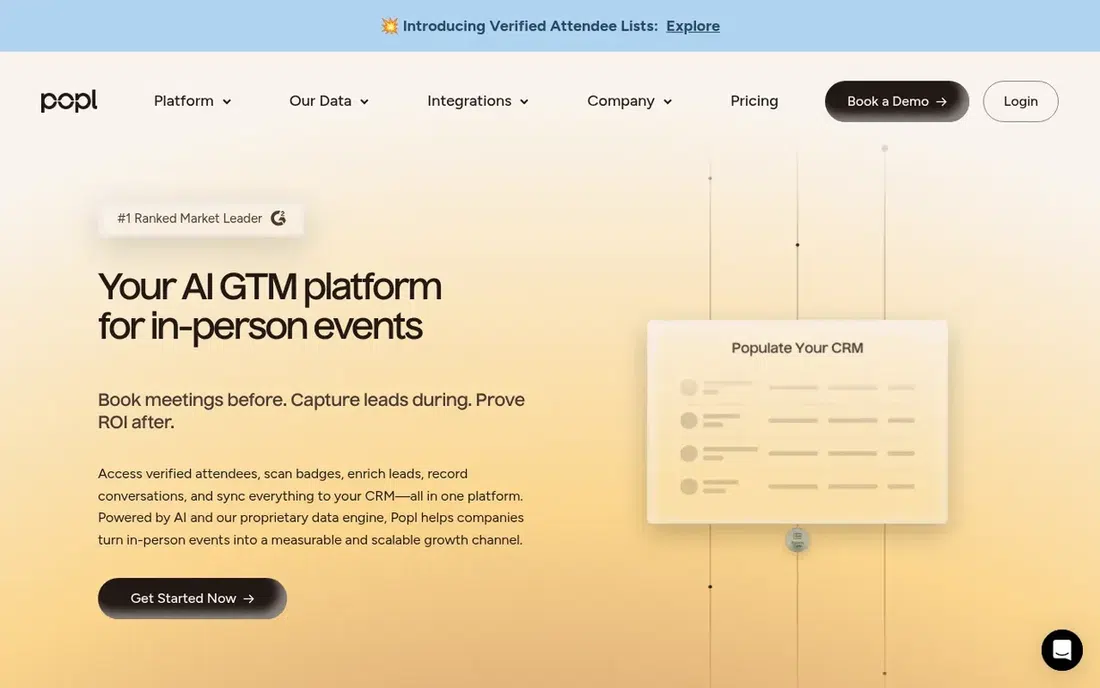
Popl is aimed squarely at event lead capture and CRM sync. Popl describes itself as an AI go-to-market product for event lead capture. Its homepage spans capturing leads, scanning badges, enriching data and syncing everything to a CRM at events, conferences and beyond.
In daily use, if your priority is a refined branded card and directory for everyday networking, a presence-focused tool may fit better. For everyday use, pick Popl when the event floor, badge scanning and CRM handoff are the core of how your team works. Companies that attend numerous in-person events and want contacts to flow into their CRM will find the workflow centered on exactly that task. This comparison lists no price for Popl; ask the vendor. Free access: Not stated.
Where it falls short: Positioned around events, not everyday branding.
- Data enrichment with AI
- Badge scanning at events
- Digital card design is secondary
How we compared the tools
LinkVetted looked at what each vendor publishes: pricing, plan limits, feature coverage for digital business card software and stated drawbacks. No hands-on testing is claimed. Prices and plan limits come from vendor pages and can change, so confirm them on the vendor site before you buy. We ordered the tools by general fit, then by how clearly pricing is shown, then by free access. A buyer with unusual needs may reorder them.
Pre-purchase checklist
- Get a written quote from QR Code Generator, Mobilo and Popl; the list shows no starting price for them.
- Test the free plan from HiHello against your real workload before relying on it.
- Take the trial from QR Code Generator, Beaconstac and Uniqode and push a live task through it before you pay.
- Before choosing QR Code Generator, weigh its main limit: restricted card profile features.
- Before rolling out HiHello, verify the integrations your workflow depends on.
- Add up seats, add-ons and usage charges for QR Code Generator before comparing it with cheaper entries.
FAQ
Should I choose a card system or a QR code tool?
A card product suits teams that want branded profiles, directories and contact management. A QR code tool suits organizations that primarily need scannable codes for vCards, links or printed materials.
Which options for digital business card software have a free plan?
HiHello is the only tool in this list with a free plan. Free plans usually cap users, projects or features, so check the limits on the vendor page. Several others offer a trial instead.
How are the tools for digital business card software ordered?
The order follows typical fit for digital business card software, with QR Code Generator first and Popl last, then price clarity and free access. It is editorial judgement, not a score, so another team could rank the tools differently.
Is QR Code Generator the right pick for everyone comparing digital business card software?
No single tool suits every team. QR Code Generator comes first because it fits quick vCard and URL codes, while Beaconstac suits managing dynamic QR codes at scale and Uniqode suits QR code programs with tracking. Match the tool to your own size, budget and workflow before deciding.
How do I roll out digital cards across a team?
Start with a tool that supports company branding, a shared directory and admin controls, then confirm how contacts are exported. Pilot with a small group before expanding to customer-facing staff.
What is the cheapest option for digital business card software in this list?
On published monthly entry prices, HiHello is the lowest here at $5 per user per month. Entry price is only part of the cost, because seats, add-ons and billing terms can change the total.
Sources
- https://www.qr-code-generator.com
- https://www.beaconstac.com
- https://www.uniqode.com
- https://mobilo.io
- https://www.hihello.com
- https://popl.co