Best Day Trade Platforms in 2026: 8 Platforms Compared
Compare the best day trade platforms for stocks, options and futures, with commissions, charting, paper trading and data costs in one 2026 guide for traders.
- Editor's choice
 Interactive Brokers
Serious active and global traders
Starts atFreeVisit interactivebrokers.comFull review - Great alternative
 Charles Schwab
Free desktop charting with thinkorswim
Starts atFreeVisit schwab.comFull review - Also consider
 Fidelity
All-in-one broker for traders and investors
Starts atFreeVisit fidelity.comFull review
TL;DR:
- Interactive Brokers is our pick for serious active traders because of low margin rates, global access and direct routing options.
- Charles Schwab with thinkorswim is the best free desktop platform for US traders who want strong charting and paper trading.
- Webull suits mobile-first traders who want low-cost market data, while Fidelity suits traders who also want a full-service broker.
- This is not financial advice. Day trading carries risk, and most short-term traders lose money, so practice with paper trading first.
- Check margin rates, data fees and pattern day trading rules with your broker before you fund an account, since rules can change.
Quick comparison
| Tool | Best for | Starts at | Free plan? | |
|---|---|---|---|---|
| Interactive Brokers | Serious active and global traders | Free | Yes | Visit |
| Charles Schwab | Free desktop charting with thinkorswim | Free | Yes | Visit |
| Fidelity | All-in-one broker for traders and investors | Free | Yes | Visit |
 Webull | Mobile-first low-cost trading | Free | Yes | Visit |
 TradeStation | Strategy testing and automation | Free | Yes | Visit |
 tastytrade | Options and futures traders | Free | Yes | Visit |
 Lightspeed | High-volume traders and short sellers | See website | No | Visit |
 E*TRADE | Built-in tools and paper trading | Free | Yes | Visit |
The best day trade platforms
Day trading is different from long-term investing. You need fast quotes, clear charts, reliable order entry and honest costs, because small fees and delays add up over many trades a day. The platforms below cover stocks, options and, in several cases, futures, and they range from free mobile apps to professional desktop systems. We compared official pricing schedules, platform pages and published broker comparisons to build this list. This article is for education only and is not financial advice. Trading carries risk, including the risk of losing more than your initial deposit when using margin or futures.
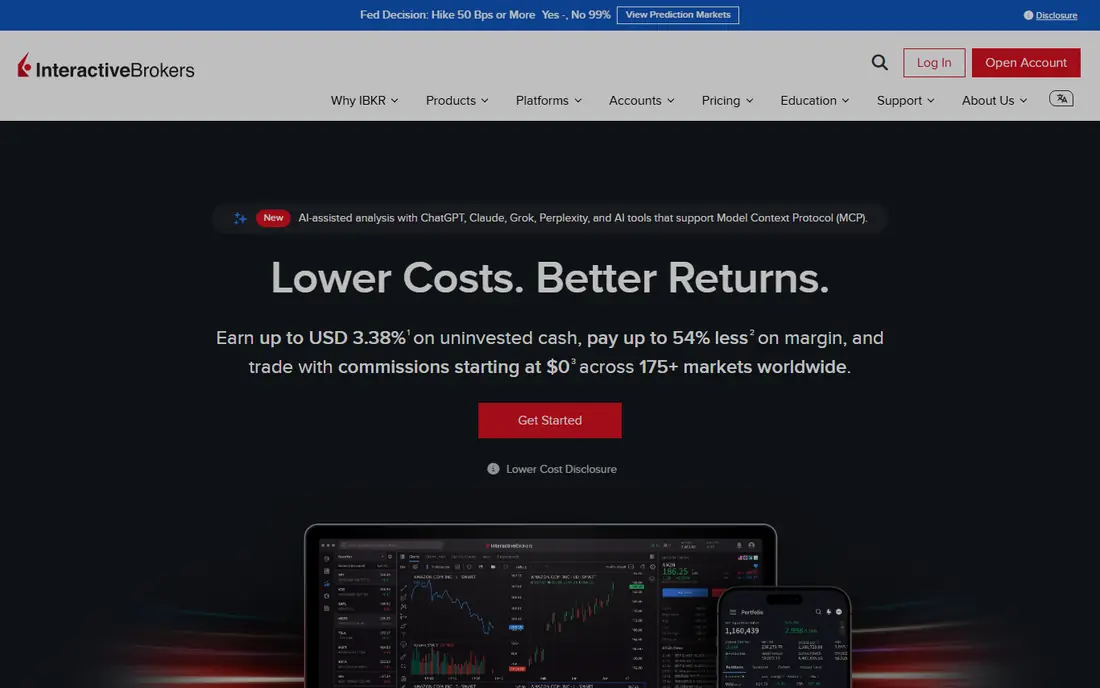
Interactive Brokers, through IBKR Lite and IBKR Pro, is the most complete choice for traders who trade often and care about execution cost. US stock and ETF trades are listed at zero commission on Lite, while Pro uses per-share pricing and offers lower margin rates and interest on cash. Options are commonly listed at 65 cents per contract, and futures pricing starts low for micro contracts. Global access is a real edge here, with many international exchanges available from one account.
The platform is not the friendliest first step. Trader Workstation is powerful but dense, and new traders may need time to set up layouts, hotkeys and data subscriptions. Some real-time data, such as Nasdaq TotalView, costs extra for non-professionals. If you trade size, trade futures, or trade outside the US, those costs are usually worth it. If you trade a few times a week, a simpler platform may feel better.
- Low margin rates on IBKR Pro
- Access to many global markets
- Direct routing and strong API tools
- Trader Workstation has a steep learning curve
- Some market data costs extra
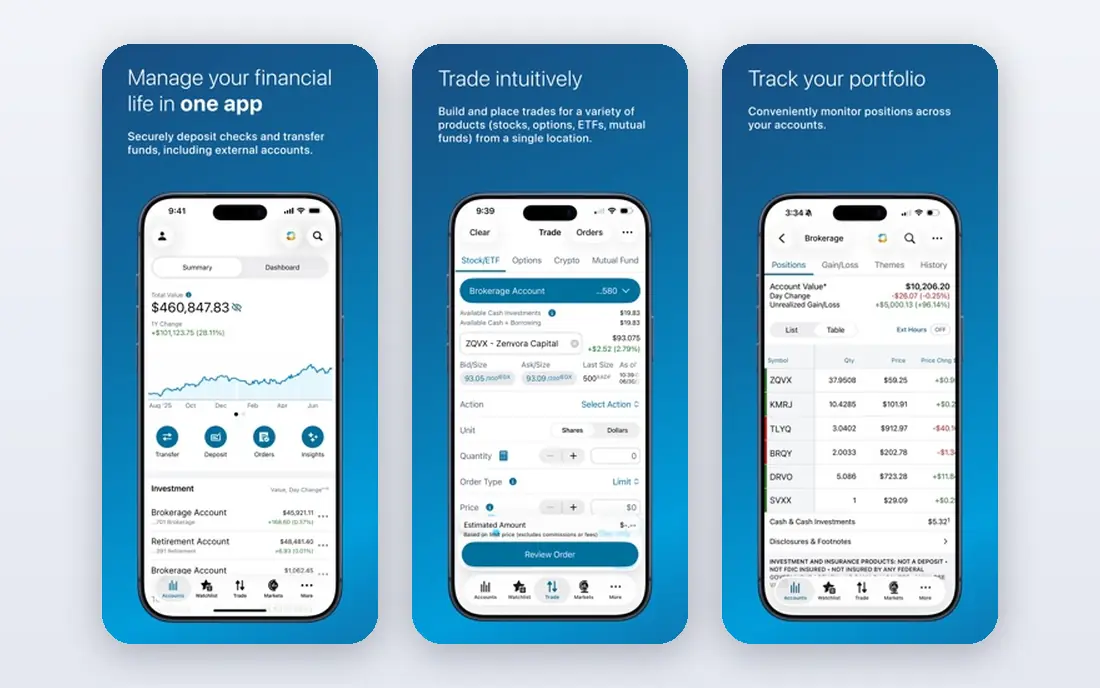
Schwab gives clients thinkorswim, one of the best desktop trading platforms for US day traders, at no platform fee. Charting is deep, with many indicators, drawing tools and options analytics, and paper trading lets you practice strategies without risking cash. US stock and ETF trades are listed at zero commission, and options are 65 cents per contract. Level 2 quotes are included for Schwab account holders, which saves a separate data subscription.
The main cost to watch is margin. Published Schwab margin rates start higher than Interactive Brokers for typical retail balances, so traders who carry margin balances should compare the annual interest cost before choosing. Futures commissions are also higher than Interactive Brokers for many contracts. For cash traders who value charting, education and support, Schwab is an excellent default.
- Thinkorswim included for Schwab clients
- Strong charting and paper trading
- Level 2 quotes at no extra cost to clients
- Margin rates are higher than Interactive Brokers for smaller balances
- Futures commissions are higher than some rivals
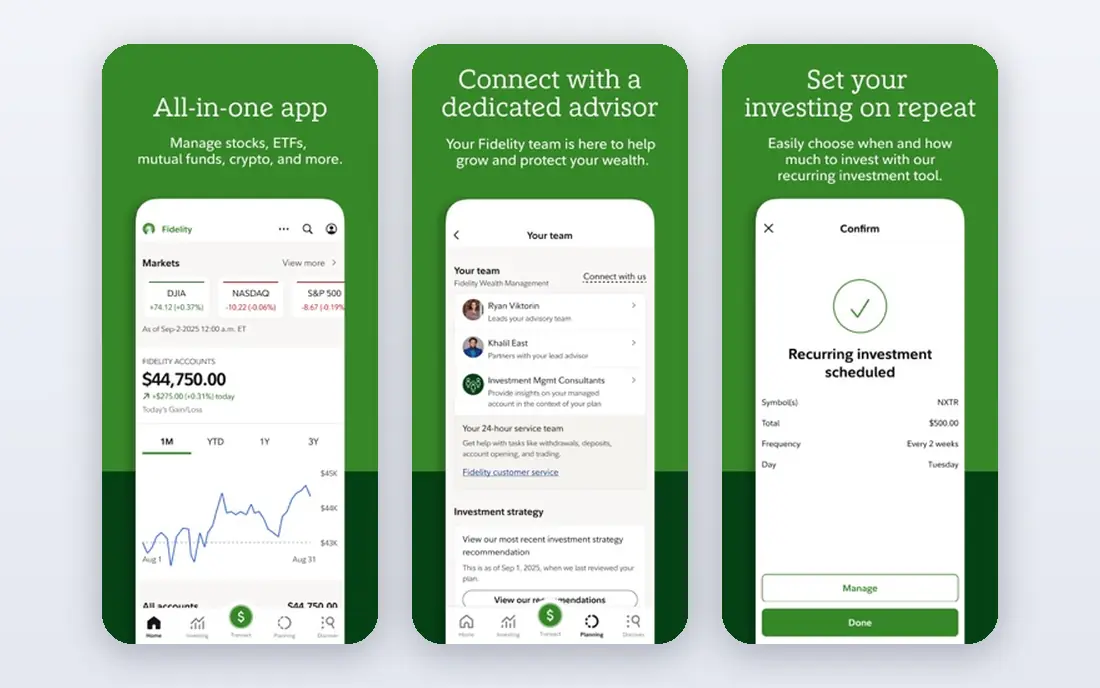
Fidelity suits traders who want one broker for day trading, long-term investing and retirement accounts. Active Trader Pro offers streaming quotes, charts, watch lists and order tools on desktop, while the mobile app covers trading on the go. US stock and ETF trades are zero commission, options are 65 cents per contract, and research depth is a clear strength.
Active Trader Pro is solid, but traders who live in thinkorswim layouts or TradeStation automation may find it less flexible for custom scripting. Fidelity also places less emphasis on futures day trading than Interactive Brokers or TradeStation. If you want a trusted full-service broker, strong service and a single account for most goals, Fidelity is a safe and capable choice.
- Active Trader Pro included
- Strong research and customer service
- Zero commission US stock and ETF trades
- Active Trader Pro is less customizable than thinkorswim for some traders
- Futures access is more limited in focus
Webull is built for traders who trade mainly from a phone and want modern charts without a desktop learning curve. It offers paper trading, extended hours trading for eligible securities, and a low-cost Nasdaq TotalView option that published comparisons put around 2.99 dollars per month. That data price is notably lower than some rivals, which matters for traders who watch the order book all day.
The trade is depth. Webull does not match Schwab or Fidelity for research, retirement planning or in-person support, and its desktop platform is simpler than thinkorswim or Trader Workstation. For a mobile-first day trader who wants low friction and low data cost, Webull is a strong pick. For a trader who needs deep options analytics or futures automation, look higher on this list.
- Clean mobile charts and paper trading
- Low-cost Nasdaq TotalView subscription
- Zero commission US stock and ETF trades
- Research and support depth are lighter than Schwab or Fidelity
- Fewer advanced desktop tools for professionals
TradeStation appeals to traders who want to test ideas before risking money. Its backtesting tools and EasyLanguage scripting let you turn a rule-based idea into a tested strategy, then run it with alerts or automation. Scanning tools help find setups across many symbols, which is useful for traders who scan each morning for momentum or gap patterns.
That power comes with complexity. New traders can feel lost in strategy settings, data options and plan choices, and the best plan depends on how many shares you trade. TradeStation is best for traders who already have a written strategy and want to test it properly. If you trade by feel and want the simplest app, Webull or Fidelity may suit you better.
- Backtesting and EasyLanguage scripting
- Strong scanning tools
- Zero commission up to set share limits on some plans
- Platform learning curve is real
- Options pricing and plan details need careful checking
tastytrade is built around options and futures, and its pricing reflects that focus. Stock and ETF trades are listed at zero commission, while options commissions are commonly described as 1 dollar to open and zero to close, capped at 10 dollars per leg. That cap helps traders who trade larger spreads, since costs do not keep rising with size in the same way.
The platform, education and community content all lean toward options income, defined-risk spreads and futures. Long-term investors who want deep fundamental research or retirement planning tools will find Schwab or Fidelity stronger. If your day trading is mainly options or futures, tastytrade deserves a top shortlist spot, and its paper trading and learning content help new options traders learn mechanics before sizing up.
- Options commissions capped per leg
- Strong options and futures focus
- Clear platform for spreads
- Less suited to long-term investors who want broad research
- Stock trading tools are secondary to options
Lightspeed targets traders who trade high volume, trade short often, or need reliable locates. Its per-share pricing and routing options appeal to professionals and serious retail traders who measure execution in fractions of a cent. Short sellers in particular value locate tools, since a hard-to-borrow stock can block a trade on a simpler broker.
For casual traders, Lightspeed is likely overkill and its costs can be harder to predict without a quote. It also lacks the broad consumer banking and retirement features of Schwab or Fidelity. If you trade size every day and your current broker struggles with locates or routing control, Lightspeed is worth a direct comparison on your actual volume.
- Per-share pricing for active traders
- Strong short locate tools
- Fast order routing options
- Pricing is less simple for low-volume traders
- Platform and data costs need a written quote
ETRADE, part of Morgan Stanley, offers Power ETRADE for active traders alongside its standard web and mobile apps. It includes charting, technical pattern tools, streaming quotes and paper trading, which makes it a good practice ground for new day traders. US stock and ETF trades are zero commission, and options are commonly 65 cents per contract.
Specialist traders may still prefer thinkorswim for charting depth, TradeStation for automation, or tastytrade for options caps. E*TRADE wins on balance. It is easy to open, easy to practice in, and strong enough for many stock day traders who do not need professional routing tools. If you already bank or invest with Morgan Stanley, that integration is a further plus.
- Power E*TRADE platform for active traders
- Paper trading included
- Zero commission US stock and ETF trades
- Options and futures depth trails specialist platforms
- Morgan Stanley integration may matter more to investors than traders
How we picked these
We compared official pricing schedules, platform feature pages and published broker comparisons from 2026, and we favored brokers that are live, regulated in the US, and offer real day trading tools, not just buy-and-hold apps. We weighted commissions, margin rates, data costs, charting, paper trading and order tools, since those decide daily cost and speed. We left out brokers with no US day trading access, pure charting tools with no brokerage, and platforms that had closed or stopped offering listed features.
What to check before you fund a day trading account
Start with costs that are easy to miss. Compare stock and options commissions, futures commissions if you trade futures, margin interest if you use margin, and market data subscriptions such as Level 2 or TotalView. A free platform with high margin rates can cost more over a year than a paid data plan at a low-margin broker, especially if you carry balances overnight.
Paper trade first, then size slowly
Use paper trading to learn order types, hotkeys and risk controls before you trade real money. Set a maximum loss per trade and per day in writing, and use stop orders where your strategy calls for them, while remembering that stops do not guarantee a fill price in fast markets. Day trading carries risk, and borrowed funds can increase losses quickly, so only trade with money you can afford to lose. This is not financial advice, and past results from any trader or strategy do not predict future results.
Confirm day trading rules with your broker
Pattern day trading rules and broker policies have changed over time, and brokers may apply their own requirements during transition periods. Ask your broker in writing what minimum equity, buying power and margin rules apply to your account type, and how they treat cash versus margin accounts. Also confirm tax reporting, since frequent trading creates many taxable events that need clean records at year end.
FAQ
What is the best app to day trade on?
For most US stock traders, Schwab with thinkorswim is the best free desktop option, while Webull is the best mobile-first option. Interactive Brokers is our pick for serious traders who need low margin rates, global markets and direct routing.
What is the best day trade software for beginners?
Schwab thinkorswim and ETRADE Power ETRADE are good beginner platforms because they include paper trading, education and strong charting at no platform fee. Start in paper trading, learn order types, and only move to real money with small size.
Do I need 25000 dollars to day trade?
Historically, US pattern day traders in margin accounts faced a 25000 dollar minimum equity rule, but FINRA rule changes in 2026 have altered that framework and brokers are phasing in changes on different schedules. Confirm the current rule with your broker before you trade, and note that cash accounts have different limits.
Which platform has the lowest margin rates?
Interactive Brokers Pro typically publishes the lowest margin rates among major US brokers in this list for retail balances. Schwab and Fidelity margin rates are higher for smaller balances, so compare the annual interest cost if you plan to use margin.
Is day trading profitable?
Day trading is risky, and many short-term traders lose money after fees, data costs and taxes. No platform, indicator or course can guarantee profits. Treat any claim of guaranteed returns as a warning sign, and focus on risk control, position sizing and keeping costs low.
Can I day trade futures and options on these platforms?
Yes, several platforms here offer options, and Interactive Brokers, TradeStation, tastytrade and Schwab offer futures trading, subject to account approval and margin requirements. Futures use borrowed funds and can lose more than your deposit, so get approval, read the risk disclosures, and practice first.