The 6 Best Data Integration Software for Churches in 2026, Ranked
6 best data integration software for churches, compared on pricing, free plans and best-fit use. Every entry states what it lacks. Full profiles inside.
- Editor's choiceInformatica PowerCenter
Enterprise-scale data management
Starts atSee websiteVisit informatica.comFull review - Great alternativeTalend Data Integration
Integration, transformation, and governance
Starts atSee websiteVisit talend.comFull review - Also consider
 Fivetran
Automatic pipelines into a central warehouse
Starts at$12,000Visit fivetran.comFull review
Direct answer
Start with Informatica PowerCenter if you need enterprise-scale data management. Listed starting prices: Fivetran from $12,000 and Airbyte from $20 a month. For a different need, Talend Data Integration covers Integration, transformation, and governance and Fivetran covers automatic pipelines into a central warehouse. The full list of 6 tools follows, with prices and free plan facts.
TL;DR:
- Informatica PowerCenter sits first on this list: enterprise-scale data management.
- 2 of 6 tools offer a free plan: Fivetran, Make.
- Airbyte suits open-source pipelines with self-hosting control.
- One limit worth knowing about Talend Data Integration: can be complicated for small teams.
Last checked November 2026. Prices and plan details were read from the vendors' own pages in November 2026; vendors change plans often, so confirm the current price on the vendor site before you buy.
Quick comparison
| Tool | Best for | Starts at | Free plan? | |
|---|---|---|---|---|
| Informatica PowerCenter | Enterprise-scale data management | See website | Not stated | Visit |
| Talend Data Integration | Integration, transformation, and governance | See website | Not stated | Visit |
| Fivetran | Automatic pipelines into a central warehouse | $12,000 | Yes | Visit |
 Make | No-code workflow automation for small teams | See website | Yes | Visit |
 Azure Data Factory | Cloud-based hybrid data integration at scale | See website | Free trial | Visit |
 Airbyte | Open-source pipelines with self-hosting control | $20 a month | Free trial | Visit |
Data Integration Software for Churches compared in detail
If you are comparing data integration software for churches, this page covers 6 tools in one place: what each is best for, what it costs to start, whether it has a free plan, and the main limit to know about.
Informatica PowerCenter
Best for: Enterprise-scale data management
Choose Informatica PowerCenter for enterprise-scale data management. It is geared toward organizations with complicated data landscapes that require solid integration and management.
From a buyer's view, bigger churches or denominational offices with several systems and reporting demands may consider it. More specifically, if your goal is just connecting a handful of church apps, a no-code tool is more practical. Informatica PowerCenter does not show a starting price in this comparison, so check the vendor site for current pricing. As for free access: Not stated.
The main drawbacks: Heavy for small organizations.
- Wide platform capabilities
- AI-ready data positioning
- Needs specialist administration
Talend Data Integration
Best for: Integration, transformation, and governance
Where Talend Data Integration fits: Integration, transformation, and governance. If your needs are straightforward app syncing, a lighter automation tool is simpler to adopt.
Where it falls short: Needs skilled data practitioners.
It suits teams with data engineering skills and a need for governance. Check the vendor site for Talend Data Integration pricing; none is listed in this comparison. Free options: Not stated.
- Wide integration and transformation features
- Part of the Qlik Talend Cloud offering
- Can be complicated for small teams
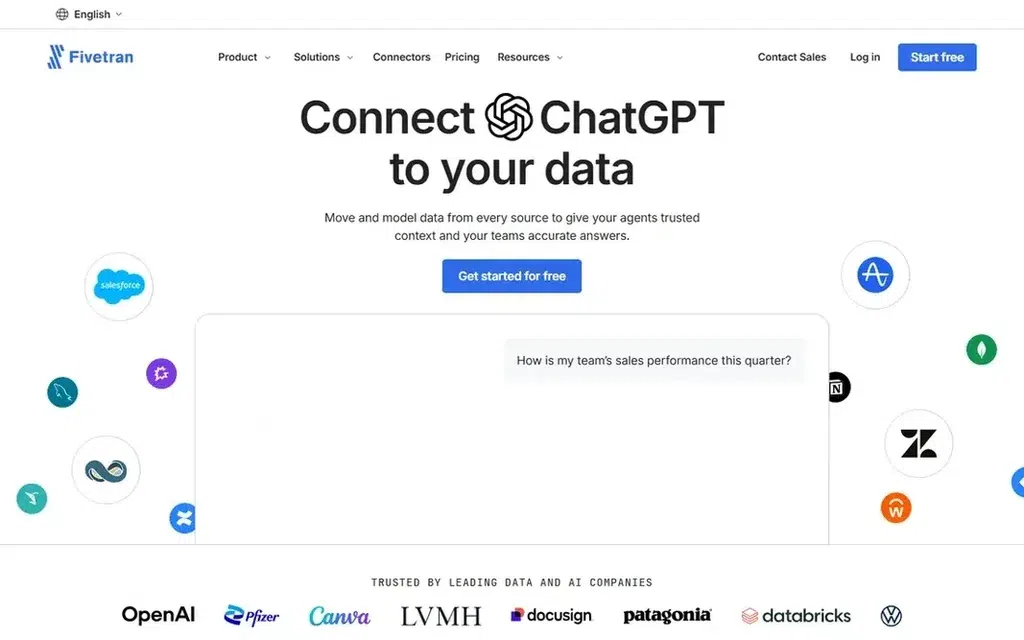
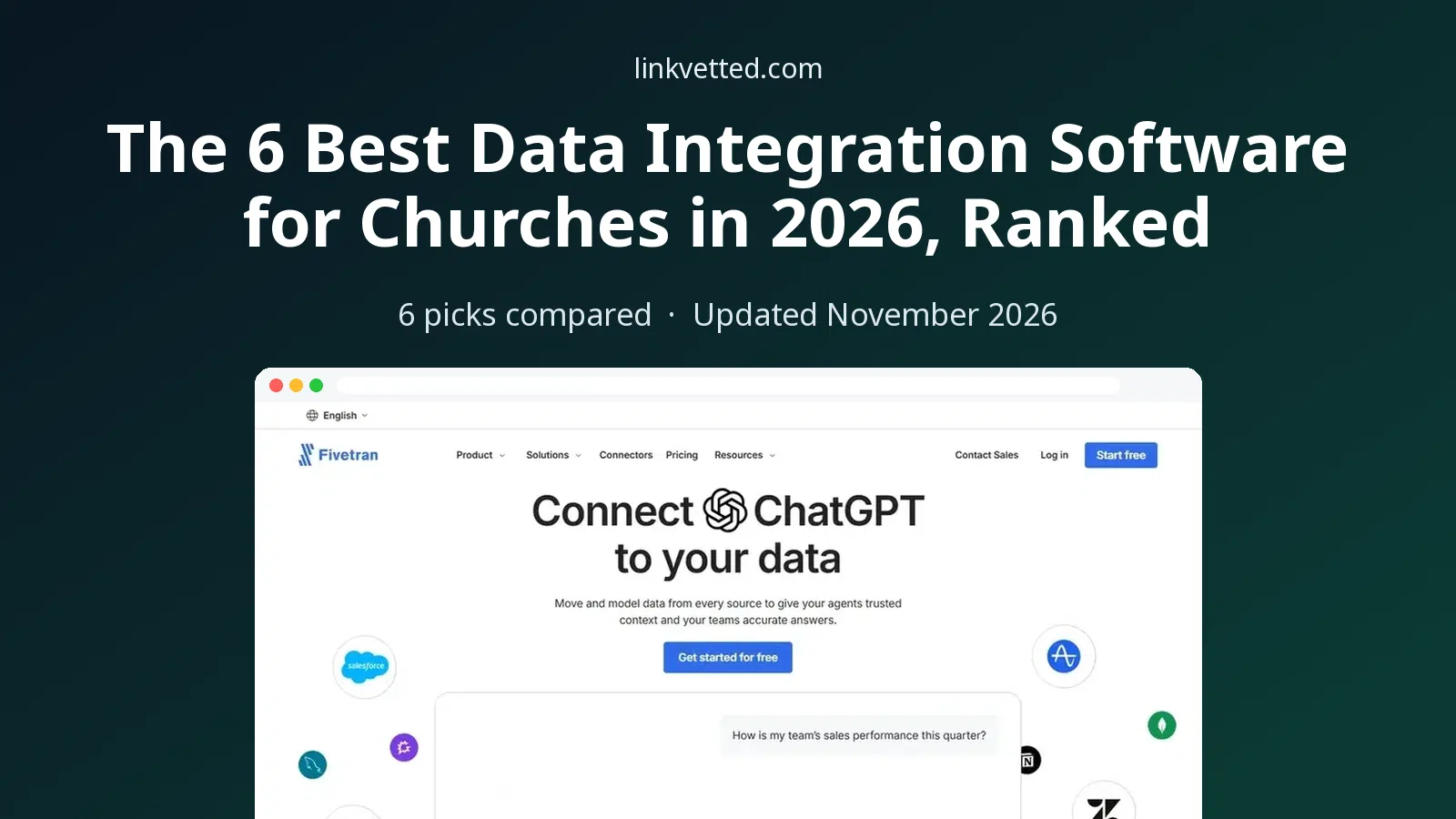
Fivetran is aimed squarely at automatic pipelines into a central warehouse. Fivetran is an automatic data movement product that centralizes data so teams can deliver insights quicker. It centres on dependable connectors that replicate data from sources into a destination warehouse with little manual work.
Trade-offs to know: Less control over custom transformations.
As for the details, choose Fivetran when centralized reporting is the goal. In daily use, churches that want a single reporting view across giving, membership, and events can use it to consolidate data without building custom scripts. More specifically, costs can grow with volume and connector needs. Starting cost for Fivetran: $12,000. Free access exists with Fivetran.
- Managed service cuts maintenance burden
- Automatic data movement with minimal setup
- Can be expensive at high data volumes

Make is a good fit for no-code workflow automation for small teams. Make is a visual automation system that lets you build, scale, and automate workflows without writing code. Its drag-and-drop interface connects apps and services so data can move between them on a schedule or trigger.
Drawbacks to consider: Less suited to heavy batch data warehousing.
For everyday app-to-app syncing, it remains approachable. If your church needs rigorous batch ELT into a central store, consider a purpose-built pipeline product instead. Pricing for Make is not stated here, so ask the vendor for current figures. You can start on Make without paying.
- Visual builder with a friendly no-code interface
- Scales from straightforward to complicated automations
- Complex scenarios can become hard to maintain
For cloud-based hybrid data integration at scale, Azure Data Factory is a natural candidate. If your needs are straightforward, a no-code automation system is quicker to adopt. In practice, Azure Data Factory is a cloud-based hybrid data integration service from Microsoft Azure.
Trade-offs to know: Needs Azure familiarity.
It lets teams build data factories without code and is aimed at enterprise scale. Churches using Azure services can orchestrate data movement across cloud and on-premises sources. Choose Data Factory when you are already on Azure and need scalable pipelines. Small churches without cloud staff may find setup and monitoring challenging. Azure Data Factory shows no starting price here, so confirm the cost on the vendor site. Free plan details: Free trial.
- Made for enterprise scale
- No-code data factory building
- Can be complicated to configure
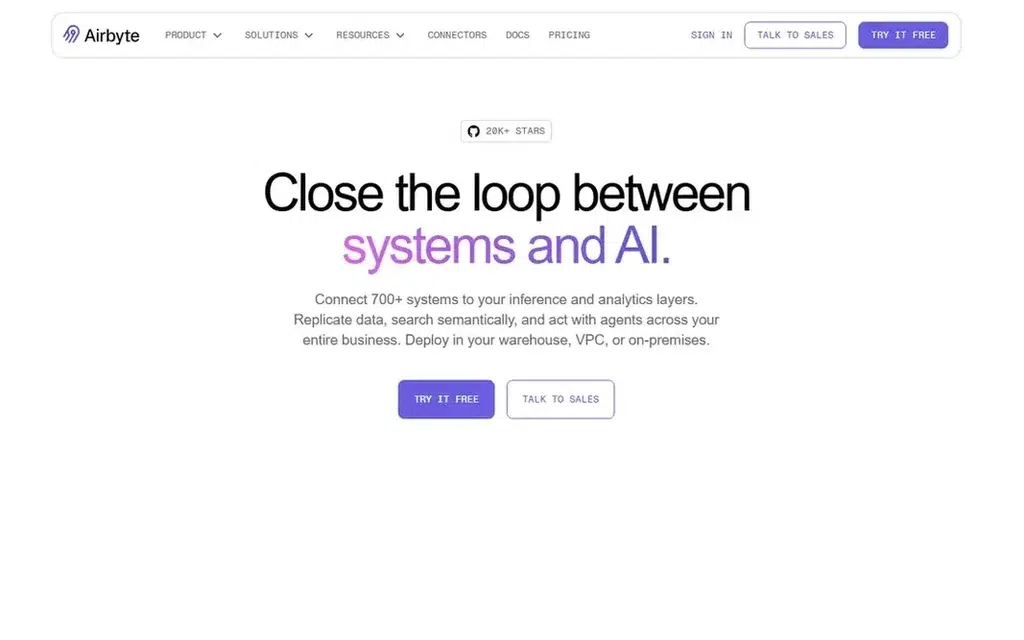
Airbyte is a good fit for open-source pipelines with self-hosting control. Airbyte is an open-source data integration product for ELT pipelines, with connectors for plenty of sources. It can run in your own environment or as a managed service, giving teams control over where data lives.
In practice, if no one on staff can maintain pipelines, a no-code automation tool is likely a better fit. Managed choices cut that burden but still need some data engineering knowledge. In daily use, Airbyte shines when control and openness matter more than simplicity. Entry price for Airbyte: $20 per month. On free options: Free trial.
Trade-offs to know: Self-hosting needs technical upkeep.
- Can run in your own environment
- Open-source core with numerous connectors
- Connector quality varies by source
Selection criteria
LinkVetted looked at what each vendor publishes: pricing, plan limits, feature coverage for data integration software for churches and stated drawbacks. No hands-on testing is claimed. Plan names, prices and limits change often. Treat the figures here as a starting point and verify them with the vendor. The sequence is a judgement call: typical use case first, then pricing transparency, then free access. Use the profiles to check fit.
Questions to settle before buying
- Ask Informatica PowerCenter, Talend Data Integration, Make and Azure Data Factory for a written quote, since no starting price is shown.
- Check what the free option really includes: Fivetran and Make offer a free plan, and usage caps differ.
- Use real work to test the free trial from Azure Data Factory and Airbyte, rather than a demo project.
- Before choosing Informatica PowerCenter, weigh its main limit: heavy for small organizations.
- Ask Fivetran which support channels and response times come with the plan you would buy.
- Ask Azure Data Factory how an export works before you move any records in; an easy exit lowers the risk.
FAQ
What is the cheapest option for data integration software for churches in this list?
On published monthly entry prices, Airbyte is the lowest here at $20 per month. Entry price is only part of the cost, because seats, add-ons and billing terms can change the total. For the full picture, the cards above cover all 6 entries of this data integration software for Churches list, including price, free plan and limits.
What should a church look for in data integration software?
Then match the tool to your team's technical comfort: no-code automation fits small staff, whereas pipeline systems fit organizations with data skills. Also confirm security and data residency expectations.
How do enterprise tools fit smaller congregations?
Enterprise products like Informatica, Talend, and Azure Data Factory are designed for complicated data landscapes and commonly assume specialist staff. Smaller congregations seldom need that scope. They become relevant for bigger churches or denominational offices with several systems and governance needs.
Do these tools publish their prices?
Not all of them. Informatica PowerCenter, Talend Data Integration, Make and Azure Data Factory publish no starting price, so expect a quote request for those. The rest, Fivetran included, show a starting price, though seats and billing terms still change the final cost.
Which options for data integration software for churches have a free plan?
On this list, Fivetran and Make include a free plan. Caps on seats, usage or features are common, so test the free plan against your real workload. Several others offer a trial instead.
How are the tools for data integration software for churches ordered?
The order follows typical fit for data integration software for churches, with Informatica PowerCenter first and Airbyte last, then price clarity and free access. It is editorial judgement, not a score, so another team could rank the tools differently.
Sources
- https://www.informatica.com
- https://www.talend.com
- https://www.fivetran.com
- https://www.make.com
- https://azure.microsoft.com/en-us/products/data-factory
- https://airbyte.com