Best Customer Management Software for Small Business in 2026: 8 Tools Compared
Compare the best customer management software for small business in 2026, with free CRM options, sales pipelines, contacts, and pricing for small teams.
- Editor's choice
 HubSpot CRM
Free all rounder for small teams
Starts atFreeVisit hubspot.comFull review - Great alternative
 Bigin by Zoho
Cheapest paid pipeline
Starts at$7 per monthVisit bigin.comFull review - Also consider
 Zoho CRM
Budget plus customization
Starts atFreeVisit zoho.comFull review
TL;DR:
- HubSpot CRM is the best free starting point for most small businesses, with contact and deal tracking for up to two users.
- Bigin by Zoho is the cheapest credible paid pipeline, at $7 per user per month billed annually.
- Zoho CRM offers the deepest free plan for small teams, with three users and real automation at zero cost.
- A customer management tool only pays off if the team logs every conversation in it, so pick the simplest tool the team will actually use daily.
Quick comparison
| Tool | Best for | Starts at | Free plan? | |
|---|---|---|---|---|
| HubSpot CRM | Free all rounder for small teams | Free | Yes | Visit |
| Bigin by Zoho | Cheapest paid pipeline | $7 per month | Yes | Visit |
| Zoho CRM | Budget plus customization | Free | Yes | Visit |
 Pipedrive | Sales focused visual pipeline | $14 per month | Free trial | Visit |
 Freshsales | Phone and AI for sales teams | $9 per month | Yes | Visit |
 Capsule | Relationship led service businesses | $18 per month | Yes | Visit |
 Less Annoying CRM | Simplest spreadsheet replacement | $15 per month | No | Visit |
 Monday CRM | Flexible team workflows | See website | Free trial | Visit |
The best customer management software for small business
Customer management software, often called CRM, keeps contacts, deals, conversations, and follow ups in one place instead of scattered inboxes and spreadsheets. For a small business, the best tool is usually the simplest one the team will use every day, with a price that stays fair as the team grows. These eight tools cover that range from free to flexible.
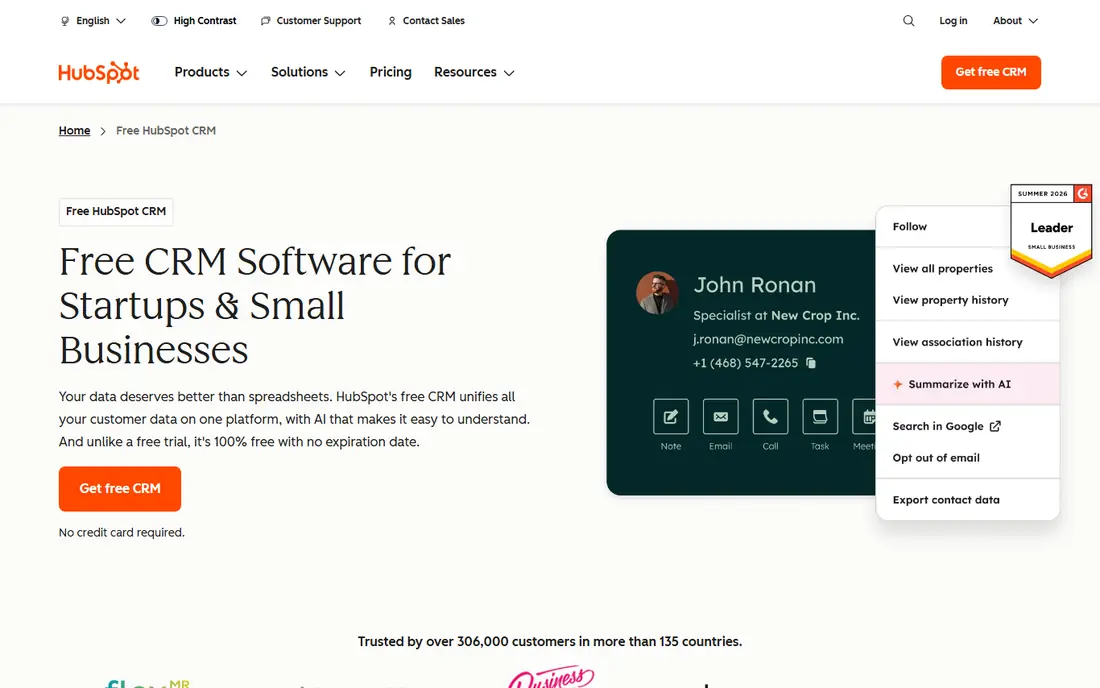
HubSpot CRM is the best free customer management software for most small businesses. The free tier supports up to two users and up to 1,000 contacts, with deal pipelines, email templates, meeting scheduling, live chat, and forms. That is enough for a solo founder or a two person team to run a real sales process without paying anything.
The growth path is the reason to start here. When you need sequences, more pipelines, or marketing tools, paid HubSpot hubs build on the same contacts and deals, so migration is not a rebuild. Paid Starter starts around $20 per seat per month at list, which adds up for larger teams. Start free, prove the team uses it daily, then upgrade only when a specific limit blocks work.
- Free CRM with contact and deal tracking
- Email templates, scheduling, and forms
- Huge ecosystem for growth
- Free plan limits users and contacts
- Paid Starter costs rise with seats
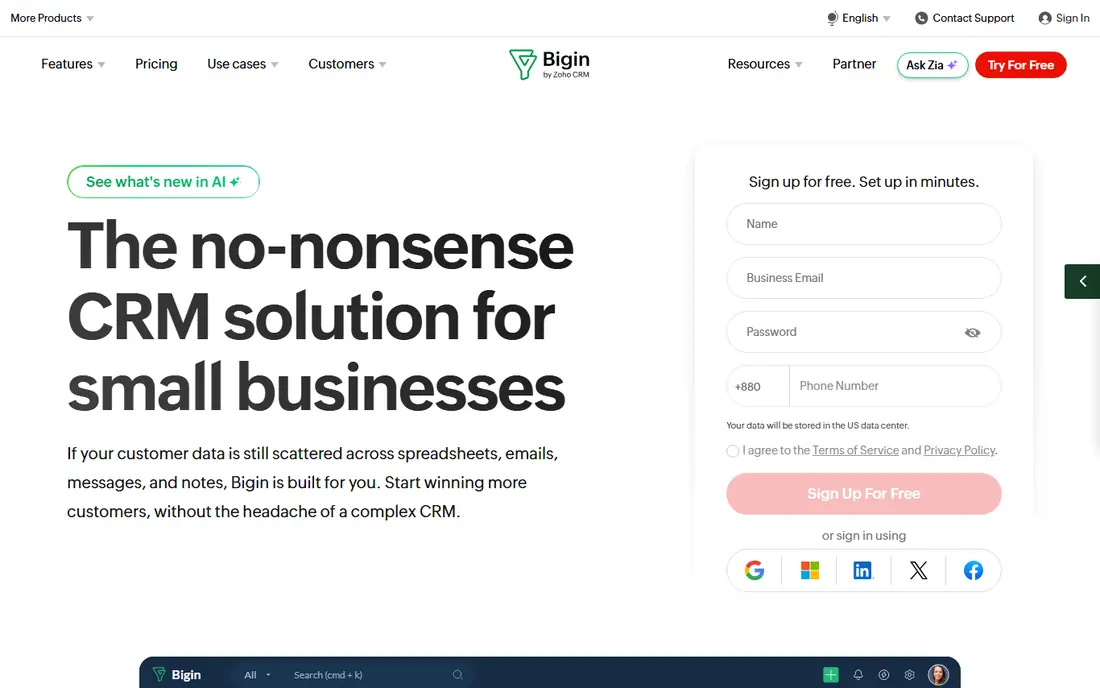
Bigin by Zoho is the cheapest real pipeline for a small business. The free plan covers one user, 500 records, and one pipeline, which suits a solo operator testing a CRM. Paid Express starts at $7 per user per month billed annually, or $9 monthly, and adds up to three pipelines and more records. That price is hard to beat for a team that needs a proper pipeline without enterprise cost.
Bigin is deliberately simple, so teams that need deep automation, advanced reporting, or complex customization will outgrow it. For a micro team that wants contacts, deals, tasks, and a mobile app at the lowest credible price, Bigin is the value pick. Upgrade to full Zoho CRM only when automation or customization becomes a real need.
- Very low paid price
- Simple pipeline and contact management
- Good mobile app
- Free plan limited to one user and 500 records
- Fewer advanced features than full Zoho CRM
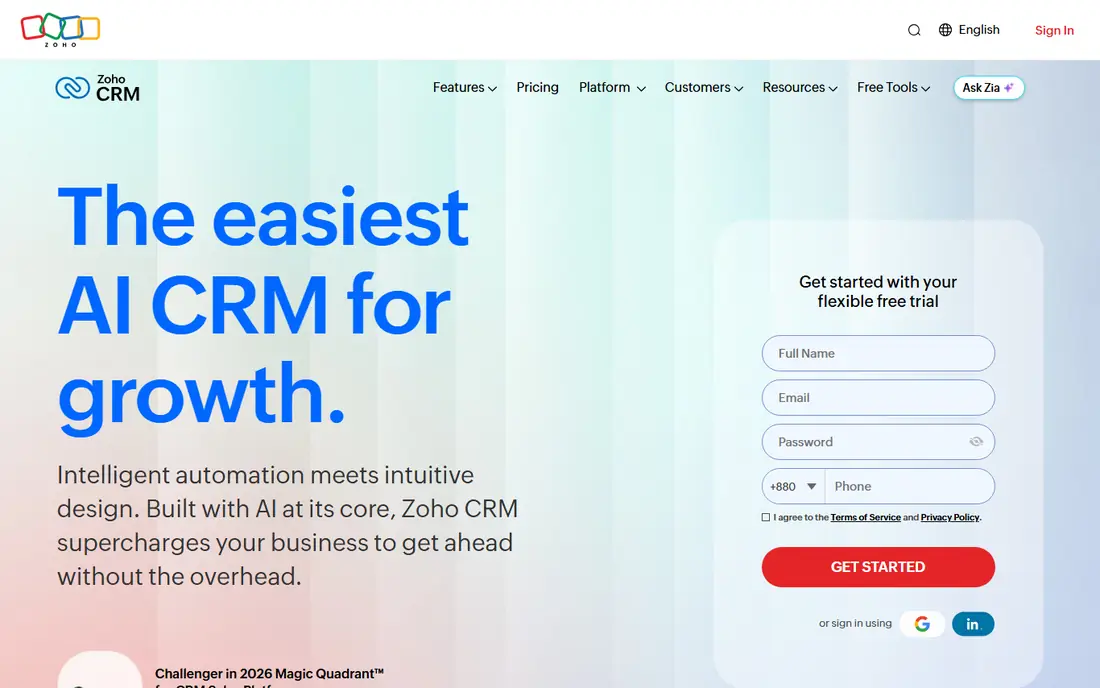
Zoho CRM offers the deepest free plan for small teams, with three users and real automation at zero cost, plus paid Standard plans from around $14 per user per month billed annually. Custom fields, workflows, and integrations with Zoho Mail, Books, and Campaigns make it a strong choice for a business that already uses Zoho tools or expects to customize heavily.
Setup is the trade off. Zoho CRM has more options than Bigin or HubSpot, and configuring pipelines, fields, and automation takes time. That depth pays off for a growing team with varied processes, but it can overwhelm a solo user who just needs a contact list and a pipeline. If you value features per dollar and can invest a day in setup, Zoho CRM is hard to beat.
- Free plan for up to 3 users
- Deep customization and automation
- Wide Zoho ecosystem
- Setup takes longer than Bigin or HubSpot
- Interface can feel dense
Pipedrive is built around one job: moving deals through a visual pipeline. The Lite plan starts at $14 per seat per month billed annually, with a 14 day trial and no permanent free plan. Sales teams adopt it quickly because the pipeline, activities, and deal views are clear, and it nudges reps to log calls, emails, and next steps.
Marketing automation and advanced features sit on higher plans or add ons, so Pipedrive suits sales led teams more than marketing led ones. If your main problem is deals slipping through cracks, Pipedrive is a strong pick. If your main problem is contact management with light sales, a free tool like HubSpot or Zoho may be enough.
- Clear visual pipeline that teams adopt fast
- Strong activity tracking
- Good integrations
- No free plan, only a 14 day trial
- Marketing features need add ons
Freshsales, from Freshworks, offers a free tier for small teams and paid plans from around $9 per user per month. Built in phone and chat help sales heavy teams call and message from inside the CRM, without a separate dialer. AI insights on paid plans surface deal risks and next best actions, which helps a small team prioritize a busy pipeline.
Marketing depth is thinner than HubSpot, so teams that need advanced email campaigns may need a separate tool. For a sales team that lives on the phone and wants a low cost CRM with calling built in, Freshsales is a strong, practical choice. Test the phone quality and mobile app during the free tier before committing.
- Free tier for small teams
- Built in phone and chat
- AI insights on paid plans
- Less marketing depth than HubSpot
- Interface changes with Freshworks updates
Capsule suits relationship based service businesses that care more about client history than aggressive sales automation. The free plan covers two users and 250 contacts, with tasks, pipelines, and contact timelines. Paid plans start at $18 per user per month billed annually, or $22 monthly, and add more contacts, pipelines, and integrations.
Capsule will not match Zoho or HubSpot on automation depth, but it wins on simplicity for firms like consultancies, agencies, and professional services. If your team needs to know every conversation with a client at a glance, and does not need complex workflows, Capsule keeps that history clean without a steep learning curve.
- Free plan for 2 users and 250 contacts
- Clean contact history
- Good for service businesses
- Paid plans start at $18 per user per month billed annually
- Less sales automation than rivals
Less Annoying CRM does exactly what its name promises: it replaces a spreadsheet with a CRM that a non technical team can learn in an afternoon. Pricing is a flat $15 per user per month, with no annual discount games and no tiered feature gates. Unlimited customizable contact and pipeline fields mean a small team can shape it to its process without paying for enterprise features.
The limit is depth. Integrations and automation are thinner than HubSpot, Zoho, or Pipedrive, so a team with complex workflows may outgrow it. For a solo owner or small team moving off spreadsheets, Less Annoying CRM is the lowest friction paid option, and its predictable price makes budgeting simple.
- Flat $15 per user per month, same monthly or yearly
- Unlimited custom fields and pipelines
- Very easy to learn
- No free plan
- Fewer integrations and automation features than larger CRMs
Monday CRM, built on the Monday work platform, suits small businesses that want a CRM shaped around their own workflow rather than a fixed sales process. Visual boards, automations, and team views let a business track leads, projects, and clients in one system. A free trial lets teams test the builder before paying, with pricing varying by plan and seat count.
Flexibility is also the risk. A team can build a complex board system that no one maintains, while a simpler CRM would have worked. Monday CRM fits best when a business already uses Monday for projects, or when sales, service, and delivery all need to live in one workflow. For a pure sales pipeline, Pipedrive or Bigin is simpler and cheaper.
- Highly visual and flexible boards
- Strong team collaboration
- Good for varied processes
- Pricing varies by plan and seats, so check the current page
- Can be overkill for a simple pipeline
How we picked these
We compared official pricing pages, free plan limits, and feature sets for customer management tools aimed at small teams, favoring tools with a clear free or low cost entry and a realistic growth path. We checked user and contact limits on free plans, since those limits decide whether a free plan is usable or just a demo. We left out enterprise CRMs priced for large sales organizations, since their cost and complexity do not fit a small business.
How to choose customer management software for a small business
Start with team size and daily habits. A solo user needs a contact list, a pipeline, and reminders. A five person team needs shared contacts, lead capture from a website, and basic reporting. A ten person team needs automation and permissions. Pick the smallest tool that covers your current stage, and confirm the next tier price before you commit, since CRM costs rise with seats.
Free plans that actually work
A free plan works only if it covers your real user count, contact count, and pipeline needs for at least three months. HubSpot free suits two users, Zoho CRM free suits three users, and Bigin free suits one user. Test with real contacts and deals, not sample data, and check whether email templates, forms, and mobile access are included. If a free plan forces an upgrade in week two, it was not free in practice.
Adoption, data, and migration
The best CRM is the one the team opens every day. Import contacts cleanly, remove duplicates, and set a simple rule: if it is not in the CRM, it did not happen. Train the team on one pipeline and a few fields, not every feature at once. Before you commit for a year, export a sample of contacts and deals and confirm you can leave with your data intact.
FAQ
What is the best free customer management software?
HubSpot CRM is the best free all rounder for most small businesses, with contact and deal tracking for up to two users. Zoho CRM free is best for three user teams that want automation, while Bigin free suits a solo user. The best free customer relationship management software depends on your user count and contact volume.
What is the best free contact management software?
HubSpot CRM and Zoho CRM both offer strong free contact management, with timelines, tasks, and deal links. Capsule free also works for small contact lists up to 250 contacts. If you only need contacts without a sales pipeline, a simple tool like Capsule or Less Annoying CRM may be easier than a full CRM.
How much does customer management software cost for a small business?
Free plans cover many small teams, while paid plans start at $7 per user per month for Bigin, $9 for Freshsales, and $14 to $15 for Pipedrive, Zoho CRM, and Less Annoying CRM. A five person team often pays $35 to $75 per month at entry level, depending on the tool. Check seat pricing, since per user costs multiply fast.
Is HubSpot CRM really free?
Yes, HubSpot CRM has a permanent free tier with contact and deal tracking, email templates, scheduling, and forms, for up to two users and up to 1,000 contacts on newer accounts. Paid hubs add sequences, more pipelines, and marketing tools. The free tier is usable for a real small business, not just a trial, as long as you stay within its limits.
Should a small business use a CRM or a spreadsheet?
A spreadsheet works until contacts, deals, and follow ups grow past what one person can track reliably. A CRM adds reminders, shared history, pipeline views, and lead capture, which prevent deals from slipping. Move to a CRM when follow ups start getting missed, or when more than one person needs the same customer history.