Best CRM Software in India in 2026: 8 Options Compared
We compared the best crm software in india for small teams, growing firms and large sales teams, with current prices, free plans and honest trade-offs.
- Editor's choice
 Zoho CRM
Small and mid-sized Indian teams
Starts at₹800 per user per monthVisit zoho.comFull review - Great alternative
 Freshsales
Phone and email driven sales teams
Starts at$9 per user per monthVisit freshworks.comFull review - Also consider
 LeadSquared
High-volume lead distribution
Starts at₹2,500 per user per monthVisit leadsquared.comFull review
TL;DR:
- Zoho CRM gives the lowest paid starting price among the major options in this list, at ₹800 per user per month billed annually for Standard.
- Kylas stands out for larger teams because it charges a flat monthly fee for unlimited users instead of a price per seat.
- LeadSquared suits high-volume lead handling, while HubSpot suits teams that want sales, marketing and service tools in one place.
- A free plan is useful for a very small team, but most growing teams will need a paid plan for automation, reporting and support.
Quick comparison
| Tool | Best for | Starts at | Free plan? | |
|---|---|---|---|---|
| Zoho CRM | Small and mid-sized Indian teams | ₹800 per user per month | Yes | Visit |
| Freshsales | Phone and email driven sales teams | $9 per user per month | Yes | Visit |
| LeadSquared | High-volume lead distribution | ₹2,500 per user per month | No | Visit |
 HubSpot CRM | Marketing led small businesses | Free | Yes | Visit |
 Salesforce | Large and complex sales operations | $25 per user per month | Yes | Visit |
 Kylas | Teams with 10 or more users | ₹12,999 per month | No | Visit |
 Pipedrive | Deal focused sales teams | $14 per user per month | No | Visit |
 EngageBay | Small teams on a tight budget | See website | Yes | Visit |
The best CRM software in India
We compared official pricing pages, feature pages and public reviews for tools that are sold and supported in India, with attention to rupee pricing, WhatsApp and IndiaMART style lead sources, and mobile use for field teams.
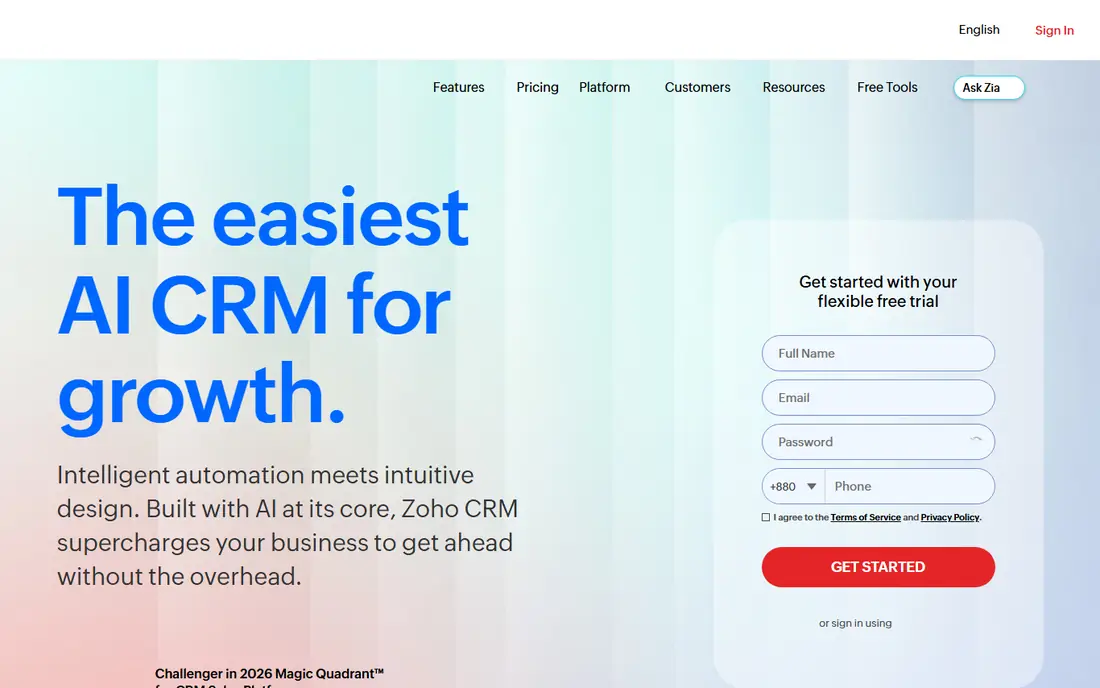
Zoho CRM is the natural first shortlist pick for many Indian businesses because it is priced in rupees, it has a free edition for up to 3 users, and it covers leads, contacts, deals, accounts and basic workflows from the start. Paid plans add workflow rules, custom fields, forecasting and, on higher editions, blueprint process control and territory management. The wide Zoho suite also matters, since many teams already use Zoho Books, Zoho Mail or Zoho Desk and want those tools to share data.
The catch is time. Zoho CRM rewards a team that sets up fields, pipelines and automation rules carefully, and it can feel heavy if you only need a simple contact list and a deal board. Small teams should start on Standard or Professional and only move up when a specific limit, such as territory management or a sandbox, is actually blocking work.
- Rupee pricing with a free plan for up to 3 users
- Deep customisation and a large app marketplace
- Strong automation on paid plans
- Setup can feel complex for a first time user
- Some useful features sit on higher priced editions
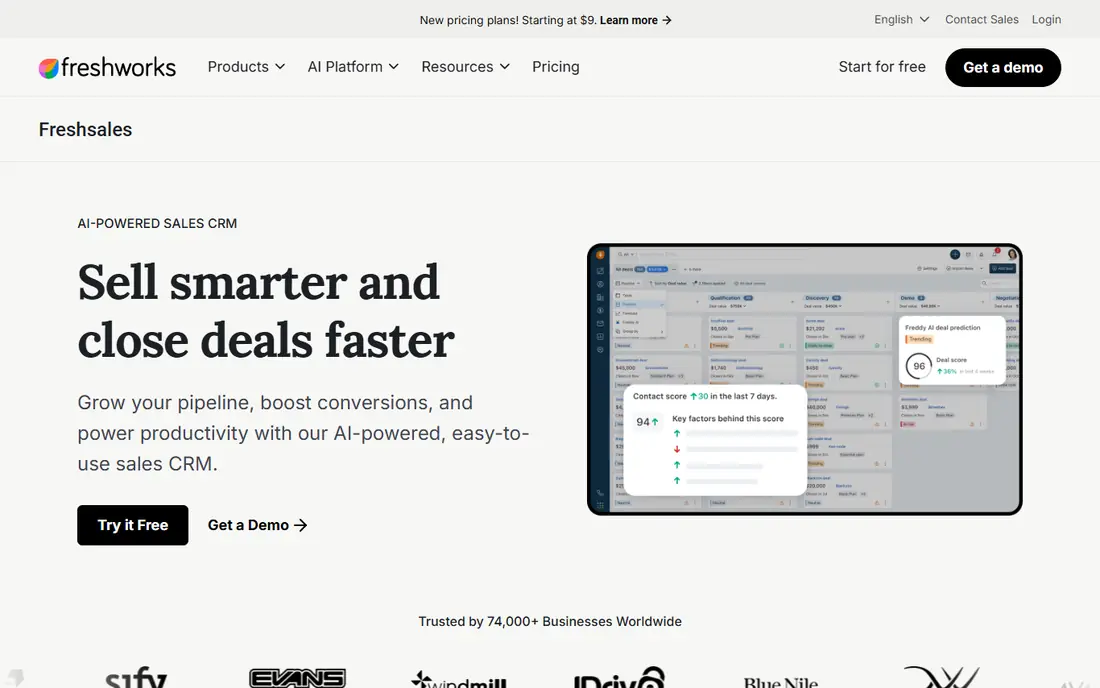
Freshsales, from Freshworks, is built around the daily work of an inside sales team: call a lead, send an email, log the outcome and move the deal to the next stage. The built-in phone and email tools reduce the need for separate calling software, and the visual pipeline makes it easy to see which deals are stuck. For a team that lives on calls and follow-ups, that focus is a real advantage over a general purpose CRM.
The limit to watch is the free plan, which covers only a small team, and the jump to Pro for deeper automation and forecasting. Teams that need heavy custom reporting or complex approval chains may find Zoho CRM or Salesforce a better fit, but for straightforward selling, Freshsales is quick to learn and pleasant to use day to day.
- Built-in phone, email and chat in one inbox
- AI lead scoring on paid plans
- Clear visual pipelines
- The free plan is limited to 3 users
- Advanced automation and forecasting need higher tiers
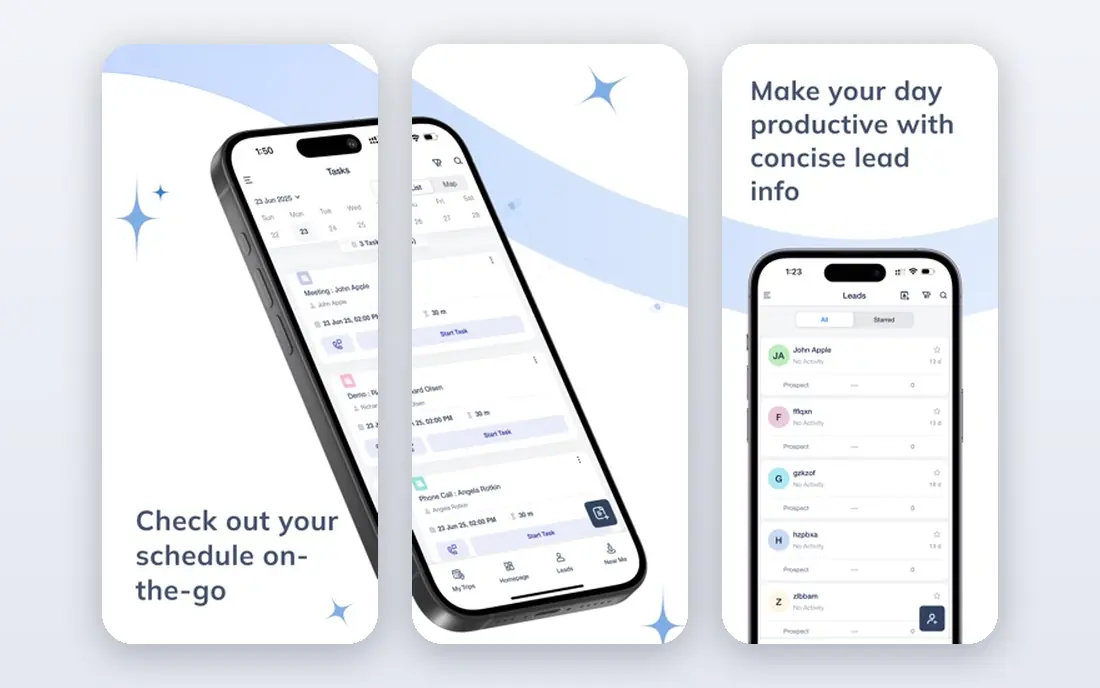
LeadSquared is designed for businesses that receive a large number of leads every day and need to route each one to the right rep within minutes. That makes it a strong choice for education, lending, insurance and healthcare teams in India, where speed of first contact often decides whether a lead converts. Lead capture from websites, ads and listing sites, plus mobile tracking for field teams, covers the full journey from enquiry to closure.
The trade-off is cost and complexity at the lower end. With no free plan and a Pro price of ₹2,500 per user per month billed annually, a very small team may get better value from Zoho CRM or Freshsales. Larger teams with clear lead volumes, however, will value the distribution rules and reporting that LeadSquared provides.
- Fast lead capture and distribution for high-volume teams
- Strong fit for education, finance and healthcare
- Mobile app for field sales
- No free plan, only a trial
- Some features, such as portals, are add-ons
HubSpot CRM is the easiest free starting point in this list for a team that also runs marketing. Contacts, companies, deals, tasks, email tracking and meeting scheduling are available without payment, and the paid Starter tier adds sequences, simple automation and branding removal. Because marketing forms, landing pages and email sit on the same contact record, a lead that downloads a guide or books a call appears in sales with its full history attached.
The warning is the price ladder. Starter is affordable, but Professional, at around $90 to $100 per seat per month on annual billing in recent pricing, is a large step up, and onboarding fees can apply on higher tiers. Teams should count seats and marketing contacts before committing, and treat the free plan as a production tool for a small team rather than a trial.
- A genuinely useful free CRM
- Marketing, sales and service tools share one contact record
- Large integration library
- Paid plans rise sharply from Starter to Professional
- Contact and seat limits can push costs up
Salesforce remains the standard choice when a sales operation is complex: multiple teams, territories, approval chains, custom objects and heavy reporting. The Starter Suite at $25 per user per month gives a small team lead, account, contact and opportunity management with built-in flows, while Pro Suite at $100 per user per month adds quoting, forecasting and deeper customisation. The AppExchange marketplace covers almost any extra need, from document signing to advanced analytics.
That depth comes with a cost that goes beyond licences. Implementation, data migration and ongoing admin work often cost as much as the licences themselves, and small teams can feel lost in a tool built for scale. Choose Salesforce when your process truly needs its flexibility, not simply because it is the best known name.
- Deep customisation and the largest app marketplace
- Strong reporting, forecasting and automation
- Starter Suite is affordable
- Total cost, including implementation and admin time, is often far above the licence price
- Setup needs skilled help
Kylas is built for Indian small and mid-sized businesses that want predictable pricing. Instead of charging per user, the flat-rate plan costs ₹12,999 per month for unlimited users, which makes it cheaper than per-seat tools once a team passes about 10 users, and it removes the penalty for adding support or operations staff who only need CRM access. Lead capture from IndiaMART, Facebook and WhatsApp, plus pipelines, quotations and a mobile app, covers the core sales workflow.
The limit is depth. Reporting, analytics and third party integrations are thinner than the larger platforms, and some advanced features are add-ons or sit on the higher Exceed tier. For a growing Indian sales team that values simple pricing and fast setup over deep customisation, Kylas is a sensible pick.
- Flat monthly price for unlimited users
- India focused lead sources and WhatsApp tools
- Simple pipeline and quotation tools
- No free plan
- Reporting and integrations are less deep than Zoho CRM or Salesforce
Pipedrive keeps selling simple: every deal sits on a visual board, every deal has a next activity, and reps work through those activities one by one. That activity based method suits teams that win by consistent follow-up rather than by complex marketing automation. The Lite plan at $14 per user per month on annual billing covers basic pipeline work, while Growth and Premium add email sync, automation and forecasting.
The catch is add-on cost. LeadBooster, Smart Docs, Campaigns and Web Visitors are paid extras, so the final monthly bill can be higher than the headline plan price. Teams should list the add-ons they need before comparing Pipedrive with a more complete suite such as HubSpot or Zoho CRM.
- Clear visual pipelines and activity based selling
- Easy to learn
- Large integration marketplace
- No free plan, only a 14-day trial
- Useful add-ons, such as lead capture and documents, cost extra
EngageBay is a budget friendly all-in-one option for a small business that wants CRM, email marketing, landing pages and basic service tools without paying for several products. The free plan covers a small contact list and core CRM features, and paid plans stay well below HubSpot Professional for a comparable small team. For a startup or a small agency, that combination is hard to beat on price alone.
The trade-off is scale. Reporting, automation depth and the integration library are not as strong as the larger platforms, and a team that grows past 20 or 30 users may outgrow it. Start with EngageBay if budget is the main constraint and your sales process is straightforward, and plan to review the choice once headcount or deal complexity rises.
- Marketing, sales and service tools in one low cost suite
- Free plan for small teams
- Landing pages and email marketing included
- Less depth than HubSpot or Salesforce for large teams
- Some advanced features need higher tiers
How we picked these
We started from vendor pricing pages and official feature pages, then checked which tools are actively sold in India, offer rupee pricing or India focused lead sources, and cover the core CRM jobs: lead capture, contact and deal management, pipelines, follow-up automation and reporting. We favoured tools with a free plan or trial, a mobile app for field use, and a clear upgrade path, and we left out tools that are no longer sold or that do not offer a usable CRM for a small or mid-sized team.
We did not claim hands-on testing. Our comparison rests on published prices, plan limits, integration lists and public user feedback, so readers should confirm the current price and trial terms on the vendor site before buying, since CRM pricing changes often.
What to check before you buy a CRM in India
A CRM fails more often from poor setup than from missing features, so the buying checks below matter as much as the feature list. Run a short trial with real leads, not sample data, and ask one rep to work a full deal through the tool.
Price it for your real team size
Count every person who will log in, including managers, support staff and part time reps. A per-seat price that looks cheap for 3 users can become expensive at 15 users, which is where a flat price tool such as Kylas can win. Also check whether taxes, onboarding fees and paid add-ons are included in the quote.
Check lead sources and WhatsApp
Indian teams often receive leads from IndiaMART, JustDial, Facebook, Google Ads and WhatsApp. Confirm that your top two or three sources connect directly, and that WhatsApp messages can be logged against the right contact. If a tool needs manual import for your main lead source, follow-up will lag and the CRM will fall out of use.
Test the mobile app on a real field day
A CRM that works well on a desktop but poorly on a phone will fail for field sales. Ask a rep to log visits, calls and notes from a phone for one day during the trial, including in an area with weak signal, and check whether records sync cleanly when the connection returns.
FAQ
What is the best crm software in india for a small business?
For most small businesses, Zoho CRM or Freshsales is the best starting point, because both offer a free plan, rupee or low dollar pricing, and core sales features without a long setup. HubSpot is also strong if marketing matters as much as sales. The right pick depends on team size, lead volume and whether you need WhatsApp or India focused lead sources.
Which are the top 10 crm software in india?
This article compares 8 leading options, and the wider top 10 discussion usually also includes Zoho Bigin for very small teams and monday CRM for visual pipeline work. A top 10 list is only useful if it is filtered by budget and team size, since a tool built for a 200 person enterprise will not suit a 5 person startup.
Is there a free CRM that works well in India?
Yes. Zoho CRM offers a free edition for up to 3 users, Freshsales offers a free plan for up to 3 users, and HubSpot CRM offers a free plan with core CRM features. Free plans suit a founder or a tiny team, but automation, advanced reporting and larger user counts usually need a paid plan.
What is the top crm software in india for high-volume sales?
LeadSquared is a strong choice for high-volume sales in India, because it is built for fast lead capture, distribution and speed to first contact. Zoho CRM Enterprise and Salesforce also handle high volumes, but LeadSquared is more focused on the high-volume, inside sales pattern common in education, finance and healthcare.
How much does CRM software cost in India?
Costs range from free for a small team to ₹800 per user per month for Zoho CRM Standard, ₹2,500 per user per month for LeadSquared Pro, and ₹12,999 per month flat for Kylas. Enterprise tools such as Salesforce start at $25 per user per month but total cost, including setup and admin time, is often much higher.
Should a small team choose a flat price or per-user CRM?
A per-user price is usually cheaper below about 8 to 10 users, while a flat price becomes cheaper once the team grows past that point or when many non-sales staff need access. Count all future users for the next 12 months, not just the current sales team, before deciding.
Sources
- https://www.zoho.com/crm/crm-for-everyone/pricing.html
- https://www.freshworks.com/crm/sales/pricing/
- https://www.leadsquared.com/pricing/
- https://www.hubspot.com/pricing/sales
- https://www.salesforce.com/sales/pricing/
- https://www.kylas.io/pricing/
- https://www.pipedrive.com/en/pricing
- https://www.engagebay.com/pricing/