The 6 Best CRM Software for Recruiting Agencies in 2026, Ranked
Best CRM software for recruiting agencies in 2026: 6 tools with starting prices, free plans and limits. Hidden costs and gaps are flagged. Decide faster.
- Editor's choice
 SugarCRM
Insight-driven selling from CRM data
Starts at$68 per user per monthVisit sugarcrm.comFull review - Great alternative
 Microsoft Dynamics 365 Sales
Agencies within the Microsoft ecosystem
Starts atSee websiteVisit microsoft.comFull review - Also consider
 Pipedrive
Visual pipeline management for recruiters
Starts atSee websiteVisit pipedrive.comFull review
Direct answer
Our first pick is SugarCRM, best for insight-driven selling from CRM data. Listed starting prices: SugarCRM from $68 per user per month. Microsoft Dynamics 365 Sales is the stronger choice for agencies within the Microsoft ecosystem, while Pipedrive suits visual pipeline management for recruiters. The other 3 tools in the list cover narrower or pricier cases.
TL;DR:
- SugarCRM sits first on this list: insight-driven selling from CRM data.
- What to know about Pipedrive first: less emphasis on deep customization.
- Neither SugarCRM nor Salesforce Sales Cloud, nor any of the other 4 tools, has a permanent free plan; trials and quotes are the norm.
- For large agencies with complicated workflows, Salesforce Sales Cloud is worth a look.
Last checked November 2026. Prices and plan details were read from the vendors' own pages in November 2026; vendors change plans often, so confirm the current price on the vendor site before you buy.
Quick comparison
| Tool | Best for | Starts at | Free plan? | |
|---|---|---|---|---|
| SugarCRM | Insight-driven selling from CRM data | $68 per user per month | Not stated | Visit |
| Microsoft Dynamics 365 Sales | Agencies within the Microsoft ecosystem | See website | Not stated | Visit |
| Pipedrive | Visual pipeline management for recruiters | See website | Not stated | Visit |
 Zoho CRM | Agencies wanting configurable sales pipelines | See website | Not stated | Visit |
 HubSpot CRM | Small agencies starting with CRM | See website | Not stated | Visit |
 Salesforce Sales Cloud | Large agencies with complicated workflows | See website | Not stated | Visit |
The best CRM software for recruiting agencies
LinkVetted put together this guide to CRM software for recruiting agencies for readers who want a clear shortlist without reading every vendor page. It compares 6 tools on starting price, free plans, who each one suits and where each one falls short.
SugarCRM is aimed squarely at insight-driven selling from CRM data. SugarCRM, now presented as SugarAI, helps sellers sell by spotting issues and opportunities hiding in CRM and ERP data and presenting them as actionable next steps. Beyond that, if your agency wants an entry-level contact and deal tracker, a lighter CRM may be sufficient.
Trade-offs to know: May need data integration planning.
More specifically, recruiting agencies that want to act on signals across their data may find this approach handy. Choose SugarCRM when actionable, data-driven selling is central to your process. Price to start with SugarCRM: $68 per user per month. As for free access: Not stated.
- Focus on precision selling
- Uses CRM and ERP data
- Less suited to straightforward pipelines
For agencies within the Microsoft ecosystem, Microsoft Dynamics 365 Sales is a natural candidate. Recruiting agencies already using Microsoft tools may find it suits naturally into their environment.
It fits organizations that value collaboration and automation and can support implementation planning. Check the vendor site for Microsoft Dynamics 365 Sales pricing; none is listed in this comparison. On free options: Not stated.
Where it is weaker: May be complicated for small teams.
- Agentic CRM with insights
- Sales automation and collaboration
- Can need implementation effort
Choose Pipedrive for visual pipeline management for recruiters. Pipedrive is a sales CRM and pipeline management tool described as simple to use and centred on helping teams grow their business.
Also, recruiting agencies that track client deals and placements by stage can benefit from its visual pipeline approach. Pipedrive does not show a starting price in this comparison, so check the vendor site for current pricing. Free plan details: Not stated.
Trade-offs to know: May need extras for complicated needs.
- Visual pipeline view
- Easy-to-use interface
- Less emphasis on deep customization
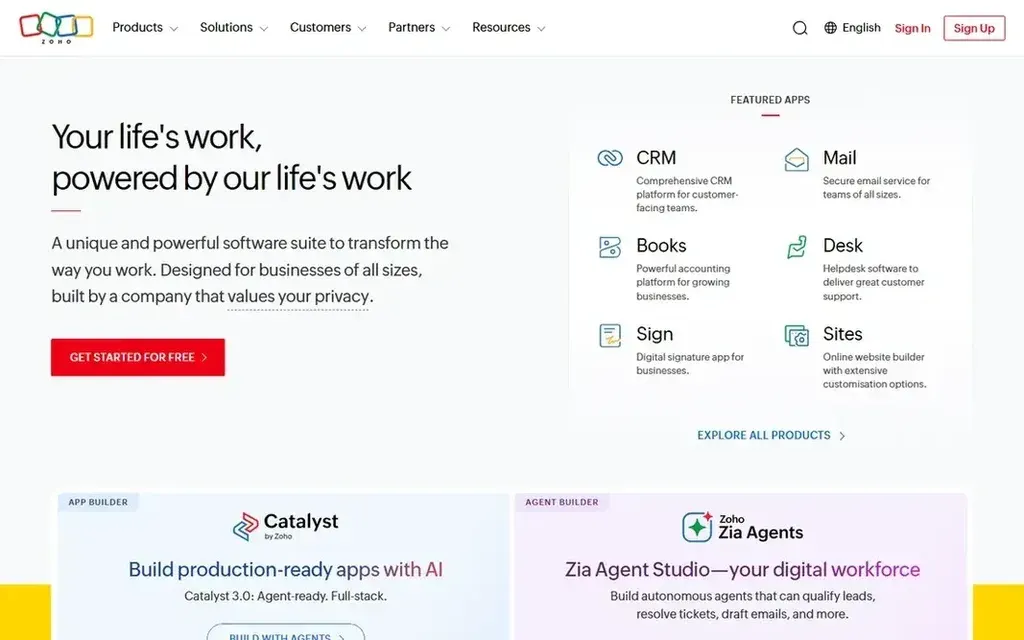
For agencies wanting configurable sales pipelines, Zoho CRM is a natural candidate. Zoho CRM is an agentic CRM system built to run sales operations and help teams close more deals. If you need a more straightforward starting point with minimal configuration, a lighter CRM may be a better fit.
Beyond that, choose Zoho CRM when you value adaptability and are prepared to invest time in configuring it around your recruiting workflow. For recruiting agencies, its configurable modules and automation can be shaped around client pipelines, candidate submissions, and placement tracking. More specifically, the trade-off is that customization needs setup effort, and the interface can feel dense for smaller teams. Teams that want an adaptable system without a heavy enterprise footprint frequently fit well here, notably when they plan to tailor fields and workflows to their own process. No starting price is listed for Zoho CRM here; confirm pricing on the vendor site. Free plan details: Not stated.
Where it is weaker: Setup can take time.
- Agentic CRM features
- Wide sales automation
- Interface can feel dense
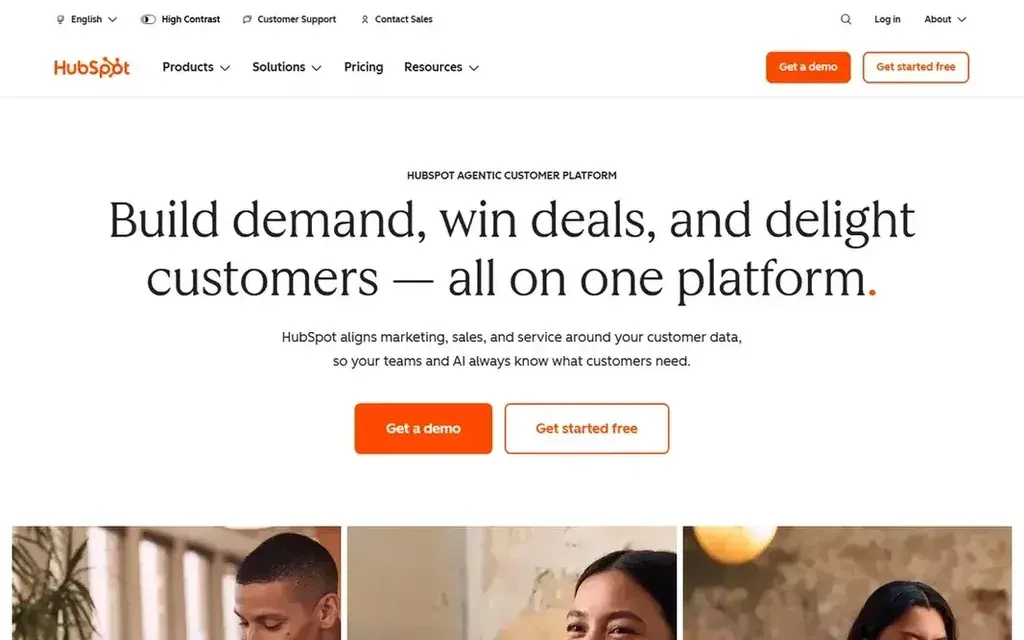
In short, HubSpot CRM is for small agencies starting with CRM. For recruiting agencies, it gives you a clean way to run client contacts and deal stages without a lengthy setup.
What to check first: Advanced needs may need more configuration.
If your process demands deep customization from day one, consider a more customizable system. Beyond that, agencies with highly custom or complicated workflows may find HubSpot CRM less adaptable from day one and may need extra configuration. Pricing for HubSpot CRM is not stated here, so ask the vendor for current figures. Free options: Not stated.
- Built-in AI features
- Straightforward setup
- Less suited to highly custom workflows
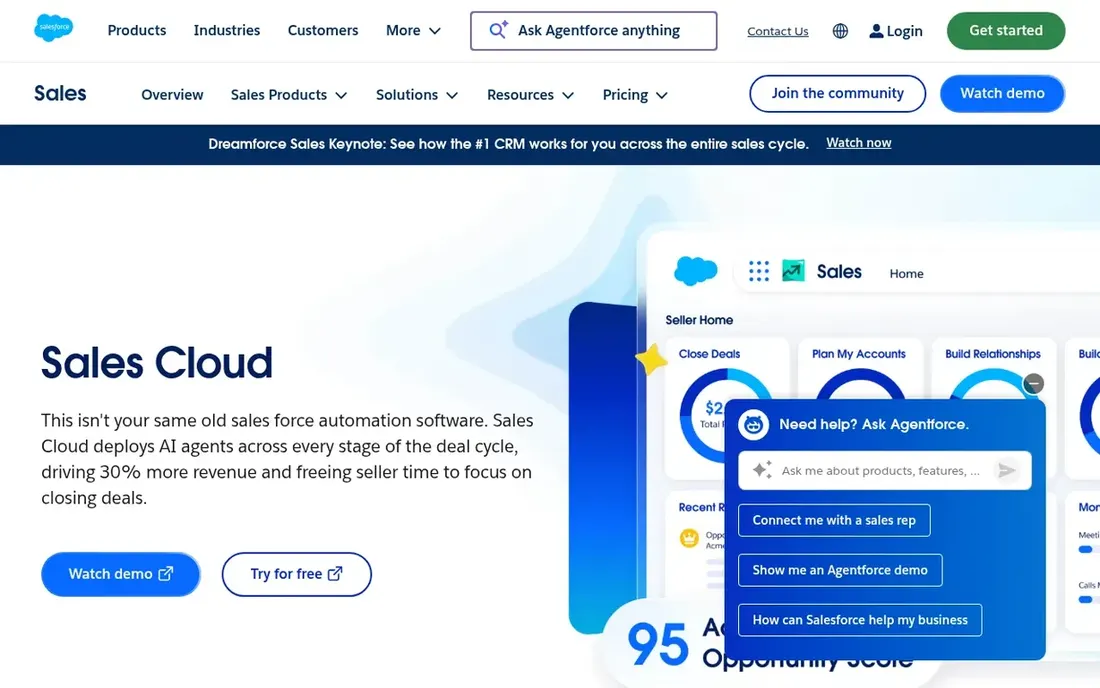
Where Salesforce Sales Cloud fits: large agencies with complicated workflows. Salesforce Sales Cloud is a sales force automation product built to help teams grow accounts, find new customers, and close deals quicker from anywhere. More specifically, pick Salesforce Sales Cloud when your workflows are intricate and you have the capacity to tailor and maintain the system.
Where it falls short: Can be complicated to administer.
Worth adding: complexity is the primary limit: administration and adoption need planning, and the system can feel heavy for straightforward recruiting pipelines. If your agency needs a quick, low-configuration start, a more straightforward CRM may serve better. Salesforce Sales Cloud does not show a starting price in this comparison, so check the vendor site for current pricing. As for free access: Not stated.
- Solid automation and insights
- Wide ecosystem
- Needs planning for adoption
Selection criteria
The comparison looks at four things: starting price, free access, how well the feature set matches CRM software for recruiting agencies, and the main limit of each tool. Seat minimums, billing terms and add-ons can move the real cost, so the starting prices here are a guide and not a quote. We ordered the tools by general fit, then by how clearly pricing is shown, then by free access. A buyer with unusual needs may reorder them.
Pre-purchase checklist
- Confirm the entry price on the vendor page. For Microsoft Dynamics 365 Sales, Pipedrive, Zoho CRM and others that means a quote rather than a fixed price.
- Read the limits listed for SugarCRM first: may need data integration planning.
- Check the integration list for Salesforce Sales Cloud against the tools you run today, and note which ones need a higher plan.
- Check the support hours and onboarding help HubSpot CRM offers; smaller vendors vary a lot here.
- Add up seats, add-ons and usage charges for Pipedrive before comparing it with cheaper entries.
FAQ
Is SugarCRM the right pick for everyone comparing CRM software for recruiting agencies?
No single tool suits every team. SugarCRM comes first because it fits insight-driven selling from CRM data, while Microsoft Dynamics 365 Sales suits agencies within the Microsoft ecosystem and Pipedrive suits visual pipeline management for recruiters. Match the tool to your own size, budget and workflow before deciding.
Do these tools publish their prices?
Not all of them. Microsoft Dynamics 365 Sales, Pipedrive, Zoho CRM and others publish no starting price, so expect a quote request for those. The rest, SugarCRM included, show a starting price, though seats and billing terms still change the final cost.
Can I try these tools before paying?
Not by default. None of the tools, from SugarCRM to Salesforce Sales Cloud, lists a free plan or a free trial here, so ask each vendor for a demo before committing.
How are the tools for CRM software for recruiting agencies ordered?
The order follows typical fit for CRM software for recruiting agencies, with SugarCRM first and Salesforce Sales Cloud last, then price clarity and free access. It is editorial judgement, not a score, so another team could rank the tools differently.
What should a recruiting agency look for in a CRM?
Focus on pipeline management for client deals, contact organization for hiring managers and candidates, and automation for follow-ups. Also check integration with your email and calendar, and whether the system can be tailored to your placement workflow.
Sources
- https://www.sugarcrm.com
- https://www.microsoft.com/en-us/dynamics-365/products/sales
- https://www.pipedrive.com
- https://www.zoho.com/crm
- https://www.hubspot.com/products/crm
- https://www.salesforce.com/sales/cloud