Best CRM Software for Home Services Contractors for 2026: Our 5 Vetted Picks
5 products for the best CRM software for home services contractors, ranked by fit, with starting costs and free tiers. Clear notes on pricing gaps and limits.
- Editor's choice
 FieldEdge
Tracking customers, dispatches, and service history
Starts atSee websiteVisit fieldedge.comFull review - Great alternative
 Service Fusion
All-in-one field service management
Starts at$220 a monthVisit servicefusion.comFull review - Also consider
 Kickserv
Managing jobs, customers, and payments
Starts at$60 per monthVisit kickserv.comFull review
Direct answer
Start with FieldEdge if you need tracking customers, dispatches, and service history. Listed starting prices: Service Fusion from $220 a month, Kickserv from $60 per month and Housecall Pro from $59 per month. Alternatives: Service Fusion for all-in-one field service management, and Kickserv for managing jobs, customers, and payments. The full list of 5 tools follows, with prices and free plan facts.
TL;DR:
- FieldEdge sits first on this list: tracking customers, dispatches, and service history.
- Housecall Pro has the lowest monthly starting price in this list: $59 per month.
- None of the 5 tools, from FieldEdge to Housecall Pro, has a free plan, so budget for a subscription or use a trial.
- Housecall Pro is the one to check for home service businesses seeking simple adoption.
- What to know about FieldEdge first: demo request required for full details.
Last checked November 2026. Prices and plan details were read from the vendors' own pages in November 2026; vendors change plans often, so confirm the current price on the vendor site before you buy.
Quick comparison
| Tool | Best for | Starts at | Free plan? | |
|---|---|---|---|---|
| FieldEdge | Tracking customers, dispatches, and service history | See website | No | Visit |
| Service Fusion | All-in-one field service management | $220 a month | No | Visit |
| Kickserv | Managing jobs, customers, and payments | $60 per month | Free trial | Visit |
 ServiceTitan | All-in-one for service and construction | See website | Free trial | Visit |
 Housecall Pro | Home service companies seeking simple adoption | $59 per month | Free trial | Visit |
The best CRM software for home services contractors
Choosing CRM software for home services contractors usually comes down to price, fit and limits. This LinkVetted guide sets 5 tools side by side on those three points, with the facts kept short and checkable.
FieldEdge is built with tracking customers, dispatches, and service history in mind. FieldEdge supplies field service management software that helps track customers, dispatches, service history, and more.
The main drawbacks: May be less suited to construction-heavy work.
Check the vendor site for FieldEdge pricing; none is listed in this comparison. No free plan comes with FieldEdge.
- Maintains service history records
- Field service management focus
- Demo request required for full details
Service Fusion is a good fit for all-in-one field service management. Service Fusion gives you all-in-one field service management software designed for service firms and contractors. Its homepage states that it helps save time and increase productivity.
The main drawbacks: Productivity claims should be verified.
In daily use, contractors whose primary work is construction instead of service calls may need different project management depth. Also, choose Service Fusion when you want a unified field service tool for a service-focused business. More specifically, the platform is meant to centralize scheduling, customer management, and job tracking for service-oriented businesses. Starting cost for Service Fusion: $220 per month. Service Fusion has no free plan.
- All-in-one field service system
- Made for service firms and contractors
- May not suit construction-only businesses
Kickserv targets managing jobs, customers, and payments. Its homepage describes a focused toolset for the core tasks that service businesses deal with daily.
Honest limits: Restricted construction project features.
In daily use, bigger teams with specialized requirements might outgrow it. Consider Kickserv when straightforward job and payment management is the priority. Kickserv pricing: $60 per month. Trial and free access: Free trial.
- Manages communication and payments
- Centred on home service companies
- May lack advanced automation

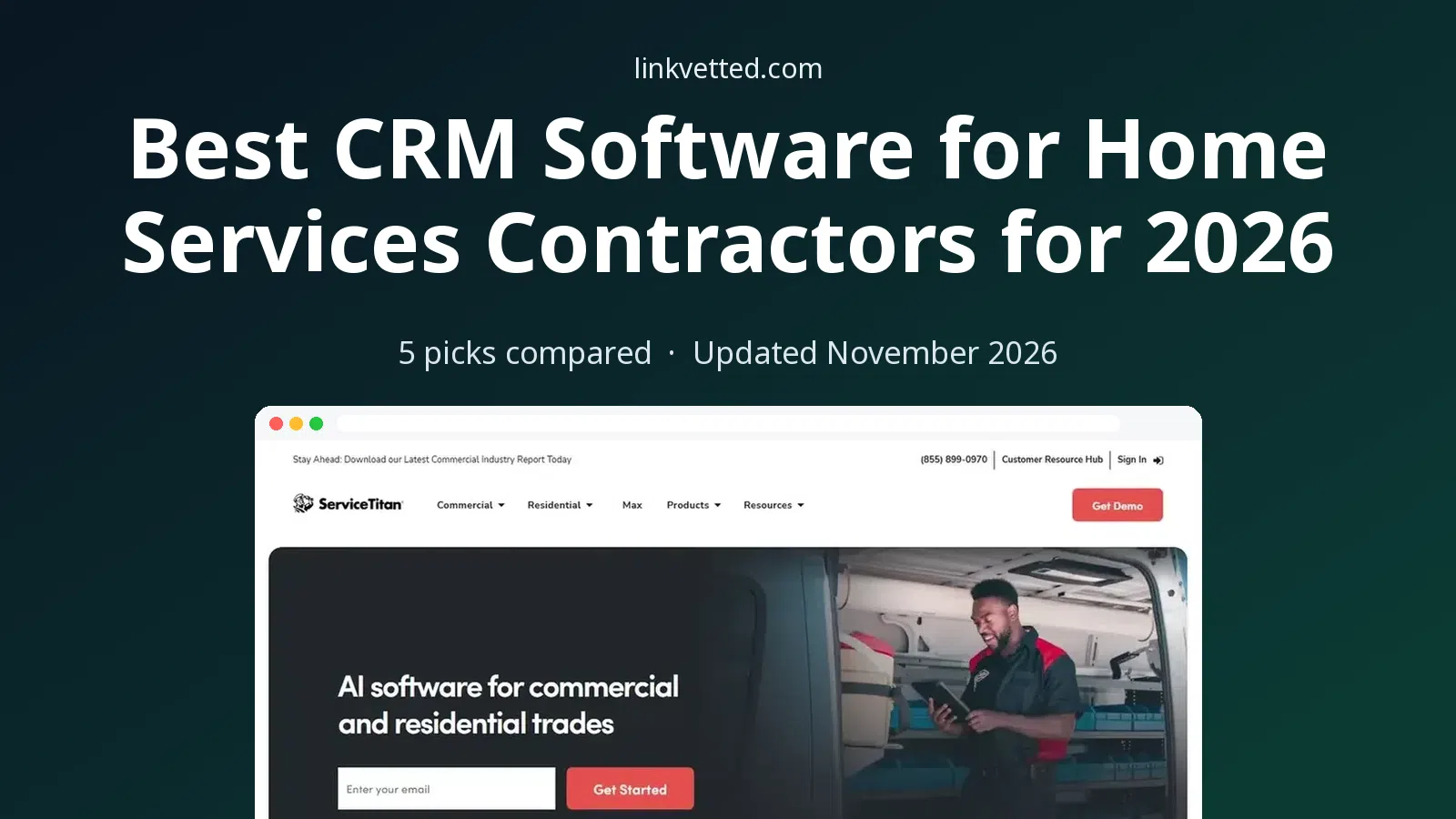
ServiceTitan serves all-in-one for service and construction. Since it aims to handle numerous workflows, ServiceTitan may feel heavy for very small teams that only need entry-level scheduling and invoicing.
Where it is weaker: Implementation can need planning.
Worth adding: consider ServiceTitan when you need a wide system that spans service and construction operations. ServiceTitan does not show a starting price in this comparison, so check the vendor site for current pricing. Free options: Free trial.
- Made for home and commercial contractors
- Includes service visits and construction projects
- May be more than small shops need
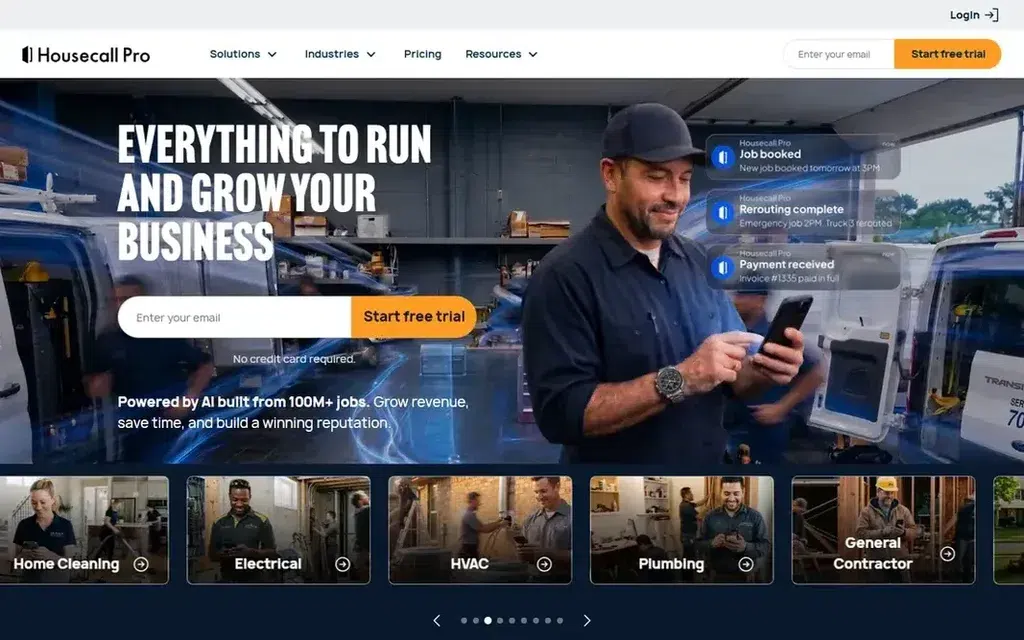
Housecall Pro is aimed squarely at home service companies seeking simple adoption. Housecall Pro is a software option for home service companies.
If your work is largely large construction projects with complicated billing, Housecall Pro may not go as deep as specialized construction systems. Housecall Pro cost at the entry level: $59 per month. Free access: Free trial.
Downsides: Advanced needs may need extras.
- Emphasizes field professional adoption
- Merges scheduling and customer management
- May lack depth for complicated construction projects
How we compared the tools
What to check before you buy
- Ask FieldEdge and ServiceTitan for a written quote, since no starting price is shown.
- Run a trial of Kickserv, ServiceTitan and Housecall Pro with real work before paying for a year; your own workflow is the best test.
- Read the limits listed for FieldEdge first: demo request required for full details.
- Read the plan comparison for Kickserv carefully; key features often start on a higher tier.
- Before rolling out ServiceTitan, verify the integrations your workflow depends on.
FAQ
Do these tools publish their prices?
Not all of them. FieldEdge and ServiceTitan publish no starting price, so expect a quote request for those. The rest, Service Fusion included, show a starting price, though seats and billing terms still change the final cost. All 5 picks in this CRM software for home services contractors comparison list a starting price, free plan details and the main limits on their cards above.
Is FieldEdge the right pick for everyone comparing CRM software for home services contractors?
No single tool suits every team. FieldEdge comes first because it fits tracking customers, dispatches, and service history, while Service Fusion suits all-in-one field service management and Kickserv suits managing jobs, customers, and payments. Match the tool to your own size, budget and workflow before deciding.
How are the tools for CRM software for home services contractors ordered?
FieldEdge sits first and Housecall Pro last because the order follows typical fit for CRM software for home services contractors, then price clarity and free access. It is a judgement call, so read each profile for fit and limits.
Does any tool for CRM software for home services contractors here have a free plan?
No tool in this list, FieldEdge and Housecall Pro included, has a permanent free plan. Kickserv, ServiceTitan, Housecall Pro offer a trial. Trials and quotes are the usual route, so plan a short evaluation period.
Sources
- https://www.fieldedge.com
- https://www.servicefusion.com
- https://www.kickserv.com
- https://www.servicetitan.com
- https://www.housecallpro.com