Best Conversational Analytics Tools for Business in 2026: Prices, Free Plans and 6 Picks
Best conversational analytics tools for business: 6 contenders ranked by fit, with entry costs and free tiers. Verdicts stay brief and factual. Quick to scan.
- Editor's choice
 ThoughtSpot
AI-driven search analytics
Starts at$25 per user a monthVisit thoughtspot.comFull review - Great alternative
 Google Looker
Semantic layer and Google Cloud integration
Starts atSee websiteVisit cloud.google.comFull review - Also consider
 Sisense
Embedded analytics with adaptable development
Starts atSee websiteVisit sisense.comFull review
Direct answer
This list puts ThoughtSpot first for AI-driven search analytics. Listed starting prices: ThoughtSpot from $25 per user a month and Tableau from $15 per user a month. For a different need, Google Looker covers semantic layer and Google Cloud integration and Sisense covers embedded analytics with flexible development. Prices, free plans and limits for all 6 tools follow.
TL;DR:
- ThoughtSpot sits first on this list: AI-driven search analytics.
- Tableau is the lowest-priced starter here at $15 per user per month.
- What to know about ThoughtSpot first: steeper ramp-up time for some.
- Tableau stands alone as the one tool in this list with a free plan.
Last checked November 2026. Prices and plan details were read from the vendors' own pages in November 2026; vendors change plans often, so confirm the current price on the vendor site before you buy.
Quick comparison
| Tool | Best for | Starts at | Free plan? | |
|---|---|---|---|---|
| ThoughtSpot | AI-driven search analytics | $25 per user a month | Free trial | Visit |
| Google Looker | Semantic layer and Google Cloud integration | See website | Not stated | Visit |
| Sisense | Embedded analytics with adaptable development | See website | Free trial | Visit |
 Amazon QuickSight | AWS-native AI-powered BI | See website | Not stated | Visit |
 Tableau | Visual analytics with natural language | $15 per user a month | Yes | Visit |
 Domo | Governed data for AI and business insights | See website | Free trial | Visit |
Conversational Analytics Tools for Business, one by one
This LinkVetted guide covers 6 options for conversational analytics tools for business. Each profile lists a starting price, free plan details, strengths and drawbacks, so you can drop poor fits quickly.
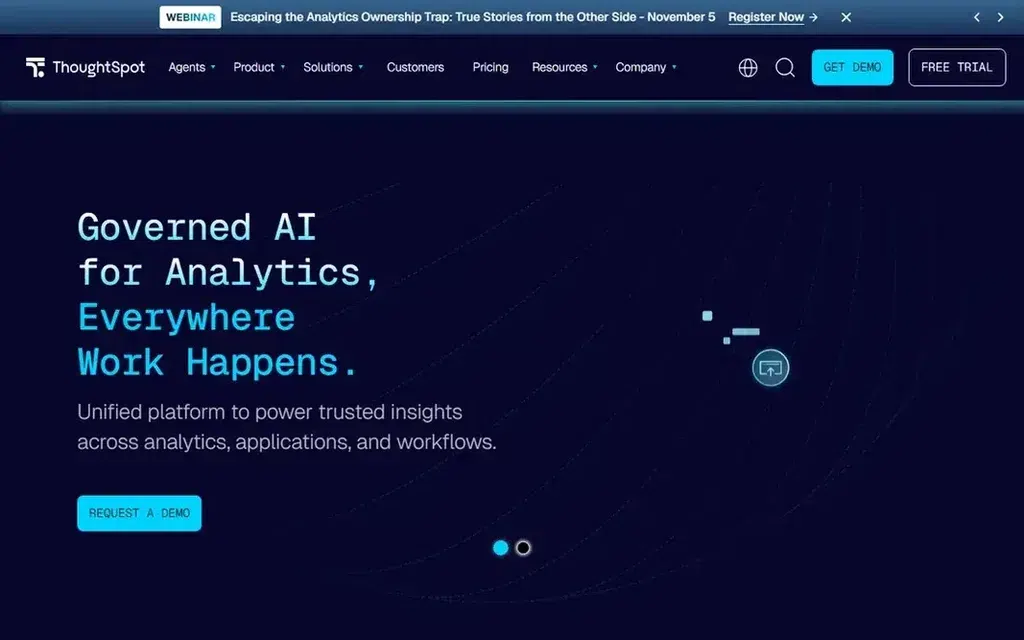
For AI-driven search analytics, ThoughtSpot is a natural candidate. ThoughtSpot may need thoughtful data modeling to deliver accurate results, and some users may find the search paradigm less familiar than traditional dashboards. If you need deep prebuilt visualizations, Tableau might be a better fit.
Honest limits: May need data modeling.
Also, ThoughtSpot gives you an agentic analytics system that uses AI agents and automatic insights to transform data into action. It emphasizes a search-first experience, letting users ask questions in natural language and receive answers rapidly. It also supports embedded intelligence for applications. ThoughtSpot pricing: $25 per user per month. Free options: Free trial.
- Search-based interface
- AI agents for insights
- Steeper ramp-up time for some
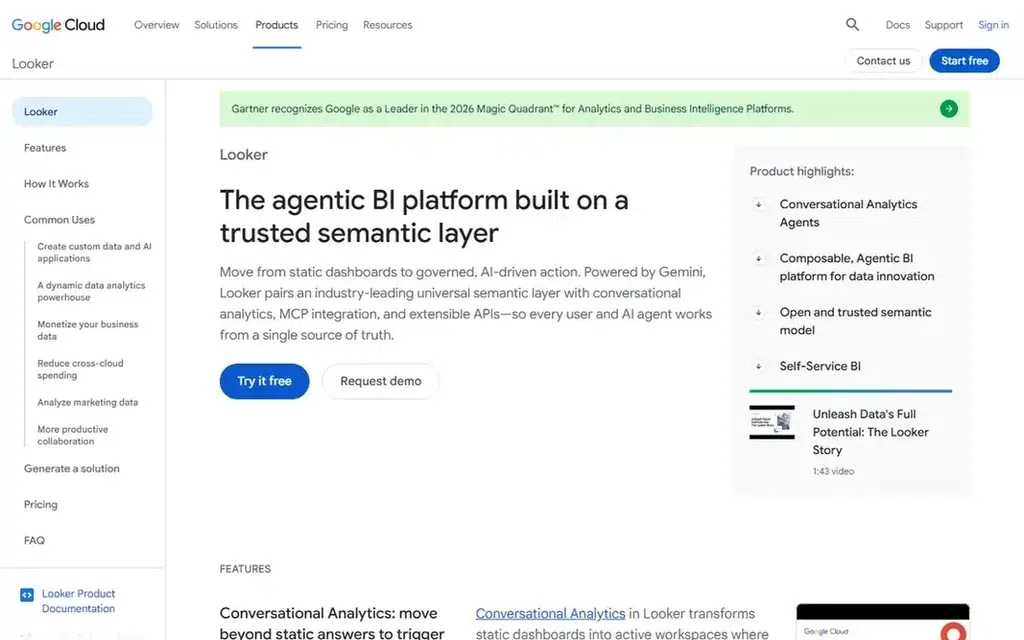
Google Looker serves semantic layer and Google Cloud integration. This makes it a capable choice for organizations already invested in Google Cloud or those seeking a governed, consistent data model.
Limits to weigh: Tied to Google Cloud ecosystem.
It is most beneficial within the Google Cloud ecosystem. Pricing for Google Looker is not stated here, so ask the vendor for current figures. Trial and free access: Not stated.
- Trusted semantic layer
- Embedded analytics
- Needs LookML modeling
For embedded analytics with flexible development, Sisense is a natural candidate. Sisense gives AI-powered embedded analytics designed to unlock insights and convert data into revenue, with pro-code, low-code, and no-code adaptability. It is especially suited for product teams and developers who want to embed analytics into their applications and offer conversational experiences to end users.
It supports a set of customization levels to match different technical skills. It frequently needs developer resources for full implementation. On top of that, if you need a tool for internal business intelligence instead of embedding, consider Tableau or Google Looker. Check the vendor site for Sisense pricing; none is listed in this comparison. Free options: Free trial.
The main drawbacks: Primarily for embedding, less for ad-hoc.
- AI-powered insights
- Focus on embedded analytics
- May need developer resources
Amazon QuickSight is a good fit for AWS-native AI-powered BI. Amazon QuickSight is an AI-powered business intelligence service from AWS that transforms data into strategic insights for everyone through unified intelligence, actionable analytics, and democratized data access. It integrates natively with AWS services and supplies conversational analytics via Amazon Q.
QuickSight may offer less customization than some competitors and is most advantageous within the AWS ecosystem. It is a strong match for teams seeking a managed, pay-as-you-go BI service. Amazon QuickSight shows no starting price here, so confirm the cost on the vendor site. Free options: Not stated.
Limits to weigh: Restricted customization compared with some.
- Native AWS integration
- Pay-as-you-go model
- A good match for AWS users
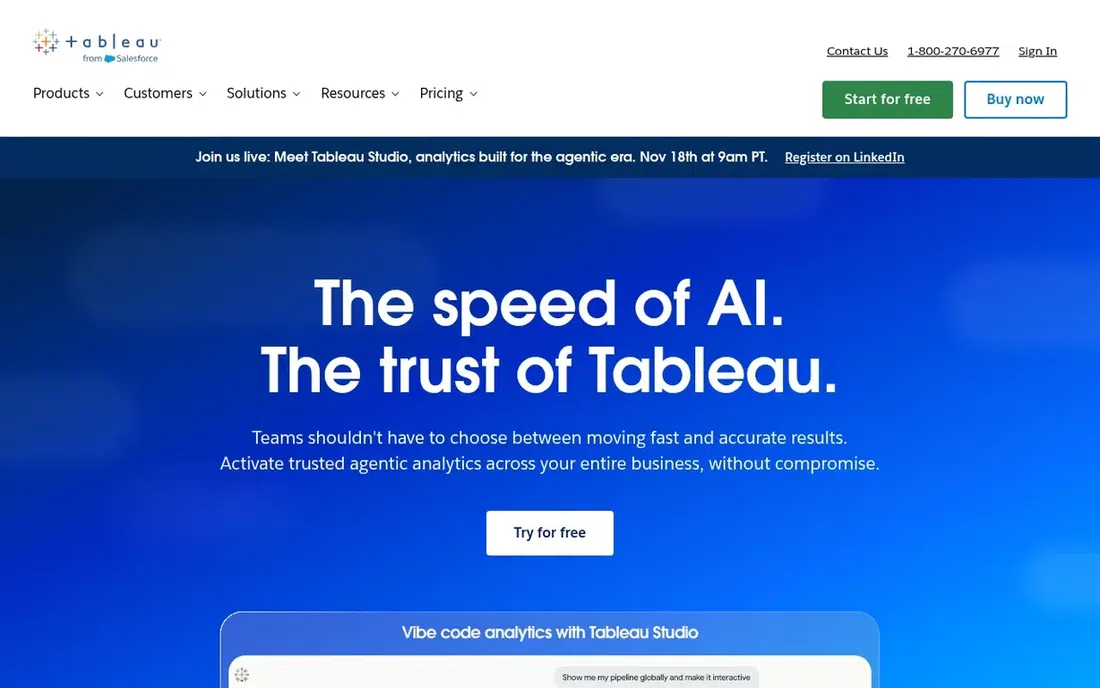
Tableau is a good fit for visual analytics with natural language. If you need a more straightforward, search-first experience, consider ThoughtSpot instead. Beyond that, Tableau is a business intelligence product that helps users see and understand data through visualizations.
Trade-offs to know: Can be complicated for beginners.
Its natural language capability, Ask Data, lets users type questions and get visual responses. Tableau can be complicated for new users and may need significant setup for governed data and performance at scale. What you pay to start with Tableau: $15 per user per month. Tableau has a free plan.
- Links to plenty of data sources
- Natural language queries
- Needs setup for governed data
In short, Domo is for governed data for AI and business insights. Domo strengthens the whole data journey with its AI and data products, enabling users to link and move data from any source, prepare and expand data access for exploration, and accelerate business-critical insights.
Watch-outs: Can be overwhelming for small teams.
From a buyer's view, if you prefer a more focused analytics tool, consider ThoughtSpot or Sisense. As for the details, Domo's wide capabilities can be overwhelming for small teams and may need significant setup for data governance. This comparison lists no price for Domo; ask the vendor. Free options: Free trial.
- AI and data products
- End-to-end data journey support
- Needs data governance setup
How the list was put together
LinkVetted looked at what each vendor publishes: pricing, plan limits, feature coverage for conversational analytics tools for business and stated drawbacks. No hands-on testing is claimed. Where a vendor does not publish a price, the entry says quote. Where a price depends on seats or billing term, the entry says so. The ranking is editorial: typical fit first, then clear pricing, then free access. If your needs are unusual, read the profiles rather than relying on position.
Pre-purchase checklist
- Ask Google Looker, Sisense, Amazon QuickSight and Domo for a written quote, since no starting price is shown.
- Test the free plan from Tableau against your real workload before relying on it.
- Run a trial of ThoughtSpot, Sisense and Domo with real work before paying for a year; your own workflow is the best test.
- Read the limits listed for ThoughtSpot first: steeper ramp-up time for some.
- Before you load data into Google Looker, check what an export looks like and who can run it.
- Test the integrations you rely on with Sisense before committing; some connectors sit on upper tiers.
FAQ
Which options for conversational analytics tools for business have a free plan?
Tableau is the only tool in this list with a free plan. Free plans usually cap users, projects or features, so check the limits on the vendor page. Several others offer a trial instead. Prices, free plan details and limits for all 6 tools in this conversational analytics tools for business roundup sit on the individual cards above.
How are the tools for conversational analytics tools for business ordered?
ThoughtSpot sits first and Domo last because the order follows typical fit for conversational analytics tools for business, then price clarity and free access. It is a judgement call, so read each profile for fit and limits.
Do these tools publish their prices?
Not all of them. Google Looker, Sisense, Amazon QuickSight and Domo publish no starting price, so expect a quote request for those. The rest, ThoughtSpot included, show a starting price, though seats and billing terms still change the final cost.
Which tool is a good match for beginners in conversational analytics?
The first pick on this list is ThoughtSpot, because it suits AI-driven search analytics. Google Looker is better for semantic layer and Google Cloud integration, and Sisense for embedded analytics with adaptable development. Check price and limits against your own needs before choosing.
Can I try these tools before paying?
Often, yes. Tableau has a free plan and ThoughtSpot, Sisense and Domo offer a free trial. Use your own data and a real task during the test, and check what the free tier or trial limits before you rely on it.
Sources
- https://www.thoughtspot.com
- https://cloud.google.com/looker
- https://www.sisense.com
- https://aws.amazon.com/quicksight
- https://www.tableau.com
- https://www.domo.com