Best Contractor Management Software or (2026): 6 Picks Checked on Vendor Pages
Best contractor management software or in 2026: 6 tools with starting prices, free plans and limits. Concise write-ups of every option. Straight answers.
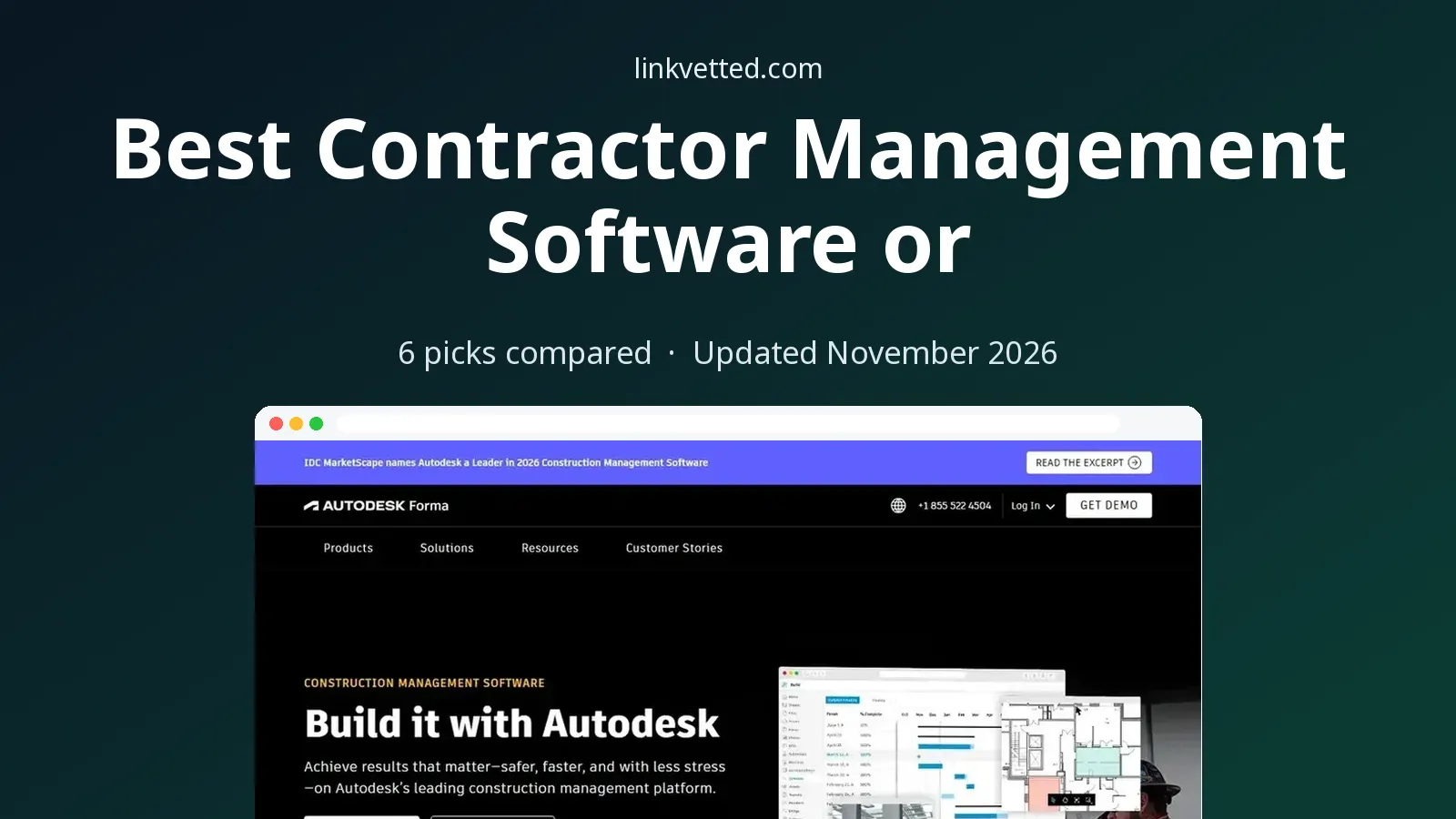
- Editor's choice
 Knowify
Trade contractors bidding and invoicing
Starts at$19 per unit per monthVisit knowify.comFull review - Great alternativeJonas Construction Software
Unifying job costing and financials
Starts atSee websiteVisit jonasconstruction.comFull review - Also consider
 Autodesk Construction Cloud
Secure collaboration across project teams
Starts atSee websiteVisit construction.autodesk.comFull review
Direct answer
For trade contractors bidding and invoicing, Knowify is where this list starts. Listed starting prices: Knowify from $19 per unit per month. Jonas Construction Software is better for unifying job costing and financials, and Autodesk Construction Cloud is better for secure collaboration across project teams. Prices, free plans and limits for all 6 tools follow.
TL;DR:
- This list starts with Knowify, which is built for trade contractors bidding and invoicing.
- Starting prices begin at $19 per unit per month with Knowify.
- Neither Knowify nor Contractor Foreman, nor any of the other 4 tools, has a permanent free plan; trials and quotes are the norm.
- Check the limits for Knowify before you commit: trade-contractor focus may not suit general builders.
Last checked November 2026. Prices and plan details were read from the vendors' own pages in November 2026; vendors change plans often, so confirm the current price on the vendor site before you buy.
Quick comparison
| Tool | Best for | Starts at | Free plan? | |
|---|---|---|---|---|
| Knowify | Trade contractors bidding and invoicing | $19 per unit per month | Free trial | Visit |
| Jonas Construction Software | Unifying job costing and financials | See website | Not stated | Visit |
| Autodesk Construction Cloud | Secure collaboration across project teams | See website | Not stated | Visit |
 CoConstruct | Builders managing custom projects | See website | Not stated | Visit |
 Procore | Connecting site and office teams | See website | Not stated | Visit |
 Contractor Foreman | All-in-one basics for contractors | See website | Not stated | Visit |
Every option for contractor management software or explained
This LinkVetted guide covers 6 options for contractor management software or. Each profile lists a starting price, free plan details, strengths and drawbacks, so you can drop poor fits quickly.
Knowify is built with trade contractors bidding and invoicing in mind. Knowify is construction management software pitched at trade contractors.
What to check first: Confirm fit for bigger multi-project operations.
In practice, businesses needing deep ERP-level accounting across numerous entities should confirm capabilities and consider a dedicated construction ERP. In daily use, Knowify's trade-contractor orientation means general contractors or builders with different workflow needs may want a broader product. Knowify pricing: $19 per unit per month. On free options: Free trial.
- Made for trade contractors
- Includes bidding through invoicing
- Trade-contractor focus may not suit general builders
Jonas Construction Software
Best for: Unifying job costing and financials
Jonas Construction Software works best for unifying job costing and financials. Jonas Construction Software is construction ERP software for contractors.
Where it is weaker: May be more than small crews need.
From a buyer's view, contractors seeking only light scheduling and invoicing may prefer a simpler, narrower tool. Also, a unified ERP system generally needs planning and process alignment during adoption, and it can be more than a small crew needs. Pricing for Jonas Construction Software is not stated here, so ask the vendor for current figures. Free plan details: Not stated.
- Merges job costing and payroll
- Links field operations with financials
- ERP scope can mean longer implementation
Autodesk Construction Cloud
Best for: Secure collaboration across project teams
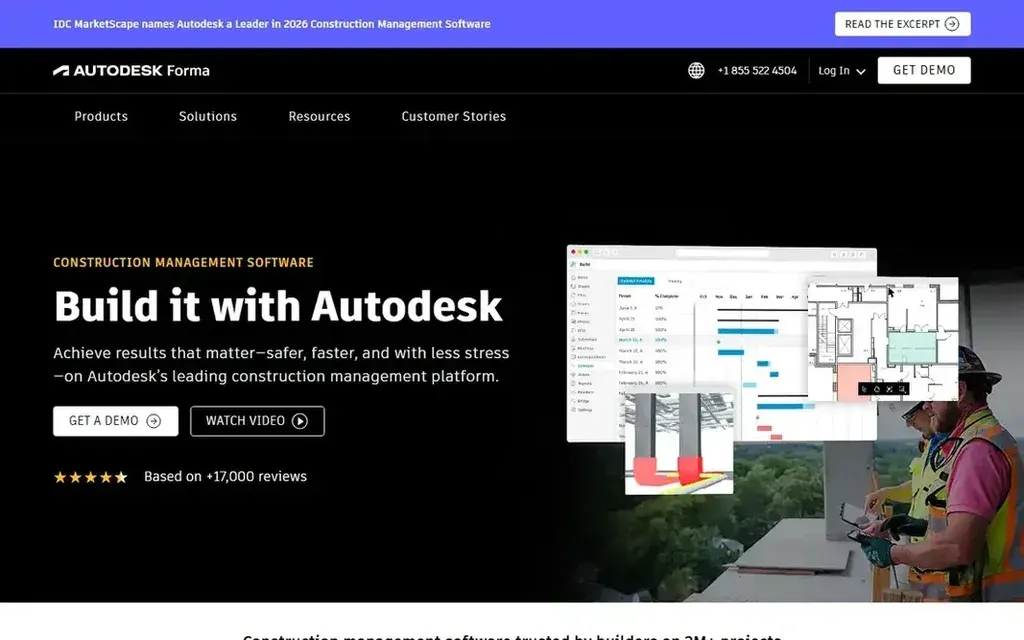
Pick Autodesk Construction Cloud if this describes you: secure collaboration across project teams. Autodesk Construction Cloud, now described as Autodesk Forma, is a construction management product built around project team collaboration. In practice, the vendor states that teams can collaborate securely and rapidly to deliver projects on time and on budget.
Its emphasis is collaboration instead of deep accounting or payroll, so contractors seeking a full financial back office may need to pair it with other systems. From a buyer's view, smaller businesses wanting one straightforward tool for estimates and invoices may find it more than necessary. Pricing for Autodesk Construction Cloud is not stated here, so ask the vendor for current figures. As for free access: Not stated.
Where Autodesk Construction Cloud stands out: on-budget delivery.
Honest limits: Collaboration focus may not include every back-office need.
- Emphasizes secure collaboration
- Supports on-time
- Teams outside the Autodesk ecosystem may need additional setup
CoConstruct is built with builders managing custom projects in mind. Because CoConstruct and Buildertrend are consolidating under one brand, buyers should confirm current features and product direction with the vendor.
CoConstruct is construction management software for builders and remodelers, and it now shares a unified brand with Buildertrend. Teams needing heavy commercial ERP functions may look to a dedicated construction ERP instead. CoConstruct shows no starting price here, so confirm the cost on the vendor site. Free options: Not stated.
What to check first: Verify current product details straight with the vendor.
- Suits client-facing project work
- Targeted at construction management workflows
- Brand transition may prompt questions about roadmap

Procore is built with connecting site and office teams in mind. Teams that chiefly want estimating and invoicing for small residential work may prefer a lighter, more focused tool instead.
Watch-outs: Setup effort grows with project scope.
No starting price is listed for Procore here; confirm pricing on the vendor site. Free plan details: Not stated.
- Live project visibility
- Links field and office data
- Wide system may feel heavy for small crews
Contractor Foreman works best for all-in-one basics for contractors. Contractor Foreman is all-in-one construction management software for contractors.
The vendor lists estimates, scheduling, time cards and invoicing among its core capabilities, positioning it as a single place to run daily field and office tasks. Contractor Foreman shows no starting price here, so confirm the cost on the vendor site. Free options: Not stated.
Strengths: scheduling and time cards together.
Limits to weigh: May lack depth for large commercial ERP needs.
- Invoicing included in the same tool
- Estimates
- Verify fit for complex multi-company setups
How we built this list
LinkVetted looked at what each vendor publishes: pricing, plan limits, feature coverage for contractor management software or and stated drawbacks. No hands-on testing is claimed. Where a price is missing, the vendor does not list one publicly or ties it to a quote. Always confirm before budgeting. The order reflects how well each tool fits the most common buying scenario for contractor management software or, then price clarity, then free plan access. It is a starting point, not a verdict.
Before you commit
- Get a written quote from Jonas Construction Software, Autodesk Construction Cloud, CoConstruct and others; the list shows no starting price for them.
- Run a trial of Knowify with real work before paying for a year; your own workflow is the best test.
- Before choosing Knowify, weigh its main limit: trade-contractor focus may not suit general builders.
- Ask Autodesk Construction Cloud about contract length, onboarding fees and user minimums before you sign.
- Check how data leaves CoConstruct: formats, limits and whether exports are available on every plan.
FAQ
Which choice fits trade contractors?
Knowify is positioned specifically for trade contractors, handling bidding, job management and invoicing for commercial and residential work. Contractor Foreman is another all-in-one choice for smaller teams wanting core workflows together.
What is the cheapest option for contractor management software or in this list?
On published monthly entry prices, Knowify is the lowest here at $19 per unit per month. Entry price is only part of the cost, because seats, add-ons and billing terms can change the total. For the full picture, the cards above cover all 6 entries of this contractor management software or list, including price, free plan and limits.
Does any tool for contractor management software or here have a free plan?
No tool in this list, Knowify and Contractor Foreman included, has a permanent free plan. Knowify offer a trial. Trials and quotes are the usual route, so plan a short evaluation period.
How are the tools for contractor management software or ordered?
The order follows typical fit for contractor management software or, with Knowify first and Contractor Foreman last, then price clarity and free access. It is editorial judgement, not a score, so another team could rank the tools differently.
Do these tools publish their prices?
Not all of them. Jonas Construction Software, Autodesk Construction Cloud, CoConstruct and others publish no starting price, so expect a quote request for those. The rest, Knowify included, show a starting price, though seats and billing terms still change the final cost.
Sources
- https://www.knowify.com
- https://www.jonasconstruction.com
- https://construction.autodesk.com
- https://www.coConstruct.com
- https://www.procore.com
- https://www.contractorforeman.com