Best Commission Tracking Software in 2026: 8 Tools Compared
Compare the best commission tracking software for sales teams in 2026, with pricing, CRM links, audit trails and clear rep statements in one guide today.

- Editor's choice
 CaptivateIQ
Complex enterprise plans
Starts atSee websiteVisit captivateiq.comFull review - Great alternative
 Spiff by Salesforce
Salesforce-centered teams
Starts at$75 per user per monthVisit salesforce.comFull review - Also consider
 QuotaPath
Growing teams leaving spreadsheets
Starts at$35 per user per monthVisit quotapath.comFull review
TL;DR:
- QuotaPath and Spiff by Salesforce publish entry prices, while most rivals sell by quote, so budget for a sales conversation as well as a subscription.
- The best tools pull closed deals from your CRM, apply tiers, splits and clawbacks, and show each rep exactly how a payout was calculated.
- A clear audit trail matters as much as speed, because finance needs to explain every adjustment before payroll runs.
- Small teams should start with a simpler tool and move up only when plan rules outgrow spreadsheets and manual checks.
Quick comparison
| Tool | Best for | Starts at | Free plan? | |
|---|---|---|---|---|
| CaptivateIQ | Complex enterprise plans | See website | No | Visit |
| Spiff by Salesforce | Salesforce-centered teams | $75 per user per month | No | Visit |
| QuotaPath | Growing teams leaving spreadsheets | $35 per user per month | Free trial | Visit |
 Everstage | Fast setup for mid-market teams | See website | No | Visit |
 Performio | Enterprises with messy data | See website | No | Visit |
 Xactly Incent | Large regulated sales teams | See website | No | Visit |
 Varicent | Global and layered plans | See website | No | Visit |
 Sales Cookie | Unusual or highly custom plans | $40 per user per month | Free trial | Visit |
The best commission tracking software
Spreadsheet commissions break at the worst moment, usually when a split changes, a deal closes late, or a rep questions a payout. These tools replace that fragile process with a plan engine, a CRM link and a statement each rep can read. We compared official feature pages, pricing pages and public reviews, and we favored tools with clear audit trails and payroll-ready exports.

CaptivateIQ suits teams whose plans have tiers, accelerators, draws, splits and clawbacks all in one document. Admins can build and change plans without writing code, and reps see a statement that traces each payout back to the deal and rule behind it. That traceability helps finance answer questions without digging through formulas.
The trade-off is scope. CaptivateIQ is built for mid-market and larger teams, so a five-person team may find the onboarding and price heavier than needed. If your plans are simple, a lighter tool will get you live faster. For complex plans, though, the control and audit history are worth the effort.
- Flexible plan builder without code
- Detailed audit trail
- Strong CRM links
- Quote-only pricing
- Setup can take real time for large teams
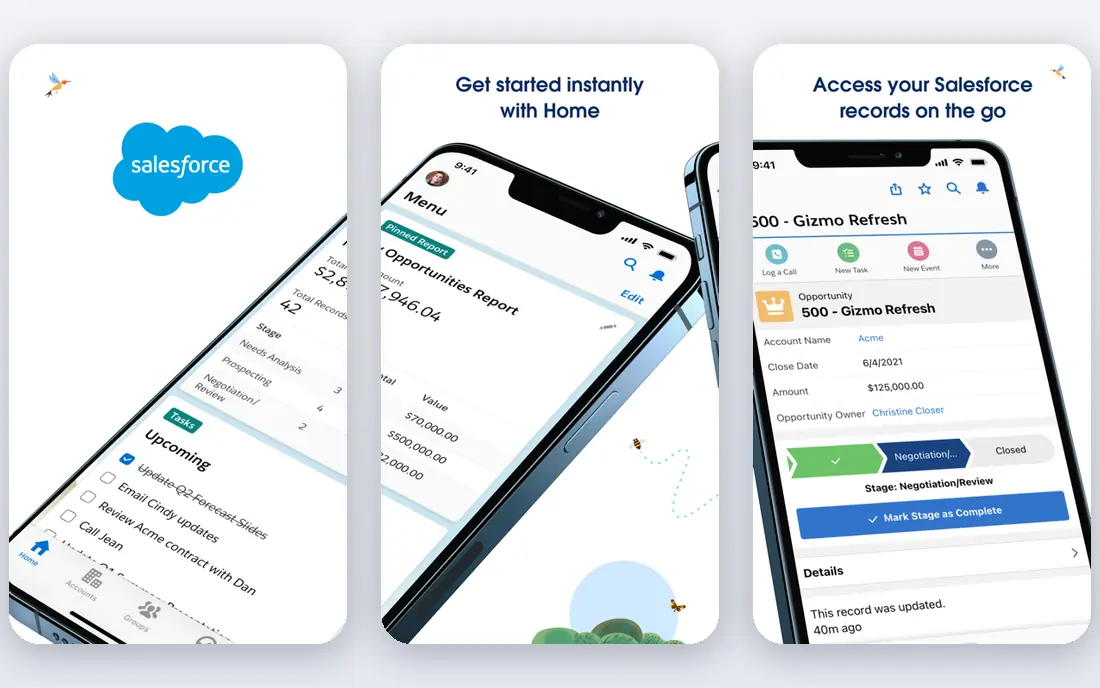
Spiff, now part of Salesforce, calculates commissions inside the CRM many sales teams already live in. Reps can check earnings in real time as deals move, which cuts the usual end-of-month surprise and the stream of payout questions. Managers get approval steps and a record of changes before money moves to payroll.
The catch is the ecosystem. Teams on Salesforce get the cleanest fit, while teams on another CRM pay $250 per month for each extra connector, based on vendor pricing summaries. That can change the total fast. If Salesforce is your system of record, Spiff is a strong, low-friction pick.
- Native Salesforce connection
- Clear rep dashboards
- Published price
- Extra connectors cost more
- Less natural outside Salesforce
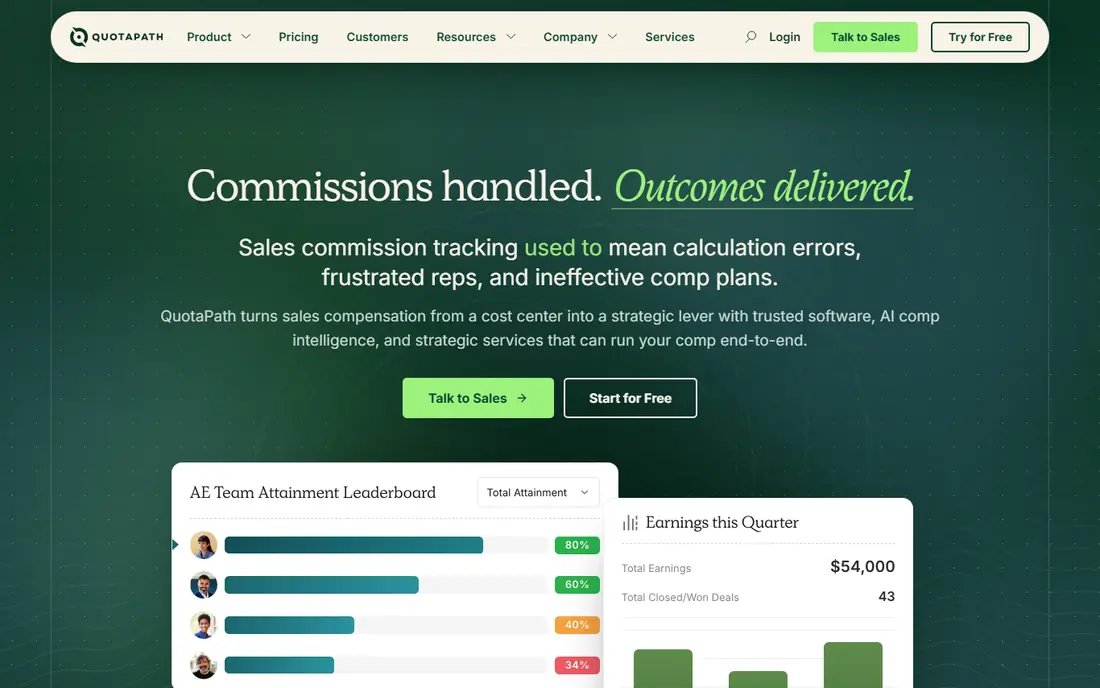
QuotaPath is our pick for most small and growing teams because the price is public and the setup is far simpler than an enterprise platform. Growth pricing is listed at $35 per user per month plus a $525 monthly platform fee, billed annually, so model the full monthly total before you compare it with quote-only rivals. Reps get a clear view of attainment, earnings and what they need to close next.
The limit is plan depth. Very layered enterprise plans with many exceptions may still need a larger tool. For standard tiers, accelerators and splits, QuotaPath covers the ground most growing teams actually use, and it does so without a long implementation project.
- Published pricing
- Simple setup
- Rep earnings pages
- Platform fee on top of per-user price
- Less suited to very complex plans
Everstage pitches speed, and public reviews often cite go-live in weeks rather than quarters for mid-market teams. The no-code builder handles common plan shapes, and reps can see payouts and disputes in one place instead of asking finance for a spreadsheet export. Approval workflows keep finance in control before payroll.
The honest catch is pricing opacity. Everstage does not publish a standard price, so you will need a quote tied to payee count and plan complexity. Ask what onboarding, support and any accounting add-ons cost in writing. For teams that want to move quickly and can accept a quote-led sale, it is a strong option.
- No-code plan builder
- Fast go-live reputation
- Clear rep visibility
- Quote-only pricing
- Some changes need vendor help
Performio is built for companies where commission data arrives from more than one system and does not always arrive clean. Its component-based builder lets admins assemble plans from reusable pieces, and the audit trail records changes in a way finance teams can defend. That matters when payouts feed payroll and financial reporting.
The downside is that power brings complexity. Admins need time to learn the builder, and pricing is quote-based, so small teams may struggle to justify it. Larger teams with varied data sources and strict controls will get more value from Performio than from a simpler tracker.
- Component-based plan builder
- Strong audit trails
- Handles varied data sources
- Quote-only pricing
- Admin learning curve
Xactly Incent is a long-standing enterprise choice for sales performance management. It handles large payee counts, complex territories and quota structures, and it pairs commission calculation with reporting that finance and sales leaders can both use. Companies with strict compliance needs often value that maturity.
The cost is time and budget. Implementation is a project, not a weekend setup, and pricing is quoted per deal. Small teams should look elsewhere. Large teams that need a proven enterprise engine and can staff the rollout will find Xactly a steady, if pricey, choice.
- Mature incentive engine
- Broad reporting
- Compliance-friendly controls
- Quote-only pricing
- Implementation can be long
Varicent fits global organizations where compensation runs across countries, currencies and layers of management. Plans can be modeled in depth before they go live, which helps leaders test the cost of a new accelerator or quota change. That modeling depth is rare in simpler tools.
The trade-off is technical weight. Many teams need a skilled admin or vendor help to get the most from Varicent, and the price is quoted. If your plans are straightforward, that depth is overkill. If they span regions and complex hierarchies, Varicent is one of the few tools built for that shape.
- Deep customization
- Multi-currency support
- Strong modeling
- Technical admin often needed
- Quote-only pricing
Sales Cookie is a good fit when your plan does not look like anyone else's. Its calculation engine handles unusual structures that rigid tools force into workarounds, and pricing starts at $40 per user per month on monthly billing, with a trial to test your real plan first. That flexibility is valuable for teams with creative incentive designs.
The catch is scale and polish. Sales Cookie is a smaller vendor than CaptivateIQ or Xactly, so support depth and integration breadth may differ. Test your hardest plan during the trial, and confirm CRM and payroll exports before you commit. For odd plans on a clear budget, it earns its place.
- Flexible calculation engine
- Monthly billing option
- Free trial
- Smaller vendor
- Interface less polished than larger rivals
How we picked these
We compared official pricing pages, feature documentation and public user reviews, and we favored tools that calculate from CRM data, support tiers, splits and clawbacks, and produce a rep statement finance can audit. We gave weight to published pricing where it existed, because hidden quote-only pricing makes comparison harder for buyers. We also looked for payroll exports, approval workflows and a record of plan changes, since those controls decide whether a tool survives contact with real payroll.
What to check before you buy
Start with your hardest plan, not your simplest one. Bring two quarters of real deals, including splits, clawbacks and a mid-period plan change, and ask each vendor to run them in a trial. Check how often the CRM syncs, who can change a plan, and whether every change keeps a timestamp and a reason. Then confirm the payroll path: does an approved payout export in a format your payroll system accepts, or will someone retype numbers each month?
Price the whole deal, not the headline rate. Add platform fees, connector fees, implementation and any accounting module, and compare three-year costs. Finally, plan the rollout: run the new tool in parallel with your old process for one full pay period, and only switch off the spreadsheet when both totals match.
FAQ
What does commission tracking software do?
It pulls closed deals from your CRM, applies your plan rules, and produces a payout and a rep statement for each person. Good tools also handle tiers, accelerators, splits, clawbacks and approvals, so finance does not rebuild the math in a spreadsheet each month.
How much does commission tracking software cost?
Published prices in this guide range from $35 to $75 per user per month, but many vendors sell by quote based on payee count and plan complexity. Add platform fees, connectors and implementation to the headline rate, and ask for the full three-year total before you sign.
Does it work with my CRM?
Most tools in this guide connect to Salesforce and HubSpot, and several also support Microsoft Dynamics, Zoho, Pipedrive and other systems. Confirm sync frequency and which fields sync, because a daily batch may leave reps waiting for a payout they expect to see sooner.
Can reps dispute a payout in the tool?
Yes, in most modern tools reps can view their statement, see the deal and rule behind each amount, and raise a dispute inside the system. That trail helps managers resolve questions faster than email threads and spreadsheet copies.
Do I still need finance approval before payroll?
Yes. Even with automation, keep an approval step and a parallel run for at least one pay period. Automation reduces errors, but it does not remove the need for a human check before money leaves the business.