Best CNC Software in 2026: 8 Tools Compared
Compare the best cnc software for routers, mills and makers, from free CAD/CAM tools to pro shop software, with prices and honest limits for October 2026.
- Editor's choice
 Fusion 360
Integrated CAD and CAM
Starts at$680 per yearVisit autodesk.comFull review - Great alternative
 VCarve Pro
Signs and woodworking
Starts atSee websiteVisit vectric.comFull review - Also consider
 Carbide Create
Beginners and Shapeoko owners
Starts atFreeVisit carbide3d.comFull review
TL;DR:
- The best CNC software depends on whether you design parts, carve signs, or run production milling.
- Fusion 360 is the best all-round CAD and CAM choice, while VCarve Pro suits woodworkers who want a one-time purchase.
- Carbide Create and Easel are the easiest free starting points for new router owners.
- Check post-processor support for your machine before you buy, since a great design tool is useless if it cannot output your G-code.
Quick comparison
| Tool | Best for | Starts at | Free plan? | |
|---|---|---|---|---|
| Fusion 360 | Integrated CAD and CAM | $680 per year | Yes | Visit |
| VCarve Pro | Signs and woodworking | See website | Free trial | Visit |
| Carbide Create | Beginners and Shapeoko owners | Free | Yes | Visit |
 Easel | Browser-based beginner projects | Free | Yes | Visit |
 Aspire | 3D relief carving | See website | Free trial | Visit |
 Mastercam | Production milling and turning | See website | Free trial | Visit |
 Estlcam | Budget CAM and machine control | See website | Free trial | Visit |
 FreeCAD | Free open-source CAD and CAM | Free | Yes | Visit |
The best CNC software
CNC software covers design, toolpath creation and machine control, and few tools do all three equally well. The best CNC programming software for a sign maker is different from the best software for CNC router work in a furniture shop, and different again from a production mill. These eight tools cover that range.
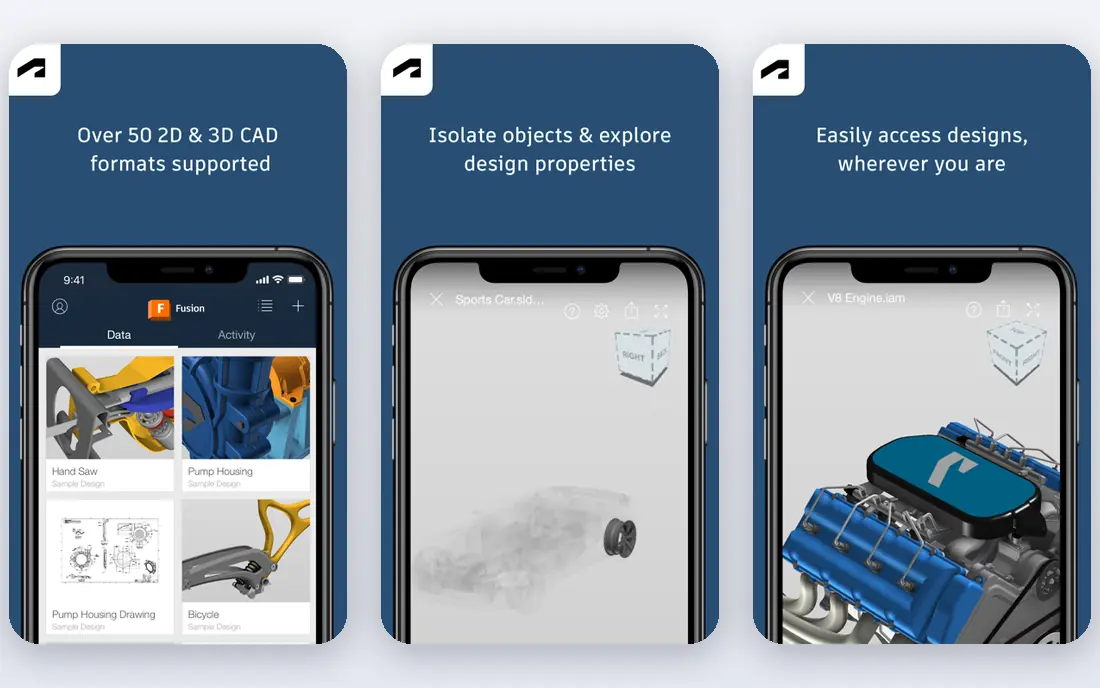
Fusion 360 is our pick for most serious makers and small shops. It combines parametric design, CAM toolpaths, simulation and collaboration in one package, so a part can go from sketch to G-code without exporting between tools. The free personal-use tier covers non-commercial work with some limits, which makes it a low-risk way to learn before paying.
The downsides are real. The paid price is a yearly subscription, the learning curve is steeper than a router-only tool, and some cloud features need connectivity. If you mainly carve signs, VCarve Pro is simpler. If you design engineered parts, Fusion 360 is hard to beat at this price.
- Parametric CAD plus CAM in one tool
- Free personal-use tier
- Broad post-processor library
- Subscription pricing
- Steeper learning curve
- Cloud features need an internet connection for some work
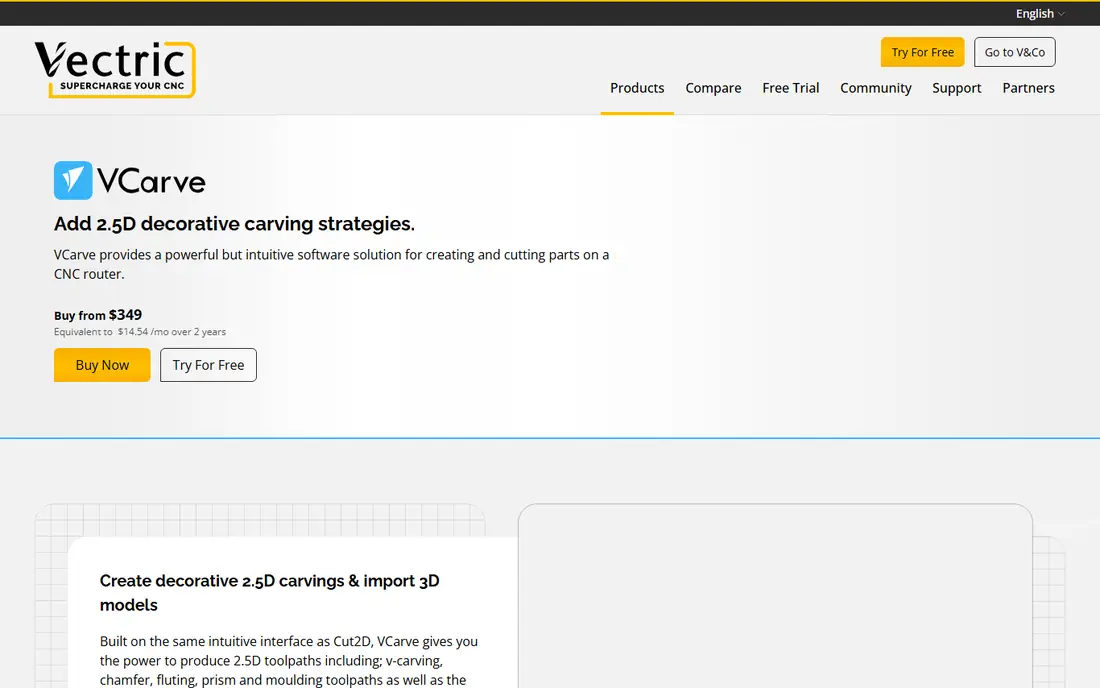
VCarve Pro is the workhorse for CNC woodworkers and sign makers. It handles 2D and 2.5D design, v-carving, inlays, cabinet parts and sign layouts with toolpaths that are easy to preview and adjust. The one-time purchase model appeals to shops that dislike subscriptions, and the trial lets you test it on real projects first.
It is not a full 3D parametric CAD tool, so engineered metal parts belong in Fusion 360 or Mastercam. Pricing is also shown through the vendor rather than a simple list price in some regions, so confirm the current price before budgeting. For router work in wood, it remains a top pick.
- Strong 2D and 2.5D toolpaths
- Sign, inlay and joinery tools
- One-time purchase model
- Quote-style pricing on the site
- Weaker for full 3D parametric parts
- Windows focused
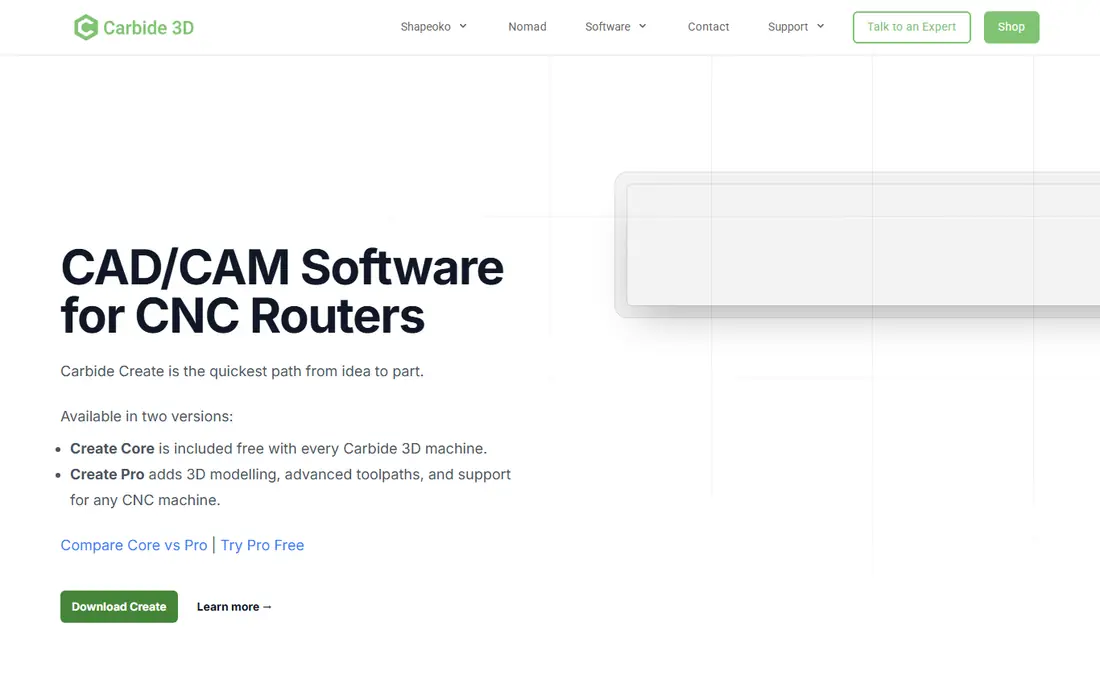
Carbide Create is the best starting point if you just bought a Shapeoko or Nomad, or you want to learn CNC without paying first. The free version covers 2D design and toolpaths with a clean layout, and it pairs naturally with Carbide Motion for machine control. Most beginners can cut a first sign or coaster within a day.
The free version limits 3D work, and the design tools are not parametric, so changing a dimension later can mean redrawing parts. Carbide Create Pro adds 3D relief and productivity features for a yearly fee. Start free, and only pay when a project actually needs the Pro tools.
- Free base version
- Very easy to learn
- Built for Shapeoko and Nomad machines
- Limited 3D in the free version
- Not parametric
- Pro features need a paid plan
Easel, from Inventables, is the simplest way to get a beginner cutting. It runs in a browser, so there is nothing to install, and the workflow for signs, trays and engravings is deliberately plain. A free basic tier covers many first projects, and the Pro tier adds v-carving, fonts and advanced toolpaths.
The browser model is also its limit. Offline use is limited, complex 3D work is out of scope, and serious shops will outgrow it. For a school, a maker space or a first router, that simplicity is exactly the point.
- Runs in a browser with no install
- Very simple sign and 2D workflow
- Good for classrooms
- Cloud based with limited offline use
- Pro features need a subscription
- Limited for complex 3D work
Aspire is VCarve Pro with full 3D relief capability, aimed at carvers who sculpt panels, ornate signs and decorative surfaces. It lets you design and machine 3D reliefs, import 3D models, and combine them with 2D toolpaths in one project. For artistic router work, it is the most complete Vectric option.
The price is higher than VCarve Pro, and it is overkill if you only cut flat parts. Like VCarve, it is Windows focused, so Mac-only shops need a workaround. If relief carving is your income, the extra cost is easy to justify. If not, VCarve Pro covers most router work.
- Full 3D relief design and machining
- Builds on VCarve tools
- One-time purchase model
- Higher price than VCarve Pro
- Overkill for flat signs
- Windows focused
Mastercam is the production shop standard, and it earns that place through depth rather than ease. It handles milling, turning, mill-turn and multiaxis work with toolpath control that small-shop tools cannot match, and it supports a huge range of machines through resellers and post-processors. Shops that run production parts day after day rely on that reliability.
Hobby users should look elsewhere. Pricing is quoted through resellers, training takes time, and the tool is far more than a router owner needs. For a job shop or production mill, though, Mastercam is the safe, proven choice.
- Shop-floor standard for production CAM
- Strong multiaxis and mill-turn support
- Broad machine support
- Quote-priced through resellers
- Steep learning curve
- Overkill for hobby routers
Estlcam is a budget favourite for hobby mills that want CAM and machine control in one inexpensive tool. It generates toolpaths for milling, drilling and engraving, and can also drive many hobby machines directly, which removes a separate control program from the workflow. The free version is fully functional, with growing delays on opening and saving, so you can test it thoroughly before paying.
The interface is plain and the documentation is thinner than Autodesk or Vectric offer, so expect forum help for tricky setups. It is also Windows focused. For a hobby mill on a budget, the value is hard to argue with.
- Affordable CAM plus machine control in one tool
- Good for hobby mills
- Flexible post options
- Interface looks plain
- Documentation is thinner than larger vendors
- Windows focused
FreeCAD is the free, open-source answer for makers who want parametric CAD and CAM without a subscription. Its Path workbench generates toolpaths for milling and other operations, and the parametric model means a dimension change updates the part, which is a real advantage over simple 2D tools. It runs on Windows, Mac and Linux.
Expect a learning curve. Documentation is uneven, the CAM workflow is less polished than Fusion 360, and some operations need add-ons or manual setup. If you have time to learn and no budget to spend, FreeCAD can do real work. If you need to cut parts this week, a paid tool will get you there faster.
- Completely free and open source
- Parametric CAD
- Path workbench handles real CAM jobs
- Steeper learning curve
- Documentation is uneven
- CAM workflow is less polished than paid tools
How we picked these
We compared official product pages, pricing pages and documentation, plus public reviews, for CNC tools that are live and supported in October 2026. We looked for real CAD or CAM capability, post-processor support for common machines, and a clear fit for routers, mills or makers. We excluded tools with no working homepage and online CNC services that only cut parts for you, since this list is about software you run yourself.
How to choose CNC software
Match the tool to the job
Sign and furniture work favours VCarve Pro, Aspire or Easel. Engineered parts favour Fusion 360 or FreeCAD. Production milling favours Mastercam. Buying a production tool for sign work wastes money, and buying a sign tool for engineered parts wastes time, so start with the work you actually do most.
Check your machine first
Confirm post-processor support, control software compatibility and file formats before you buy. GRBL routers, Mach3 machines and industrial controllers all need different outputs, and a tool that cannot talk to your machine is useless however good its design features are. Test with a small cut, not just a preview.
Try the free tier on a real project
Free tiers and trials are generous in this market, so use them on a project you actually need, not a demo shape. You will learn the learning curve, the toolpath quality and the machine output in one job. That test tells you more than any feature list.
FAQ
What is the best CNC software for beginners?
Carbide Create or Easel are the best starting points for beginners, since both are free to start and easy to learn. Carbide Create suits Shapeoko and Nomad owners, while Easel suits browser-based work and classrooms. Move to VCarve Pro or Fusion 360 when your projects need more depth.
What is the best software for CNC router work?
VCarve Pro is our pick for most CNC router work in wood, since it covers signs, inlays, cabinet parts and 2.5D carving with a one-time purchase. Aspire adds 3D relief for artistic work, while Fusion 360 suits routers that also cut engineered parts. Carbide Create covers simple router jobs for free.
Is there a best online CNC service instead of software?
Yes, if you only need a few parts cut, an online CNC service can be cheaper than buying software and a machine. Services cut parts from your design files and ship them to you, which suits prototypes and one-off parts. If you cut regularly, owning a machine and software is usually cheaper per part.
What is the best CNC programming software for production shops?
Mastercam is the production standard for milling, turning and multiaxis work, with deep toolpath control and broad machine support. Fusion 360 is a strong, cheaper option for small shops that also need CAD. Production shops should budget for training, since both tools reward skill.
Does CNC software work on Mac?
Fusion 360, FreeCAD and Easel work on Mac, while VCarve Pro, Aspire and Estlcam are Windows focused. Check the vendor page for your exact system before you buy, and confirm whether a Windows-only tool needs a virtual machine or a second computer. Machine control software may have its own system limits too.
How much does CNC software cost?
Free tools cost nothing, Easel Pro and Carbide Create Pro are yearly subscriptions, VCarve Pro and Aspire are one-time purchases, and Fusion 360 is $680 per year at list. Mastercam and some enterprise tools are quoted through resellers. Start with a free tier and only pay when a project needs the paid features.