The 5 Best Cloud Security Posture Management Software for Startups in 2026, Ranked
Best cloud security posture management software for startups: 5 tools compared on price, free plans and fit. Limits and pricing notes included. Facts only.
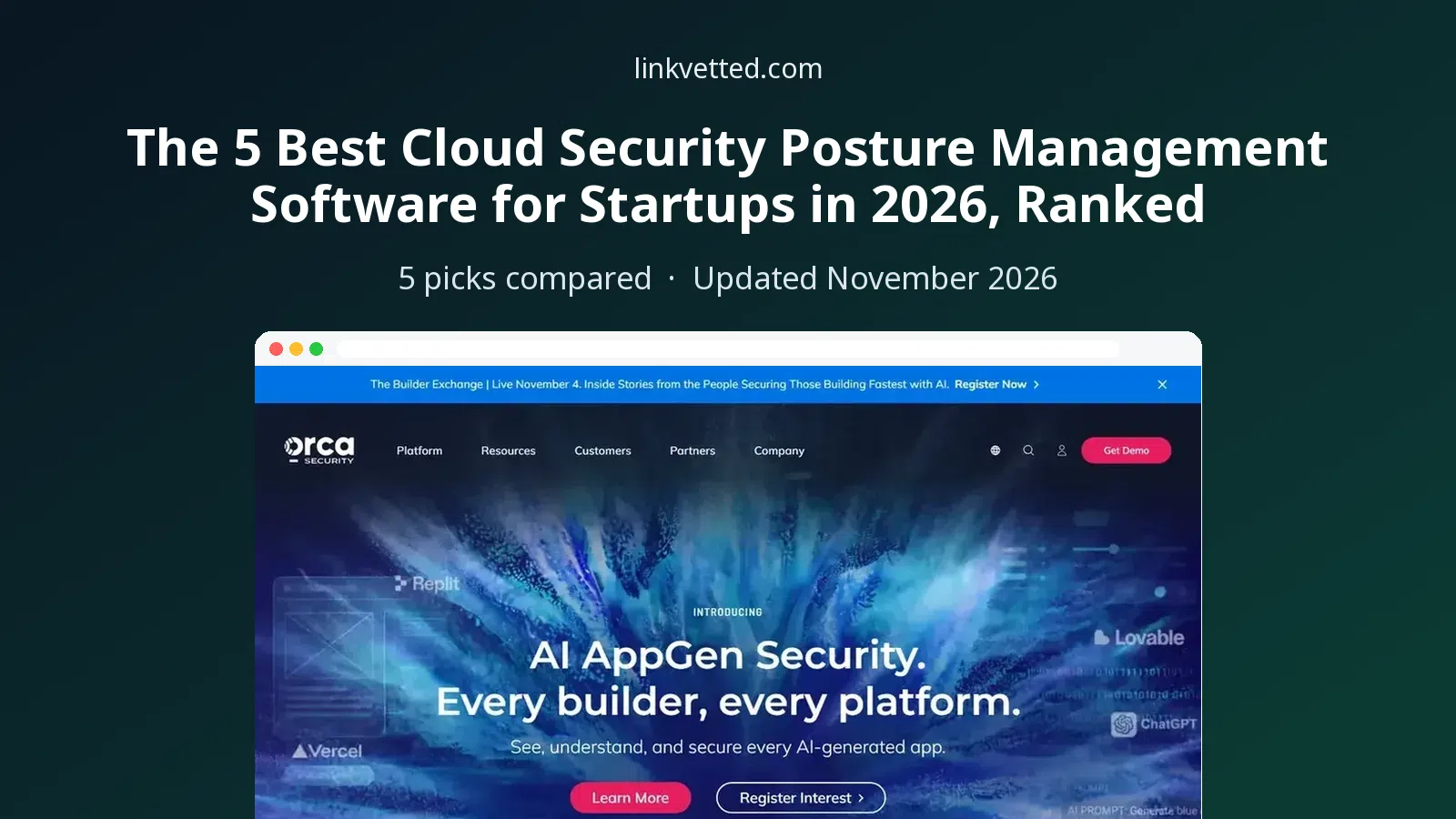
- Editor's choice
 Orca Security
Agentless multi-cloud CNAPP
Starts atPricing on requestVisit orca.securityFull review - Great alternative
 Microsoft Defender for Cloud
Microsoft and Azure-centric startups
Starts atPricing on requestVisit microsoft.comFull review - Also consider
 Prisma Cloud
Code to cloud across hybrid estates
Starts atPricing on requestVisit paloaltonetworks.comFull review
Direct answer
Our first pick is Orca Security, best for Agentless multi-cloud CNAPP. Microsoft Defender for Cloud is the stronger choice for Microsoft and Azure-centric startups, while Prisma Cloud suits code to cloud across hybrid estates. The other 2 tools in the list cover narrower or pricier cases. None of these vendors publish plan prices, so pricing is on request for every option.
TL;DR:
- The list opens with Orca Security, aimed at Agentless multi-cloud CNAPP.
- Wiz suits unified code to cloud risk.
- Check the limits for Orca Security before you commit: feature breadth may exceed early needs.
- Just one of the 5 tools, AWS Security Hub, has a free plan.
- Orca Security, Wiz and the 3 others all sell by quote; expect sales conversations before you see a price.
Last checked November 2026. Pricing on request: vendors did not publish plan prices when this guide was last checked (November 2026), so ask each vendor for a written quote.
Quick comparison
| Tool | Best for | Starts at | Free plan? | |
|---|---|---|---|---|
| Orca Security | Agentless multi-cloud CNAPP | Pricing on request | Not stated | Visit |
| Microsoft Defender for Cloud | Microsoft and Azure-centric startups | Pricing on request | Not stated | Visit |
| Prisma Cloud | Code to cloud across hybrid estates | Pricing on request | Not stated | Visit |
 AWS Security Hub | AWS-native centralized security operations | Pricing on request | Yes | Visit |
 Wiz | Unified code to cloud risk | Pricing on request | Not stated | Visit |
5 cloud security posture management software for startups in detail
This LinkVetted guide covers 5 cloud security posture management software for startups. Each profile lists a starting price, free plan details, strengths and drawbacks, so you can drop poor fits quickly.

Orca Security works best for Agentless multi-cloud CNAPP. The system spans plenty of ground, so a very early startup may pay attention to only part of it.
On top of that, if your priority is a narrow posture check on a single provider, evaluate whether a leaner tool cuts setup effort. This comparison lists no price for Orca Security; ask the vendor. Trial and free access: Not stated.
Points against: Needs cloud account access setup.
- AI security features
- Workload defense included
- Feature breadth may exceed early needs
Microsoft Defender for Cloud targets Microsoft and Azure-centric startups. Teams running largely non-Microsoft clouds may find the experience less native, and cross-cloud coverage can differ from single-cloud depth.
Check the vendor site for Microsoft Defender for Cloud pricing; none is listed in this comparison. Free plan details: Not stated.
Drawbacks to consider: Best experience inside Microsoft ecosystem.
- CNAPP for cloud-native apps
- Multicloud and hybrid support
- Cross-cloud depth varies

Prisma Cloud is designed for code to cloud across hybrid estates. Its breadth can translate into more tuning than a small team can absorb early on.
What to check first: May suit expanding teams better.
Prisma Cloud shows no starting price here, so confirm the cost on the vendor site. Free options: Not stated.
- Includes code to cloud
- Wide CNAPP scope
- Large surface area to configure
Pick AWS Security Hub if this describes you: AWS-native centralized security operations. AWS Security Hub prioritizes critical security issues and helps teams respond at scale, simplifying and unifying security operations through centralized management.
Its strengths are tied to the AWS environment, so multi-cloud startups will likely need extra coverage elsewhere. This comparison lists no price for AWS Security Hub; ask the vendor. AWS Security Hub has a free plan.
Watch-outs: AWS-centric by design.
- Prioritizes critical findings
- Eases security operations
- Restricted posture depth outside AWS
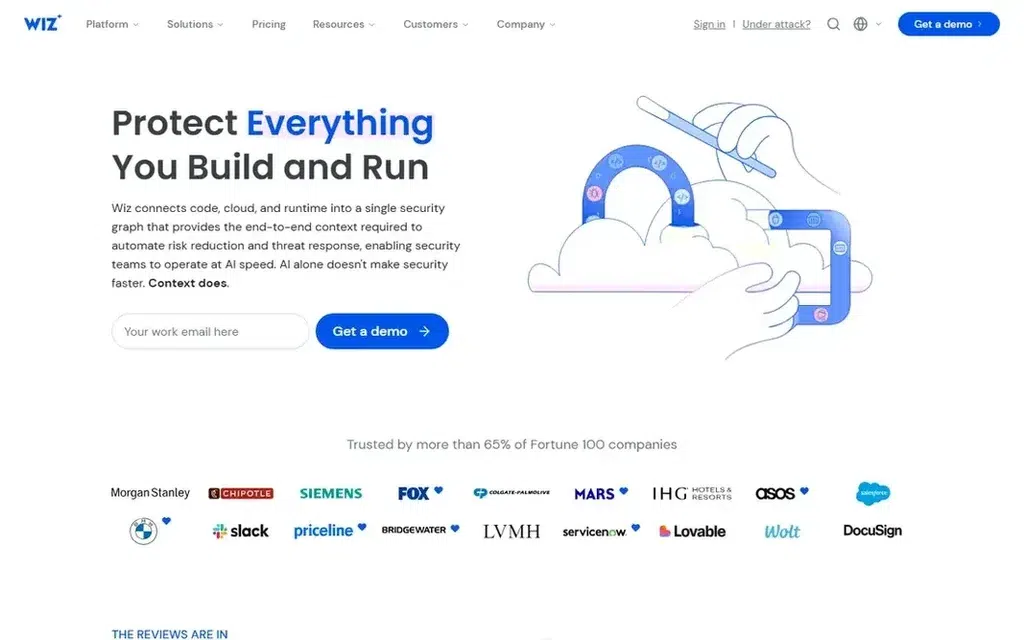
Wiz is designed for unified code to cloud risk. For startups, the appeal is consolidating posture checks, threat detection and secure-by-default guidance across cloud and AI workloads in a single place instead of stitching multiple tools together.
A wide system can mean more configuration than a tiny team needs, and value relies on how much of your stack it can see. Check the vendor site for Wiz pricing; none is listed in this comparison. Free access: Not stated.
Points against: Depth varies by environment.
Where Wiz stands out: Handles cloud and AI layers.
- Agentless-style visibility
- Cloud and runtime
- Wide product may overwhelm very small teams
How we built this list
Before you commit
- Request quotes from Orca Security, Wiz and the others; the list shows no fixed prices.
- Look at the free plan from AWS Security Hub closely: its caps decide whether it is usable for real work.
- Read the limits listed for Orca Security first: feature breadth may exceed early needs.
- Ask the daily users to test Orca Security on a live task before you roll it out to everyone.
- Check how data leaves AWS Security Hub: formats, limits and whether exports are available on every plan.
FAQ
Can I try these tools before paying?
Often, yes. AWS Security Hub has a free plan. Use your own data and a real task during the test, and check what the free tier or trial limits before you rely on it.
Is an agentless tool better for a small team?
Agentless choices can cut setup effort since you link cloud accounts instead of install software on every workload. That said, runtime depth may differ, so match the approach to whether you run containers, virtual machines or largely managed services.
Is Orca Security the right pick for everyone comparing cloud security posture management software for startups?
No single tool suits every team. Orca Security comes first because it fits Agentless multi-cloud CNAPP, while Microsoft Defender for Cloud suits Microsoft and Azure-centric startups and Prisma Cloud suits code to cloud across hybrid estates. Match the tool to your own size, budget and workflow before deciding.
Can native cloud tools replace a dedicated product?
Native choices for example AWS Security Hub or Microsoft Defender for Cloud can handle a single cloud well and cut vendor sprawl. Once you operate across several providers or need deeper code to runtime context, a dedicated CNAPP commonly becomes worth evaluating.
Do these tools publish their prices?
No. None of the tools, from Orca Security to Wiz, shows a fixed starting price here, so budget time for quotes. For the full picture, the cards above cover all 5 entries of this cloud security posture management software for startups list, including price, free plan and limits.
Which options for cloud security posture management software for startups have a free plan?
AWS Security Hub is the only tool in this list with a free plan. Free plans usually cap users, projects or features, so check the limits on the vendor page.
Sources
- https://orca.security
- https://www.microsoft.com/en-us/security/business/cloud-security/microsoft-defender-cloud
- https://www.paloaltonetworks.com/prisma/cloud
- https://aws.amazon.com/security-hub
- https://www.wiz.io