Best Cloud File Security Software for Startups in 2026: Prices, Free Plans and 5 Picks
Searching for the best cloud file security software for startups? Here are 5 options with prices and free plans. The catches are listed up front. Choose faster.
- Editor's choiceLookout
Mobile and endpoint threat defense
Starts atPricing on requestVisit lookout.comFull review - Great alternative
 Zscaler
Zero trust access to cloud resources
Starts atPricing on requestVisit zscaler.comFull review - Also consider
 Netskope
Unified cloud data and SASE protection
Starts atPricing on requestVisit netskope.comFull review
Direct answer
This list puts Lookout first for mobile and endpoint threat defense. For a different need, Zscaler covers zero trust access to cloud resources and Netskope covers unified cloud data and SASE protection. Free plan facts and limits for all 5 tools follow. None of these vendors publish plan prices, so pricing is on request for every option.
TL;DR:
- Lookout sits first on this list: mobile and endpoint threat defense.
- Palo Alto Networks Prisma Access fits secure remote access for hybrid teams.
- No starting price is shown for any of the 5 tools, Lookout and Palo Alto Networks Prisma Access included, so plan time for sales calls.
- None of the 5 tools, from Lookout to Palo Alto Networks Prisma Access, has a free plan, so budget for a subscription or use a trial.
Last checked November 2026. Pricing on request: vendors did not publish plan prices when this guide was last checked (November 2026), so ask each vendor for a written quote.
Quick comparison
| Tool | Best for | Starts at | Free plan? | |
|---|---|---|---|---|
| Lookout | Mobile and endpoint threat defense | Pricing on request | Not stated | Visit |
| Zscaler | Zero trust access to cloud resources | Pricing on request | Not stated | Visit |
| Netskope | Unified cloud data and SASE protection | Pricing on request | Not stated | Visit |
| Microsoft Defender for Cloud Apps | SaaS visibility and CASB controls | Pricing on request | Not stated | Visit |
 Palo Alto Networks Prisma Access | Secure remote access for hybrid teams | Pricing on request | Not stated | Visit |
Tool-by-tool breakdown
Choosing cloud file security software for startups usually comes down to price, fit and limits. This LinkVetted guide sets 5 tools side by side on those three points, with the facts kept short and checkable.
Lookout
Best for: Mobile and endpoint threat defense
Where Lookout fits: mobile and endpoint threat defense. Lookout describes an AI-powered product that defends against phishing, social engineering, and account takeovers, supplying visibility and control that traditional security tools miss.
This comparison lists no price for Lookout; ask the vendor. Free access: Not stated.
Where it is weaker: Needs integration with broader data strategy.
- Visibility beyond traditional tools
- AI-powered threat defense
- Mobile and endpoint focus may not handle all file flows
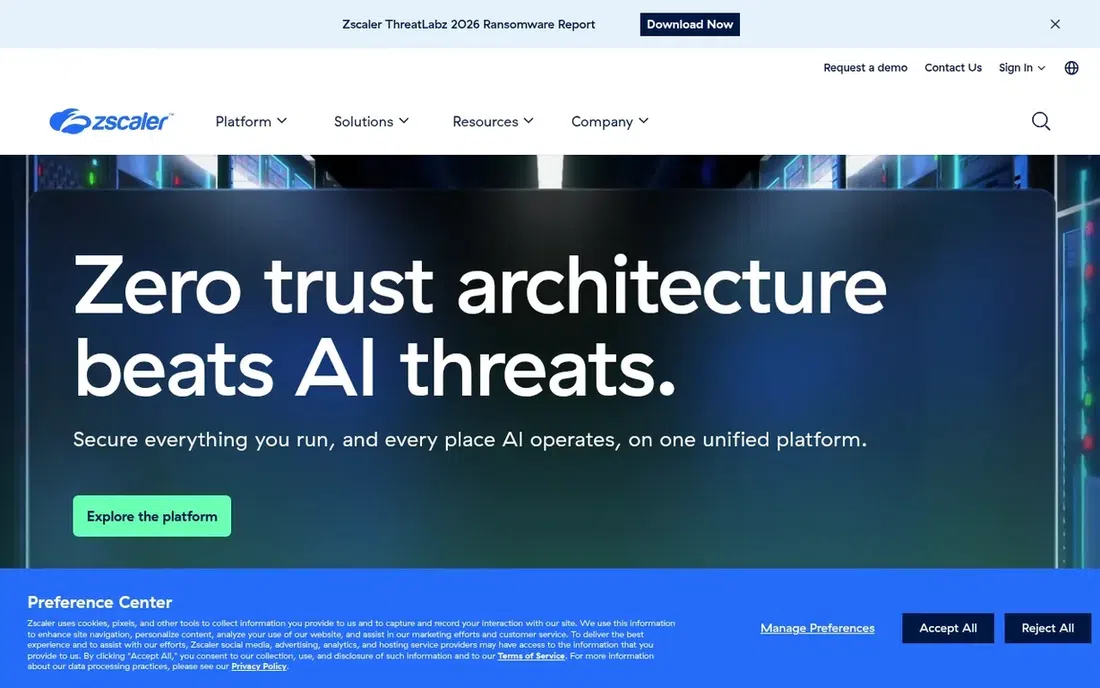
Zscaler serves zero trust access to cloud resources. Startups that want to limit implicit trust in their network and secure access to cloud files and apps can consider Zscaler as a strategic choice.
Worth adding: pick Zscaler when zero trust access is a core requirement instead of an afterthought. Pricing for Zscaler is not stated here, so ask the vendor for current figures. Free options: Not stated.
Drawbacks to consider: Zero trust rollout needs planning.
- Cloud-delivered enterprise security
- Zero trust approach to cloud security
- Enterprise orientation may exceed startup needs
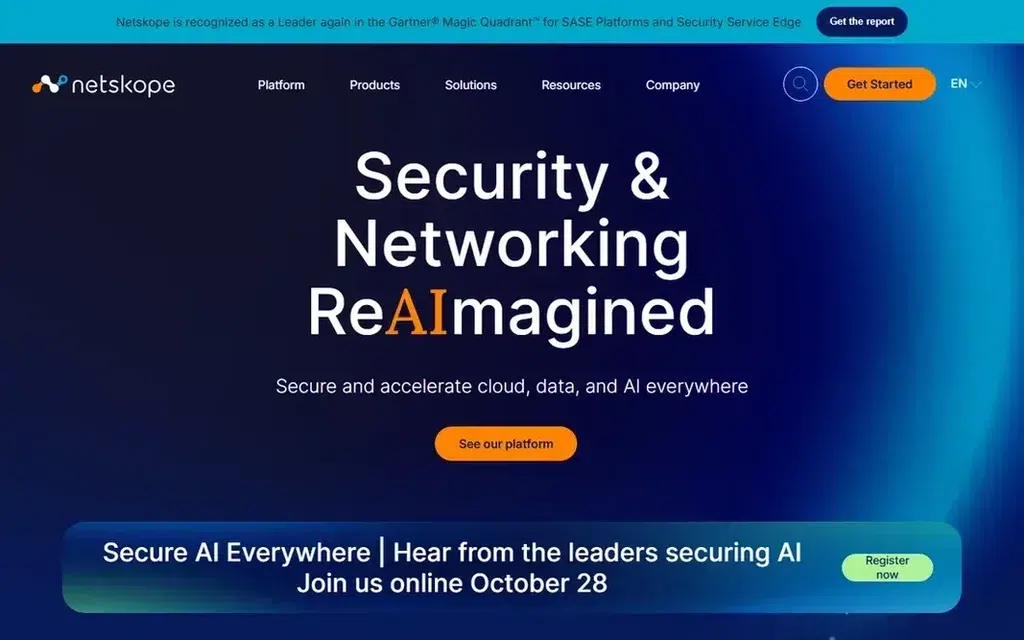
Netskope is aimed squarely at unified cloud data and SASE protection. Startups with straightforward file-sharing needs may find lighter tools simpler to adopt.
As for the details, Netskope presents itself as modern security and networking for the cloud and AI era. Pricing for Netskope is not stated here, so ask the vendor for current figures. Free plan details: Not stated.
What to check first: Needs planning to tune policies.
- SASE and SSE in one product
- Unified visibility across cloud and data
- Wide product may overwhelm very small teams
Microsoft Defender for Cloud Apps
Best for: SaaS visibility and CASB controls
Microsoft Defender for Cloud Apps makes the most sense for SaaS visibility and CASB controls. Microsoft Defender for Cloud Apps is presented as a solid option for SaaS security and CASB security, offering full visibility and control of the SaaS app landscape.
Downsides: Policy tuning takes time.
In practice, startups that already depend on Microsoft services may find it a natural fit for monitoring cloud file sharing and applying controls across SaaS apps. As for the details, choose it when SaaS discovery and CASB controls are the priority. Pricing for Microsoft Defender for Cloud Apps is not stated here, so ask the vendor for current figures. Free options: Not stated.
- CASB security capabilities
- Suits Microsoft-centric environments
- Best value may rely on Microsoft stack
Palo Alto Networks Prisma Access
Best for: Secure remote access for hybrid teams
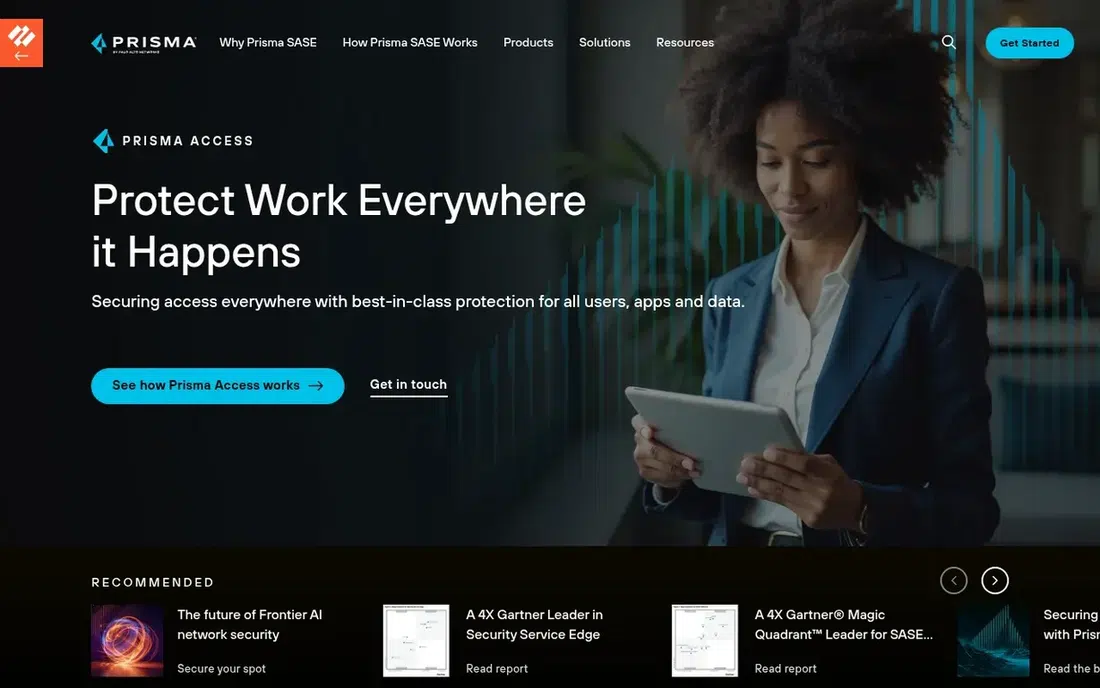
Palo Alto Networks Prisma Access is designed for secure remote access for hybrid teams. Its homepage positions it around protecting distributed users. Teams without dedicated security staff should weigh the operational effort.
Downsides: May need internal security expertise.
Since it sits within a bigger security portfolio, adoption may involve more moving parts than a startup expects. In practice, consider Prisma Access when secure remote access is the primary goal. This comparison lists no price for Palo Alto Networks Prisma Access; ask the vendor. Free access: Not stated.
- Cloud-delivered security product
- Part of a broader security portfolio
- Portfolio approach can add complexity
How we chose
LinkVetted looked at what each vendor publishes: pricing, plan limits, feature coverage for cloud file security software for startups and stated drawbacks. No hands-on testing is claimed. Figures are shown as the vendors publish them. Billing terms, seat minimums and add-ons can change the real cost. Position on the page reflects fit for a typical buyer first, with price clarity and free access breaking ties. Treat it as a guide, not a ruling.
Pre-purchase checklist
- Ask each vendor, from Lookout to Palo Alto Networks Prisma Access, for a written quote; none of them publishes a starting price.
- Read the limits listed for Lookout first: mobile and endpoint focus may not include all file flows.
- Look at the renewal terms for Microsoft Defender for Cloud Apps: auto-renewal, notice periods and price changes can matter more than the first-year price.
- Check the support hours and onboarding help Palo Alto Networks Prisma Access offers; smaller vendors vary a lot here.
- Test the integrations you rely on with Netskope before committing; some connectors sit on upper tiers.
FAQ
Can these tools protect files accessed from personal devices?
Protection for personal devices relies on how each vendor deals with endpoint and identity checks. Confirm device coverage and policy choices straight with the vendor.
How are the tools for cloud file security software for startups ordered?
The order follows typical fit for cloud file security software for startups, with Lookout first and Palo Alto Networks Prisma Access last, then price clarity and free access. It is editorial judgement, not a score, so another team could rank the tools differently.
Do these tools publish their prices?
No. None of the tools, from Lookout to Palo Alto Networks Prisma Access, shows a fixed starting price here, so budget time for quotes.
How do SASE and SSE tools differ from CASB tools?
Startups that require both secure access and file controls may prefer a converged system. Those focused only on SaaS files can start with a CASB.
Does any tool for cloud file security software for startups here have a free plan?
A permanent free plan is not offered by Lookout, Palo Alto Networks Prisma Access or the other tools here. Plan a short evaluation period instead.
Is a CASB necessary for a small startup?
A CASB helps when your team shares files across numerous SaaS apps and you need centralized visibility and policy. Very small teams with a single file system may start with native controls.
Sources
- https://www.lookout.com
- https://www.zscaler.com
- https://www.netskope.com
- https://www.microsoft.com/en-us/security/business/cloud-app-security
- https://www.paloaltonetworks.com/prisma/access