Best CAPA Software in 2026: 8 Tools Compared
We compared the best capa software for 2026 on root cause tools, workflow control and audit trails, to help quality teams close issues and prove fixes.
- Editor's choice
 MasterControl
Regulated life sciences
Starts atSee websiteVisit mastercontrol.comFull review - Great alternative
 Greenlight Guru
Medical device quality
Starts atSee websiteVisit greenlight.guruFull review - Also consider
 Ideagen
Configurable quality management
Starts atSee websiteVisit ideagen.comFull review
TL;DR:
- A good CAPA tool closes the loop from issue to root cause to effectiveness check, not just to a completed task.
- MasterControl and Greenlight Guru lead for regulated life sciences teams that face strict audits.
- GoAudits and Qualio are more accessible for smaller quality teams that need to start fast.
- Ideagen and AssurX suit firms that want deep configuration across quality processes.
- Most enterprise CAPA pricing is quote based, so compare implementation and validation effort as well as licence cost.
Quick comparison
| Tool | Best for | Starts at | Free plan? | |
|---|---|---|---|---|
| MasterControl | Regulated life sciences | See website | No | Visit |
| Greenlight Guru | Medical device quality | See website | No | Visit |
| Ideagen | Configurable quality management | See website | No | Visit |
 AssurX | Enterprise quality workflows | See website | No | Visit |
 GoAudits | Mobile audits and CAPA | See website | Free trial | Visit |
 Qualio | Growing life sciences teams | See website | No | Visit |
 Intellect | Flexible QMS workflows | See website | No | Visit |
 VelocityEHS | EHS linked corrective actions | See website | No | Visit |
The best CAPA software
Corrective and preventive action software tracks quality issues from report through investigation, action and verification. These eight tools do that work for different sizes and sectors.
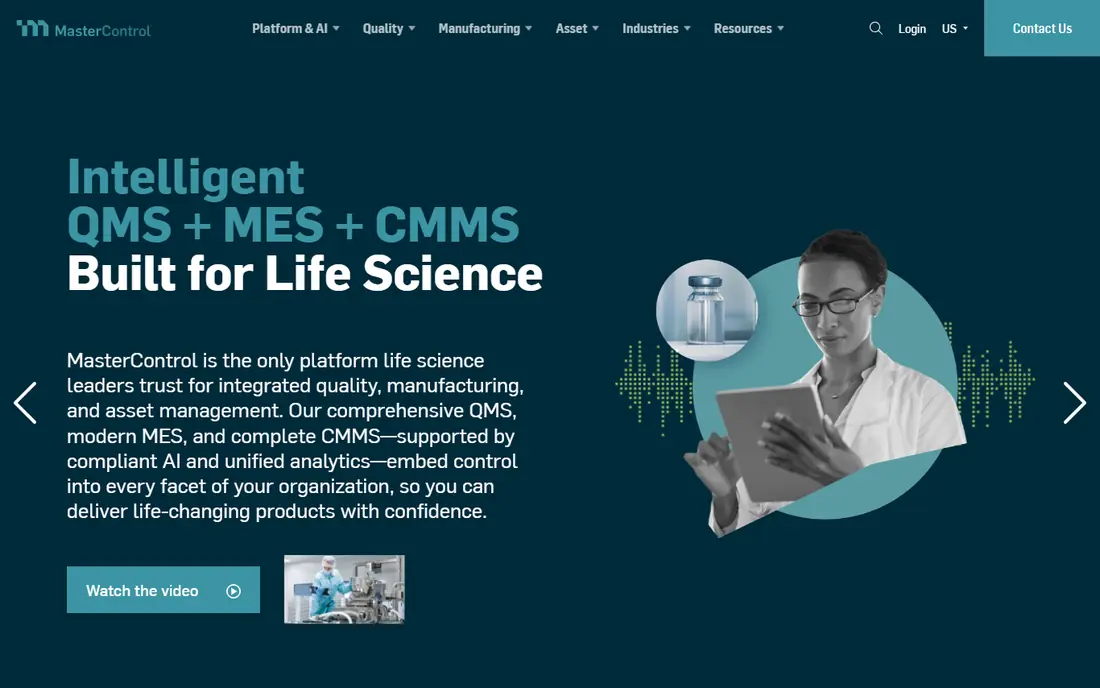
MasterControl is the enterprise reference point for regulated CAPA. Its workflow guides an issue through intake, investigation, root cause, action assignment, approval and effectiveness checking, with electronic signatures and a full audit trail at each step. That structure matters when a regulator asks to see not just what was fixed, but why, by whom and with what evidence.
The cost of that depth is effort. Pricing is by quote, rollout needs configuration and validation planning, and small teams may find the platform heavier than they need. For a life sciences or pharmaceutical firm with audit exposure, that rigour is the reason to pay. Shortlist it when traceability and control outweigh speed of setup.
- Configurable CAPA lifecycle
- Electronic signatures
- Audit ready workflow trail
- Quote only pricing
- Implementation needs planning
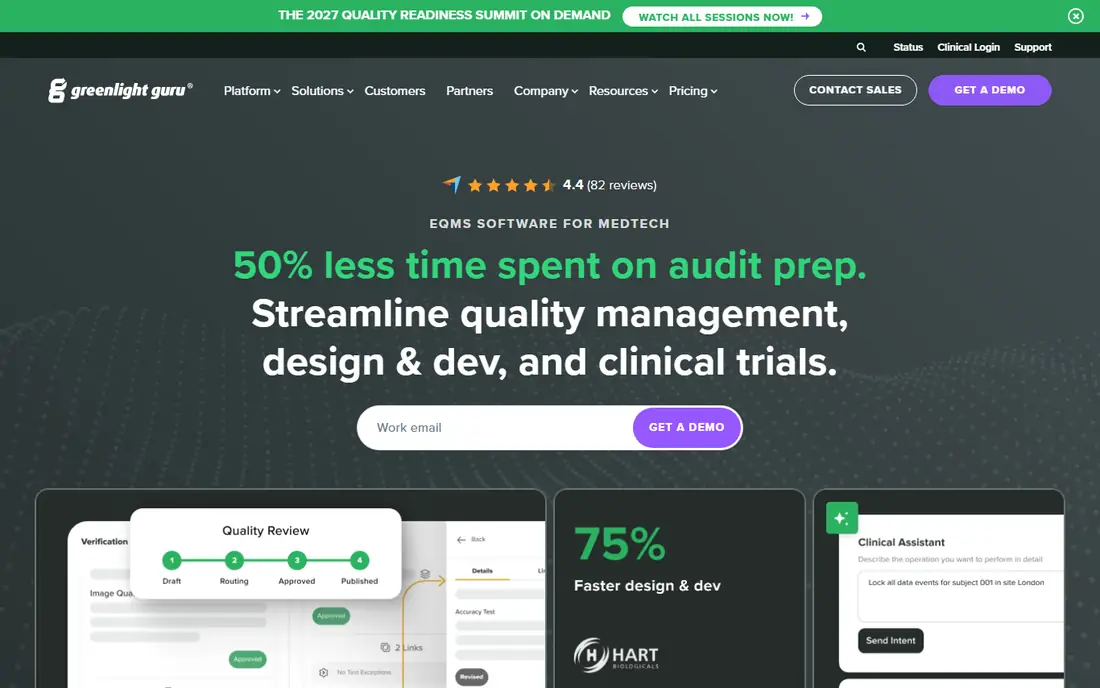
Greenlight Guru is built around medical device quality, and its CAPA tools reflect that. Investigations link to design records, risk files and supporting evidence, so a CAPA does not sit apart from the product history it relates to. Guided workflows help smaller device firms follow a compliant process without building one from scratch.
That focus is a strength for device makers and a limit for others. A food or general manufacturing firm may find some terminology and templates device centred, even though the core CAPA logic transfers. Pricing is by quote, so ask for a scope that covers users, validation support and onboarding. For a device team preparing for audits, the traceability is a clear draw.
- Traceability from issue to evidence
- Built for medical device rules
- Guided workflows
- Quote only pricing
- Medical device focus may not suit all sectors
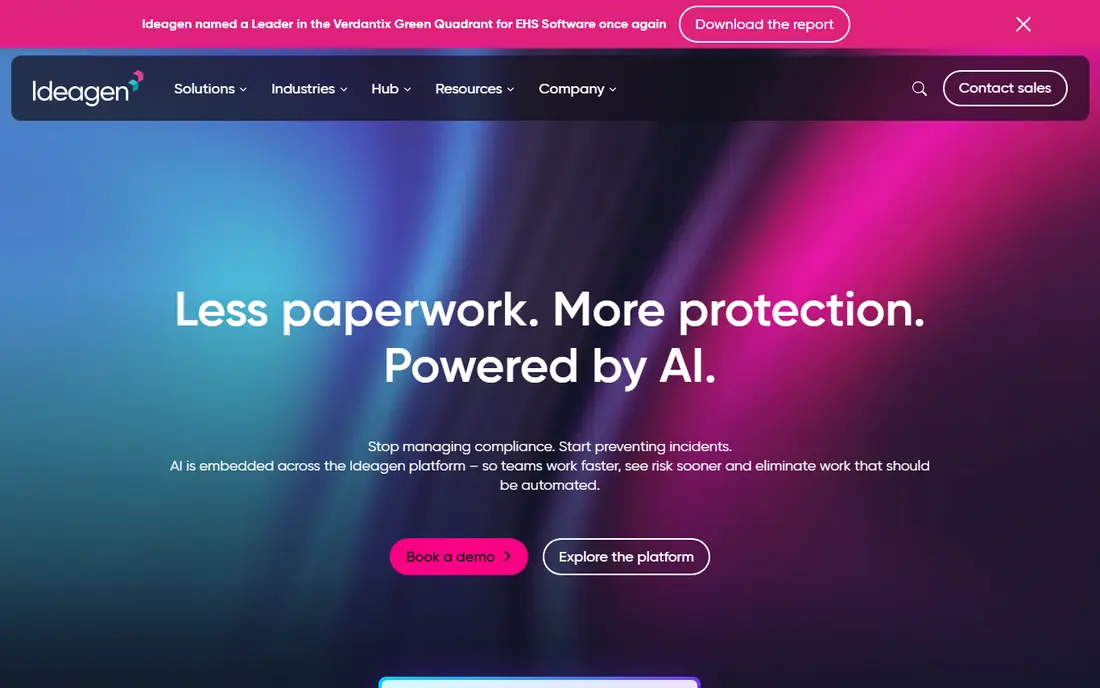
Ideagen offers CAPA inside a broad quality management suite, alongside document control, audits, nonconformances and risk. Teams can configure workflows to match their own escalation and approval rules, and reporting shows overdue actions, repeat issues and effectiveness results across sites.
Breadth brings setup work. Firms should allow time to configure forms and workflows, and to train quality staff on the wider suite. The payoff is a single quality record, where a nonconformance, a CAPA and a document change stay linked. For midsize and large firms that want that connected quality system, Ideagen is a strong contender.
- Wide quality modules
- Flexible workflows
- Strong reporting
- Quote only pricing
- Breadth can slow first setup
AssurX is an enterprise quality platform with CAPA at its core. It supports complex approval chains, root cause methods, action tracking and effectiveness checks, with a detailed audit trail for regulated work. It is used across life sciences, manufacturing and other sectors where quality records face close review.
As with other enterprise tools, value depends on configuration. A skilled admin or vendor partner helps shape workflows, and pricing is by quote based on scope. Smaller teams may prefer a lighter tool, but firms with complex quality processes and many stakeholders will appreciate the control. Ask for a demo using one of your real past CAPAs to judge fit.
- Deep workflow configuration
- Audit trail
- Used in regulated industries
- Quote only pricing
- Needs skilled configuration
GoAudits starts on the shop floor. Auditors complete mobile checklists, raise findings with photos, and turn those findings into assigned CAPAs with deadlines and owners. Dashboards track completion, recurrence and on time rates, which helps quality managers spot patterns rather than chase single issues.
It is rated highly for corrective action tracking in user reviews, and it is easier to adopt than a full enterprise quality suite. The limit is depth. Document control and advanced quality modules trail the specialists, so firms that need a full electronic quality system may outgrow it. For operations and manufacturing teams that need audit to action to work smoothly, it is a practical pick.
- Mobile audit checklists
- Fast CAPA creation from findings
- Clear dashboards
- Less QMS depth than enterprise suites
- Pricing not fully public
Qualio is designed for life sciences teams that have outgrown paper and spreadsheets but do not want an enterprise rollout. Quality events, CAPAs, document control and training sit in one modern system, with workflows that guide staff through each step. The interface is cleaner than many legacy quality tools, which helps adoption.
Pricing is by quote, and the module range is narrower than at the largest vendors, so check advanced needs such as supplier quality or complex risk tools before committing. For a growing device, biotech or pharma supplier, the balance of compliance structure and speed is the main appeal.
- Modern interface
- Quality events and CAPA in one place
- Faster rollout than large suites
- Quote only pricing
- Smaller module range than the largest vendors
Intellect offers a quality platform built around configurable, no code workflows. CAPA, nonconformance, audits and document control can be shaped without heavy custom coding, which suits midsize firms that need to adapt as processes change. The apps share data, so a CAPA can link to related documents and training records.
Flexibility still needs ownership. Someone must design and maintain workflows, and firms should budget time for that role. Pricing is by quote. If your quality process changes often, or differs by site, the configurability is a genuine advantage over a fixed template tool.
- No code workflow builder
- Broad QMS apps
- Good for midsize firms
- Quote only pricing
- Breadth needs clear ownership
VelocityEHS earns a place here for firms where corrective actions come mainly from safety and environmental findings. Its action register pulls actions from incidents, audits, inspections and observations across sites into one owner assigned list, with escalation when items go overdue. Closure requires verification against the original finding, which mirrors good CAPA practice.
It is not a full quality management system, so firms that need deep document control or design history should pair it with a quality platform or choose a QMS led tool above. For EHS led teams, though, the single register and multi site roll up are strong benefits, and the mobile capture suits frontline reporting.
- One action register across sites
- Links CAPA to incidents and audits
- Mobile capture
- EHS focus rather than full QMS
- Quote only pricing
How we picked these
We compared official feature pages, pricing pages and public reviews for tools with a real CAPA workflow, including root cause, action assignment and effectiveness checking. We favoured tools live in October 2026, across regulated life sciences, general manufacturing and frontline operations. Where pricing is quote only, we say so instead of inventing a figure.
What to check before you buy
Run one real past issue through each shortlisted tool, from report to effectiveness check. That test reveals more than a sales demo, because it shows how root cause, evidence, approvals and overdue escalation actually work. Pay attention to how easily you can reopen a CAPA when a fix fails, since recurrence is where weak systems show.
Separate correction from corrective action
A correction fixes the single faulty item. A corrective action fixes the cause so it does not recur. Your tool should keep those steps distinct, require a root cause record, and block closure until an effectiveness check is done. If it lets staff close actions with a single click and no evidence, it will not stand up in an audit.
Check validation and audit support
Regulated teams should ask about electronic signatures, audit trails, access controls and validation support. Check export options too, since auditors often want a complete CAPA history in a readable form. A tool that traps data inside a pretty dashboard will cost time at audit.
FAQ
What does CAPA stand for?
CAPA stands for corrective and preventive action. A corrective action fixes the cause of a problem that has happened, while a preventive action addresses a potential problem before it occurs. Modern quality systems often handle both in one workflow.
What is the difference between a correction and a corrective action?
A correction deals with the immediate faulty product or result, such as reworking a batch. A corrective action goes further and changes the process, training or controls that allowed the fault, then checks that the change worked.
How much does CAPA software cost?
Most enterprise CAPA platforms are quote based, with price depending on users, sites and modules. Lighter audit led tools may publish lower entry prices or offer trials, but regulated firms should budget for implementation and validation as well as licences.
Do small firms need CAPA software?
Small firms can manage a handful of issues in documents, but the case for software grows once issues, sites or audit demands increase. A tool brings deadlines, owners, evidence and effectiveness checks into one place, which reduces missed actions.
How do you check CAPA effectiveness?
Set a check date and a clear measure, such as no recurrence in a set period or a follow up audit result. The tool should prompt that check, record the evidence, and allow reopening if the problem returns.