Best Cafe POS Software in 2026: Prices, Free Plans and 6 Picks
Need the best cafe POS software? We compare 6 tools on cost, free access and who each suits. Each profile ends with a plain caveat. Last reviewed November 2026.
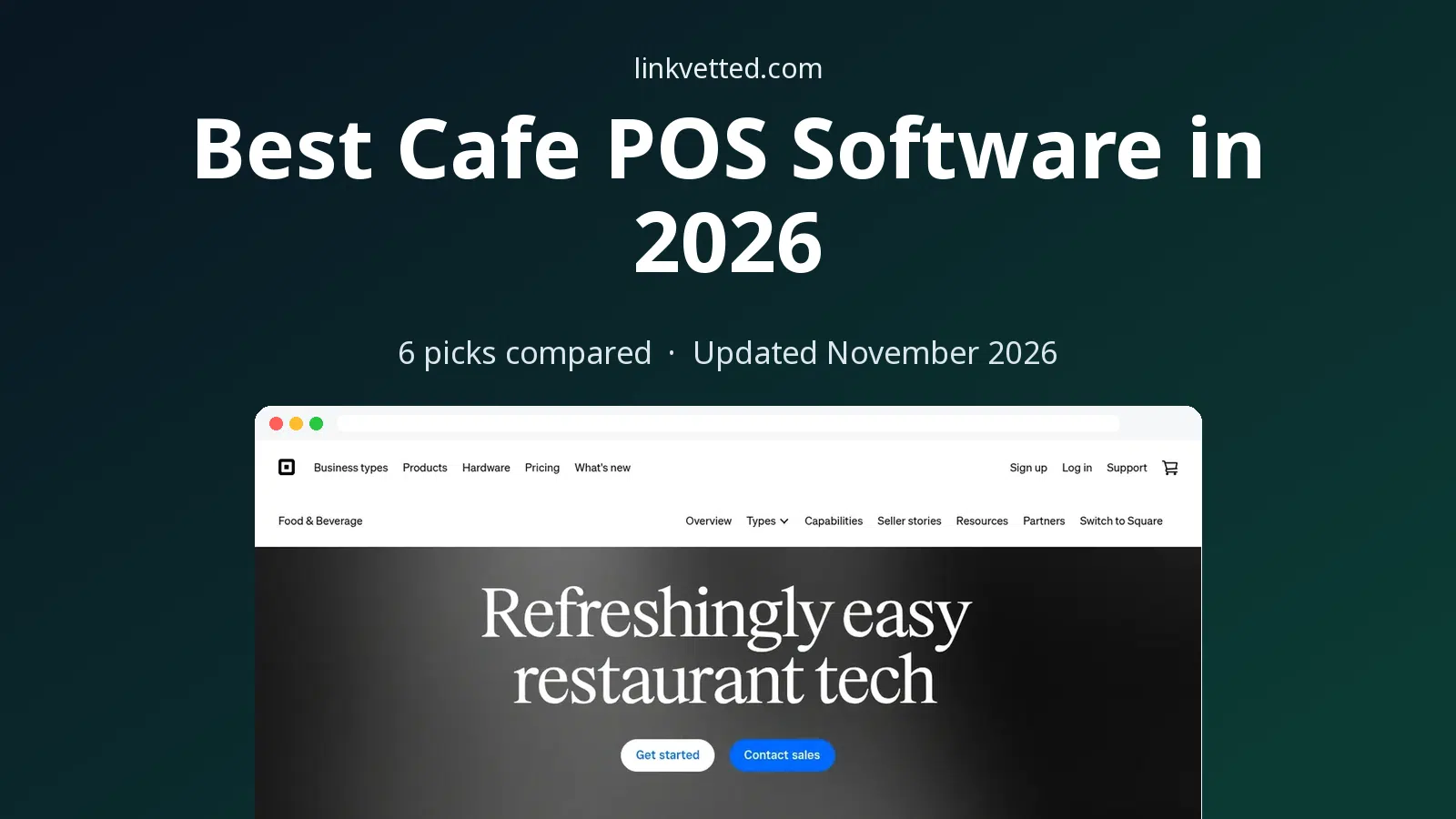
- Editor's choice
 Clover
Cafes looking for a versatile POS ecosystem
Starts atSee websiteVisit clover.comFull review - Great alternativeLoyverse
Budget-conscious small cafes
Starts at$5 per store a monthVisit loyverse.comFull review - Also consider
 Square for Restaurants
Cafes wanting an all-in-one POS with payments
Starts atSee websiteVisit squareup.comFull review
Direct answer
Start with Clover if you need Cafes looking for a versatile POS ecosystem. Listed starting prices: Loyverse from $5 per store a month, TouchBistro from $69 per month and Epos Now from £149. If your case is different, Loyverse suits budget-conscious small cafes and Square for Restaurants suits Cafes wanting an all-in-one POS with payments. All 6 tools are compared below on price, free plan and limits.
TL;DR:
- Clover is the opening pick, best for Cafes looking for a versatile POS ecosystem.
- For Cafes wanting a complete POS option with support, Epos Now is worth a look.
- Loyverse is the lowest-priced starter here at $5 per store per month.
- Loyverse stands alone as the one tool in this list with a free plan.
- Clover comes with a trade-off: pricing can be complicated.
Last checked November 2026. Prices and plan details were read from the vendors' own pages in November 2026; vendors change plans often, so confirm the current price on the vendor site before you buy.
Quick comparison
| Tool | Best for | Starts at | Free plan? | |
|---|---|---|---|---|
| Clover | Cafes looking for a versatile POS ecosystem | See website | Not stated | Visit |
| Loyverse | Budget-conscious small cafes | $5 per store a month | Yes | Visit |
| Square for Restaurants | Cafes wanting an all-in-one POS with payments | See website | Not stated | Visit |
 Lightspeed Restaurant | Cafes needing customization and insights | See website | Not stated | Visit |
 TouchBistro | Cafes concentrated on tableside service and menu management | $69 per month | Not stated | Visit |
 Epos Now | Cafes wanting a complete POS option with support | £149 | Free trial | Visit |
Tool-by-tool breakdown
LinkVetted compared 6 tools for cafe POS software. The goal is a practical shortlist: published prices, free plan facts, best-fit use cases and honest limits for every entry.
Pick Clover if this describes you: Cafes looking for a versatile POS ecosystem. Clover gives you point-of-sale systems and credit card readers a good match for various companies, including cafes. It supplies a mix of hardware and software with an app marketplace that permits you to add functionality when needed.
What to check first: Pricing can be complicated.
More specifically, if you prefer a straightforward, all-inclusive system, Square for Restaurants might be a better fit. In practice, Clover's pricing structure can be less transparent, and some advanced features may need extra apps or subscriptions. No starting price is listed for Clover here; confirm pricing on the vendor site. Free plan details: Not stated.
- Broad range of hardware choices
- Adaptable for different business types
- Some features need external apps
Loyverse
Best for: Budget-conscious small cafes
Loyverse works best for budget-conscious small cafes. Loyverse supplies a free point-of-sale system that bundles sales, inventory, and employee management for small companies. In practice, for expanding cafes with more complicated needs, investing in a system like TouchBistro or Lightspeed could be worthwhile.
Points against: Fewer integrations than premium alternatives.
For everyday use, Loyverse supplies essential features for managing a cafe without the need for costly hardware or subscriptions. Even so, Loyverse may lack some advanced features needed by busier cafes, like in-depth table management or deep customization. Loyverse cost at the entry level: $5 per store per month. A free plan is available with Loyverse.
- Mobile-friendly
- Free core POS software
- Restricted advanced restaurant features
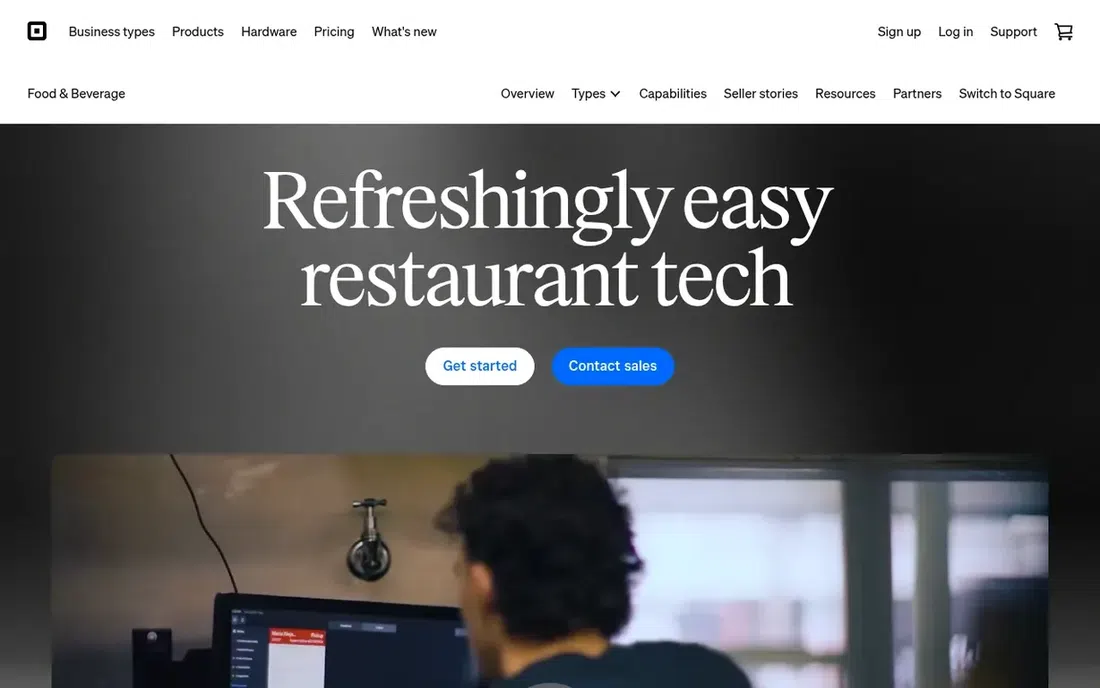
Where Square for Restaurants fits: Cafes wanting an all-in-one POS with payments. Square for Restaurants is a point-of-sale system built for food and beverage firms. It merges order management, payment processing, team organization, and customer engagement tools.
Drawbacks to consider: Payment processing tied to Square.
The system is recognised for its simplicity and quick setup, making it a solid fit for cafes that want a simplified option without deep hardware requirements. That said, Square for Restaurants may not offer the depth of customization some bigger cafes need, and companies are locked into Square's payment processing. More specifically, if you need highly tailored workflows or already use another payment provider, consider alternatives like Lightspeed or TouchBistro. Check the vendor site for Square for Restaurants pricing; none is listed in this comparison. On free options: Not stated.
- Restaurant-specific features like table management
- Integrated payment processing
- Restricted customization for complicated menus
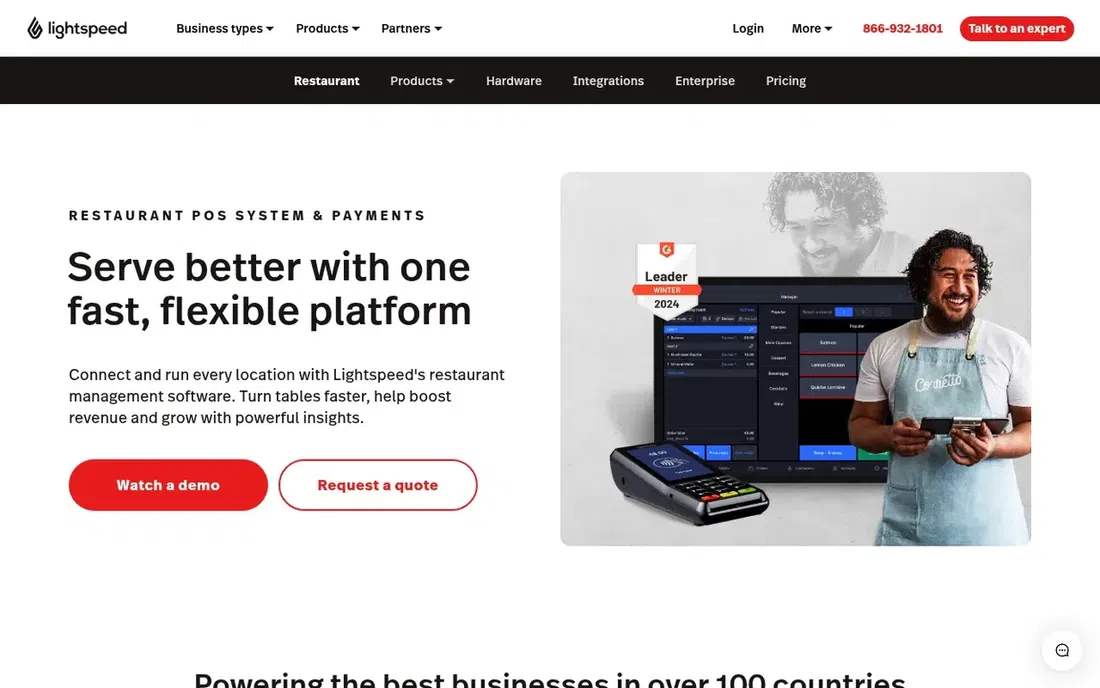
In short, Lightspeed Restaurant is for Cafes needing customization and insights. Lightspeed Restaurant is an adaptable point-of-sale and management system aimed at restaurants. Worth adding: if you need a straightforward, out-of-the-box option, Square for Restaurants or Loyverse could be more appropriate.
Limits to weigh: Can be more pricey for small cafes.
Also, the product's adaptability includes a steeper ramp-up time and potentially higher costs, which might overwhelm very small cafes. In practice, the system is meant to scale with your business, making it right for cafes that plan to expand or have complicated requirements. It supplies tools for payments, management, and analytics. This comparison lists no price for Lightspeed Restaurant; ask the vendor. Free access: Not stated.
- In-depth analytics and reporting
- Scalable for expanding companies
- Higher ramp-up time
TouchBistro
Best for: Cafes concentrated on tableside service and menu management
TouchBistro targets Cafes concentrated on tableside service and menu management. TouchBistro is an all-in-one POS and restaurant management system designed specifically for the food service industry. It contains features for example tableside ordering, menu management, and sales reporting.
What to check first: Restricted integration with some external services.
In practice, the system aims to increase sales, delight guests, and save time and money. For everyday use, for cafes with minimal table service or those seeking a more budget-friendly choice, Loyverse or Square could be worth considering. Entry price for TouchBistro: $69 per month. Trial and free access: Not stated.
- Restaurant-specific features like tableside ordering
- Integrated payment processing
- Needs iPad hardware
Epos Now is aimed squarely at Cafes wanting a complete POS option with support. Epos Now offers a complete point-of-sale option designed with customers in mind. It gives you a set of features for cafes, including sales tracking, inventory management, and reporting.
Watch-outs: Can be expensive for small cafes.
As for the details, the system is scalable and a good match for companies of several sizes, from small cafes to bigger chains. From a buyer's view, the cost and potential long-term contracts may be prohibitive for very small cafes. Epos Now pricing: £149. Free access: Free trial.
- Scalable for different business sizes
- Capable customer support
- May need long-term contracts
How we built this list
LinkVetted looked at what each vendor publishes: pricing, plan limits, feature coverage for cafe POS software and stated drawbacks. No hands-on testing is claimed. Prices and plan limits come from vendor pages and can change, so confirm them on the vendor site before you buy. The ranking is editorial: typical fit first, then clear pricing, then free access. If your needs are unusual, read the profiles rather than relying on position.
Things to verify first
- Ask Clover, Square for Restaurants and Lightspeed Restaurant for a written quote, since no starting price is shown.
- Test the free plan from Loyverse against your real workload before relying on it.
- Take the trial from Epos Now and push a live task through it before you pay.
- Before choosing Clover, weigh its main limit: pricing can be complicated.
- Confirm you can export your data from Lightspeed Restaurant, so leaving later does not mean losing records.
- Check whether Square for Restaurants bills monthly or annually, and what cancelling early costs.
FAQ
What should I consider when choosing a cafe POS?
Consider your budget, required features (like table management or loyalty programs), simplicity, hardware needs, and customer support. Also think about scalability if you plan to grow. Reading reviews and demoing the software can help.
Can I use a POS system without long-term contracts?
Some POS systems offer month-to-month plans without long-term contracts, like Square. Others may need annual agreements. For everyday use, always check the contract terms before committing.
Can I try these options before paying?
Often, yes. Loyverse has a free plan and Epos Now offers a free trial. Use your own data and a real task during the test, and check what the free tier or trial limits before you rely on it.
What is the best POS software for a small cafe?
For most readers this guide would start with Clover, built for Cafes looking for a versatile POS ecosystem. Loyverse is the alternative for budget-conscious small cafes, and Square for Restaurants for Cafes wanting an all-in-one POS with payments. The right answer depends on budget and workflow.
Is Clover the right pick for everyone comparing cafe POS software?
No single tool suits every team. Clover comes first because it fits Cafes looking for a versatile POS ecosystem, while Loyverse suits budget-conscious small cafes and Square for Restaurants suits Cafes wanting an all-in-one POS with payments. Match the tool to your own size, budget and workflow before deciding.
What is the cheapest option for cafe POS software in this list?
On published monthly entry prices, Loyverse is the lowest here at $5 per store per month. Entry price is only part of the cost, because seats, add-ons and billing terms can change the total. Prices, free plan details and limits for all 6 tools in this Cafe POS software roundup sit on the individual cards above.
Sources
- https://www.clover.com
- https://loyverse.com
- https://squareup.com/us/en/restaurants
- https://www.lightspeedhq.com/pos/restaurant
- https://www.touchbistro.com
- https://www.eposnow.com