The 6 Best Business Phone Software for Small Teams in 2026, Ranked
Need the best business phone software for small teams? We compare 6 tools on cost, free access and who each suits. Each listing flags where it falls short.
- Editor's choice
 Microsoft Teams Phone
Teams already working in Microsoft Teams
Starts atSee websiteVisit microsoft.comFull review - Great alternative
 Dialpad
Conversation intelligence alongside calling
Starts at$15 per user per monthVisit dialpad.comFull review - Also considerRingCentral MVP
Teams wanting AI-assisted business calling
Starts at$52 a monthVisit ringcentral.comFull review
Direct answer
If you need Teams already working in Microsoft Teams, Microsoft Teams Phone is the first tool to look at here. Listed starting prices: Dialpad from $15 per user per month, RingCentral MVP from $52 a month and Aircall from $30 per license/month. If your case is different, Dialpad suits conversation intelligence alongside calling and RingCentral MVP suits Teams wanting AI-assisted business calling. Details, prices and limits for the rest of the 6 tools are below.
TL;DR:
- The list opens with Microsoft Teams Phone, aimed at Teams already working in Microsoft Teams.
- Check the limits for RingCentral MVP before you commit: feature depth may exceed tiny teams.
- Microsoft Teams Phone, Grasshopper and the 4 others all need a premium plan or a trial, since no free plan is listed.
- Grasshopper has the lowest monthly starting price in this list: $14 per month.
- Grasshopper fits very small teams needing a virtual line.
Last checked November 2026. Prices and plan details were read from the vendors' own pages in November 2026; vendors change plans often, so confirm the current price on the vendor site before you buy.
Quick comparison
| Tool | Best for | Starts at | Free plan? | |
|---|---|---|---|---|
| Microsoft Teams Phone | Teams already working in Microsoft Teams | See website | Not stated | Visit |
| Dialpad | Conversation intelligence alongside calling | $15 per user per month | Free trial | Visit |
| RingCentral MVP | Teams wanting AI-assisted business calling | $52 a month | Free trial | Visit |
 Aircall | CRM and helpdesk-connected calling | $30 per license/month | Free trial | Visit |
 Nextiva | Small teams concentrated on customer experience | $15 per user a month | No | Visit |
 Grasshopper | Very small teams needing a virtual line | $14 per month | Not stated | Visit |
The 6 tools in detail
This LinkVetted guide covers 6 business phone software for small teams. Each profile lists a starting price, free plan details, strengths and drawbacks, so you can drop poor fits quickly.
In short, Microsoft Teams Phone is for Teams already working in Microsoft Teams. Microsoft Teams Phone is a cloud-based phone system that lets teams make Teams calls and dial external numbers to stay connected with colleagues and customers.
It suits small teams that already depend on Microsoft Teams for meetings and chat and want calling to live in the same workspace rather than a separate app. Pricing for Microsoft Teams Phone is not stated here, so ask the vendor for current figures. Trial and free access: Not stated.
Where it is weaker: Best value if Teams is already in use.
- Cloud phone system inside Teams
- Calls to external numbers supported
- Setup relies on your environment
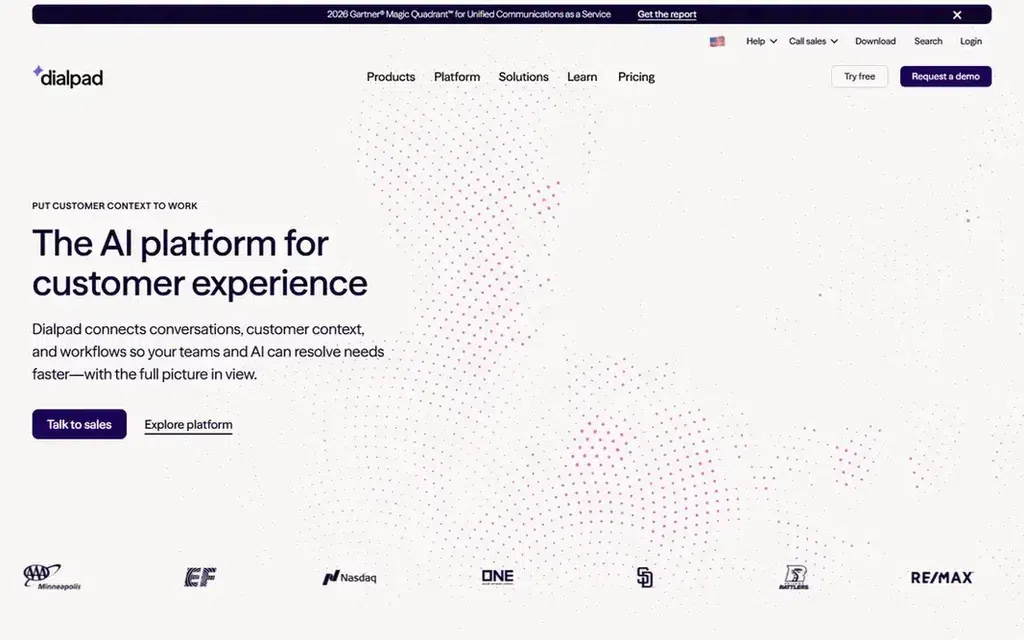
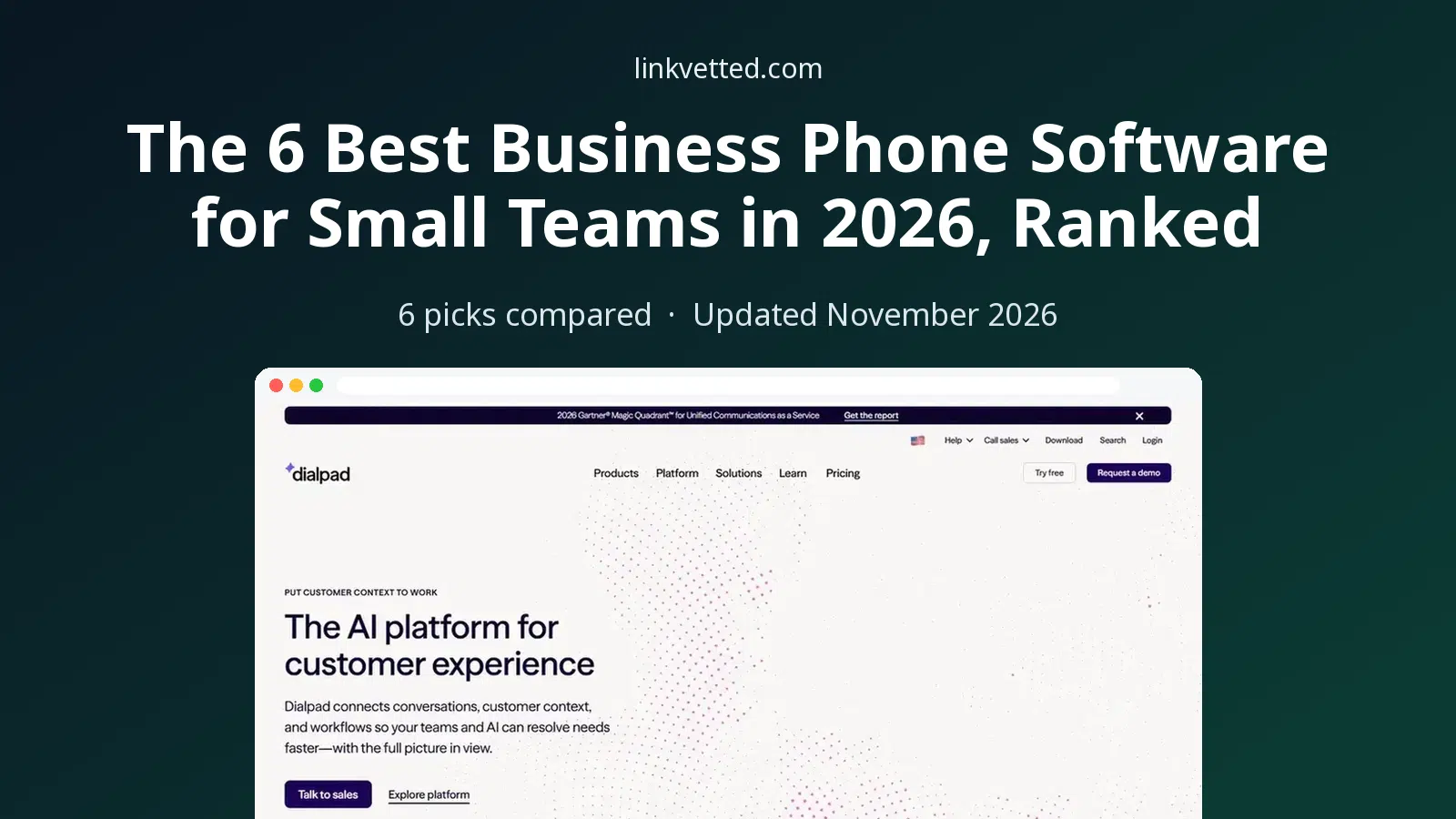
Dialpad is built with conversation intelligence alongside calling in mind. Dialpad presents itself as an AI customer experience system that brings AI agents, contact center, sales and business communications together, turning customer conversations into intelligence that drives resolution.
Watch-outs: AI emphasis may not suit every team.
The platform is built around AI and contact center depth, which can be more than a small team needs for everyday calling. From a buyer's view, Teams seeking a minimal voice setup should compare more straightforward choices before deciding. On cost, Dialpad starts like this: $15 per user per month. Free options: Free trial.
- Focus on conversation intelligence
- AI agents and contact center included
- Review core calling needs first
RingCentral MVP
Best for: Teams wanting AI-assisted business calling
Drawbacks to consider: Setup choices need review.
The AI features deserve a close look to confirm they match your call flows. More specifically, Teams that primarily want a straightforward second phone line may prefer a lighter virtual system instead. RingCentral MVP cost at the entry level: $52 per month. Free access: Free trial.
- Wide business voice system
- Positioned around business voice needs
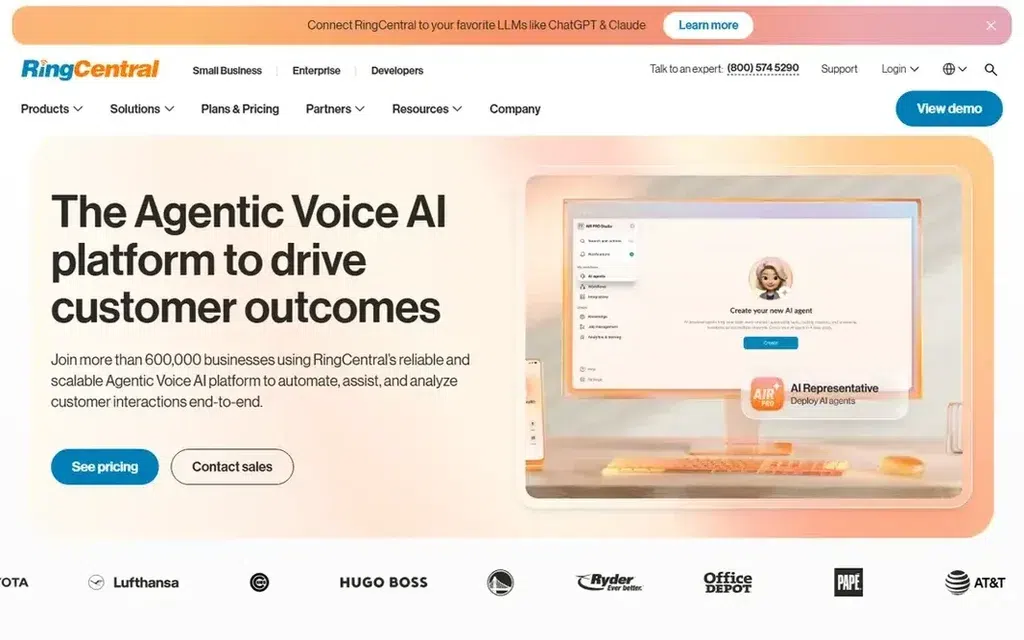
- Feature depth may exceed tiny teams RingCentral MVP if this describes you: Teams wanting AI-assisted business calling. RingCentral MVP is a business communications product centered on voice, with AI features for example an AI Receptionist, an AI Virtual Assistant and an AI Conversation Expert layered on top. The breadth of the product can be more than a very small team needs.
Aircall makes the most sense for CRM and helpdesk-connected calling. It suits small teams whose phone work is tied closely to a CRM or support desk and who want calls to flow into those systems automatically.
Watch-outs: Integration value relies on your stack.
Confirm that the calling features you need are covered before choosing it over a more straightforward system. Starting cost for Aircall: $30 per license/month. As for free access: Free trial.
- Insight features for conversations
- Integrations with CRM and helpdesk tools
- Confirm fit for internal calling
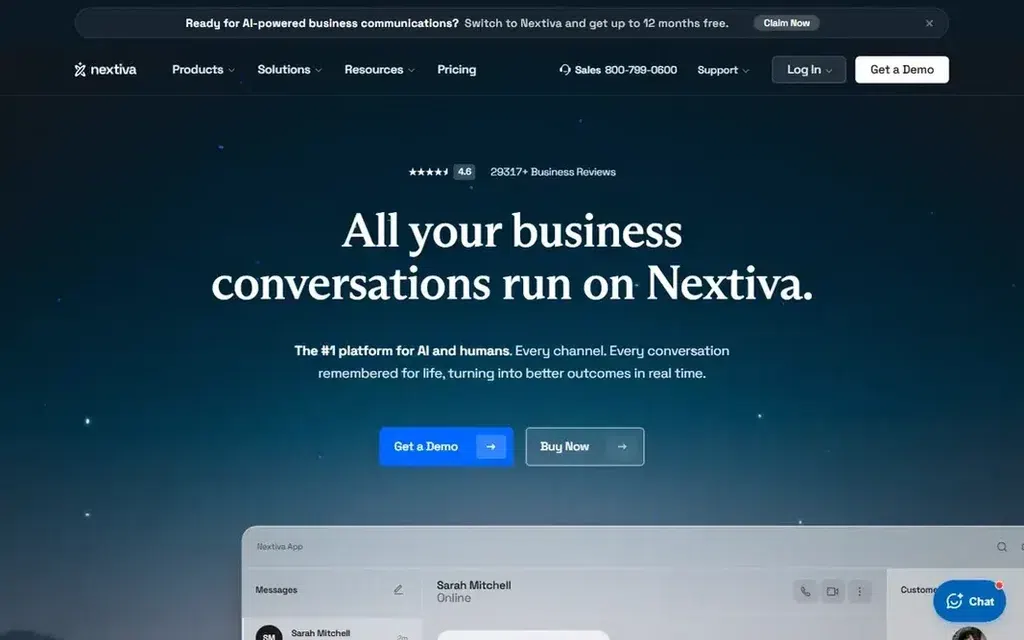
Nextiva is built with small teams centred on customer experience in mind. It fits small teams that treat every call as part of the customer journey and want phone service connected to a wider experience strategy instead of standing alone.
Nextiva cost at the entry level: $15 per user per month. Nextiva has no permanent free option.
Watch-outs: CX focus may be broader than needed.
- Unified customer experience framing
- AI receptionist included
- Confirm fit for basic calling only
Grasshopper serves very small teams needing a virtual line. Grasshopper is not built around the AI receptionist and contact center features found in larger systems, so teams expecting advanced conversation intelligence should look elsewhere.
What to check first: Lighter on advanced AI features.
Check call routing and device needs against your workflow first. Grasshopper is a virtual phone system positioned for companies that want to stay organized as call volume raises, with unlimited users and support stated on its site. Grasshopper starts at: $14 per month. As for free access: Not stated.
- Virtual phone system for small business
- Support available around the clock
- Confirm call routing needs
What went into this list
The comparison looks at four things: starting price, free access, how well the feature set matches business phone software for small teams, and the main limit of each tool. Plan names, prices and limits change often. Treat the figures here as a starting point and verify them with the vendor. We ordered the tools by general fit, then by how clearly pricing is shown, then by free access. A buyer with unusual needs may reorder them.
A buyer's checklist
- Get a written quote from Microsoft Teams Phone; the list shows no starting price for them.
- Use real work to test the free trial from Dialpad, RingCentral MVP and Aircall, rather than a demo project.
- Read the limits listed for Microsoft Teams Phone first: best value if Teams is already in use.
- Work out what Aircall costs with your real seat count, add-ons and usage, not just the entry price.
- Check how data leaves RingCentral MVP: formats, limits and whether exports are available on every plan.
FAQ
What is the cheapest option for business phone software for small teams in this list?
On published monthly entry prices, Grasshopper is the lowest here at $14 per month. Entry price is only part of the cost, because seats, add-ons and billing terms can change the total. All 6 picks in this business phone software for small teams comparison list a starting price, free plan details and the main limits on their cards above.
Can a virtual phone system work for a very small team?
Yes. Grasshopper is designed as a virtual phone system for small companies and states unlimited users, which fits solo operators and very small teams. Confirm call routing and device needs against how your team actually works before deciding.
Do small teams need AI features in a phone system?
Not necessarily. AI receptionists and conversation intelligence can help teams that deal with plenty of inbound calls or want call insights, as seen with RingCentral and Dialpad. Teams with light call volume may be better served by a more straightforward virtual phone system.
Is Microsoft Teams Phone the right pick for everyone comparing business phone software for small teams?
No single tool suits every team. Microsoft Teams Phone comes first because it fits Teams already working in Microsoft Teams, while Dialpad suits conversation intelligence alongside calling and RingCentral MVP suits Teams wanting AI-assisted business calling. Match the tool to your own size, budget and workflow before deciding.
What should a small team look for in business phone software?
Start with the calling features your team uses every day, for example call routing, voicemail and external dialing. Then check integrations with tools you already use and whether AI call handling would genuinely help.
Can I try these tools before paying?
Often, yes. Dialpad, RingCentral MVP and Aircall offer a free trial. Use your own data and a real task during the test, and check what the free tier or trial limits before you rely on it.
Sources
- https://www.microsoft.com/en-us/microsoft-teams/microsoft-teams-phone
- https://www.dialpad.com
- https://www.ringcentral.com
- https://aircall.io
- https://www.nextiva.com
- https://grasshopper.com