Best Business Email Software in 2026: 8 Platforms Compared
Compare the best business email software for your own domain, from Google and Microsoft to Zoho, Proton and Fastmail, with current pricing and plans in 2026.

- Editor's choice
 Google Workspace
Gmail plus Google apps
Starts at$7 per user per monthVisit workspace.google.comFull review - Great alternative
 Microsoft 365
Outlook plus Office apps
Starts at$7 per user per monthVisit microsoft.comFull review - Also consider
 Zoho Mail
Budget business email
Starts atSee websiteVisit zoho.comFull review
TL;DR:
- Google Workspace and Microsoft 365 both start at $7 per user per month on annual plans, so the choice comes down to Gmail versus Outlook and the apps around them.
- Zoho Mail is the cheapest full business option for teams that mainly need reliable email on their own domain.
- Proton Mail is the pick for teams that put encryption and privacy first, while Fastmail suits people who want a fast, independent inbox.
- Any serious business plan should include your own domain, admin controls and two-factor authentication, not just a mailbox.
Quick comparison
| Tool | Best for | Starts at | Free plan? | |
|---|---|---|---|---|
| Google Workspace | Gmail plus Google apps | $7 per user per month | Free trial | Visit |
| Microsoft 365 | Outlook plus Office apps | $7 per user per month | Free trial | Visit |
| Zoho Mail | Budget business email | See website | Free trial | Visit |
 Proton Mail | Privacy-first email | See website | Yes | Visit |
 Fastmail | Fast independent inbox | See website | Free trial | Visit |
 Rackspace Email | Hosted Exchange-style email | See website | Free trial | Visit |
 Titan Email | Small business email with extras | See website | Free trial | Visit |
 Namecheap Private Email | Cheap domain email | See website | Free trial | Visit |
The best business email software
Business email software means email on your own domain, with admin controls, spam filtering and support, rather than a free personal inbox. The platforms below cover full suites and email-only options, so you can pay for what you actually use.
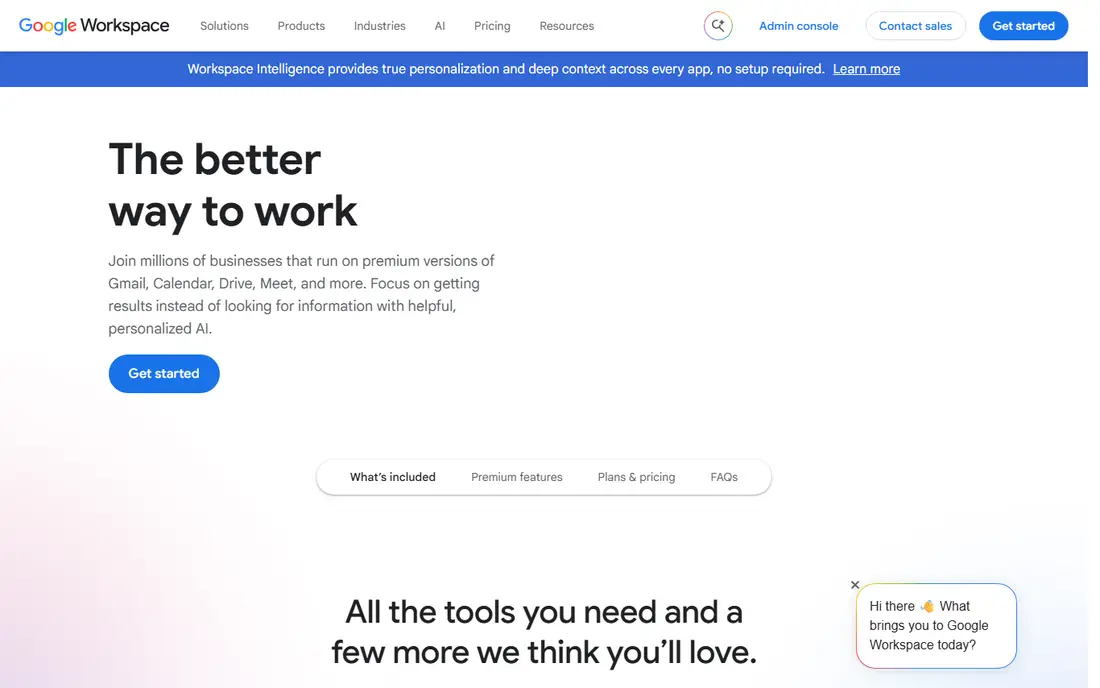
Google Workspace gives every user a Gmail inbox on the company domain, plus Drive storage, Docs, Sheets and Meet video calls. Business Starter costs $7 per user per month on an annual plan, with 30 GB of pooled storage per user, while Standard at $14 adds 2 TB pooled storage and meeting recording. For teams that live in a browser and collaborate on shared documents, this is the simplest full suite to run.
The limits are worth noting. Starter has no desktop Office apps, so teams with heavy Excel or Word needs should compare Microsoft 365 Standard. Admin controls are good, but advanced security and archiving sit in the higher tiers, so growing teams should check what the $22 Plus tier adds before they need it.
- Gmail on your own domain
- Drive, Docs and Meet included
- Strong spam filtering and search
- No desktop Office apps at the entry tier
- Storage is pooled and limited at the starter level
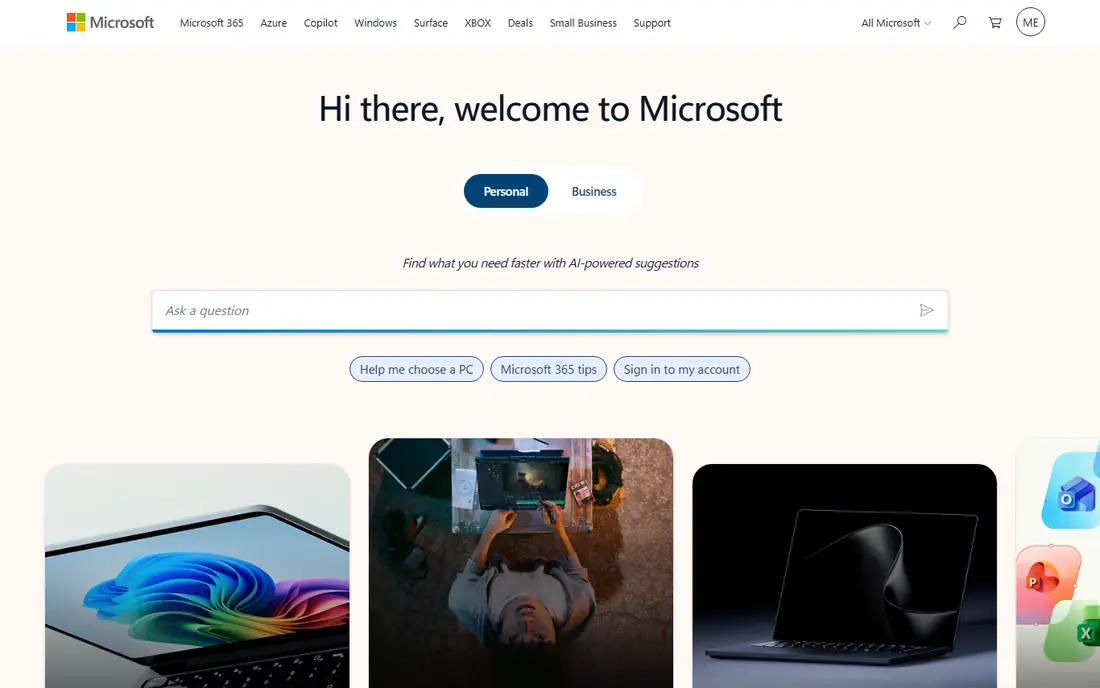
Microsoft 365 Business Basic also costs $7 per user per month on an annual plan, with Outlook email, Teams and 1 TB of OneDrive storage per user. Business Standard at $14 adds the desktop Office apps, which is the deciding factor for many small businesses that depend on Excel, Word and PowerPoint files. Business Premium at $22 adds device management and advanced security.
Outlook is a deeper email client than Gmail, with strong rules, shared mailboxes and calendar tools that larger teams rely on. The downside is plan complexity, since Microsoft sells several business and enterprise tiers with overlapping names. Start with Basic or Standard for a small team and move up only when a specific security or device feature is required.
- Outlook on your own domain
- Desktop Office apps from Standard
- Teams, OneDrive and SharePoint included
- More plan options to sort through
- Entry tier is web and mobile apps only

Zoho Mail is the best business email app for teams that want professional email without paying for a full productivity suite. It offers mail on your own domain, shared calendars, tasks and notes, with a free tier for small personal use and paid business plans at a lower per-user price than the big two suites. The interface is clean, search is fast, and migration tools help move mail from Gmail or Outlook.
The trade-off is ecosystem. If your clients and contractors live in Google Docs or Microsoft Teams, Zoho adds a small amount of friction, though it still handles standard email, calendar and contacts well. For a small business that mainly needs dependable email, that friction is rarely a problem.
- Low per-user cost
- Clean web and mobile apps
- Works with other Zoho business apps
- Smaller ecosystem than Google or Microsoft
- Advanced features sit in higher tiers
Proton Mail is built around privacy, with end-to-end encryption, a no-logs approach to mail content and servers in Switzerland. Paid business plans add custom domains, multiple users, admin controls and more storage, while a free plan lets an individual try the service before paying. Teams handling sensitive client information, such as legal or health-adjacent work, often value that privacy stance.
The catch is maturity in business tooling. Shared mailboxes, advanced admin controls and third-party integrations are less deep than in Google or Microsoft, and encryption means some features, such as full server-side search of encrypted mail, work differently. If privacy is the priority, Proton is the pick; if deep Office integration matters more, it is not.
- End-to-end encryption for Proton-to-Proton mail
- Based in Switzerland
- Custom domains on paid plans
- Some business features are newer than rivals
- Encrypted search and integrations have limits
Fastmail is an independent email provider that focuses on doing email well rather than bundling a suite. It offers custom domains, fast search, rules, snoozing, masked email addresses for signups, and calendar and contacts. The apps are polished, the webmail is quick, and support has a good reputation among long-term users.
Fastmail does not include documents, spreadsheets or video calls, so teams that want one vendor for everything will still need separate tools. For a business that already uses its own document and meeting tools and just wants a dependable inbox, that focus is a strength rather than a gap.
- Very fast webmail and apps
- Custom domains and masked email
- Independent company focused on email
- No office suite included
- Smaller brand recognition with clients
Rackspace Email is a hosted email service aimed at businesses that want a managed inbox without running a server. It offers standard hosted email and a hosted Microsoft Exchange option, with webmail, mobile access and migration assistance. Companies that have used Rackspace hosting for years often keep email there for simplicity.
The webmail experience is less modern than Gmail or Fastmail, and the product line has several plan types that take care to compare. Rackspace suits businesses that value managed support and an Exchange-style setup over the newest interface.
- Hosted email with Exchange option
- Migration help
- US-based support
- Interface feels dated next to Gmail and Outlook
- Pricing varies by plan type
Titan Email is a business email product built for small businesses, with mail on your own domain plus scheduling links, email templates and read receipts in some plans. It is often sold through domain and hosting providers, which makes setup easy when you already buy a domain from the same company. The interface is modern and friendly for non-technical owners.
Titan is less established than the big suites, and the exact features depend on which partner plan you buy, so compare the plan details before committing. For a solo owner or tiny team that wants a professional inbox with a few helpful extras, it is a practical low-cost option.
- Business email on your domain
- Built-in scheduling and templates
- Sold through hosting partners
- Less widely known
- Feature depth varies by partner plan
Namecheap Private Email is one of the cheapest ways to get email on a domain you own, and it pairs naturally with domains bought from Namecheap. Plans include webmail, mobile setup, spam protection and multiple mailboxes, which covers the basics for a small business or a side project. The price makes it easy to give every team member a professional address.
The feature set is basic compared with Google Workspace or Microsoft 365, with no documents, video calls or advanced admin tools. That is fine when email is all you need, but a growing team will likely outgrow it and migrate to a suite later.
- Very low cost
- Easy pairing with a Namecheap domain
- Simple webmail and mobile access
- Basic feature set
- Not a full productivity suite
How we picked these
We compared official pricing pages, plan features, admin controls and app store listings for business email platforms available in October 2026. We included full suites and email-only services, and we favored providers with clear custom-domain support, spam filtering and published pricing or a free trial. We left out free personal inboxes, since they do not offer the domain and admin control a business needs.
How to choose a business email platform
Start with how your team actually works. If everyone already uses Gmail or Outlook, matching that habit saves training time and support requests. If the budget is tight and email is the only need, an email-only provider saves money every month, and you can migrate later if the team grows.
What to check before you buy
Confirm the plan includes your own domain, enough storage per user, shared mailboxes or aliases, and two-factor authentication. Check migration tools for moving old mail, and confirm the cancellation terms, since annual plans are cheaper but harder to exit. For regulated work, check data location, retention and archiving options before you sign up.
Suites versus email-only services
A suite makes sense when you also need documents, storage and video calls from one vendor, and the per-user price is close to email alone. Email-only services win when you already have document and meeting tools, or when you want an independent inbox that is not tied to a large platform.
FAQ
What is the best business email software for a small business?
Google Workspace is our pick for most small businesses because Gmail, Drive and Meet cover the daily tools in one $7 starter plan. Microsoft 365 is the better pick if your team depends on desktop Office apps, since Standard includes them at $14 per user per month.
What is the best email platform for business on a budget?
Zoho Mail and Namecheap Private Email are the cheapest credible options for email on your own domain. Zoho offers more business features, while Namecheap is best when you only need basic mailboxes at a low price.
What is the best business email app for privacy?
Proton Mail is the strongest privacy choice, with end-to-end encryption and a clear privacy stance. Fastmail is a good middle ground for teams that want an independent provider without encryption trade-offs.
Can I use my own domain with business email?
Yes. Every platform on this list supports custom domains on paid plans, so mail arrives at addresses like you@yourcompany.com. Setup usually means adding a few DNS records, and most providers guide you through it.
Is there a free business email option?
Free plans exist for individuals, such as Proton Mail's free tier, but a business address on your own domain almost always requires a paid plan. Trials from Google, Microsoft, Zoho and others let you test before paying.
How do I move old email to a new provider?
Most providers offer migration tools that copy mail from Gmail, Outlook or another IMAP server. Start with one mailbox to test, keep the old account active until the copy is verified, and update DNS records only when you are ready to switch.