Choosing Bill Paying Software in 2026: 6 Options Compared
6 options for the best bill paying software, with entry costs, free tiers and the buyer each one serves. Every profile names its biggest catch. See which fits.
- Editor's choice
 SAP Concur
Travel, expense and invoice control
Starts at$7 per reportVisit concur.comFull review - Great alternative
 Melio
Straightforward business bill payment
Starts at$25 a monthVisit meliopayments.comFull review - Also consider
 AvidXchange
Mid-market AP automation
Starts atSee websiteVisit avidxchange.comFull review
Direct answer
SAP Concur leads the list, best for travel, expense and invoice control. Listed starting prices: SAP Concur from $7 per report, Melio from $25 a month and QuickBooks Online from $11.40 a month. Melio fits straightforward business bill payment; AvidXchange fits mid-market AP automation. All 6 tools are compared below on price, free plan and limits.
TL;DR:
- SAP Concur takes the first slot, best suited to travel, expense and invoice control.
- The main caution on SAP Concur: broader than bill paying alone.
- The lowest published monthly entry price here is $7 per month, from Xero.
- Xero is the one to check for small business accounting with payments.
- Only 2 of the 6 tools have a free plan (Melio, Bill.com), so check the caps.
Last checked November 2026. Prices and plan details were read from the vendors' own pages in November 2026; vendors change plans often, so confirm the current price on the vendor site before you buy.
Quick comparison
| Tool | Best for | Starts at | Free plan? | |
|---|---|---|---|---|
| SAP Concur | Travel, expense and invoice control | $7 per report | Not stated | Visit |
| Melio | Straightforward business bill payment | $25 a month | Yes | Visit |
| AvidXchange | Mid-market AP automation | See website | Not stated | Visit |
 QuickBooks Online | Bill paying inside accounting | $11.40 a month | Free trial | Visit |
| Bill.com | Dedicated AP and AR workflows | $49 per user a month | Yes | Visit |
 Xero | Small business accounting with payments | $7 a month | Free trial | Visit |
The 6 tools in detail
If you are comparing bill paying software, this page covers 6 tools in one place: what each is best for, what it costs to start, whether it has a free plan, and the main limit to know about.
SAP Concur works best for travel, expense and invoice control. SAP Concur eases spend management for travel, expense and invoice, giving organizations visibility and greater control over spending. Worth adding: organizations focused purely on AP automation should compare AvidXchange or Bill.com.
Bill paying sits within that wider spend picture, which fits bigger organizations that want travel and expense data connected to invoice handling. It is targeted at teams that need governance across numerous spending categories. Starting cost for SAP Concur: $7 per report. Free access: Not stated.
Watch-outs: Implementation can be involved.
- Spans travel
- Enterprise-oriented spend management
- Broader than bill paying alone
Melio was built for straightforward business bill payment. Melio gives you accounts payable and receivable software built around paying and getting premium for companies.
Trade-offs to know: Narrower than full finance suites.
It is positioned as a simple bill paying service, which fits smaller teams that want a straightforward way to manage vendor payments without a heavy system. Starting cost for Melio: $25 per month. A free plan is available with Melio.
- Straightforward bill payment service
- Accounts payable and receivable support
- May need pairing with accounting software
AvidXchange is a good fit for mid-market AP automation. It fits finance teams processing a steady volume of supplier invoices who want to move away from manual entry and paper-based approvals.
Where it falls short: Mid-market orientation may not fit very small teams.
Worth adding: very small firms with light invoice volume may find more straightforward tools for example Melio sufficient. No starting price is listed for AvidXchange here; confirm pricing on the vendor site. Free plan details: Not stated.
- AI-powered AP automation
- Aims to cut manual work
- Concentrated on AP instead of full finance
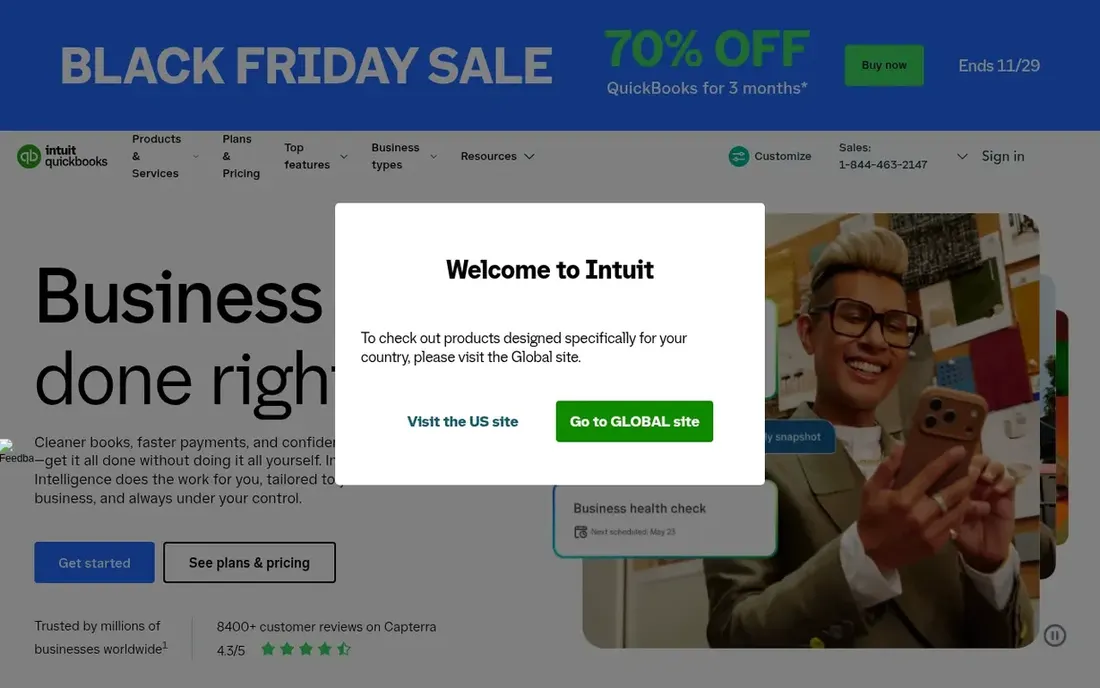
Pick QuickBooks Online if this describes you: bill paying inside accounting. QuickBooks Online is accounting software that organizes and handles business finances, including bill paying alongside bookkeeping, invoicing and reporting.
Where it falls short: Bill paying is part of a bigger suite.
Bill paying here is one part of a bigger accounting suite, so teams needing deep approval chains or high-volume AP automation may outgrow it. In practice, setup is described by the vendor as quick and simple. Entry price for QuickBooks Online: $11.40 per month. Free plan details: Free trial.
- Quick setup based on the vendor
- Widely used by small companies
- Advanced AP automation may need extras
Bill.com
Best for: Dedicated AP and AR workflows
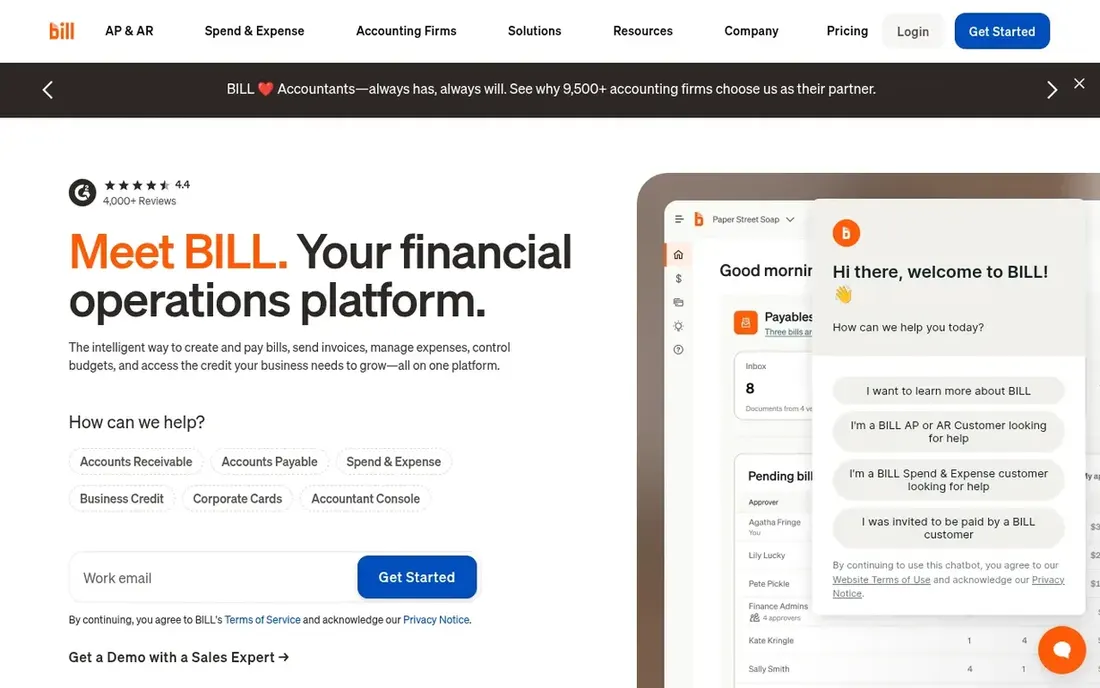
In short, Bill.com is for dedicated AP and AR workflows. Teams that chiefly want bill paying inside their existing accounting software should look at QuickBooks Online or Xero instead.
On top of that, teams use it to produce and pay bills, handle expenses, control budgets and access credit to support growth. On cost, Bill.com starts like this: $49 per user per month. A free plan is available with Bill.com.
What Bill.com does well: Supports bill creation and payment. Where it is weaker: Setup needs some process planning.
- Budget controls included
- Merges AP
- Wide product may overwhelm very small teams
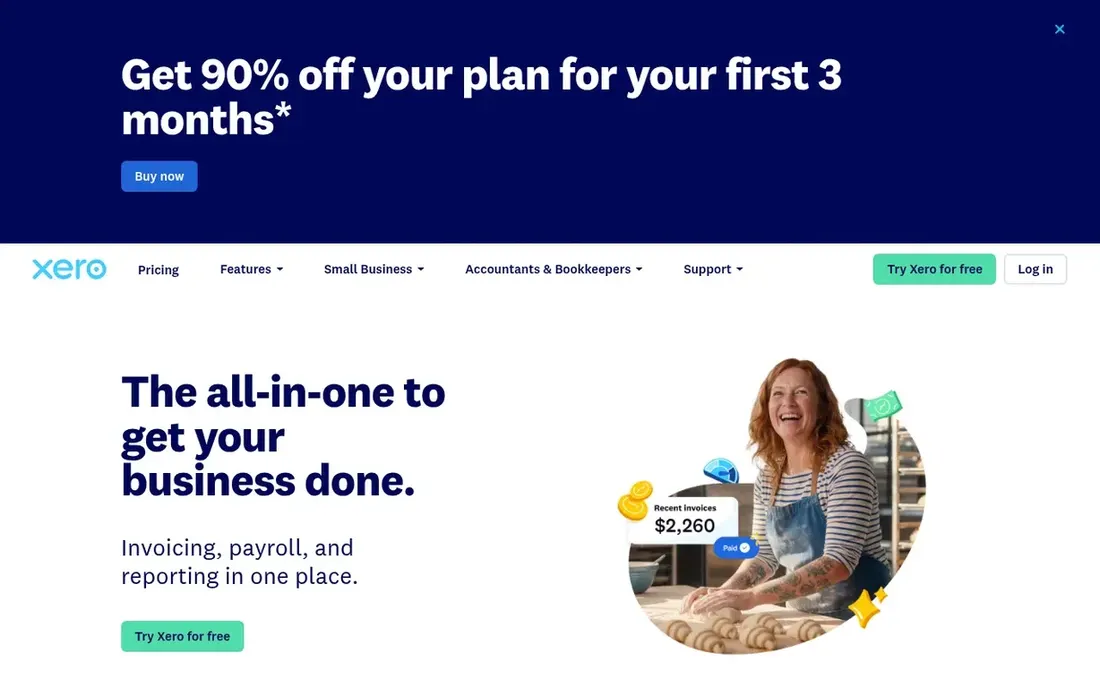
Choose Xero for small business accounting with payments. Xero is accounting software for small companies that links you to your bank, accountant, bookkeeper and other business apps.
Worth adding: bill paying suits into that connected workflow, so teams can track payables alongside their books. Price to start with Xero: $7 per month. On free options: Free trial.
Limits to weigh: Bill paying depth depends on connected apps.
- Designed for small companies
- Links to bank and accountant
- Less suited to complicated AP processes
What went into this list
The comparison looks at four things: starting price, free access, how well the feature set matches bill paying software, and the main limit of each tool. Seat minimums, billing terms and add-ons can move the real cost, so the starting prices here are a guide and not a quote. Order on the page follows fit for the typical buyer first, then price transparency and free access. Your own requirements should decide the final pick.
A buyer's checklist
- Confirm the entry price on the vendor page. For AvidXchange that means a quote rather than a fixed price.
- Look at free plan limits closely: Melio and Bill.com have one, and the caps decide whether it is usable for real work.
- Run a trial of QuickBooks Online and Xero with real work before paying for a year; your own workflow is the best test.
- Before choosing SAP Concur, weigh its main limit: broader than bill paying alone.
- Pick one real project and run it in QuickBooks Online first; a small pilot shows fit faster than a checklist.
- Total up the real monthly cost of Melio, including add-ons, extra users and usage-based fees.
FAQ
Which options for bill paying software have a free plan?
On this list, Melio and Bill.com include a free plan. Caps on seats, usage or features are common, so test the free plan against your real workload. Several others offer a trial instead.
Is SAP Concur the right pick for everyone comparing bill paying software?
No single tool suits every team. SAP Concur comes first because it fits travel, expense and invoice control, while Melio suits simple business bill payment and AvidXchange suits mid-market AP automation. Match the tool to your own size, budget and workflow before deciding.
Can I try these options before paying?
Often, yes. Melio and Bill.com have a free plan and QuickBooks Online and Xero offer a free trial. Use your own data and a real task during the test, and check what the free tier or trial limits before you rely on it.
Do these tools publish their prices?
Not all of them. AvidXchange publishes no starting price, so expect a quote request for it. The rest, SAP Concur included, show a starting price, though seats and billing terms still change the final cost.
How do I compare tools fairly?
List your must-have features, like payment methods, approvals, integrations and reporting, then check each vendor's documented capabilities. Confirm current details on vendor sites since offerings change.
Sources
- https://www.concur.com
- https://meliopayments.com
- https://www.avidxchange.com
- https://quickbooks.intuit.com
- https://www.bill.com
- https://www.xero.com