Best Bill of Materials Software in 2026: 8 Tools Compared
Compare the best bill of materials software for manufacturing, with BOM versions, costing, change control, and inventory tools explained for factories in 2026.
- Editor's choice
 OpenBOM
Cloud engineering BOMs
Starts atSee websiteVisit openbom.comFull review - Great alternative
 Katana
Small manufacturer production
Starts at$299 per monthVisit katana.comFull review - Also consider
 MRPEasy
Small business MRP and BOMs
Starts atSee websiteVisit mrpeasy.comFull review
TL;DR:
- OpenBOM suits engineering teams that want cloud BOMs, revisions, and CAD links without enterprise complexity.
- Katana and MRPEasy suit small manufacturers that need BOMs tied to inventory and production orders.
- Arena PLM and Epicor Kinetic suit larger teams with formal change control and compliance needs.
- Costing, revision history, and ERP integration matter more than a long feature list, so test with a real product BOM.
Quick comparison
| Tool | Best for | Starts at | Free plan? | |
|---|---|---|---|---|
| OpenBOM | Cloud engineering BOMs | See website | Free trial | Visit |
| Katana | Small manufacturer production | $299 per month | Free trial | Visit |
| MRPEasy | Small business MRP and BOMs | See website | Free trial | Visit |
 Fishbowl | Inventory plus BOMs | See website | No | Visit |
 Arena PLM | Product lifecycle and change control | See website | No | Visit |
 JobBOSS² | Job shops | See website | No | Visit |
 Unleashed | Inventory and manufacturing | See website | Free trial | Visit |
 Epicor Kinetic | Mid market manufacturing ERP | See website | No | Visit |
The best bill of materials software
We compared BOM structure, revision control, costing, change workflows, and integrations, for teams that build physical products.
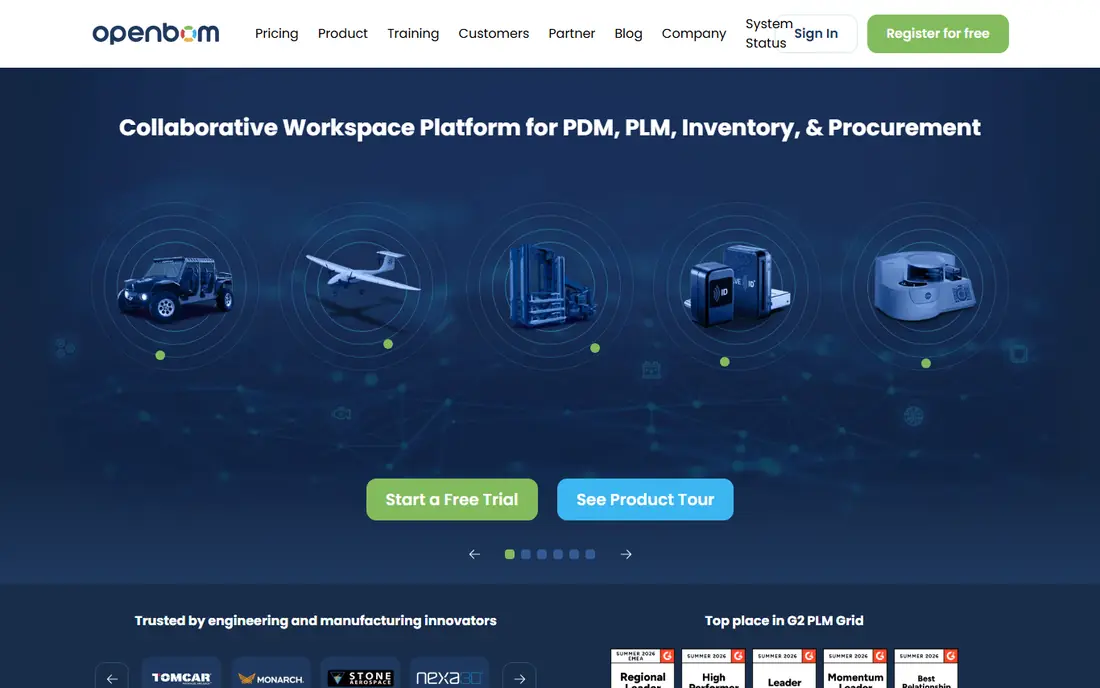
OpenBOM is our pick for engineering teams moving from spreadsheets to a shared BOM. You can build multi level BOMs, track item revisions, and see change history for a part or assembly. CAD integrations help teams keep design data and BOM data linked, which cuts manual retyping.
The trade off is scope. OpenBOM excels at product data and BOM control, but full manufacturing, accounting, and shop floor workflows usually need another system or an integration. For design and engineering led teams, that focus is a strength, not a gap.
- Cloud BOMs with revision history
- CAD integrations
- Familiar spreadsheet style interface
- Pricing varies by plan and user count
- Deeper ERP features need integration work

Katana suits small manufacturers that need BOMs to drive real production. Create a BOM, turn a sales order into a manufacturing order, and watch inventory adjust as materials are consumed. Visual planning helps small teams see bottlenecks without a complex ERP rollout.
Price is the main barrier, with the Core plan at $299 per month, and multi step routings requiring an additional Manufacturing Management add on. For teams that already sell and produce regularly, the link between BOM, inventory, and orders justifies the cost. Very small batch makers should trial it with a real product first.
- BOMs linked to production orders
- Live inventory
- Clear visual production planning
- Entry price is high for very small shops
- Multi step routings need a paid add on
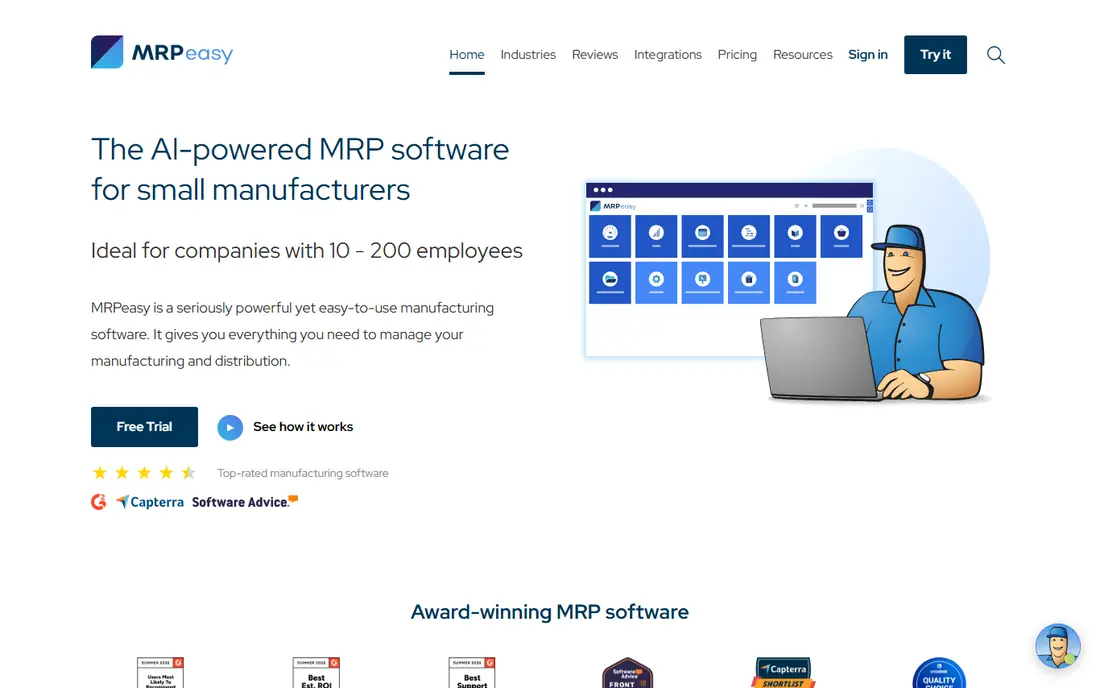
MRPEasy gives small manufacturers a full MRP toolset around the BOM. You can define multi level BOMs, routings, work centers, and costs, then plan production, purchasing, and stock in one system. That breadth helps teams that outgrow spreadsheets but do not need a large ERP.
Setup takes care, especially with units of measure, lead times, and routing steps, since errors there flow into every plan. The interface is practical rather than beautiful. For small teams that want MRP depth at a small business price, MRPEasy is a strong trial candidate.
- BOMs with routings and costing
- Production planning and purchasing
- Accounting integrations
- Interface feels functional rather than polished
- Setup needs care with units and routings
Fishbowl appeals to manufacturers and distributors that live in inventory. BOMs connect to work orders, stock levels, and purchasing, and the QuickBooks integration keeps accounting linked to operations. Barcode and warehouse features help teams with larger stockrooms.
Quote based pricing and a heavier implementation mean Fishbowl suits teams ready to commit to a system, not teams looking for a quick trial. If inventory accuracy is your main pain, and you use QuickBooks, Fishbowl deserves a demo with your actual stock data.
- Strong inventory control
- BOMs and work orders
- QuickBooks integration
- Pricing is quote based
- Implementation can be heavier than cloud only tools
Arena PLM, now part of PTC, suits product companies with formal release processes. Engineering changes, approvals, and revision history are controlled, suppliers can collaborate on items and changes, and quality processes link to product data. That control matters for regulated products and complex assemblies.
Small teams will find Arena more than they need, and pricing reflects an enterprise platform. For companies where an uncontrolled BOM change can cause a recall or a failed audit, that control is the point. Trial it with a real engineering change, not just a sample BOM.
- Formal change and revision control
- Supplier collaboration
- Quality and compliance tools
- Enterprise pricing
- More system than a small team needs
JobBOSS² targets job shops that build to order rather than to stock. BOMs link to jobs, quoting, scheduling, and costing, so a shop can see whether a custom job made money after materials and labor. Shop floor tools help track job progress without a separate system.
The product has a long history, and the interface shows it in places, but the job shop focus remains clear. Pricing is quote based, so budget needs a sales conversation. For custom manufacturers, JobBOSS² fits better than a generic inventory tool.
- Job costing and scheduling
- BOMs for custom jobs
- Quoting and shop floor tools
- Pricing is quote based
- Interface reflects a long established product
Unleashed suits growing manufacturers that need BOMs tied to inventory, sales, and purchasing. Multi level BOMs support assemblies and subassemblies, production workflows track work in progress, and integrations connect to accounting and online sales channels. That breadth helps teams selling through several channels.
Cost can rise with sales order volume, so check plan limits against your real order count. Plan choice also affects which manufacturing features you get. For teams that need inventory first and BOMs second, Unleashed is a practical option.
- Multi level BOMs
- Production and purchasing workflows
- Integrations with accounting and ecommerce
- Sales order volume affects cost on some plans
- Advanced manufacturing needs careful plan choice
Epicor Kinetic is the full ERP option here, with BOMs sitting inside planning, production, quality, finance, and supply chain tools. That scope helps mid market manufacturers that need one system for the whole operation, with revision control and costing that auditors can follow.
ERP scope brings cost and implementation time, and small teams should not buy it for BOMs alone. For manufacturers that already need ERP and want BOMs governed inside it, Kinetic is a serious candidate. Run a pilot with one product family before committing to a full rollout.
- BOMs inside a full manufacturing ERP
- Planning, quality, and shop floor tools
- Strong integrations
- ERP scope and cost
- Implementation needs time and internal ownership
How we picked these
We compared official product pages, pricing pages, and recent 2026 BOM comparisons for tools that handle multi level BOMs, revisions, and costing. We favored tools with a clear BOM workflow, not just an inventory list with a parts field, and we checked that change control and integration claims were stated on vendor pages. We did not claim hands-on testing, and we marked pricing as See website where vendors use quotes or varied plans.
We also kept a mix of engineering BOM tools, small manufacturer MRP tools, and full ERP platforms, because a five person shop and a 500 person manufacturer need different systems. Price models vary widely, so a trial with a real BOM is more useful than a feature table alone.
How to choose bill of materials software
Start with one real product and follow its BOM through design, costing, purchasing, and production. That walkthrough reveals gaps faster than a demo script.
BOM structure and revisions
Check multi level support, revision history, and who can approve a change. A good tool shows what changed, when, and why, and prevents an old revision from reaching production by mistake. If you build variants or configured products, test variant handling with a real example before you buy.
Costing and inventory links
Confirm that material, labor, and overhead costs roll up correctly, and that inventory adjusts when a work order consumes parts. Test a partial build, a scrap event, and a substitute part, since real production includes all three. Costing errors that look small on one unit grow quickly at volume.
Integrations and scale
List the systems a BOM must talk to, such as CAD, ERP, accounting, and purchasing. Check whether integrations are native, API based, or manual exports, and who maintains them. A tool that fits today but cannot scale to more products, sites, or users will cost more to replace later.
FAQ
What is bill of materials software?
Bill of materials software stores the parts, quantities, and assembly structure needed to build a product, along with revisions and costs. It replaces spreadsheets with a shared, controlled BOM that engineering, purchasing, and production can all use. Good tools also link BOMs to inventory, work orders, and change approvals.
Do small manufacturers need BOM software?
Small manufacturers need it once spreadsheets cause errors, such as wrong parts ordered, old revisions built, or costs that do not match reality. A small MRP tool like Katana or MRPEasy can pay for itself if you produce regularly. Very small batch makers can start with a controlled spreadsheet, then move to software when volume grows.
What is the difference between an engineering BOM and a manufacturing BOM?
An engineering BOM reflects design structure, while a manufacturing BOM reflects how a product is actually built, including packaging, consumables, and routing steps. Some tools manage both and track the handoff between them, which helps when design changes affect production. Check that your chosen tool handles the version you need.
How much does BOM software cost?
Costs range from modest cloud plans for small teams to quote based enterprise pricing for PLM and ERP platforms. Katana lists a Core plan at $299 per month, while many others price by users, modules, or company size. Get a quote for your user count and modules, and budget for implementation and training.
Can BOM software integrate with CAD and ERP?
Yes, many tools offer CAD integrations, ERP links, or APIs, but depth varies. OpenBOM and Arena focus on CAD and product data links, while Epicor and Fishbowl focus on ERP and accounting links. Test the specific integration you need with your CAD version and ERP, rather than trusting a logo list.