Best ATS Software in 2026: 8 Tools Compared
Compare the best ATS software for small and growing teams in 2026, with pricing, hiring workflows, collaboration tools, and honest limits for each option.
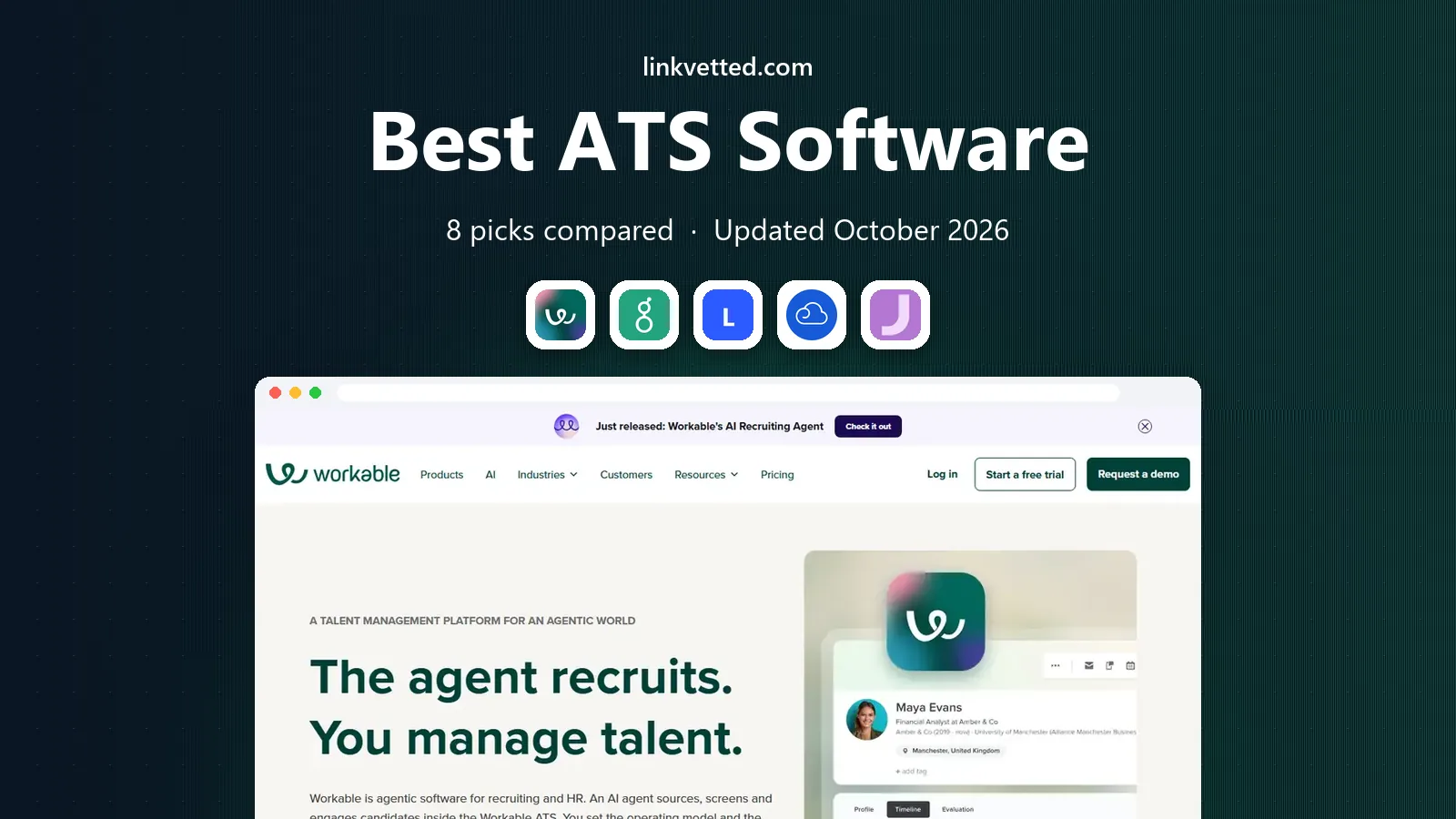
- Editor's choice
 Workable
Small teams that want clear pricing
Starts at$299 per monthVisit workable.comFull review - Great alternative
 Greenhouse
Structured mid-market hiring
Starts atSee websiteVisit greenhouse.comFull review - Also consider
 Lever
Teams that want ATS plus CRM
Starts atSee websiteVisit lever.coFull review
TL;DR:
- Workable and Zoho Recruit offer the clearest published starting prices for small teams, while Greenhouse and Lever use quote-based pricing.
- Structured interview tools and scorecards matter more than job board counts once a team hires for several roles at once.
- A free plan or trial is useful, but check whether texting, video interviews, and assessments are included or sold as add-ons.
- The best choice depends on hiring volume, headcount, and how much structure your hiring managers will actually follow.
Quick comparison
| Tool | Best for | Starts at | Free plan? | |
|---|---|---|---|---|
| Workable | Small teams that want clear pricing | $299 per month | Free trial | Visit |
| Greenhouse | Structured mid-market hiring | See website | No | Visit |
| Lever | Teams that want ATS plus CRM | See website | No | Visit |
 Breezy HR | Simple hiring for small businesses | See website | Free trial | Visit |
 JazzHR | Affordable hiring with unlimited users | See website | Free trial | Visit |
 Zoho Recruit | Budget teams already using Zoho | $25 per user per month | Yes | Visit |
 Recruitee | Collaborative hiring across teams | See website | Free trial | Visit |
 Ashby | Startups that want analytics built in | See website | No | Visit |
The best ATS software
We compared official feature pages, pricing pages, and public documentation to find tools that cover the full hiring path, from posting a job to making an offer. Each pick below handles job distribution, candidate tracking, and team collaboration, with different strengths on price, structure, and reporting.
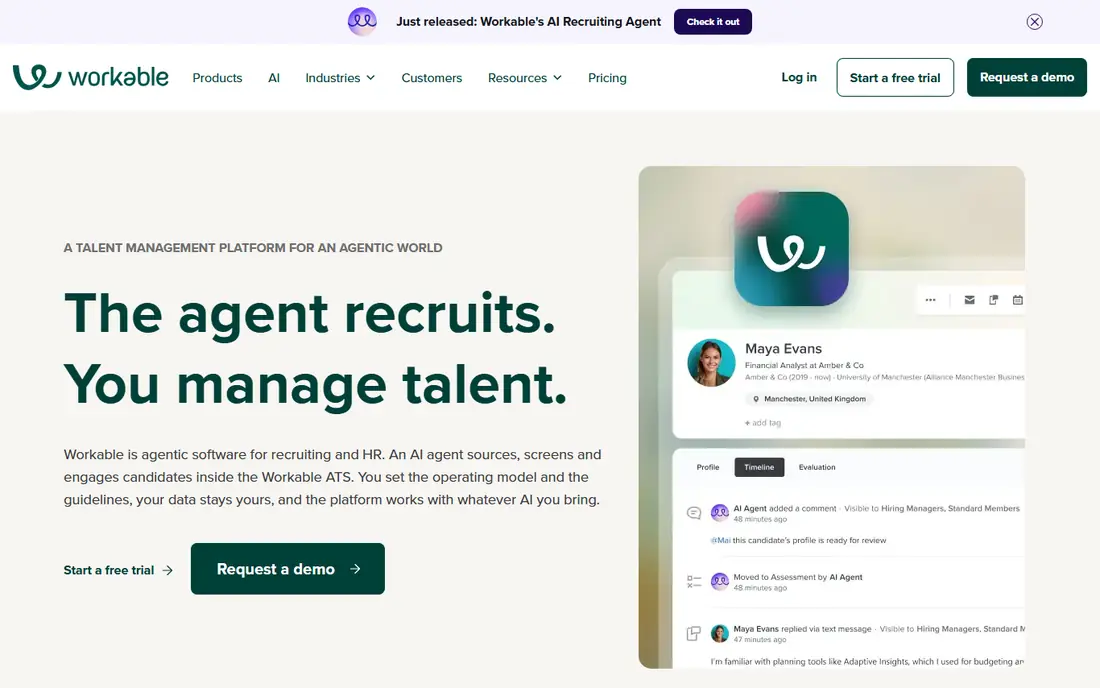
Workable suits a small company that wants to start hiring without a long sales process. You can post a job, share it across job boards, and move candidates through a visual pipeline. The interface is plain and direct, which helps hiring managers who do not recruit every day.
Our pick for most small teams is Workable when price clarity matters. The trade-off is that texting, video interviews, and assessments can add to the monthly bill on lower tiers, so check the plan details before you commit. If you hire steadily and want HR tools in the same system, that added scope can still be good value.
- Published pricing by headcount
- Broad job board distribution
- Optional HR features in the same account
- Some useful features are paid add-ons
- Price rises with total headcount, not only hiring volume
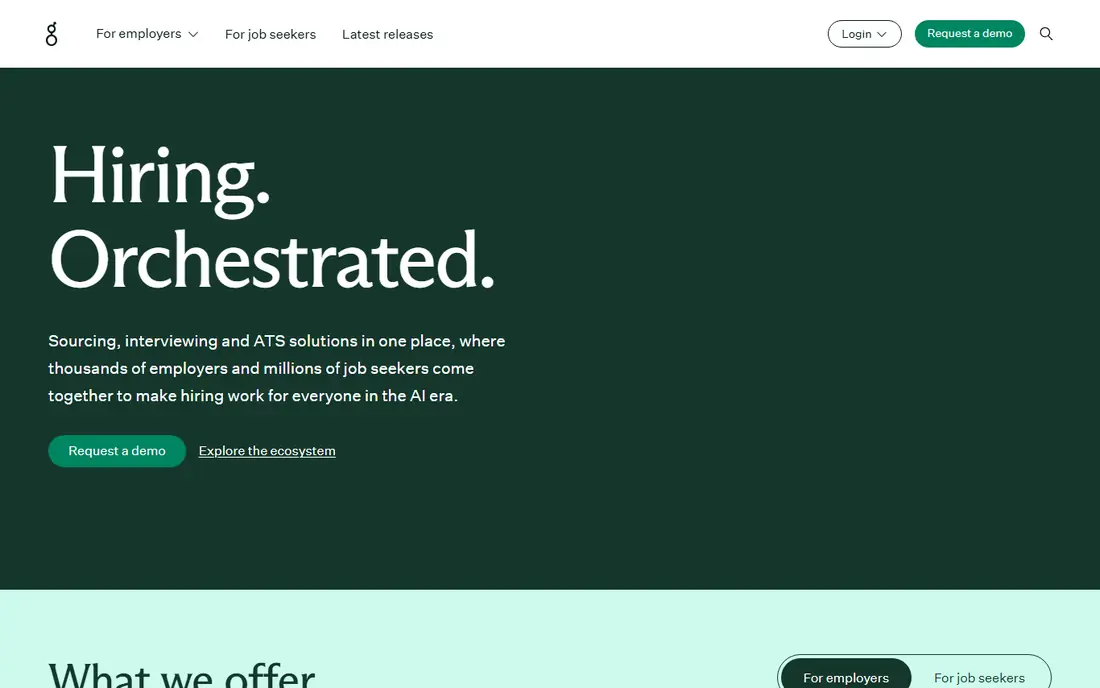
Greenhouse is built for teams that need hiring to follow the same process for every role. Interview kits, scorecards, and approval steps keep feedback consistent and make it easier to compare candidates fairly. That structure also helps with compliance reporting and audit trails.
The main drawback is cost transparency. You will need a quote, and the price tends to scale with headcount. For a growing company with several hiring managers and a formal process, that control is often worth it. For a team making one or two hires a year, it may be more system than you need.
- Strong structured interview kits and scorecards
- Deep reporting
- Large integration library
- No published pricing
- Implementation and support costs can add up
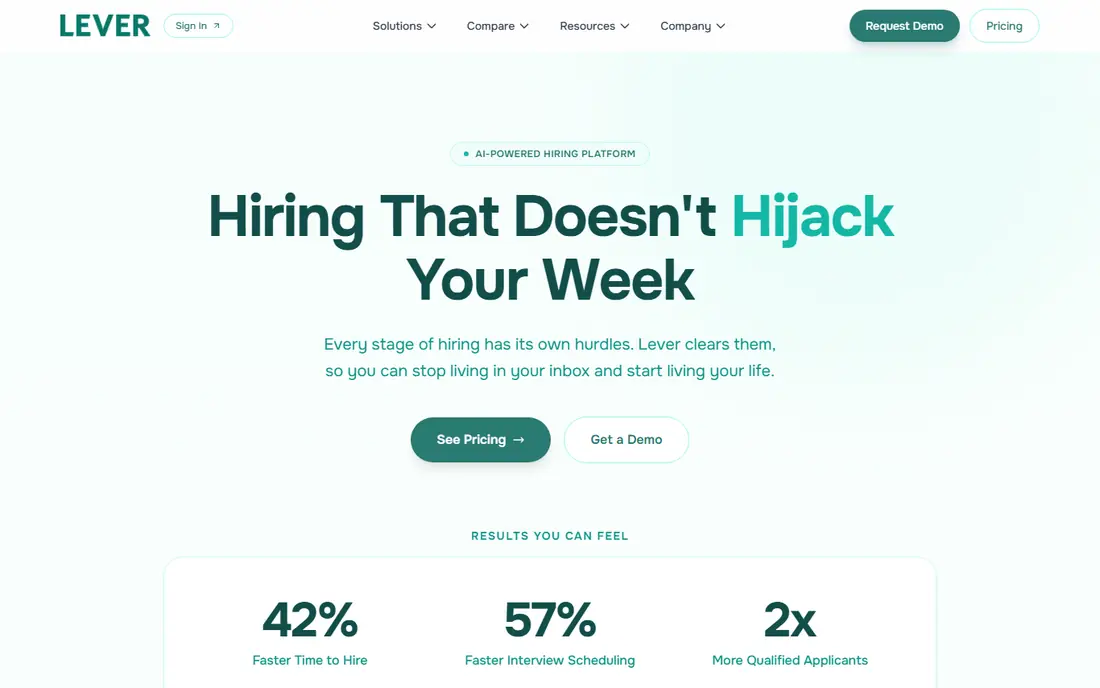
Lever works well when hiring is ongoing rather than occasional. The CRM side lets recruiters nurture past applicants and passive candidates, so a future opening does not start from zero. Sourcing, scheduling, and feedback live in one place, which reduces lost messages and duplicate work.
We would shortlist Lever if your team hires in waves and wants to build a talent pool over time. If you only need a simple pipeline for a few open roles, the price and setup effort may outweigh the benefit. Ask for a quote tied to your actual recruiter count and hiring volume.
- Combines applicant tracking with candidate relationship tools
- Strong sourcing workflows
- Clean candidate profiles
- Quote-based pricing
- May be costly for small teams
Breezy HR is a good fit for a small business owner who also handles hiring. You can publish a job, collect applications, screen with questionnaires, and schedule interviews without learning a complex system. The visual pipeline makes it clear where each candidate stands.
The honest catch is depth. Larger teams that need advanced analytics, complex approvals, or many integrations may outgrow Breezy sooner. For straightforward hiring, though, its simplicity is a real advantage, because hiring managers are more likely to use a tool they understand.
- Easy drag-and-drop pipelines
- Built-in video interviews and questionnaires
- Simple setup
- Reporting is lighter than enterprise tools
- Pricing is not as transparent as some rivals
JazzHR appeals to teams that want many hiring managers involved without paying per seat. Unlimited users mean a department head, a recruiter, and an interviewer can all work in the same system. Job posting, candidate messaging, and interview scheduling cover the core hiring tasks well.
We like JazzHR for cost-conscious teams that hire regularly but do not need enterprise reporting. The design is functional rather than polished, and some add-ons raise the total price. Still, the per-plan rather than per-user model can keep costs predictable as the hiring team grows.
- Unlimited users on paid plans
- Simple posting and collaboration
- Useful hiring templates
- Some advanced features cost extra
- Interface feels basic next to premium rivals
Zoho Recruit is the budget pick in this list. A free edition covers basic hiring, and paid plans start at a low per-user price. If your company already uses Zoho CRM, Mail, or other Zoho apps, the shared data and single sign-on make daily work simpler.
The catch is polish. The layout packs in many options, and new users may need time to set up pipelines and workflows. For a small team with limited budget and patience for setup, Zoho Recruit offers a strong set of features for the price. For teams outside the Zoho world, compare integration effort first.
- Low starting price
- Free edition for basic use
- Integrates with other Zoho apps
- Interface can feel busy
- Best value depends on staying inside the Zoho system
Recruitee focuses on getting the whole hiring team involved. Recruiters can share candidate profiles, collect structured feedback, and automate routine steps such as moving candidates or sending messages. The talent pool tools help teams return to strong past applicants.
We would consider Recruitee for mid-size teams where several people interview for each role. The system rewards teams that set up clear stages and templates. Without that setup, it can feel like more tool than a simple hiring process needs, so plan a short trial with a real open role.
- Strong collaboration and messaging tools
- Useful talent pool features
- Good workflow automation
- Pricing requires a quote for full plans
- Some features need careful setup
Ashby suits startups and scale-ups that want hiring data without bolting on a separate reporting tool. You can see where candidates drop out, how long stages take, and which sources produce hires. Scheduling, sourcing, and CRM features sit in the same product, which keeps the workflow tidy.
The main limit is scale pricing. Published bands help smaller companies budget, but larger companies will need a quote. If your team cares about hiring metrics and wants one system for sourcing and tracking, Ashby is a strong modern choice. If you need a long enterprise track record, compare it with Greenhouse first.
- Strong built-in analytics
- Combines ATS, CRM, and scheduling
- Published size-based pricing bands
- Pricing moves to quote for larger companies
- Newer brand than some enterprise rivals
How we picked these
We reviewed official pricing pages, feature lists, and public documentation for each tool, and we checked that each one supports job posting, candidate pipelines, team feedback, and interview scheduling. We favored tools with a clear fit for a specific team size or hiring style, rather than listing every ATS on the market. Where pricing was not published, we wrote See website instead of repeating an unverified estimate.
What to check before you buy
Start with hiring volume, not features. A team hiring two people a year needs a simple pipeline and good job distribution. A team hiring every month needs automation, templates, and reporting that shows bottlenecks.
Pricing model
Check whether you pay per user, per employee, or per plan. Per-user pricing suits a small recruiting team. Flat plan pricing suits companies where many managers interview. Always ask which features are add-ons, because texting, video, and assessments can change the real monthly cost.
Interview structure
Look for scorecards, interview kits, and shared feedback. These tools help teams compare candidates on the same criteria and reduce bias from casual impressions. If hiring managers will skip a complex kit, choose a simpler tool they will actually use.
Integrations and data
Confirm connections to your HR system, calendar, email, background check provider, and job boards. Test the trial with a real job, including a test candidate, an interview invite, and an offer step. A short trial with real work reveals setup effort far better than a sales demo.
FAQ
What is ATS software?
ATS software, or applicant tracking software, is a system that stores job postings, applications, and candidate messages in one place. It helps teams move candidates through stages, collect feedback, and keep hiring organized. Most tools also post jobs to multiple boards and support interview scheduling.
Which ATS is best for a small business?
Workable, Breezy HR, JazzHR, and Zoho Recruit are common small business choices because they are easier to set up and cost less than enterprise systems. The right pick depends on your budget, how many people hire, and whether you want HR features too. Use a trial with a real opening to test the workflow.
Do I need an ATS if I only hire occasionally?
You can manage one opening with email and spreadsheets, but an ATS helps you keep candidate history, avoid lost applications, and reuse strong past applicants. A free or low-cost plan is often enough for occasional hiring. If hiring stays rare, choose the simplest tool that still posts jobs and tracks candidates.
How much does ATS software cost?
Prices range from free basic plans to several hundred dollars per month for small teams, and quote-based enterprise pricing for larger companies. Per-user, per-employee, and flat plan models all exist, so compare the total cost for your team size. Always confirm add-on prices before signing a contract.
Can an ATS help reduce hiring bias?
Structured interviews, scorecards, and consistent stages can help teams judge candidates on the same criteria. No tool removes bias on its own, and teams still need clear job criteria and trained interviewers. Use the ATS to support a fair process, not to replace human judgment.
Should I choose Greenhouse or Lever?
Greenhouse fits teams that want strict interview structure and reporting, while Lever fits teams that want strong candidate relationship and sourcing tools. Both use quote-based pricing, so request quotes for the same team size and hiring volume. A trial or guided demo with your actual hiring process will show which workflow your team prefers.