5 Asset Tracking Software for IT Service Providers Worth Shortlisting in 2026
Weighing the best asset tracking software for IT service providers? We lined up 5 products by cost, free access and fit. Short verdicts, no fluff. No filler.
- Editor's choice
 ManageEngine AssetExplorer
IT asset visibility and control
Starts atSee websiteVisit manageengine.comFull review - Great alternative
 SolarWinds Service Desk
ITSM with asset tracking
Starts atSee websiteVisit solarwinds.comFull review - Also consider
 Lansweeper
Discovering managed and unmanaged assets
Starts atSee websiteVisit lansweeper.comFull review
Direct answer
Start with ManageEngine AssetExplorer if you need IT asset visibility and control. Listed starting prices: NinjaOne from $1.50 per device per month. SolarWinds Service Desk is the stronger choice for ITSM with asset tracking, while Lansweeper suits discovering managed and unmanaged assets. Details, prices and limits for the rest of the 5 tools are below.
TL;DR:
- Number one here is ManageEngine AssetExplorer, a fit for IT asset visibility and control.
- ManageEngine AssetExplorer comes with a trade-off: restricted to IT asset scope.
- NinjaOne suits unified endpoint operations.
- NinjaOne is the lowest-priced starter here at $1.50 per device per month.
Last checked November 2026. Prices and plan details were read from the vendors' own pages in November 2026; vendors change plans often, so confirm the current price on the vendor site before you buy.
Quick comparison
| Tool | Best for | Starts at | Free plan? | |
|---|---|---|---|---|
| ManageEngine AssetExplorer | IT asset visibility and control | See website | Not stated | Visit |
| SolarWinds Service Desk | ITSM with asset tracking | See website | Not stated | Visit |
| Lansweeper | Discovering managed and unmanaged assets | See website | Yes | Visit |
 Asset Panda | Mobile-first lifecycle tracking | See website | Not stated | Visit |
 NinjaOne | Unified endpoint operations | $1.50 per device per month | Free trial | Visit |
Every option for asset tracking software for IT service providers explained
LinkVetted put together this guide to asset tracking software for IT service providers for readers who want a clear shortlist without reading every vendor page. It compares 5 tools on starting price, free plans, who each one suits and where each one falls short.
Where ManageEngine AssetExplorer fits: IT asset visibility and control. If you need integrated ticketing or remote endpoint control, consider an ITSM or unified operations system instead.
ManageEngine AssetExplorer does not show a starting price in this comparison, so check the vendor site for current pricing. As for free access: Not stated.
Downsides: Restricted to IT asset scope.
- ITAM focus
- Asset visibility
- May need integration for service desk
SolarWinds Service Desk targets ITSM with asset tracking. It is primarily an ITSM tool, so deep network discovery or endpoint management may need extra tools.
Pricing for SolarWinds Service Desk is not stated here, so ask the vendor for current figures. As for free access: Not stated.
Watch-outs: May need extras for discovery.
- Asset tracking within service desk
- ITSM option
- Primarily service desk focused
Lansweeper serves discovering managed and unmanaged assets. Lansweeper is a cyber asset intelligence system that discovers managed and unmanaged assets across IT, OT, and cloud, including AI. It provides IT service providers total visibility and reliable asset intelligence, making it a capable choice when unknown or unmanaged devices are a primary concern.
More specifically, if you need inspections, audits, or remote patching and access, pair it with a lifecycle or endpoint operations tool. Lansweeper concentrates on discovery and intelligence instead of full lifecycle workflows or endpoint management. Lansweeper does not show a starting price in this comparison, so check the vendor site for current pricing. You can start on Lansweeper without paying.
What to check first: Discovery-centric, less lifecycle workflow.
- Discovers managed and unmanaged assets
- Handles IT, OT, cloud
- May need setup for full coverage
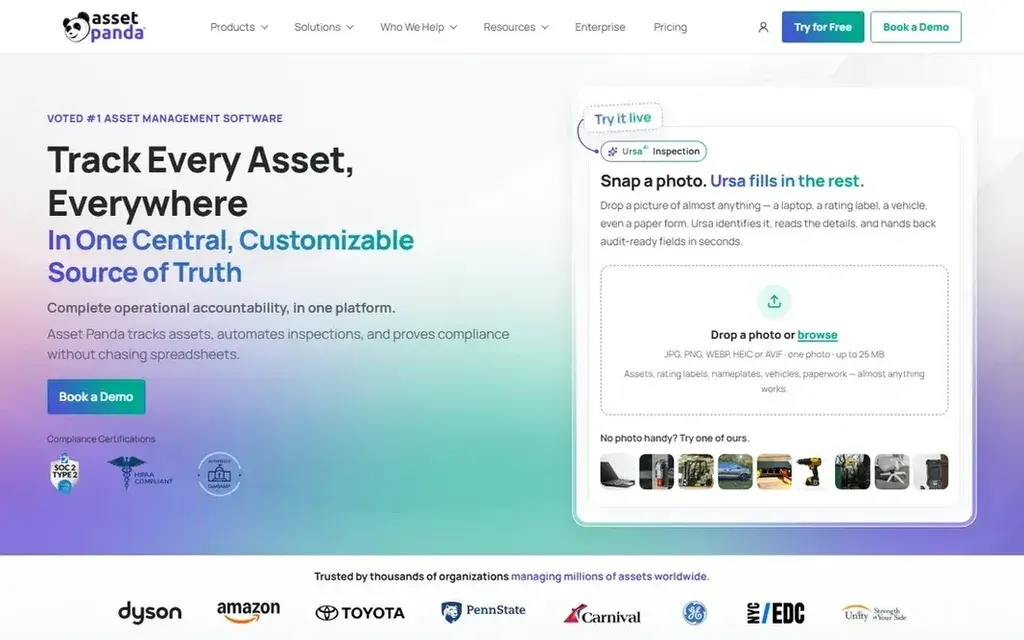
Asset Panda targets mobile-first lifecycle tracking. Asset Panda is an asset management product that handles the full asset lifecycle, from tracking and inspections to audits and compliance.
No starting price is listed for Asset Panda here; confirm pricing on the vendor site. As for free access: Not stated.
The main drawbacks: May lack deep IT discovery.
- Mobile-first design
- Inspections and audits
- Focused on asset lifecycle
NinjaOne is built with unified endpoint operations in mind. If asset lifecycle and compliance are primary, consider a dedicated asset management product alongside it.
As for the details, NinjaOne is a unified IT operations system for endpoint management, autonomous patching, backup, and remote access. The starting price for NinjaOne: $1.50 per device per month. Free access: Free trial.
Watch-outs: Operations-focused, less asset lifecycle.
- Autonomous patching
- Backup and remote access
- May overlap with other tools
How we chose
What to check before you buy
- Ask ManageEngine AssetExplorer, SolarWinds Service Desk, Lansweeper and Asset Panda for a written quote, since no starting price is shown.
- Look at the free plan from Lansweeper closely: its caps decide whether it is usable for real work.
- Run a trial of NinjaOne with real work before paying for a year; your own workflow is the best test.
- Before choosing ManageEngine AssetExplorer, weigh its main limit: restricted to IT asset scope.
- Look at the renewal terms for SolarWinds Service Desk: auto-renewal, notice periods and price changes can matter more than the first-year price.
- Involve the people who will use ManageEngine AssetExplorer daily; a short pilot beats a long feature checklist.
FAQ
What is the cheapest option for asset tracking software for IT service providers in this list?
On published monthly entry prices, NinjaOne is the lowest here at $1.50 per device per month. Entry price is only part of the cost, because seats, add-ons and billing terms can change the total. For the full picture, the cards above cover all 5 entries of this asset tracking software for IT service providers list, including price, free plan and limits.
Do these tools publish their prices?
Not all of them. ManageEngine AssetExplorer, SolarWinds Service Desk, Lansweeper and Asset Panda publish no starting price, so expect a quote request for those. The rest, NinjaOne included, show a starting price, though seats and billing terms still change the final cost.
How are the tools for asset tracking software for IT service providers ordered?
The order follows typical fit for asset tracking software for IT service providers, with ManageEngine AssetExplorer first and NinjaOne last, then price clarity and free access. It is editorial judgement, not a score, so another team could rank the tools differently.
Is mobile access important for IT asset tracking?
Yes, for providers who perform on-site inspections and audits. Worth adding: mobile-first tools like Asset Panda support field work straight from a phone or tablet.
Is ManageEngine AssetExplorer the right pick for everyone comparing asset tracking software for IT service providers?
No single tool suits every team. ManageEngine AssetExplorer comes first because it fits IT asset visibility and control, while SolarWinds Service Desk suits ITSM with asset tracking and Lansweeper suits discovering managed and unmanaged assets. Match the tool to your own size, budget and workflow before deciding.
Can asset tracking software discover unmanaged devices?
Some tools, like Lansweeper, specialize in discovering managed and unmanaged assets across IT, OT, and cloud. Others may need manual entry or integrations for full discovery.
Sources
- https://www.manageengine.com/products/asset-explorer
- https://www.solarwinds.com/service-desk
- https://www.lansweeper.com
- https://www.assetpanda.com
- https://www.ninjaone.com