Top 6 Applicant Tracking System for Universities for 2026 (Prices and Free Plans)
Need the best applicant tracking system for universities? We compare 6 tools on cost, free access and who each suits. Real limits included. See which fits.
- Editor's choice
 PeopleAdmin
Higher education talent management
Starts atPricing on requestVisit peopleadmin.comFull review - Great alternative
 Cornerstone OnDemand
Workforce readiness and skills development
Starts atPricing on requestVisit cornerstoneondemand.comFull review - Also consider
 Greenhouse
Structured, collaborative hiring teams
Starts atPricing on requestVisit greenhouse.comFull review
Direct answer
PeopleAdmin is the first pick on this list for higher education talent management. For a different need, Cornerstone OnDemand covers workforce readiness and skills development and Greenhouse covers structured, collaborative hiring teams. The full list of 6 tools follows, with free plan facts. None of these vendors publish plan prices, so pricing is on request for every option.
TL;DR:
- PeopleAdmin takes the first slot, best suited to higher education talent management.
- Interfolio fits faculty engagement and academic review.
- What to know about PageUp first: enterprise orientation can mean longer setup.
- PeopleAdmin, Interfolio and the 4 others all sell by quote; expect sales conversations before you see a price.
- None of the 6 tools, from PeopleAdmin to Interfolio, has a free plan, so budget for a subscription or use a trial.
Last checked November 2026. Pricing on request: vendors did not publish plan prices when this guide was last checked (November 2026), so ask each vendor for a written quote.
Quick comparison
| Tool | Best for | Starts at | Free plan? | |
|---|---|---|---|---|
| PeopleAdmin | Higher education talent management | Pricing on request | Not stated | Visit |
| Cornerstone OnDemand | Workforce readiness and skills development | Pricing on request | Not stated | Visit |
| Greenhouse | Structured, collaborative hiring teams | Pricing on request | Not stated | Visit |
| PageUp | Enterprise talent acquisition and engagement | Pricing on request | Not stated | Visit |
| Workday Student | Universities already on Workday | Pricing on request | Not stated | Visit |
| Interfolio | Faculty engagement and academic review | Pricing on request | Not stated | Visit |
6 applicant tracking system for universities in detail
LinkVetted compared 6 applicant tracking system for universities. The goal is a practical shortlist: published prices, free plan facts, best-fit use cases and honest limits for every entry.
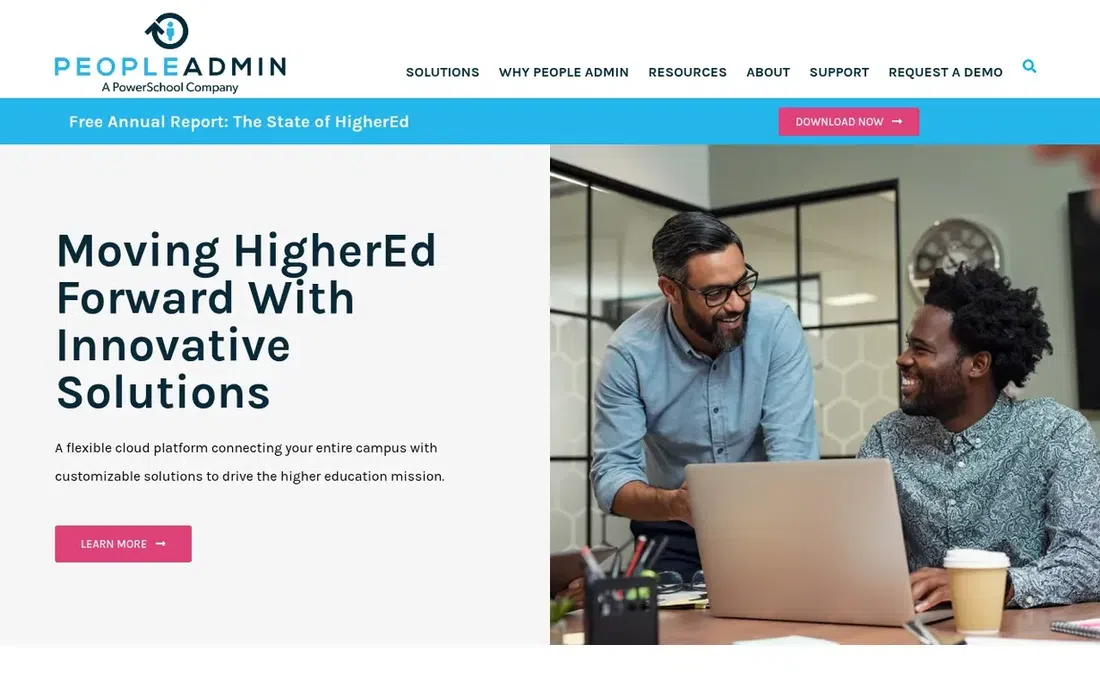
PeopleAdmin works best for higher education talent management. PeopleAdmin, a PowerSchool company, describes itself as talent management software for higher education, meant to make recruiting, hiring, developing and retaining educators and staff simpler.
Honest limits: Feature depth varies by module.
In daily use, a sector-specific focus means the product is less oriented toward organizations outside education, and depth can vary between modules. Check the vendor site for PeopleAdmin pricing; none is listed in this comparison. Free options: Not stated.
- Handles recruiting, hiring
- Designed for higher education
- Focus on education limits appeal outside the sector
Cornerstone OnDemand
Best for: Workforce readiness and skills development
Pick Cornerstone OnDemand if this describes you: workforce readiness and skills development. Recruiting is one component of a broader system, so a university that only needs applicant tracking may find the scope bigger than necessary.
More specifically, for universities that see hiring as one piece of a wider staff development picture, the product can link recruiting with learning and skills planning. Confirm how the recruiting functions map to your hiring workflows with the vendor. This comparison lists no price for Cornerstone OnDemand; ask the vendor. On free options: Not stated.
What to check first: Recruiting is one part of a wider system.
- AI agents targeted at making actions simpler
- Skills and talent insight
- Wide scope can be complicated to administer
Greenhouse serves structured, collaborative hiring teams. Institutions that hire in occasional bursts may also find a continuous-hiring orientation less of a fit.
Drawbacks to consider: Not tailored to academic hiring.
More specifically, Greenhouse describes itself as more than a hiring platform or ATS, framing itself as a complete hiring ecosystem that brings employers and job seekers together. Check the vendor site for Greenhouse pricing; none is listed in this comparison. Free options: Not stated.
- Brings employers and job seekers into one place
- Presents a full hiring ecosystem
- Best value for teams hiring continuously
PageUp
Best for: Enterprise talent acquisition and engagement
PageUp is designed for enterprise talent acquisition and engagement. PageUp describes itself as a best-of-breed talent acquisition option built to transform hiring and engagement experiences.
For universities with sizable recruiting operations, that combination of sourcing, hiring and engagement features can handle staff and administrative hiring well. It tends to suit institutions that want a dedicated talent acquisition system instead of a module inside a bigger HR suite. No starting price is listed for PageUp here; confirm pricing on the vendor site. Free options: Not stated.
Where it falls short: Not education-specific.
- Handles hiring and engagement experiences
- Best-of-breed talent acquisition positioning
- Enterprise orientation can mean longer setup
Workday Student
Best for: Universities already on Workday
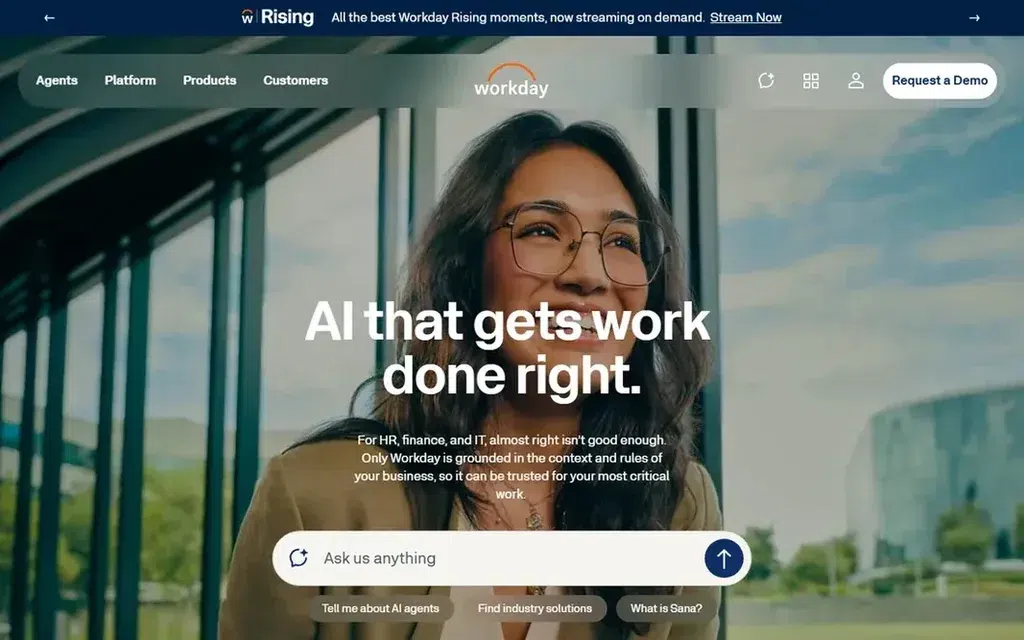
Workday Student is a good fit for universities already on Workday. Workday Student sits within an enterprise system that handles HR, finance and IT alongside student-facing functions.
In daily use, confirm module details and integration choices straight with the vendor. Workday Student does not show a starting price in this comparison, so check the vendor site for current pricing. On free options: Not stated.
Downsides: Broad product scope can mean heavier setup.
- Finance and IT
- Part of a wide enterprise platform for HR
- Not a dedicated faculty hiring tool
Interfolio
Best for: Faculty engagement and academic review
Interfolio targets faculty engagement and academic review. Interfolio positions itself as higher education faculty engagement technology, which places it closer to academic hiring, review and faculty lifecycle work than to high-volume corporate recruiting. As for the details, universities that struggle to run faculty searches, dossiers and review steps in general-purpose systems frequently find this focus handy.
Since the focus is faculty engagement instead of wide recruiting, it may not include staff or high-volume hiring needs on its own, and some universities pair it with a general tracking system. Worth adding: ask the vendor how it suits alongside your existing recruiting stack. Interfolio shows no starting price here, so confirm the cost on the vendor site. On free options: Not stated.
Trade-offs to know: Narrower than a full recruiting suite.
- Supports academic review and engagement processes
- Centred on higher education faculty workflows
- May need pairing with a general ATS
How we chose
Selection started from tools commonly considered for applicant tracking system for universities, then narrowed to 6 that have clear pricing information or a clear quote process. Prices and plan limits come from vendor pages and can change, so confirm them on the vendor site before you buy. We ordered the tools by general fit, then by how clearly pricing is shown, then by free access. A buyer with unusual needs may reorder them.
Before you commit
- Request quotes from PeopleAdmin, Interfolio and the others; the list shows no fixed prices.
- Read the limits listed for PeopleAdmin first: focus on education limits appeal outside the sector.
- Let daily users try Workday Student on real work; their feedback beats any feature checklist.
- Check the support hours and onboarding help Cornerstone OnDemand offers; smaller vendors vary a lot here.
- Before rolling out Interfolio, verify the integrations your workflow depends on.
FAQ
Can I try these tools before paying?
Not by default. None of the tools, from PeopleAdmin to Interfolio, lists a free plan or a free trial here, so ask each vendor for a demo before committing.
How does Workday Student differ from a standalone recruiting tool?
Workday Student is part of an enterprise system including HR, finance, IT and student functions, so recruiting shares data with other systems. A standalone tool focuses only on hiring.
What should we check before committing to a system?
Review integrations with HR and identity systems, compliance reporting and the effort required to administer the system day to day. In daily use, verify all details straight with each vendor.
Should universities choose a sector-specific system or a general one?
General systems like Greenhouse or PageUp may suit large staff hiring operations. Plenty of universities combine a faculty-focused tool with a broader recruiting system.
How are the applicant tracking system for universities ordered?
The order follows typical fit for applicant tracking system for universities, with PeopleAdmin first and Interfolio last, then price clarity and free access. It is editorial judgement, not a score, so another team could rank the tools differently.
Does any tool for applicant tracking system for universities here have a free plan?
No tool in this list, PeopleAdmin and Interfolio included, has a permanent free plan. Trials and quotes are the usual route, so plan a short evaluation period.
Sources
- https://www.peopleadmin.com
- https://www.cornerstoneondemand.com
- https://www.greenhouse.com
- https://www.pageuppeople.com
- https://www.workday.com
- https://www.interfolio.com