Best App to Summarize PDFs Fast in 2026: 8 Apps Compared
Find the best app to summarize pdfs fast, with ChatPDF, PDF.ai, Humata, AskYourPDF, and more compared on speed, citations, free limits, and price in 2026.
- Editor's choice
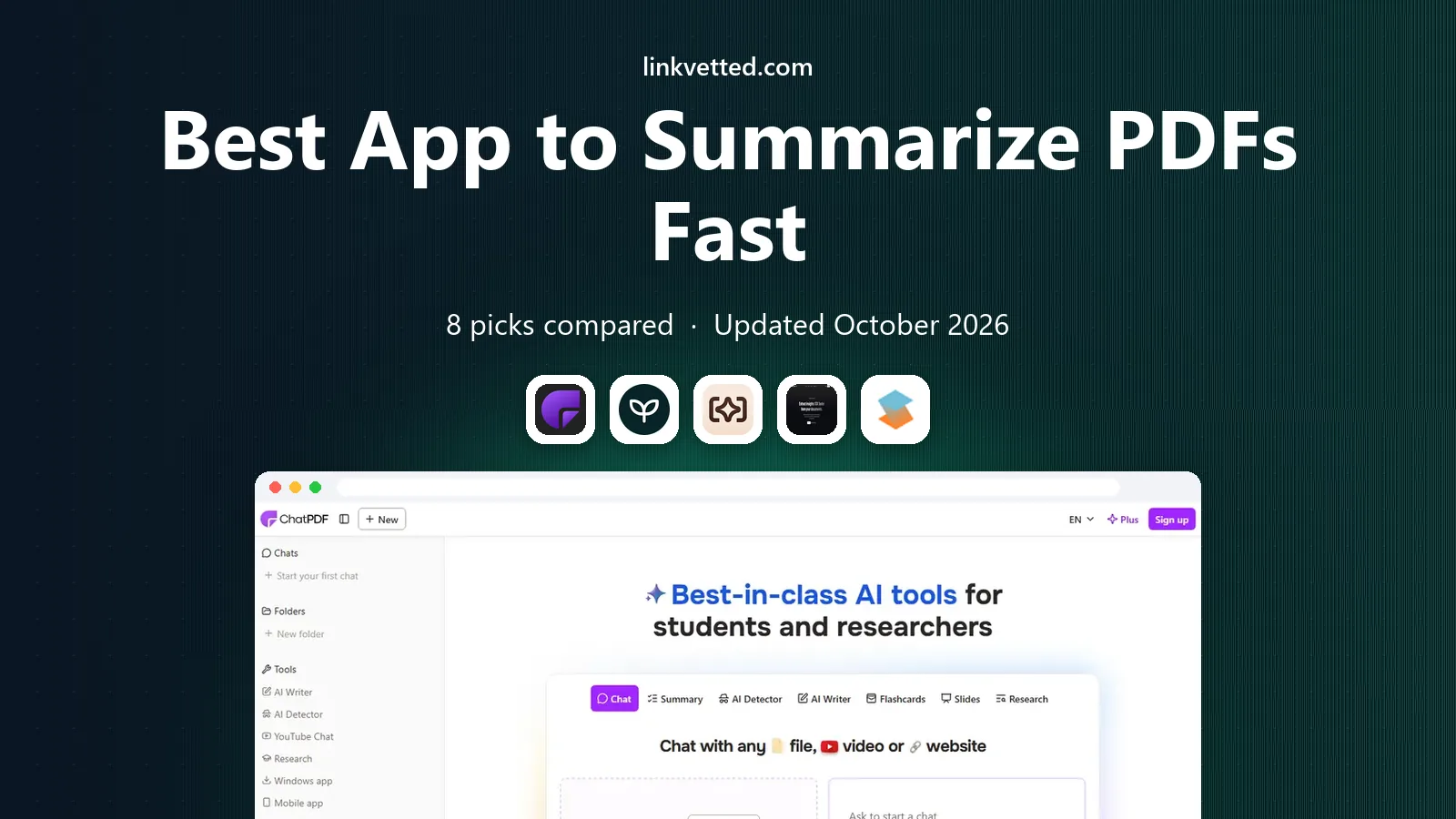
 ChatPDF
Fast single PDF chat
Starts at$19 per monthVisit chatpdf.comFull review - Great alternative
 PDF.ai
Clean PDF chat
Starts at$10 per monthVisit pdf.aiFull review - Also consider
 Humata
Research papers
Starts at$9 per monthVisit humata.aiFull review
TL;DR:
- ChatPDF is the fastest starting point for a single PDF, while Humata and AskYourPDF suit users who need to question many files at once.
- Citation quality matters more than speed alone, so check whether summaries link back to pages you can verify.
- Free tiers differ sharply on daily PDFs, page counts, and question limits, so test with your real document size before paying.
- Adobe Acrobat AI Assistant and UPDF suit users who also need to edit, sign, or convert PDFs in the same app.
- Always verify key facts from an AI summary against the original PDF, especially for contracts, research, and legal documents.
Quick comparison
| Tool | Best for | Starts at | Free plan? | |
|---|---|---|---|---|
| ChatPDF | Fast single PDF chat | $19 per month | Yes | Visit |
| PDF.ai | Clean PDF chat | $10 per month | Yes | Visit |
| Humata | Research papers | $9 per month | Yes | Visit |
 AskYourPDF | Multi document chat | $11 per month | Yes | Visit |
 SciSpace | Academic papers | See website | Yes | Visit |
 NoteGPT | Summaries plus mind maps | $9 per month | Yes | Visit |
 Adobe Acrobat AI Assistant | Editing plus AI chat | See website | Free trial | Visit |
 UPDF AI | Editor plus AI | See website | Free trial | Visit |
The best app to summarize pdfs fast
These eight apps summarize PDFs quickly through chat, one click summaries, or structured outlines. We compared official feature pages, pricing pages, app store listings, and public reviews, focusing on speed, citation support, file limits, and free tier value.

ChatPDF is the simplest route to a fast PDF summary. Upload a file, ask for a summary, and follow up with questions in plain language. Answers include citations to source pages in many cases, which helps users check a claim without rereading the whole document. The interface stays minimal, so students and professionals can get an answer in minutes rather than learning a new research system. Free use is limited to a small number of PDFs per day with page and size caps, and the paid plan raises those limits sharply. Complex tables, scanned pages, and highly technical documents can still produce weaker answers, so users should verify numbers and definitions against the original. For a single report, paper, or contract that needs a quick overview, ChatPDF is the fastest first try on this list.
- Very fast to start
- Page citations
- No account needed for a first try in some cases
- Free tier limits PDFs per day
- Struggles with complex tables in some documents
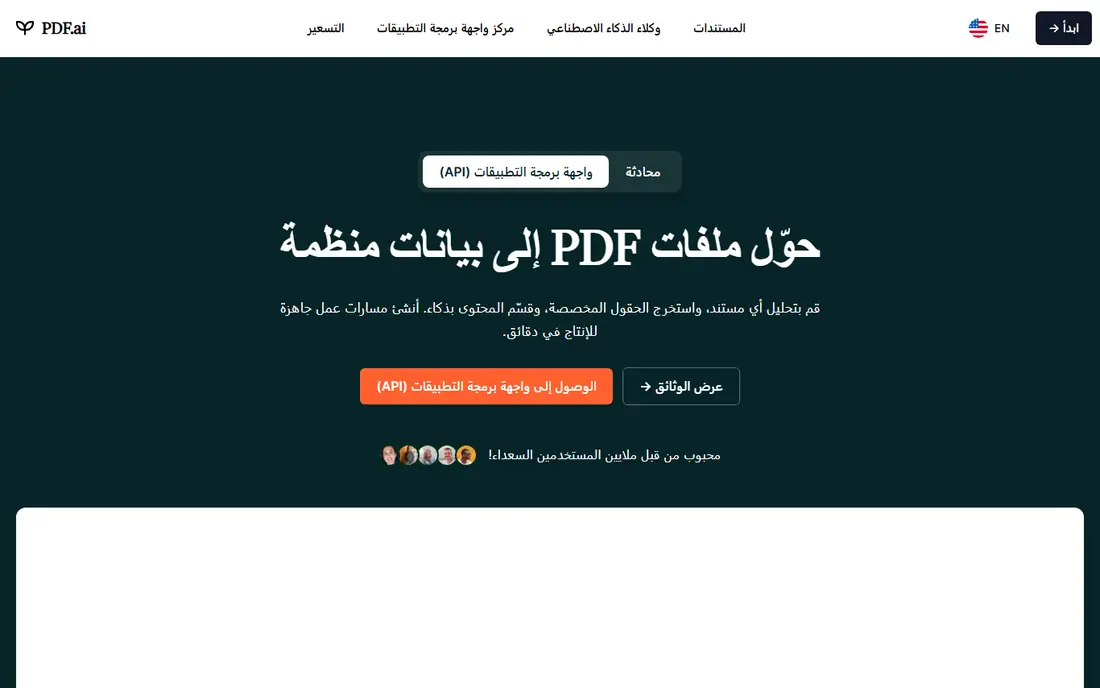
PDF.ai offers a clean, focused chat experience for PDF documents, with answers that point back to source passages. The design avoids extra research features that can slow down a simple task, which suits users who mainly need to ask questions about one document at a time. Uploads, summaries, and follow up questions flow in a single chat view that is easy to follow. Heavy users will hit limits on the free tier and on lower paid plans, especially for large files or many documents. Teams that need a shared library or embedded chatbots should check higher tiers and business options. For individuals who want a tidy PDF chat tool with citations and a low entry price, PDF.ai is a strong alternative to ChatPDF, with a slightly more organized document view.
- Clean chat interface
- Citations
- Document organization features
- Multi file chat is limited on lower plans
- Paid features needed for heavy use
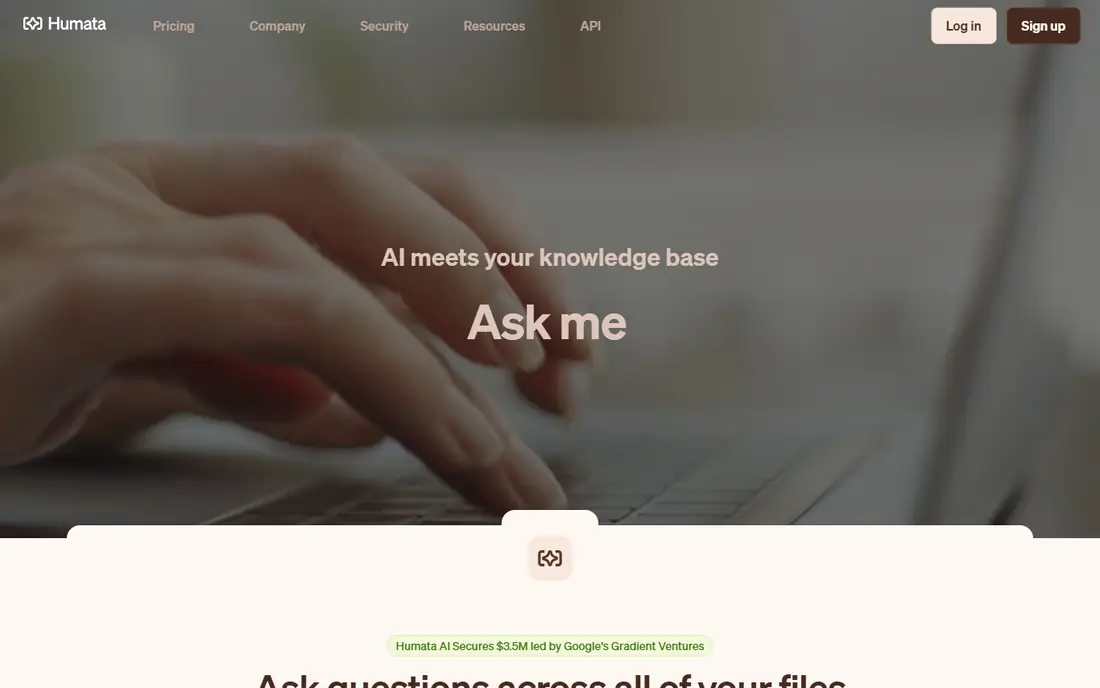
Humata is built for researchers and professionals who work with long, technical documents. Users can upload papers, ask questions across files, and get answers with references to source material. That cross file ability helps literature reviews, where an answer may depend on several papers rather than one report. The entry paid price is also lower than some rivals, which helps students on a budget. Casual users may find Humata more research oriented than ChatPDF or PDF.ai, with more options and a denser layout. Free use caps total pages, so a thesis or a large report set will need a paid plan. For academic work, technical manuals, and long reports where accuracy and source tracking matter, Humata offers good value and a workflow that matches how researchers actually read.
- Handles long technical papers
- Cross file questions
- Low entry price
- Interface is research focused, less simple for casual users
- Free page limits apply
AskYourPDF suits users who manage a folder of PDFs rather than a single file. Documents can be organized into a library, and questions can draw on multiple files at once, which helps for project research, due diligence, and course reading. A browser extension and chat interface keep the workflow close to the document, rather than forcing users into a separate research platform. Free use is limited, and scanned or image heavy PDFs may need OCR before questions work well. Users should also check file size and page limits on their plan, since large report sets can exceed a basic tier quickly. For professionals and students with a growing PDF library who want to ask questions across that library, AskYourPDF is a practical, mid priced choice.
- Chat across a library of PDFs
- Browser extension options
- Straightforward pricing
- Free tier is limited
- Answer quality varies with scanned or image heavy files
SciSpace, formerly known for its Copilot tool, is designed around scientific and academic papers. It explains complex terms, summarizes sections, and helps users follow methods, results, and citations in research writing. Paper discovery features beside the chat tool help students find related work, which adds value for literature reviews that start from a single seed paper. Business users with contracts, manuals, or financial reports may find a general PDF tool such as ChatPDF or Humata a better fit, since SciSpace is tuned for academic language and structure. Premium plans raise higher limits and more features, so free users should test with a real paper before paying. For students and researchers, SciSpace is one of the most tailored options on this list.
- Built for academic papers
- Explains jargon
- Citation and paper discovery features
- Less suited to business contracts or general PDFs
- Premium features cost more
NoteGPT started with video summaries and now handles PDFs with instant summaries, mind map generation, and chat questions. That mix suits learners who remember ideas better as a visual map than as a wall of text. The browser tool and extension make it easy to summarize a PDF, then turn the same material into study notes or an outline for revision. The quota system needs attention. Free users get a limited number of quotas per month, and paid plans sell larger quota bundles, so heavy users should map quotas to their actual document count before buying. Technical documents can also be oversimplified in a short summary, so users should read the full section for any fact they plan to cite. For students who want summaries plus visual study aids, NoteGPT is a versatile, low cost pick.
- Instant summaries
- Mind maps
- Handles PDFs, videos, and web pages
- Quota system can be confusing
- Free monthly quotas are limited
Adobe Acrobat AI Assistant adds chat and summary features inside Acrobat, the PDF editor many workplaces already use. Users can ask questions, get summaries with citations, and then edit, annotate, sign, or convert the same file without switching apps. That integration matters for professionals who handle contracts, forms, and reports daily and who need a trusted editor beside AI help. Cost is the main catch. AI Assistant is sold as an add-on to Acrobat, so total cost includes both Acrobat and the AI add-on, which can exceed a standalone PDF chat tool. Multi file research across a large library is also weaker than in Humata or AskYourPDF. For users who already pay for Acrobat and who want AI summaries inside their normal PDF workflow, this is the most convenient option here.
- AI chat inside a full PDF editor
- Edit, sign, and convert in one app
- Strong document handling
- AI is an add-on cost on top of Acrobat
- Less suited to multi file research libraries
UPDF combines a full PDF editor with AI chat, summaries, and translation in one app for desktop and mobile. Users can edit text and images, convert files, run OCR on scanned pages, and ask questions about a document without leaving the editor. That all in one scope suits freelancers and small teams that need editing and AI help but do not want two separate subscriptions. The feature breadth means the interface takes longer to learn than ChatPDF, and AI question limits vary by plan, so buyers should check the AI allowance for their tier. Pricing also varies by platform and promotion, so the official pricing page is the reliable source. For users who want editing plus fast summaries in a single app at a lower cost than Acrobat plus an add-on, UPDF AI is worth a trial.
- Full PDF editor plus AI chat
- OCR and conversion tools
- One time and subscription options in some regions
- AI limits vary by plan
- Interface has many features to learn
How we picked these
We compared official feature pages, pricing pages, app store listings, and public reviews, and we kept only apps that summarize PDFs quickly in October 2026. We favored tools with clear free tiers, citation support, and a fast path from upload to summary, rather than general chatbots with no PDF specific features. We used See website where pricing varies by plan, add-on, or region, to avoid quoting a figure that would mislead readers.
How to get a reliable summary fast
Upload a clean, text based PDF when you can
Scanned images, poor OCR, and complex tables slow down every tool on this list and raise error rates. If a PDF is scanned, run OCR first in Acrobat, UPDF, or Smallpdf, then upload the text version for summary. Check that key tables survived conversion before you trust numbers from a summary.
Ask for structure, then verify
Ask for a short summary, then a bullet list of key findings, then specific questions about dates, amounts, and definitions. That staged approach surfaces errors faster than a single long summary. Always open the cited pages for any fact you will quote, share, or act on, especially in contracts and research.
Match the tool to document count
Single file users should start with ChatPDF or PDF.ai. Multi file researchers should start with Humata or AskYourPDF. Academic users should test SciSpace. Editor users should test Acrobat AI Assistant or UPDF AI. Choosing by document count avoids paying for a research library when a simple chat tool would do.
FAQ
What is the best app to summarize PDFs fast?
ChatPDF is the fastest starting point for a single PDF, thanks to its minimal interface and quick chat answers. Humata and AskYourPDF suit multi file work, while SciSpace suits academic papers. The best app depends on whether you need one quick summary, a research library, or editing beside AI chat.
Are PDF summarizer apps free?
Most apps on this list offer a free tier with limits on PDFs per day, pages, or questions. ChatPDF, PDF.ai, Humata, AskYourPDF, SciSpace, and NoteGPT all offer free use, while Acrobat AI Assistant and UPDF AI offer trials. Heavy users usually need a paid plan for higher limits and larger files.
Can AI PDF summarizers handle long documents?
Yes, within limits. Paid plans support documents up to hundreds or thousands of pages on some tools, but accuracy can fall on very long, technical, or table heavy files. Split a very long document into sections, summarize each part, then ask for an overall synthesis, and verify key facts against the original pages.
Do PDF summarizers keep my documents private?
Policies differ, so read the privacy and data retention terms before uploading sensitive contracts or unpublished research. Some tools offer business plans with stronger retention controls, while free tiers may retain files for processing. Avoid uploading highly sensitive documents to a free tier until you confirm retention and deletion options.
Can I summarize a scanned PDF?
Yes, if the tool supports OCR or if you run OCR first. UPDF and Acrobat include OCR tools, while pure chat tools may struggle with image only scans. Convert a scanned PDF to a text based file first for the most reliable summary, and check tables and numbers after conversion.
Is it safe to cite an AI summary in academic work?
No, not without verification. Use AI summaries to understand a paper faster, then read the cited sections and cite the original paper, not the AI output. Many institutions require disclosure of AI assistance, so check your school or publisher rules before submitting work that used an AI summarizer.