Best App for Coaches to Communicate With Parents in 2026: 8 Apps Compared
Best app for coaches to communicate with parents, compared across 8 team apps for schedules, messages, safety, and privacy controls for youth sports teams.
- Editor's choice
 TeamSnap
Organized youth teams
Starts atFreeVisit teamsnap.comFull review - Great alternative
 SportsEngine
Leagues and clubs
Starts atSee websiteVisit sportsengine.comFull review - Also consider
 Heja
Simple team messaging
Starts atFreeVisit heja.ioFull review
TL;DR:
- TeamSnap and SportsEngine suit organized leagues, with schedules, rosters, messaging, and payments in one place.
- Heja, Spond, and TeamLinkt suit volunteer coaches who want simple schedules and free team messaging.
- GameChanger suits baseball and softball teams, with live scoring plus parent communication.
- Band and Stack Team App suit teams that need group chat, files, and calendar tools without league software.
- Privacy for minors matters, so choose apps with parent controlled accounts, limited data sharing, and no covert monitoring.
Quick comparison
| Tool | Best for | Starts at | Free plan? | |
|---|---|---|---|---|
| TeamSnap | Organized youth teams | Free | Yes | Visit |
| SportsEngine | Leagues and clubs | See website | No | Visit |
| Heja | Simple team messaging | Free | Yes | Visit |
 Spond | Free team management | Free | Yes | Visit |
 TeamLinkt | Volunteer coaches | Free | Yes | Visit |
 GameChanger | Baseball and softball | Free | Yes | Visit |
 Band | Group chat and files | Free | Yes | Visit |
 Stack Team App | Club team tools | Free | Yes | Visit |
The best apps for coaches to communicate with parents
Coaches need to reach parents fast about practice changes, game times, and travel, without sharing personal phone numbers with a whole team. A good team app keeps schedules, messages, and availability in one place, and keeps minors data protected. We compared official feature pages, pricing, messaging tools, and privacy policies for team apps active in 2026.
Privacy note for this topic: teams should use parent or guardian accounts for minors, limit personal details in team profiles, and avoid direct private messaging between adults and minors. Coaches should message parents or guardians, keep team communication in group channels, and never use location tracking or monitoring tools to follow minors covertly. Check each app privacy policy and league rules before inviting a team.
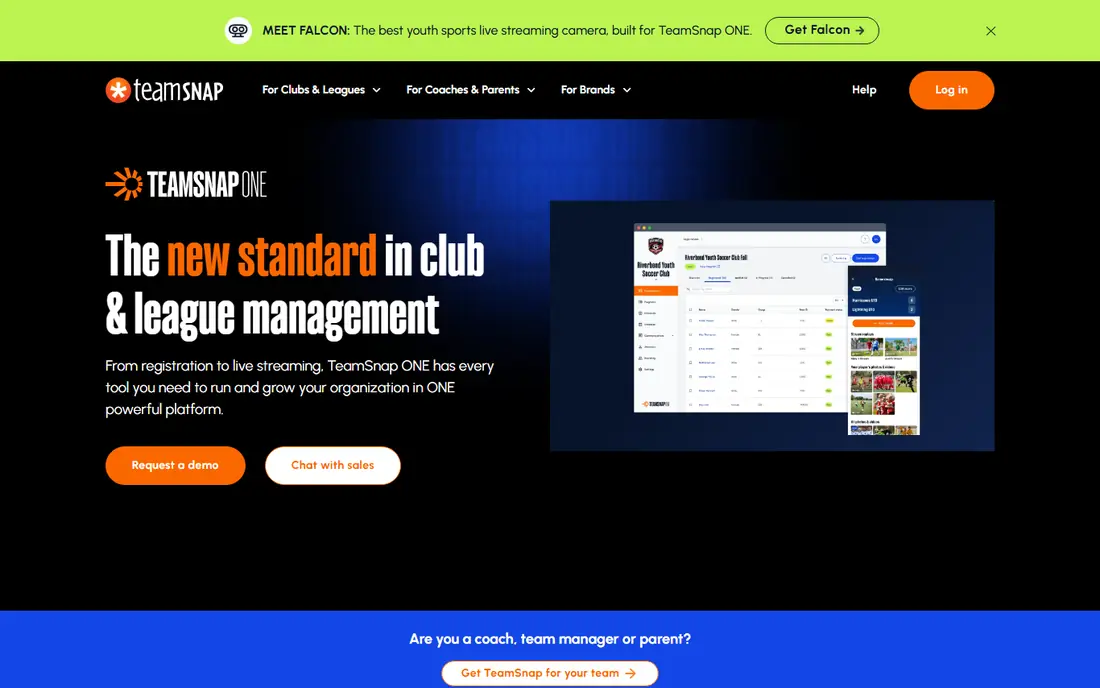
TeamSnap is a well established team app for youth sports. Coaches post schedules, send messages to parents, track availability, and collect payments, while parents can confirm attendance and view updates in one place. That central hub reduces missed messages in text threads.
The free tier covers core team tools, while advanced features and larger club tools sit on paid plans. For a single team or a small club, TeamSnap is a reliable, widely recognized choice that parents often already know.
- Schedules, messaging, and availability in one app
- Payment collection
- Roster management
- Some features need a paid plan
- Setup takes time for larger clubs

SportsEngine suits leagues and clubs that need registration, websites, schedules, and team communication together. Coaches can message parents, post schedules, and manage rosters, while clubs manage registrations and payments across many teams. That scale helps larger organizations.
Single teams may find SportsEngine larger than needed, and pricing is usually quoted for clubs. For leagues that want one system for registration and communication, it is a strong option.
- League websites, registration, and team apps
- Schedules and messaging
- Payment tools
- Pricing is custom for clubs
- May be more than a single team needs
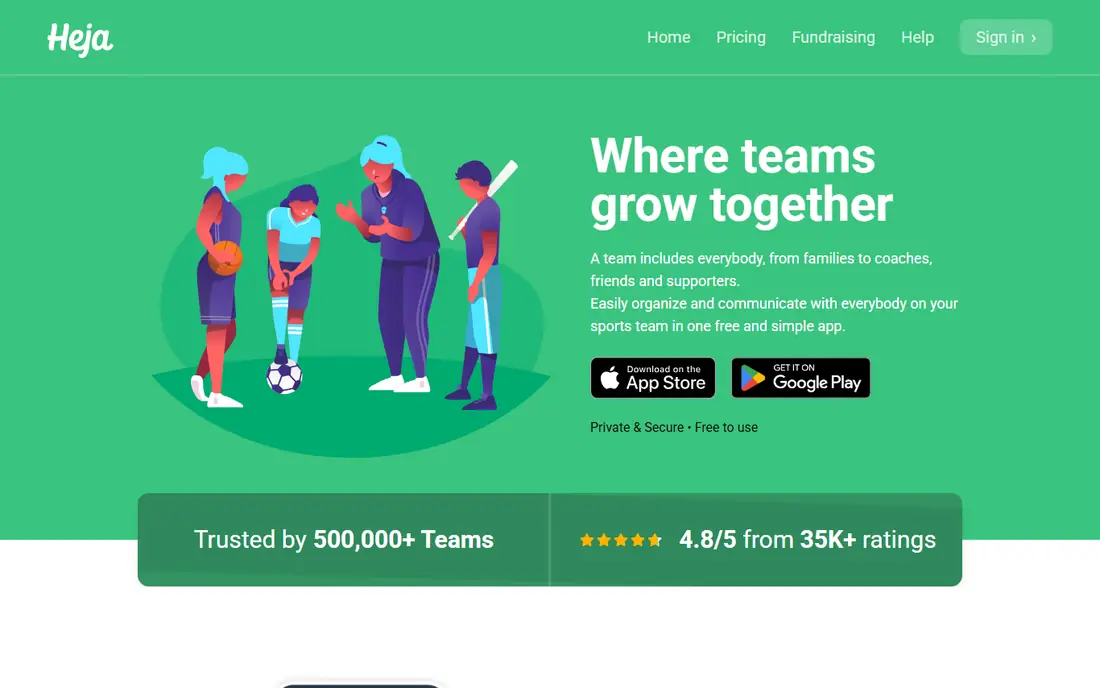
Heja focuses on simple team communication. Coaches create a team, invite parents, post schedules, and send messages and announcements. The clean design helps volunteer coaches who do not want a complex club system.
Payment collection and league management are thinner than in TeamSnap or SportsEngine. For a single youth team that mainly needs schedules and messages, Heja is an easy, free to start choice.
- Simple schedules and messaging
- Free core team tools
- Easy parent invites
- Payment and league tools are limited
- Smaller US presence than TeamSnap
Spond offers free team management with schedules, messaging, attendance tracking, and group tools. Coaches can invite parents, post events, and see who is attending, without a paid plan for core features. That free model appeals to volunteer run teams.
Payment tools and local support vary by region, so US teams should check current features. For teams that want a free, straightforward app, Spond is worth trying alongside Heja.
- Free schedules, messaging, and attendance
- Group management
- Payment tools in some regions
- Payment features vary by country
- US awareness is lower than TeamSnap
TeamLinkt gives volunteer coaches a free team app plus optional website and registration tools. Coaches can manage schedules, send messages to parents, track attendance, and share updates, while parents get one place for team news. Setup is quick for a single team.
The design is simpler than TeamSnap, and advanced club features may need a paid tier. For community teams with limited budgets, TeamLinkt is a practical, low cost choice.
- Free team app with schedules and messaging
- Website and registration tools
- Easy setup
- Design is simpler than larger rivals
- Some advanced features need paid plans
GameChanger is built for baseball and softball, with live scoring, stats, schedules, and messaging in one app. Parents who cannot attend can follow games live, while coaches can message the team about schedules and updates. That sport focus gives depth other general apps lack.
Teams outside baseball and softball will find little use here. For baseball and softball coaches, GameChanger combines parent communication with the scoring tools parents already expect.
- Live scoring and stats for baseball and softball
- Team messaging
- Schedules and rosters
- Sport focus limits other teams
- Some features need a paid plan
Band is a general group app that many teams use for communication. Coaches can create a team group, post schedules, share files, run polls for availability, and chat with parents. Admin controls help manage members and posts.
Band lacks sport specific tools such as rosters, stats, or payment collection. For teams that mainly need reliable group messaging, calendar posts, and files, Band is a free and flexible option.
- Free group chat, calendar, and polls
- File sharing
- Admin controls for groups
- Not built only for sports
- Scheduling is less sport specific
Stack Team App offers team news, schedules, messaging, and member management for clubs and teams. Coaches can post updates, manage events, and communicate with parents, while clubs can run multiple teams in one system. That breadth suits larger youth organizations.
The interface can feel busy compared with Heja or Spond. For clubs that want team tools plus club management, Stack Team App is a useful free to start option.
- Team news, schedules, and messaging
- Member profiles
- Club and league tools
- Interface is busier than simpler apps
- Some features need paid plans
How we picked these
We compared official feature pages, pricing, messaging and schedule tools, parent invite systems, and privacy policies. We favored apps active in 2026 with real parent communication features, clear free or paid terms, and privacy controls for youth teams. Apps with only adult group chat and no team structure were left out, as were apps with unclear privacy terms.
How to choose a team app for parents
Start with the league or club system. If a league already uses SportsEngine or TeamSnap, joining that system avoids duplicate schedules and messages. For independent teams, a simple free app such as Heja, Spond, or TeamLinkt often covers schedules and messages well.
Set communication rules early. Use one app for official updates, keep messages to parents or guardians, and avoid sharing personal phone numbers in team chats. Post schedules early, confirm attendance through the app, and keep sensitive health or payment details out of group messages.
Protecting minors data
Use parent or guardian accounts for players under 18, and keep player profiles limited to first name, team, and sport where possible. Avoid posting photos of minors in public groups, and get parent consent before sharing team photos. Turn off location sharing for minors, and never use an app to track a child without parent knowledge and consent. Review app privacy settings each season, and remove former players and parents when they leave the team.
Messages that parents actually read
Short, clear messages work best. Put the date, time, and location first for schedule changes, and use one announcement channel for official news. Separate social chat from official updates so important messages are not lost. A weekly schedule post plus urgent alerts usually beats daily scattered messages.
FAQ
What is the best app for coaches to communicate with players?
For youth teams, coaches should communicate through parents or guardians, using team apps such as TeamSnap, Heja, or Spond. Those apps let coaches post team messages and schedules that parents can share with players. Direct private messaging between adults and minors should be avoided.
What is the best free app for coaches to communicate with players?
Heja, Spond, TeamLinkt, and Band offer free core messaging and schedules for teams. TeamSnap also has a free tier for basic team tools. For youth teams, set up parent accounts and use group messages rather than private chats with minors.
How do I keep team communication private?
Use invite only team groups, parent accounts for minors, and admin controls to manage members. Avoid public groups for youth teams, limit personal details in profiles, and remove access when players leave. Check privacy settings and league rules each season.
Should coaches use text messages instead of a team app?
Text threads work for small teams, but they share phone numbers, lose schedules, and mix official news with chat. A team app keeps schedules, attendance, and messages in one place, with better admin control. Many teams use an app for official news and keep text for urgent backup only.
Can parents track attendance and schedules in these apps?
Yes, most apps here let parents view schedules, confirm attendance, and receive updates. TeamSnap, Heja, Spond, and TeamLinkt all offer availability and schedule tools. Coaches should post schedules early and ask parents to update availability promptly.
What about photos and videos of youth players?
Get parent consent before posting team photos, and share them only in private team groups. Avoid public social posts with minors names, schools, or locations. Parents should be able to ask for a photo to be removed, and coaches should honor that request quickly.