Best API Testing Tools in 2026: 8 Tools Compared
We compared the best api testing tools on protocols, collaboration, automation and price, so your team can test APIs with less friction and fewer surprises.
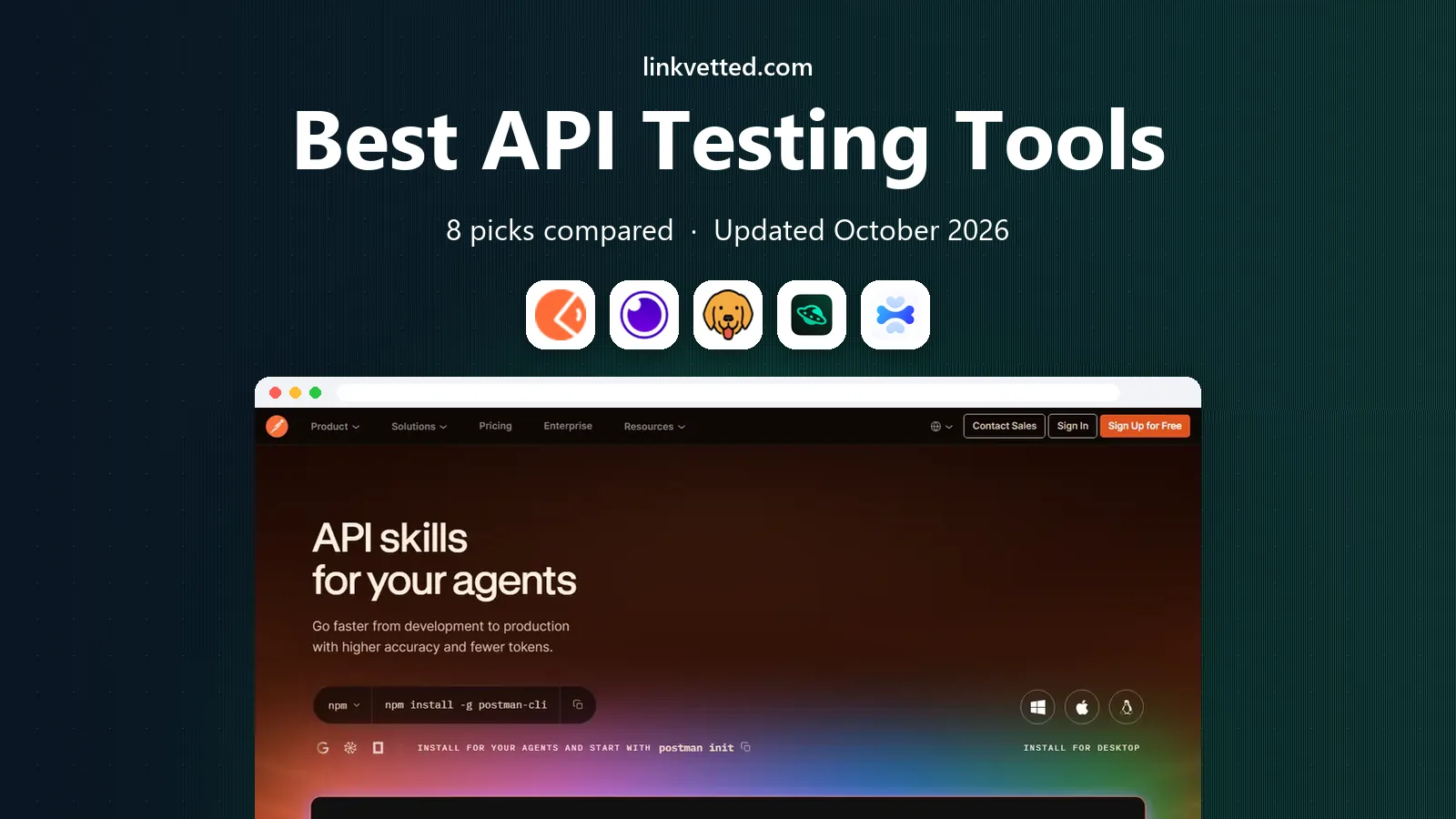
- Editor's choice
 Postman
Full API lifecycle teams
Starts at$9 per monthVisit postman.comFull review - Great alternative
 Insomnia
Lightweight multi-protocol client
Starts atFreeVisit insomnia.restFull review - Also consider
 Bruno
Git-native offline testing
Starts atFreeVisit usebruno.comFull review
TL;DR:
- Postman remains the fullest API platform, but its free plan is now mainly for solo use.
- Bruno and Hoppscotch are strong low-cost choices for teams that want local files or browser-based testing.
- Insomnia sits in the middle, with broad protocol support and encrypted sync for small teams.
- SoapUI and ReadyAPI still matter for SOAP and enterprise legacy APIs, even as newer tools focus on REST.
- The best tool for API testing depends on how your team shares collections, runs tests in CI, and handles secrets.
Quick comparison
| Tool | Best for | Starts at | Free plan? | |
|---|---|---|---|---|
| Postman | Full API lifecycle teams | $9 per month | Yes | Visit |
| Insomnia | Lightweight multi-protocol client | Free | Yes | Visit |
| Bruno | Git-native offline testing | Free | Yes | Visit |
 Hoppscotch | Browser-first quick testing | Free | Yes | Visit |
 Apidog | All-in-one API design and testing | $9 per user per month | Yes | Visit |
 SoapUI | Free SOAP and REST testing | Free | Yes | Visit |
 ReadyAPI | Enterprise SOAP and REST suites | See website | Free trial | Visit |
 Thunder Client | Testing inside VS Code | Free | Yes | Visit |
The best API testing tools
We compared API testing tools on protocols, test automation, collaboration, mocking, monitoring and price. The best api testing tool is the one your whole team will actually keep updated, not the one with the longest feature list.

Postman is still the default API platform for many teams, and that familiarity is a real asset. Collections, environments, test scripts, mock servers, monitors and documentation live in one place, and new team members can usually find help for it quickly. Its AI assistant can help generate tests and explain responses, which speeds up early work on an unfamiliar API.
The change to watch is the free plan. It now covers a single user with limited monitoring and AI credits, so any real team use needs a paid plan, with Solo from $9 per month and Team plans higher. If your team already lives in Postman and uses its governance and mock features, that cost may be justified. If you only send requests and run simple tests, a cheaper client will do the same job.
- Mature collections, mocks, monitors and docs
- Large integration ecosystem
- AI-assisted test help
- Free plan is limited to one user
- Team pricing is higher than open source rivals
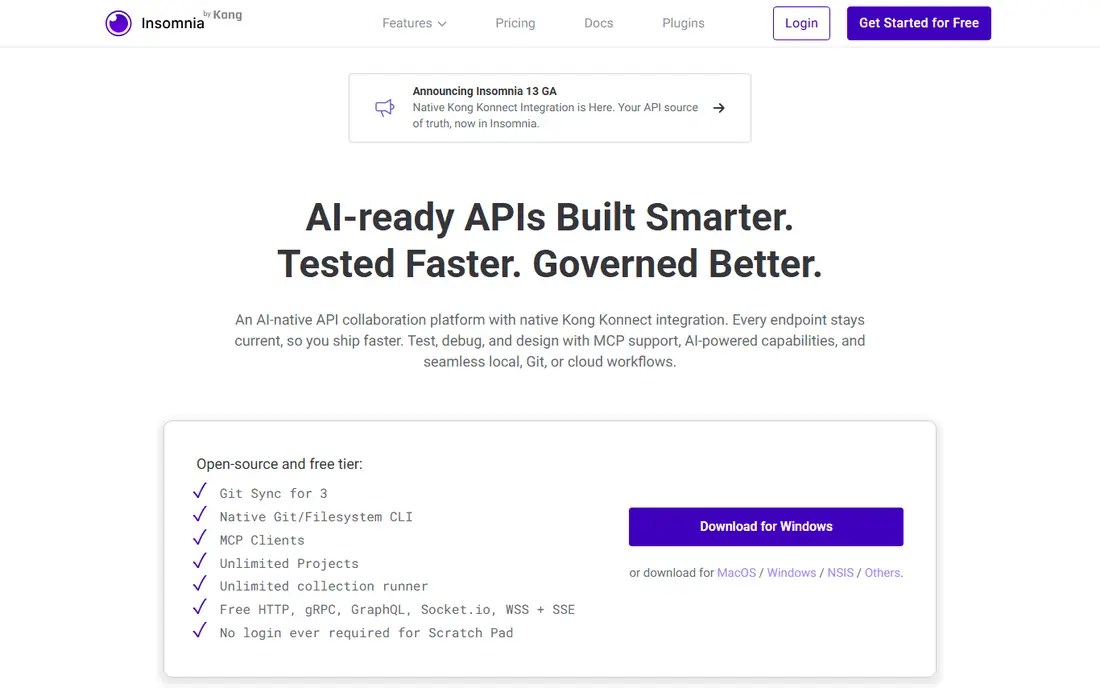
Insomnia is the pick for developers who want a fast, focused client without a heavy platform around it. It handles REST, GraphQL, gRPC and WebSocket requests in a clean interface, and its free Essentials tier covers small teams with unlimited runs and encrypted sync, with a mock request limit to watch. That makes it easy to start and easy to share.
It is less of an automation platform than Postman. Collection runs, monitors and governance are thinner, so teams with large CI suites may still need another tool for scheduled runs. For daily manual testing, debugging and small team sharing, Insomnia hits a good balance between power and simplicity.
- Clean interface
- REST, GraphQL, gRPC and WebSocket support
- Encrypted sync on free tier for small teams
- Less automation depth than Postman
- Cloud account prompts bother some users
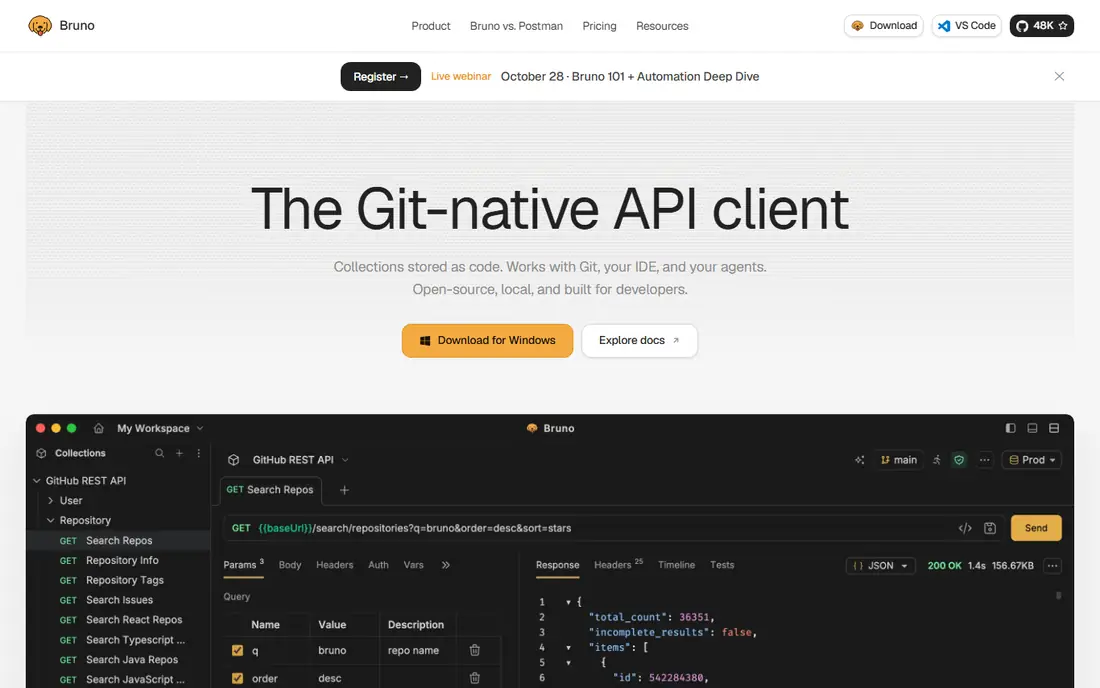
Bruno takes a different approach: your API collections are plain files in your project, versioned with Git like code. That means pull requests, code review and branching work the way developers already expect, and there is no cloud account needed to send a request. The core app is free and open source, with paid Pro plans for extra features.
The trade-off is collaboration for non-developers. There is no built-in cloud workspace with roles and comments in the same way Postman offers, so product managers and testers who do not use Git may feel left out. For developer-led teams that value privacy, offline work and version control, Bruno is one of the best API tools available in 2026.
- Collections stored as local files
- Fully offline with no required account
- Open source core
- Fewer cloud collaboration features
- Smaller ecosystem than Postman
Hoppscotch is the fastest way to test an endpoint. Open it in a browser, send a request, read the response, and move on, with no install and no account for basic use. It supports REST, GraphQL, WebSocket and other protocols, and teams that care about data control can self-host it. That combination makes it popular with open source teams and with developers who test APIs on shared machines.
Browser-based testing has limits, especially around certain network and security settings, and its desktop app or self-hosted setup can help there. Paid organization plans add team workspaces and controls. Use Hoppscotch when speed and openness matter most, and pair it with a CI tool if you need heavy scheduled automation.
- No install needed for web use
- Open source and self-hostable
- Broad protocol support
- Browser limits can affect some requests
- Team features sit on paid plans
Apidog positions itself as a single place for API design, testing, mocking and documentation. Its free tier covers small teams, and paid plans start at $9 per user per month, which undercuts Postman team pricing for many groups. It supports REST, GraphQL, gRPC, WebSocket and SOAP, so teams with mixed APIs do not need several clients.
The main question is ecosystem depth. Postman has more integrations, public workspaces and community content, while Apidog is still building that reach. For a team starting fresh, or a team frustrated by Postman pricing, Apidog offers a coherent alternative without forcing a move to separate tools for design and testing.
- Design, testing, mocks and docs in one tool
- Free for small teams
- Broad protocol support
- Younger ecosystem than Postman
- Some advanced governance sits on higher plans
SoapUI remains relevant because SOAP has not disappeared from banks, telecoms, government systems and older enterprise software. The free open source version handles SOAP and REST functional testing, with assertions, data-driven tests and basic load checks. For a team that must test a SOAP service today, it is still the most direct free option.
Its interface feels dated next to Bruno or Insomnia, and team collaboration is weaker than cloud-native tools. SoapUI is best as a specialist tool for SOAP work, kept alongside a modern client for REST testing, rather than as the only API tool for a whole company.
- Free and open source
- Strong SOAP support
- Functional and load testing basics
- Older interface
- Less modern collaboration than newer clients
ReadyAPI is the commercial product from the SoapUI team, aimed at enterprise teams that need data-driven testing, load testing, security checks and reporting in one suite. It handles both SOAP and REST, and it fits organizations that need governed test suites, shared test data and formal reports for releases.
That depth comes with cost and weight. Pricing is handled through sales and trials, and the tool is more than a small team needs for simple request testing. Choose ReadyAPI when SOAP, legacy systems and formal test management are central to your work, and when a lightweight client keeps falling short on reporting and scale.
- Builds on SoapUI with data-driven and load testing
- Test management and reporting
- Enterprise support
- Pricing is not a simple published rate
- Heavier than a lightweight client
Thunder Client is a VS Code extension, so developers can test APIs without leaving their editor. Requests, collections and environments sit next to code, which keeps context switching low during development. The free tier covers basic testing, with paid plans from around $3 per user per month for more features.
It is not a replacement for a full API platform. Mocking, monitoring and governance are thinner than Postman or Apidog, and teams that do not use VS Code gain little from it. For VS Code users who want quick, in-editor API testing, it is a practical and cheap addition to their workflow.
- Works inside VS Code without switching apps
- Simple request and collection handling
- Low starting cost
- Advanced features need paid plans
- Not a full platform for large teams
How we picked these
We compared vendor pricing pages, documentation and public 2026 comparisons for API tools. We required each tool to be currently available, to send real API requests, and to support test assertions or collections, not only a simple HTTP sender. We included both open source and commercial tools, and both REST-focused and SOAP-capable tools, because API work in real companies spans both.
We noted where pricing had changed recently, especially for Postman, rather than repeating older free-plan claims. Where a vendor does not publish a simple price, we wrote See website and said so in the product text, so readers can check current terms before buying.
How to pick an API testing tool for your team
Start with how your team shares work. If collections must be reviewed like code, a Git-native tool such as Bruno fits naturally. If non-developers need to run and edit tests, a cloud workspace such as Postman or Apidog will be easier. If speed matters most, a browser tool such as Hoppscotch gets people testing in seconds. Sharing habits decide adoption more than any single feature.
Next, check automation and secrets handling. Confirm that tests can run in CI, that environments keep tokens and keys out of shared files, and that mock servers or monitors match your release process. A tool that works well by hand but cannot run in CI will leave gaps in regression testing. Also test how it handles your real protocols, since SOAP, GraphQL and WebSocket support varies more than marketing pages suggest.
Finally, trial with a real API and a real team. Import an existing collection, add ten tests, run them in CI, and ask two colleagues to edit a test without help. That short trial reveals interface friction, pricing limits and collaboration gaps faster than a demo. Keep the tool that the whole team can maintain, even if another tool looked stronger on paper.
FAQ
What is the best api testing tool for beginners?
Insomnia and Hoppscotch are good beginner picks because they are free, fast to learn, and cover common protocols without a complex setup. Postman is also beginner friendly, but its free plan now suits solo use better than team use. Start with a free client, learn collections and assertions, then move to a paid platform only when team needs grow.
What is the best tool for API testing in CI pipelines?
Postman, Apidog, Bruno and ReadyAPI can all run tests in CI, but the setup differs. Bruno uses files that fit Git workflows, while Postman and Apidog offer cloud runners and monitors. Pick the tool whose CI setup your team can maintain, and check that test reports and failure alerts reach the people who fix breaks.
Is Postman still free?
Postman has a free plan, but it is now limited to one user with limited monitoring and AI credits. Solo developers can still use it for basic work, while teams need paid plans. If free team use matters, Bruno, Hoppscotch and Insomnia offer more generous free tiers for small groups.
Which API testing tool is best for SOAP APIs?
SoapUI is the best free choice for SOAP, and ReadyAPI is the commercial upgrade for enterprise SOAP suites with data-driven tests and reporting. Newer REST-focused clients may send SOAP requests, but they lack the SOAP-specific tooling that older enterprise systems often need. Keep a SOAP specialist alongside a modern REST client if you support both.
Can I use an open source API testing tool for a large team?
Yes, Bruno and Hoppscotch both support larger teams, especially when combined with Git, CI and self-hosting. Open source saves license costs, but it still needs ownership for collections, environments and CI setup. Large teams should also check whether they need the governance, support and reporting that paid platforms provide.