Top 6 Analytics Software for Real Estate Agents for 2026 (Prices and Free Plans)
Best analytics software for real estate agents in 2026: 6 contenders with entry costs and free tiers. Strengths and gaps are listed per tool. Read the profiles.
- Editor's choice
 Sisense
Embedded analytics with adaptable development choices
Starts atSee websiteVisit sisense.comFull review - Great alternative
 Databox
Performance dashboards for agencies and teams
Starts at$79 a monthVisit databox.comFull review - Also consider
 Tableau
Deep visual analysis of listing and lead data
Starts at$15 per user a monthVisit tableau.comFull review
Direct answer
If you need embedded analytics with flexible development choices, Sisense is the first tool to look at here. Listed starting prices: Databox from $79 a month and Tableau from $15 per user a month. Databox fits performance dashboards for agencies and teams; Tableau fits deep visual analysis of listing and lead data. Details, prices and limits for the rest of the 6 tools are below.
TL;DR:
- Number one here is Sisense, a fit for embedded analytics with adaptable development choices.
- Starting prices begin at $15 per user per month with Tableau.
- Just one of the 6 tools, Tableau, has a free plan.
- Google Looker Studio is the one to check for interactive dashboards from connected data sources.
- A fair warning about Domo: wide system may overwhelm small teams.
Last checked November 2026. Prices and plan details were read from the vendors' own pages in November 2026; vendors change plans often, so confirm the current price on the vendor site before you buy.
Quick comparison
| Tool | Best for | Starts at | Free plan? | |
|---|---|---|---|---|
| Sisense | Embedded analytics with adaptable development choices | See website | Free trial | Visit |
| Databox | Performance dashboards for agencies and teams | $79 a month | Free trial | Visit |
| Tableau | Deep visual analysis of listing and lead data | $15 per user a month | Yes | Visit |
 Domo | Connecting and governing data across sources | See website | Free trial | Visit |
 Qlik Sense | End-to-end data integration and analytics | See website | Not stated | Visit |
 Google Looker Studio | Interactive dashboards from connected data sources | See website | Not stated | Visit |
The best analytics software for real estate agents
LinkVetted compared 6 analytics software for real estate agents. The goal is a practical shortlist: published prices, free plan facts, best-fit use cases and honest limits for every entry.
Sisense serves embedded analytics with adaptable development choices. Real estate businesses that want analytics inside their own portals or client-facing tools can use it to embed dashboards and reports.
Where it is weaker: Technical planning required.
More specifically, teams without development resources should weigh more straightforward reporting tools, whereas organizations building analytics into their own software will see the value. In practice, since the product centers on embedding, an agent who just wants a standalone dashboard may find it indirect. Sisense shows no starting price here, so confirm the cost on the vendor site. Free options: Free trial.
- Low-code and no-code adaptability
- Meant to turn data into revenue
- Embedding focus may exceed agent needs
Databox makes the most sense for performance dashboards for agencies and teams. It suits groups that want ready performance views instead of building every report from scratch.
Downsides: Less suited to deep custom modeling.
Those wanting advanced visual exploration should consider a broader BI tool, whereas teams centred on performance tracking will find Databox practical. Databox pricing: $79 per month. Free access: Free trial.
- AI workflows for quicker action
- Adds business context
- Team and agency orientation
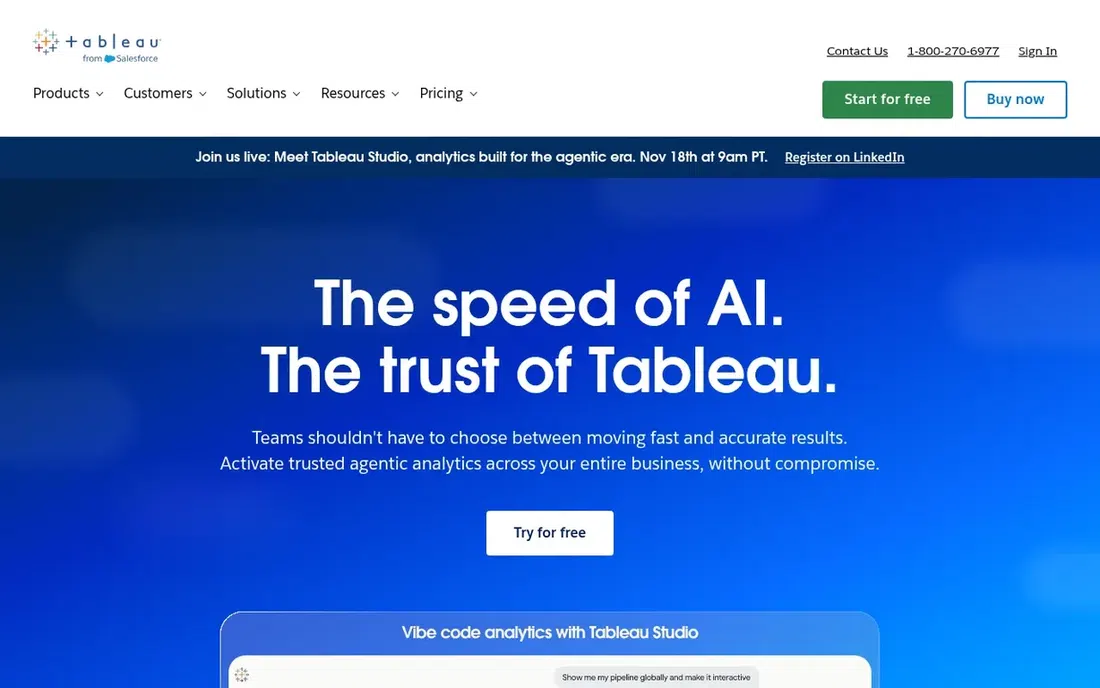
Choose Tableau for deep visual analysis of listing and lead data. Tableau is business intelligence and analytics software built around seeing and understanding data.
Honest limits: Ramp-up time for new analysts.
- Links to almost any database
- Drag-and-drop visualization building
- Setup effort before first insight
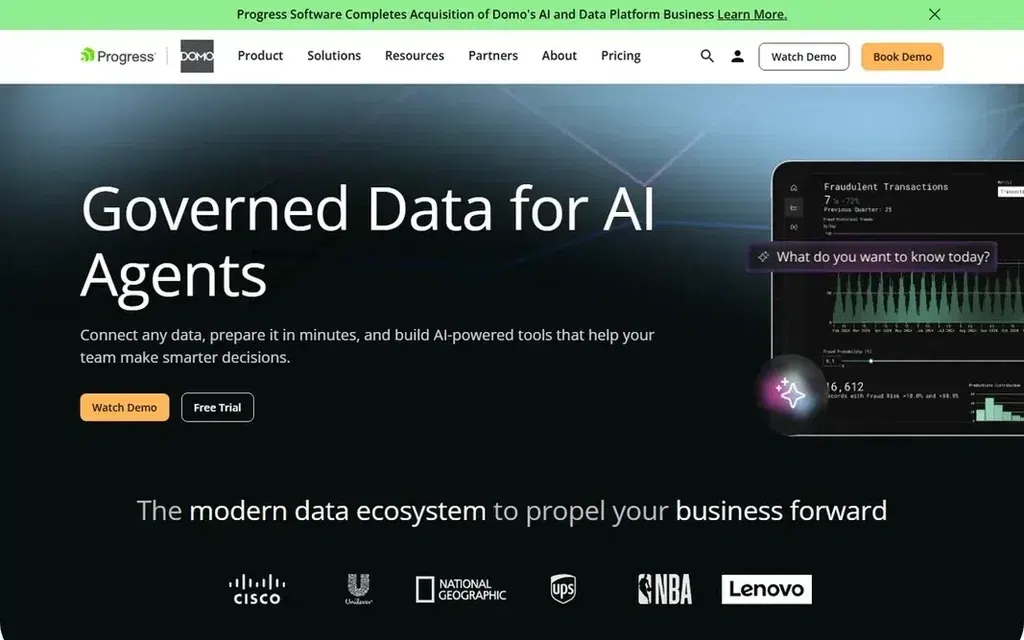
Think of Domo for connecting and governing data across sources. Domo presents itself as a governed data system with AI and data products that link and move data from any source, prepare it, and expand access for exploration.
Where it is weaker: Broad product may overwhelm small teams.
As for the details, the breadth of the product can be more than a solo agent needs, and getting value relies on planning how data flows in. No starting price is listed for Domo here; confirm pricing on the vendor site. As for free access: Free trial.
- Links data from any source
- Data preparation and governance
- Needs planning to deploy well
Choose Qlik Sense for end-to-end data integration and analytics. Those wanting fast dashboards from existing sources may prefer a lighter choice, while organizations with integration needs should evaluate Qlik carefully.
Watch-outs: Setup needs technical comfort.
Pricing for Qlik Sense is not stated here, so ask the vendor for current figures. Free plan details: Not stated.
- Integration and data quality tools
- Analytics for next-level insights
- Enterprise orientation
Google Looker Studio
Best for: Interactive dashboards from connected data sources

Google Looker Studio was built for interactive dashboards from connected data sources. Agents needing deeper data preparation or embedded analytics inside other applications should look at systems designed for those jobs.
Where it falls short: Best with well-organized source data.
The tool performs best when source data is clean and well organized, and it is not the place for advanced statistical modeling. This comparison lists no price for Google Looker Studio; ask the vendor. As for free access: Not stated.
- Handy for sharing results
- Report building with visual polish
- Complicated modeling is restricted
Selection criteria
Pre-purchase checklist
- Get a written quote from Sisense, Domo, Qlik Sense and Google Looker Studio; the list shows no starting price for them.
- Look at the free plan from Tableau closely: its caps decide whether it is usable for real work.
- Use real work to test the free trial from Sisense, Databox and Domo, rather than a demo project.
- Before choosing Sisense, weigh its main limit: embedding focus may exceed agent needs.
- Test how quickly Tableau answers a pre-sales question; it hints at how support will feel later.
- Read the plan comparison for Qlik Sense carefully; key features often start on a higher tier.
FAQ
Which analytics tool is easiest for a solo real estate agent to start with?
Google Looker Studio is commonly the simplest starting point since it concentrates on interactive dashboards and reports from connected data. Tableau supplies more depth but asks for more setup time.
Is Sisense the right pick for everyone comparing analytics software for real estate agents?
No single tool suits every team. Sisense comes first because it fits embedded analytics with flexible development options, while Databox suits performance dashboards for agencies and teams and Tableau suits deep visual analysis of listing and lead data. Match the tool to your own size, budget and workflow before deciding.
How are the tools for analytics software for real estate agents ordered?
The order follows typical fit for analytics software for real estate agents, with Sisense first and Google Looker Studio last, then price clarity and free access. It is editorial judgement, not a score, so another team could rank the tools differently.
Can I try these tools before paying?
Often, yes. Tableau has a free plan and Sisense, Databox and Domo offer a free trial. Use your own data and a real task during the test, and check what the free tier or trial limits before you rely on it.
Which options for analytics software for real estate agents have a free plan?
Tableau is the only tool in this list with a free plan. Free plans usually cap users, projects or features, so check the limits on the vendor page. Several others offer a trial instead. Each of the 6 options in this analytics software for real estate agents guide has its own card above with the price, free plan and limits.
Sources
- https://www.sisense.com
- https://databox.com
- https://www.tableau.com
- https://www.domo.com
- https://www.qlik.com
- https://lookerstudio.google.com