Best Ambulatory Software in 2026: 8 Systems Compared
Compare the best ambulatory software for outpatient clinics, with EHR charting, scheduling, billing and patient engagement in one system for practice work.
- Editor's choice
 athenaOne
Integrated EHR and billing
Starts atSee websiteVisit athenahealth.comFull review - Great alternative
 DrChrono
Apple-friendly small practices
Starts atSee websiteVisit drchrono.comFull review - Also consider
 AdvancedMD
Growing multi-provider practices
Starts atSee websiteVisit advancedmd.comFull review
TL;DR:
- athenaOne suits practices that want billing and EHR tied together, while smaller clinics may prefer a simpler, flat-priced system.
- Ambulatory software differs from hospital software because it is built around office visits, referrals and repeat outpatient care.
- Pricing is often by quote or by collections, so compare total cost, including billing services and interfaces, not just a monthly fee.
- Check e-prescribing, lab connections and patient portal tools early, since those affect daily work more than extra features.
Quick comparison
| Tool | Best for | Starts at | Free plan? | |
|---|---|---|---|---|
| athenaOne | Integrated EHR and billing | See website | No | Visit |
| DrChrono | Apple-friendly small practices | See website | Free trial | Visit |
| AdvancedMD | Growing multi-provider practices | See website | No | Visit |
 Tebra | Small practices needing practice management | See website | No | Visit |
 eClinicalWorks | Feature-rich outpatient EHR | See website | No | Visit |
 NextGen Office | Small to mid-size practices | See website | No | Visit |
 Practice Fusion | Low-cost cloud EHR | See website | Free trial | Visit |
 CureMD | Specialty and billing-focused practices | See website | No | Visit |
The best ambulatory software
Ambulatory software supports care outside hospitals: office visits, clinics, urgent care and specialty practices. It usually combines an electronic health record with scheduling, billing, patient messaging and reporting. We compared official feature pages, pricing pages and public reviews. This article gives general information for comparing software, not medical advice, and practices should confirm compliance and workflow fit with their own clinical and legal advisers.
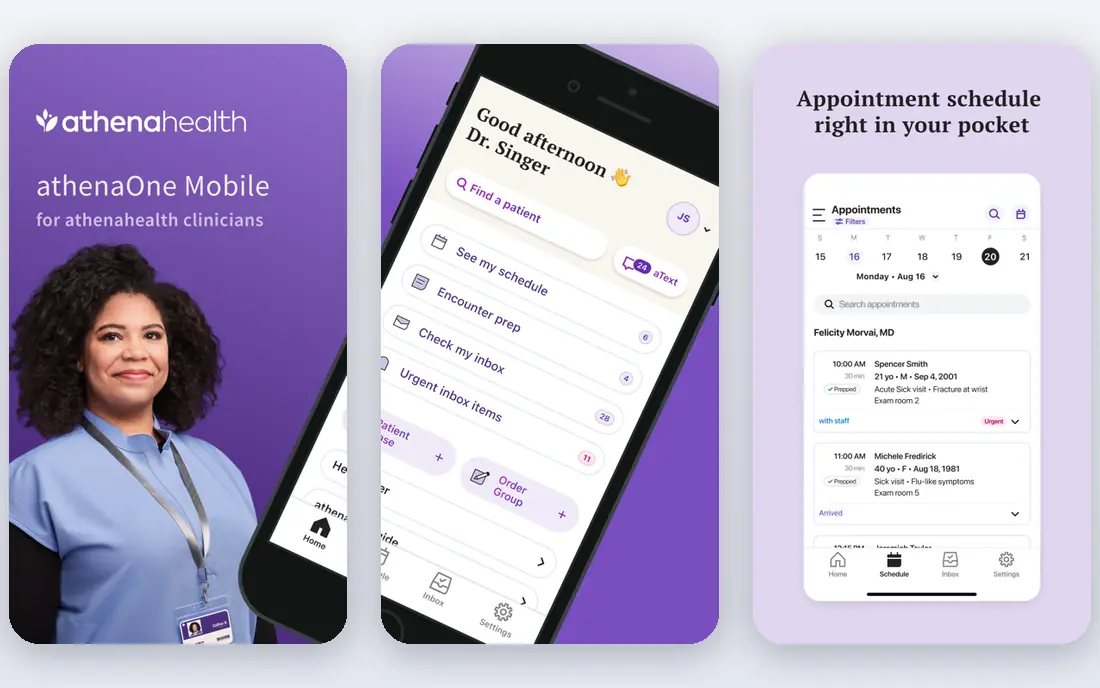
athenaOne is the best-known option for ambulatory practices that want clinical and financial work in one system. It covers charting, orders, scheduling, claims, patient payments and messaging, and its billing service model appeals to practices that would rather not run billing in-house. The shared network approach also helps with payer rules and claim checks, since lessons from many practices feed back into the system.
The main drawback is pricing transparency. athenahealth does not publish a simple flat rate, and costs are often linked to collections, which means a busy practice pays more in absolute terms. Contract terms, included services and interface fees should be read closely. athenaOne fits practices that value an all-in-one service and are willing to pay for billing support, rather than practices that want the lowest software-only price.
- Combined EHR, billing and patient engagement
- Large provider network
- Cloud-based access
- Pricing by quote and often tied to collections
- Can be costly for high-volume practices
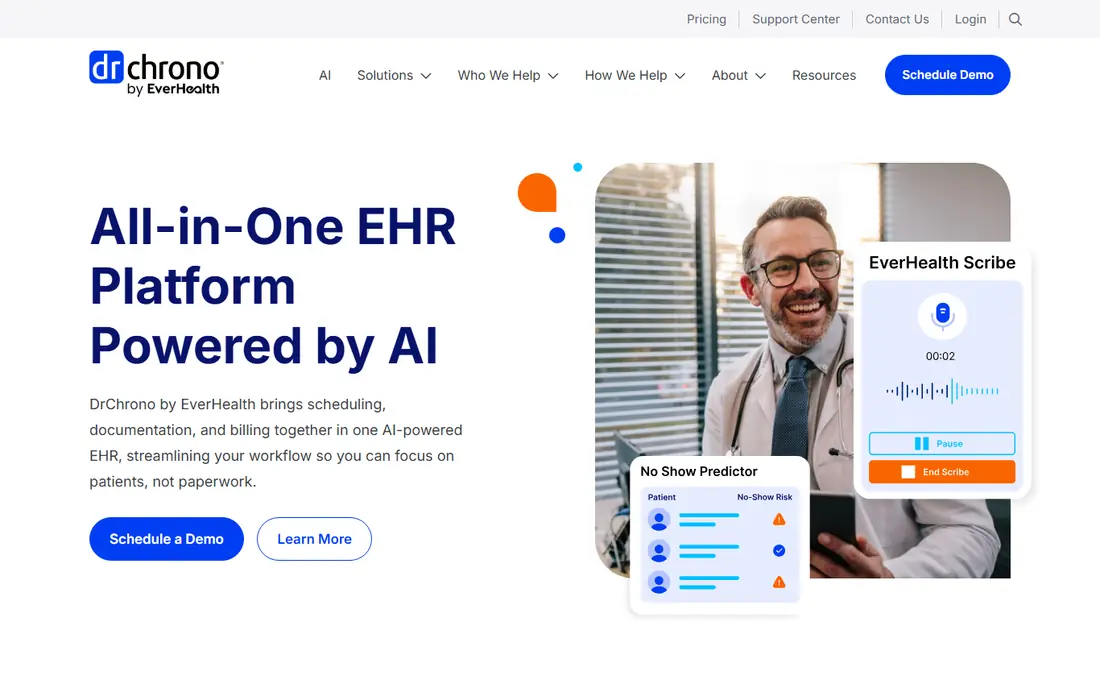
DrChrono stands out for practices that work heavily on Apple devices. Its iPad app supports charting, photos, e-prescribing and patient intake at the point of care, which suits exam rooms where a tablet is easier than a desktop. Chart templates can be shaped to a specialty, and billing tools sit alongside clinical work rather than in a separate system.
Pricing is not published in a simple form, so small practices should request a quote that separates EHR, billing and add-on costs. Some users also note that deeper customization takes setup time. DrChrono is a good match for small to mid-size practices, especially those already comfortable with Apple hardware and wanting a mobile-first charting flow.
- Strong iPad and iPhone apps
- Customizable charting
- Integrated billing options
- Pricing by quote
- Some advanced features need higher tiers
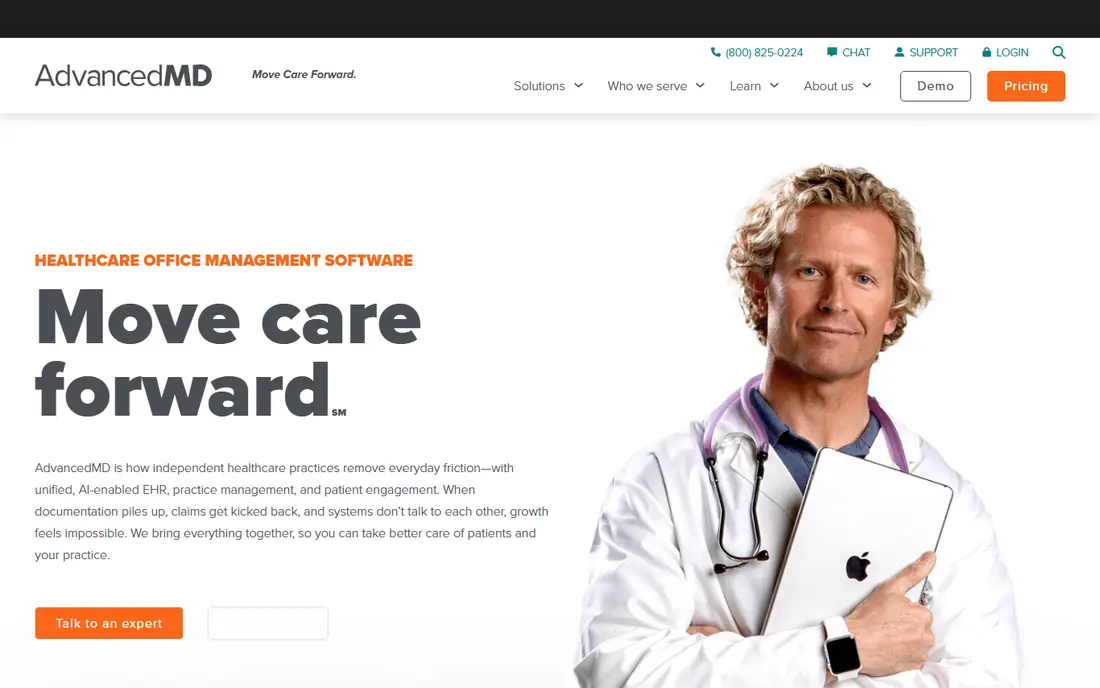
AdvancedMD combines EHR, scheduling, billing and patient engagement in a cloud system aimed at independent practices that are growing. Dashboards for schedules, claims and financial performance help managers spot bottlenecks without exporting data to spreadsheets. Telemedicine and patient portal tools support follow-up care and routine messaging between visits.
The system is broad, and that breadth can mean a longer learning period for front-desk and clinical staff. Pricing is by quote, so compare the cost of the full bundle against buying separate tools. AdvancedMD fits practices with several providers that need one system for clinical, scheduling and revenue work as they add locations or staff.
- Unified EHR, practice management and billing
- Useful dashboards
- Telemedicine options
- Quote-only pricing
- Learning curve for new staff
Tebra, formed from Kareo and PatientPop, pairs practice management and EHR tools with patient communication features. For a small practice, the appeal is practical: scheduling, billing, intake and patient reminders in one place, plus tools to help patients find and contact the practice. That combination reduces the number of vendors a small team must manage.
Specialty charting depth is not as deep as some large EHR platforms, so specialty practices should test templates for their own visit types. Pricing is by quote, and the full value depends on which modules a practice actually uses. Tebra fits independent practices that want a manageable, patient-facing system without the complexity of a hospital-grade platform.
- Practice management plus EHR
- Patient intake tools
- Marketing and messaging features
- Pricing by quote
- EHR depth varies by specialty
eClinicalWorks is one of the most widely used ambulatory EHR platforms in the United States, and its feature list reflects that scale. It covers charting, e-prescribing, labs, imaging orders, patient portal, telemedicine and population health reporting. Practices that need detailed reporting across a patient panel, or that take part in quality programs, will find tools for those tasks built in.
The trade-off is complexity. New users sometimes find the interface crowded, and training matters if the practice wants to use more than basic charting. Pricing is by quote, and practices should ask what is included for their size and specialty. eClinicalWorks fits practices that want depth and reporting power and are prepared to invest in training.
- Very broad feature set
- Population health tools
- Large user base
- Interface can feel busy
- Implementation needs planning
NextGen Office is aimed at small to mid-size ambulatory practices, with charting and practice management designed around office visits rather than inpatient care. Specialty templates, e-prescribing and billing workflows help a practice move from scheduling to charting to claim without switching systems. Reporting tools support quality measures and practice performance review.
Setup can still take real effort, especially when migrating charts and building templates. Pricing is by quote, so a small practice should compare the total first-year cost, including training and data migration, with simpler rivals. NextGen Office suits practices that want a proven ambulatory system and plan to stay with one vendor for clinical and billing work.
- Ambulatory-focused workflows
- Integrated billing
- Specialty templates
- Quote-only pricing
- Setup can be involved for small teams
Practice Fusion offers a cloud EHR that is easier to start with than many enterprise systems. It covers charting, e-prescribing, labs, scheduling and patient portal basics, which is enough for many small practices and new clinics. Because it runs in a browser, there is no server to maintain, and staff can work from different locations.
The limits show up as a practice grows. Advanced billing, population health and specialty workflows are less deep than in larger platforms, and practices with complex revenue needs may need extra tools. Practice Fusion fits a new or small practice that needs a working EHR quickly and at a lower cost, with a plan to review needs again as volume grows.
- Cloud-based and easy to start
- E-prescribing included
- Lower cost profile
- Fewer advanced features than large platforms
- Billing is more limited
CureMD provides EHR, practice management and billing tools with specialty-focused options for practices such as cardiology, oncology and other outpatient specialties. Its billing and revenue cycle features are a central part of the pitch, which helps practices that want closer control of claims, denials and collections. Cloud deployment keeps access simple across sites.
Pricing is by quote, and the experience can vary between modules, so a demo should cover the exact specialty templates and billing reports a practice will use daily. CureMD fits specialty and mid-size practices that want billing strength alongside clinical charting, and that are willing to compare a detailed quote against larger rivals.
- Specialty EHR options
- Billing and revenue tools
- Cloud deployment
- Pricing by quote
- Interface polish varies by module
How we picked these
We compared official feature pages, pricing pages and public reviews for systems with a clear ambulatory focus, covering outpatient visits rather than inpatient hospital care. We looked for charting, scheduling, e-prescribing, billing and patient engagement, and we mixed large platforms with lower-cost options for small practices. We did not claim hands-on testing, and where vendors do not publish prices we say so plainly.
What to check before you choose
The right ambulatory system is the one your team will actually use every day, so test daily tasks, not just feature lists.
Test a full visit, not a feature list
Run a demo visit from scheduling through intake, charting, orders, e-prescribing and billing. Note how many clicks each step takes and where staff must switch screens. A system that looks complete on paper can still slow a clinic if common tasks take too many steps.
Check labs, imaging and referrals
Outpatient care depends on outside connections. Ask which labs and imaging centers connect directly, how results return to the chart, and how referrals are tracked. A weak referral or results workflow creates phone calls and paper work that erase time saved elsewhere.
Compare total cost, not just the license
Ask for a written quote that separates software, billing services, implementation, training, interfaces and support. Check contract length, price changes at renewal and exit terms for your data. A collections-based price can be fair if billing services are included, but it should be compared on total annual cost.
Confirm compliance and data control
Ask about HIPAA safeguards, access controls, audit logs, backups and data export. Confirm who owns patient data and how it can be exported if you change vendors. Practices should also confirm current certification and payer requirements with the vendor in writing.
FAQ
What is ambulatory software?
Ambulatory software supports outpatient care in clinics, offices and similar settings, usually combining an EHR with scheduling, billing and patient communication. It differs from hospital software because it is built around office visits, referrals and ongoing outpatient follow-up. Most practices use it as their main clinical and administrative system.
How much does ambulatory software cost?
Many vendors price by quote, and some link fees to collections or provider count, so there is no single typical price. Small cloud EHR options tend to cost less, while full EHR plus billing services cost more. Always request a written quote that lists implementation, interfaces and support separately.
Is ambulatory software the same as an EHR?
An EHR is one part of ambulatory software, covering patient charts and clinical documentation. Ambulatory software usually adds scheduling, billing, patient portal tools and reporting around that EHR. Some vendors sell the EHR alone, so check what is included before comparing prices.
Can small practices use the same systems as large groups?
Yes, but the fit differs. Large platforms may offer depth a small practice does not need, while simpler tools may lack reporting a large group requires. Small practices should favor ease of use, clear pricing and good support, and revisit the choice as provider count grows.
Does ambulatory software include telemedicine?
Many current systems do, either built in or through an integrated video tool. Check whether video visits write notes and charges back to the chart, and whether patient consent and documentation meet your state rules. A separate video tool can work, but it adds steps for staff.