Best AI Writing Tools for GDPR Documentation in 2026: Prices, Free Plans and 5 Picks
5 products for the best AI writing tools for GDPR documentation, ranked by fit, with starting costs and free tiers. Every pick includes one clear drawback.
- Editor's choice
 Grammarly
Final proofreading of compliance text
Starts at$12 USDVisit grammarly.comFull review - Great alternative
 Google Gemini
General drafting and rewriting help
Starts atSee websiteVisit gemini.google.comFull review - Also consider
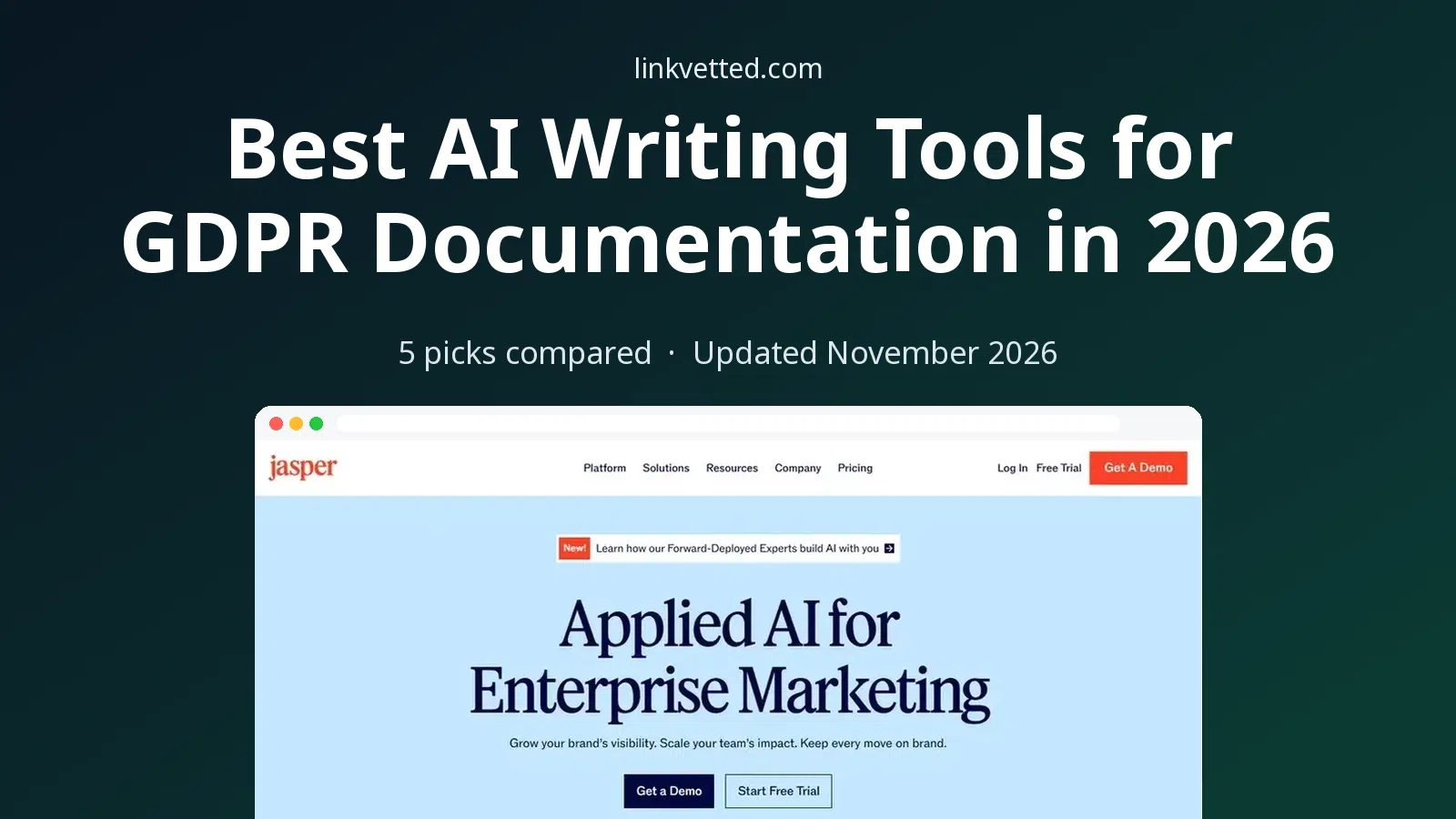
 Jasper
Repeatable policy and process drafting
Starts at$59 per seat a monthVisit jasper.aiFull review
Direct answer
For final proofreading of compliance text, Grammarly is where this list starts. Listed starting prices: Grammarly from $12 USD, Jasper from $59 per seat a month and Writesonic from $79 a month. If your case is different, Google Gemini suits general drafting and rewriting help and Jasper suits repeatable policy and process drafting. Prices, free plans and limits for all 5 tools follow.
TL;DR:
- Grammarly takes the first slot, best suited to final proofreading of compliance text.
- Just one of the 5 tools, Grammarly, has a free plan.
- Jasper comes with a trade-off: not made for compliance content.
- Writesonic is the one to check for monitoring how policies appear in AI search.
Last checked November 2026. Prices and plan details were read from the vendors' own pages in November 2026; vendors change plans often, so confirm the current price on the vendor site before you buy.
Quick comparison
| Tool | Best for | Starts at | Free plan? | |
|---|---|---|---|---|
| Grammarly | Final proofreading of compliance text | $12 USD | Yes | Visit |
| Google Gemini | General drafting and rewriting help | See website | Not stated | Visit |
| Jasper | Repeatable policy and process drafting | $59 per seat a month | Free trial | Visit |
 Notion AI | Drafting inside a shared workspace | See website | Not stated | Visit |
 Writesonic | Monitoring how policies appear in AI search | $79 a month | Free trial | Visit |
AI Writing Tools for GDPR Documentation compared in detail
Short on time? The summary and table above give the quick view of 5 tools for AI writing tools for GDPR documentation, and the profiles that follow give the detail behind each entry.
Grammarly targets final proofreading of compliance text. If you need help generating first drafts from scratch, pair it with a drafting tool instead of relying on it alone.
Worth adding: Grammarly offers AI writing assistance with personalized guidance and text generation that works in plenty of apps and on websites. More specifically, Grammarly does not know data protection law and will not flag missing required content in a policy. Price to start with Grammarly: $12 USD. A free plan is available with Grammarly.
Drawbacks to consider: No GDPR-specific templates or checks.
- Works across apps and websites
- Gives you personalized writing guidance
- Not a drafting workflow tool
For general drafting and rewriting help, Google Gemini is a natural candidate. If you need documentation tied to a structured workspace, a tool built into your document system may be more efficient. Gemini is not a compliance product and provides no GDPR-specific checks or record-keeping features.
Its output must be verified by someone with data protection knowledge. In daily use, for GDPR documentation, it is handy for turning rough notes into readable paragraphs, simplifying dense legal language for internal audiences, or summarizing long policy drafts. Google Gemini shows no starting price here, so confirm the cost on the vendor site. Free options: Not stated.
Drawbacks to consider: Needs careful review of output.
- Handy for summarizing long documents
- Manages everyday writing tasks
- No GDPR-specific templates
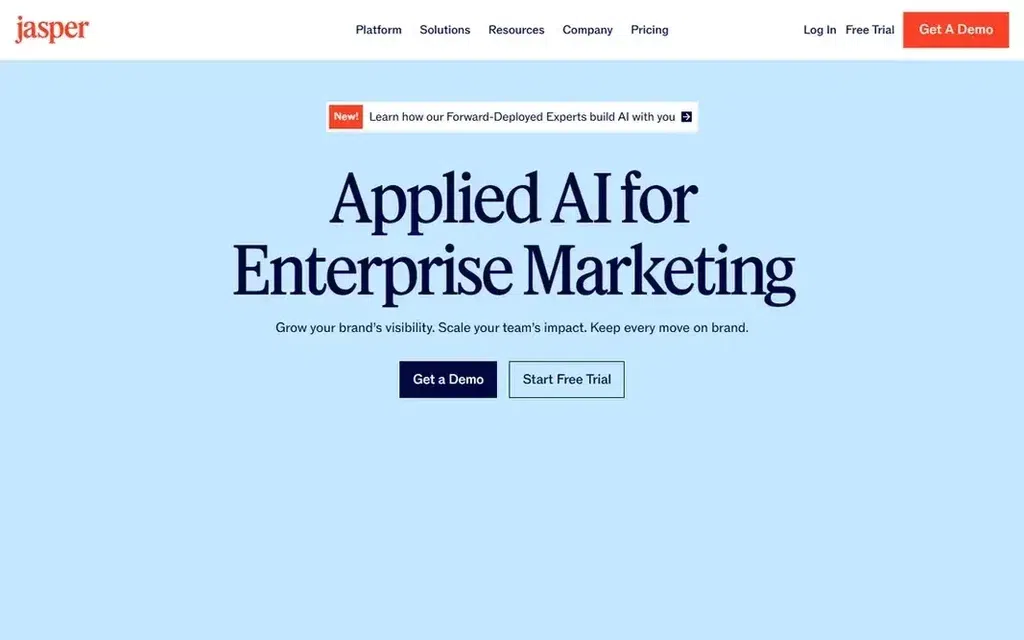
Jasper is aimed squarely at repeatable policy and process drafting. If your need is occasional editing instead of volume drafting, a more straightforward writing assistant may be the better fit.
What to check first: Not made for compliance content.
For GDPR documentation, that matters when you draft similar sections across several policies, notices or process descriptions and want consistent structure. In daily use, every draft still needs review by someone who understands data protection obligations. The starting price for Jasper: $59 per seat per month. As for free access: Free trial.
- Geared toward marketing and business content at scale
- Helps keep tone consistent across documents
- Output needs legal review before use
Notion AI is aimed squarely at drafting inside a shared workspace. If your documentation lives elsewhere, a tool native to that environment may be more practical.
Points against: Quality relies on workspace content.
Drafts still need review by a qualified person. Notion AI does not show a starting price in this comparison, so check the vendor site for current pricing. On free options: Not stated.
- Supports team collaboration on drafts
- Analyze and chat in one place
- No compliance-specific features
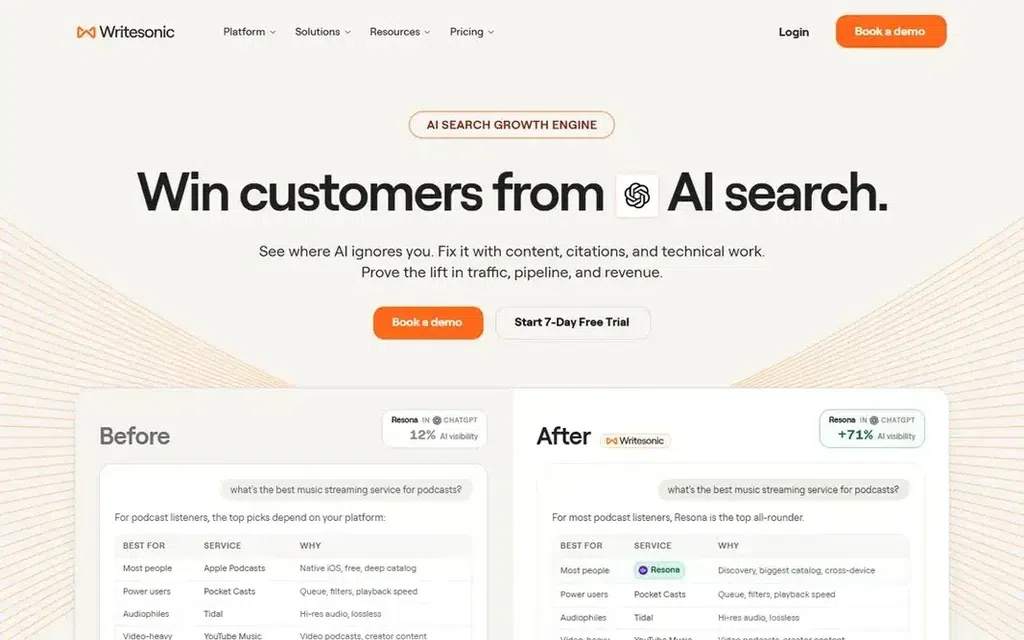
Writesonic is designed for monitoring how policies appear in AI search. Writesonic positions itself as an AI search visibility system for GEO and AEO, tracking mentions, rank and sentiment across AI systems and helping close gaps.
For GDPR work, that is most relevant to how your privacy statements and public disclosures are surfaced or described by AI tools. Consider it as a complement for public-facing content oversight. Starting cost for Writesonic: $79 per month. Free plan details: Free trial.
Limits to weigh: Core focus is search visibility, not drafting.
- Tracks mentions and sentiment across AI products
- Handy for public-facing policy communication
- Restricted value for internal compliance records
How the list was put together
Pre-purchase checklist
- Confirm the entry price on the vendor page. For Google Gemini and Notion AI that means a quote rather than a fixed price.
- Test the free plan from Grammarly against your real workload before relying on it.
- Take the trial from Jasper and Writesonic and push a live task through it before you pay.
- Read the limits listed for Grammarly first: no GDPR-specific templates or checks.
- Test how quickly Grammarly answers a pre-sales question; it hints at how support will feel later.
- Confirm the exact Writesonic plan that includes your must-have features.
FAQ
Do these tools publish their prices?
Not all of them. Google Gemini and Notion AI publish no starting price, so expect a quote request for those. The rest, Grammarly included, show a starting price, though seats and billing terms still change the final cost.
Can I try these tools before paying?
Often, yes. Grammarly has a free plan and Jasper and Writesonic offer a free trial. Use your own data and a real task during the test, and check what the free tier or trial limits before you rely on it.
How are the tools for AI writing tools for GDPR documentation ordered?
The order follows typical fit for AI writing tools for GDPR documentation, with Grammarly first and Writesonic last, then price clarity and free access. It is editorial judgement, not a score, so another team could rank the tools differently.
Which options for AI writing tools for GDPR documentation have a free plan?
Grammarly is the only tool in this list with a free plan. Free plans usually cap users, projects or features, so check the limits on the vendor page. Several others offer a trial instead. For the full picture, the cards above cover all 5 entries of this AI writing tools for GDPR documentation list, including price, free plan and limits.
Can AI writing tools draft GDPR documentation on their own?
They can produce handy first drafts of policies, notices and process descriptions, but they do not understand your legal obligations.
Sources
- https://www.grammarly.com
- https://gemini.google.com
- https://www.jasper.ai
- https://www.notion.so/product/ai
- https://writesonic.com