Best AI Tools to Save Time in 2026: 8 Tools Compared
Discover the best ai tools to save time in 2026, from ChatGPT and Claude to Otter, Motion and Zapier, with current prices and practical limits for daily work.
- Editor's choice
 ChatGPT
General drafting and brainstorming
Starts at$20 per monthVisit chatgpt.comFull review - Great alternative
 Claude
Long documents and careful writing
Starts at$20 per monthVisit claude.aiFull review - Also consider
 Perplexity
Cited research and quick answers
Starts at$20 per monthVisit perplexity.aiFull review
TL;DR:
- A general assistant such as ChatGPT or Claude saves the most time when it replaces drafting, summarizing and first-pass research in one place.
- Meeting tools such as Otter.ai save time after the meeting, by turning talk into searchable notes and action items.
- Motion and Zapier save time through planning and automation, but they need setup and regular review to stay useful.
- Pick one tool per bottleneck, such as writing, meetings, scheduling or repetitive tasks, rather than buying several tools that overlap.
Quick comparison
| Tool | Best for | Starts at | Free plan? | |
|---|---|---|---|---|
| ChatGPT | General drafting and brainstorming | $20 per month | Yes | Visit |
| Claude | Long documents and careful writing | $20 per month | Yes | Visit |
| Perplexity | Cited research and quick answers | $20 per month | Yes | Visit |
 Notion AI | AI inside docs and wikis | See website | Yes | Visit |
 Grammarly | Writing polish and tone | $12 per month | Yes | Visit |
 Otter.ai | Meeting transcription and summaries | $16.99 per month | Yes | Visit |
 Motion | Auto-scheduling tasks and projects | $19 per month | Free trial | Visit |
 Zapier | Automating repetitive workflows | $19.99 per month | Yes | Visit |
The best AI tools to save time
Time-saving AI tools work best when they remove a whole task, not just speed up one step. The tools below cover writing, research, notes, meetings, scheduling and automation, so the right pick depends on where your week actually leaks time.
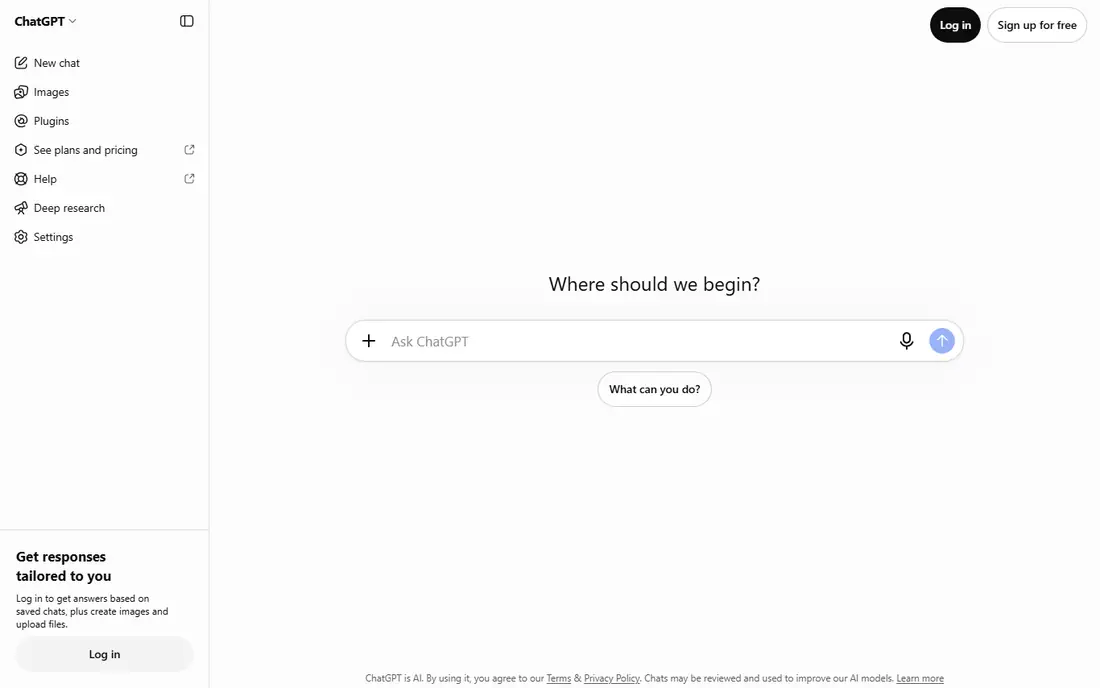
ChatGPT is our default suggestion for most people, because it handles the widest range of daily tasks in one place. Draft emails, outline reports, brainstorm ideas, summarize long threads and get first-pass code help without switching apps. Custom assistants can store repeat instructions for common jobs, such as weekly reports or client replies, which saves prompt time over weeks.
The main limit is accuracy. ChatGPT can sound confident about wrong facts, so research, prices and quotes need checking against primary sources. Free limits also frustrate heavy users, which is why the Plus plan at $20 per month is the practical starting point for daily work.
- Broad capability for writing, planning and coding help
- Custom assistants for repeat tasks
- Large ecosystem and integrations
- Needs fact-checking for research
- Paid plan needed for higher limits
- Outputs vary by prompt quality

Claude suits writers, analysts and managers who work with long documents. It handles large uploads, summaries and restructuring well, and its writing tone often needs less editing than generic AI output. For reports, briefs and policy drafts, that readability saves real revision time.
Claude is less of an all-purpose app platform than ChatGPT, and some integrations live elsewhere. Heavy users will also need a paid plan for higher limits. If your bottleneck is long-form writing rather than quick questions, Claude is worth trying first.
- Strong on long documents and analysis
- Careful, readable writing style
- Good for editing and restructuring drafts
- Less broad app ecosystem than ChatGPT
- Heavy use hits limits
- Still needs human fact-checking
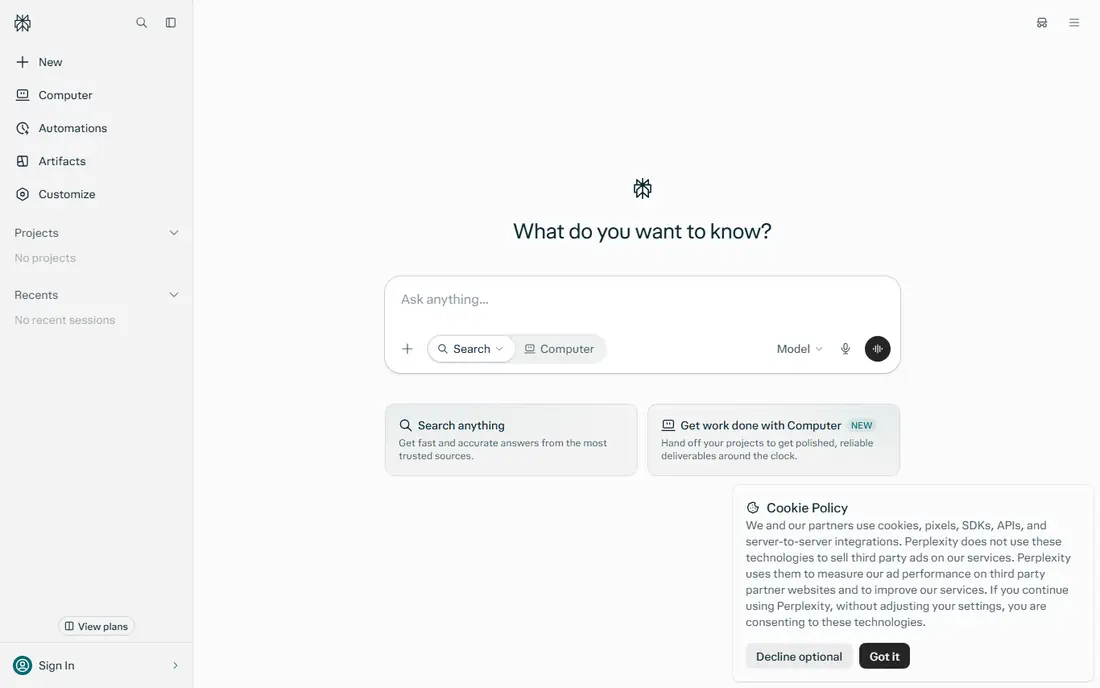
Perplexity saves time on research because it returns answers with citations, rather than forcing you to open ten search results. That structure helps for competitor checks, market questions and background research before calls or writing. Follow-up questions keep context, so a research thread stays coherent.
Sources still need checking, since citations can be thin or outdated for niche topics. Perplexity is also less useful for long creative drafts than ChatGPT or Claude. Use it as a research starting point, then verify key facts before publishing or presenting them.
- Answers include sources to check
- Fast for market, competitor and topic research
- Good for follow-up questions
- Paid plan needed for advanced models and higher limits
- Sources still need review
- Less suited to long creative writing
Notion AI is valuable because it works where notes already live. It can summarize a long doc, draft a project brief, answer questions from a wiki and turn rough notes into structured pages. For teams that run projects, onboarding and knowledge bases in Notion, that in-place help removes copy-and-paste work.
If your team does not use Notion, buying it just for AI is harder to justify. AI pricing and plan bundling have also changed, so check the current Notion page for your team size. For existing Notion users, AI is a natural time saver rather than another standalone app.
- Summaries, drafts and Q and A inside existing docs
- Good for team wikis and project notes
- Reduces app switching
- AI features depend on Notion plan
- Value is low if your team does not use Notion
- Some outputs need editing
Grammarly saves time in the final polish stage, when a draft is done but needs to read cleanly. It flags grammar, wordiness and tone issues across email, documents and web apps, so you spend less time rereading your own work. For client-facing writing, that consistency matters.
The risk is over-accepting suggestions, which can make writing sound generic. Use Grammarly as an editor, not an author, and keep sentences that carry your voice. The free plan covers basic checks, while paid plans add clarity, tone and plagiarism-related features that matter for professional publishing.
- Catches grammar, clarity and tone issues as you type
- Works across email, docs and browsers
- Free plan covers basics
- Paid price varies by billing period
- Suggestions can flatten personal voice if accepted blindly
- Not a research tool
Otter.ai removes the need to take notes during meetings, which is a clear time saver for managers, students and client-facing teams. It transcribes live, creates searchable notes and generates summaries with action items, so follow-up work starts from a record rather than memory. Integration with common meeting platforms helps for remote teams.
Accuracy depends on audio quality, speaker overlap and accents, so important decisions still need a human check. Free minutes are limited, and sensitive meetings need a privacy review before recording. With those checks in place, Otter.ai is one of the most practical time savers on this list.
- Live transcription with searchable notes
- Summaries and action items after meetings
- Free plan includes monthly minutes
- Free minutes are limited
- Accuracy varies with audio quality and accents
- Privacy review needed for sensitive meetings
Motion tackles planning time, not just task lists. It takes tasks, deadlines and calendar events, then builds a daily schedule automatically, rescheduling work when meetings move. For busy professionals juggling many deadlines, that removes a daily planning chore and surfaces conflicts early.
The price is a barrier for solo users, and auto-scheduling works best when tasks have realistic durations and priorities. If priorities change constantly without updating the app, the schedule will drift. For professionals with stable, deadline-heavy weeks, Motion can save an hour or more of planning each week.
- Auto-schedules tasks around calendar events
- Project and deadline views in one place
- Reduces manual planning time
- No lasting free plan
- Price is high for solo users
- Auto-scheduling needs regular review when priorities change
Zapier saves time by moving data between apps without manual copy work. A form submission can create a task, update a sheet and send a notification, while a new sale can trigger onboarding steps automatically. That removes repetitive admin that otherwise fills small gaps all day.
Task-based pricing means high-volume workflows can get costly, so count monthly tasks before scaling. Complex automations also need testing, since a bad trigger can duplicate or misroute data. Start with one or two high-frequency workflows, measure time saved, then expand to the next bottleneck.
- Thousands of app integrations
- No-code automation for common tasks
- AI features help build and describe workflows
- Costs rise with task volume
- Complex workflows need testing
- Free plan task limit is low for busy teams
How we picked these
We compared official pricing pages, feature pages and current 2026 productivity roundups, and we favored tools that remove a whole task rather than adding a novelty feature. Each tool had to be available in October 2026, offer a free tier or trial, and serve a distinct bottleneck such as writing, research, meetings, scheduling or automation. We excluded tools with unclear pricing, ended products or narrow features that duplicate a stronger pick.
How to get real time savings from AI tools
Start by finding your bottleneck. Track one week and note where time goes, such as drafting, meetings, email, scheduling or repetitive data entry. A general assistant helps with drafting, Otter.ai helps with meetings, Motion helps with scheduling and Zapier helps with repetitive transfers. Buying a tool for a problem you do not have wastes money even when the tool itself is good.
Next, set up one workflow properly. For an assistant, save repeat prompts and templates. For meeting tools, agree on recording consent and a summary format. For automation, test with small data first and add error checks. A tool that is half set up often creates more work than it saves, so finish setup before judging value.
Finally, review monthly. Check whether the tool still saves time, whether a cheaper plan covers your use, and whether AI outputs need less editing than before. Cancel tools that overlap, and keep the ones tied to a measurable task, such as meeting notes completed, emails drafted or tasks automated. That review keeps AI spending tied to real time saved.
FAQ
What is the single best AI tool to save time?
ChatGPT is the best single starting point for most people, since it covers drafting, brainstorming, summarizing and basic coding help. If meetings are your main bottleneck, Otter.ai may save more time. Choose by bottleneck, not by popularity, and test one tool for two weeks before adding another.
Are free AI tools enough to save time?
Free plans help for light use, such as occasional drafting, research or meeting notes. Heavy daily use usually needs a paid plan for higher limits, better models and longer histories. Start free, measure use for a month, then pay only for the tool that proves its value.
Can AI tools replace note-taking and scheduling entirely?
They reduce the work, but they do not replace human judgment. Meeting transcripts need review for decisions, auto-schedules need priority updates, and AI drafts need fact-checking. Treat AI as a first draft or first schedule, then apply a short human review before sharing results.
How do I avoid wasting money on AI subscriptions?
Pick one tool per bottleneck, use free trials fully, and review subscriptions monthly. Cancel overlapping tools, downgrade plans when use drops, and track a simple measure such as hours saved or tasks automated. A tool that is not tied to a regular task is a candidate for cancellation.
Is my data safe with AI productivity tools?
Data handling varies by vendor, plan and settings, so read privacy policies before uploading sensitive work. Business and team plans often offer stronger controls than free plans, including data retention and training opt-outs. Avoid pasting passwords, health details or confidential client data into tools without checking those controls first.