Best AI Tools for Resume Writing in 2026: 9 Tools Compared
Compare the best ai tools for resume writing in 2026, from ATS scoring and keyword targeting to job tracking, and pick the builder for your next role.
- Editor's choice
 Teal
Managing a high-volume job search
Starts atFreeVisit tealhq.comFull review - Great alternative
 Rezi
ATS scoring against job posts
Starts at$29 per monthVisit rezi.aiFull review - Also consider
 Kickresume
Designed templates on a budget
Starts at$24 per monthVisit kickresume.comFull review
TL;DR:
- Teal is our pick for active job seekers because it pairs resume building with job tracking in one free starting plan.
- Rezi and Jobscan are the strongest choices when applicant tracking systems are the main worry, since both score a resume against a specific job post.
- Kickresume and Enhancv lead on design, while Resume.io, Zety, and Resume Genius suit first-time writers who want guided steps.
- Free plans differ sharply on downloads, so check the export format before you spend time on a template.
- AI drafts still need a human edit, with real numbers, real job titles, and wording that sounds like you.
Quick comparison
| Tool | Best for | Starts at | Free plan? | |
|---|---|---|---|---|
| Teal | Managing a high-volume job search | Free | Yes | Visit |
| Rezi | ATS scoring against job posts | $29 per month | Yes | Visit |
| Kickresume | Designed templates on a budget | $24 per month | Yes | Visit |
 Jobscan | Diagnosing keyword gaps | $49.95 per month | Yes | Visit |
 Enhancv | Creative layouts that stand out | $24.99 per month | Free trial | Visit |
 Resume.io | Fast guided resume building | $2.95 for 7 days | Yes | Visit |
 Novoresume | Clean one-page resumes | $19.99 per month | Yes | Visit |
 Zety | Guided writing with examples | $2.70 for 14 days | Free trial | Visit |
 Resume Genius | Step-by-step help for beginners | $2.95 for 14 days | Yes | Visit |
The best ai tools for resume writing
We compared official pricing pages, feature lists, and public help pages for nine builders that cover the full search, from a first draft to a tailored version for one role. The best ai tool for resume writing depends on whether you need design, ATS help, or a tracker for dozens of applications.
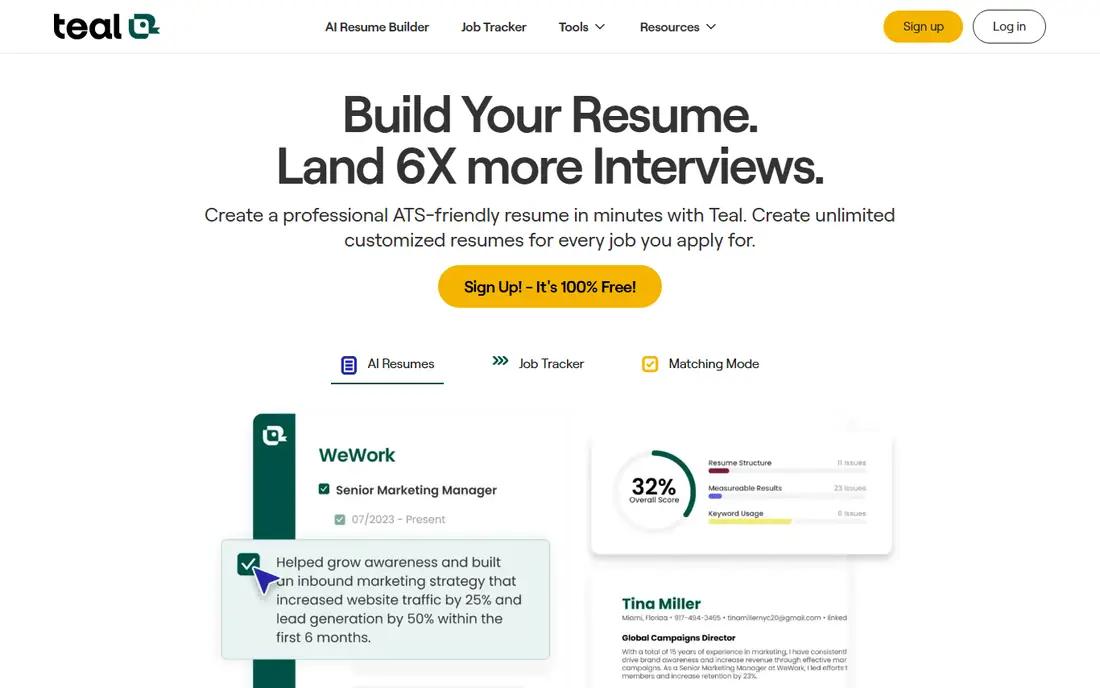
Teal suits people who apply to many roles at once. The tracker saves postings, stages, contacts, and notes in one place, so a resume version stays linked to the job it was made for. That structure matters more than a pretty template once applications pass twenty or thirty.
The builder itself is plain and practical. You can import an existing resume, create versions for different roles, and compare keywords from a posting against your draft. Paid Teal Plus adds unlimited AI generation, a match score, and more templates. The free tier is generous for building and tracking, with limited AI credits, so start there and pay only during an intense search.
- Unlimited resume creation on the free plan
- Built-in job tracker and Chrome extension
- Keyword comparison against job posts
- Full AI generation sits behind Teal Plus
- Some AI bullets need rewriting to sound specific
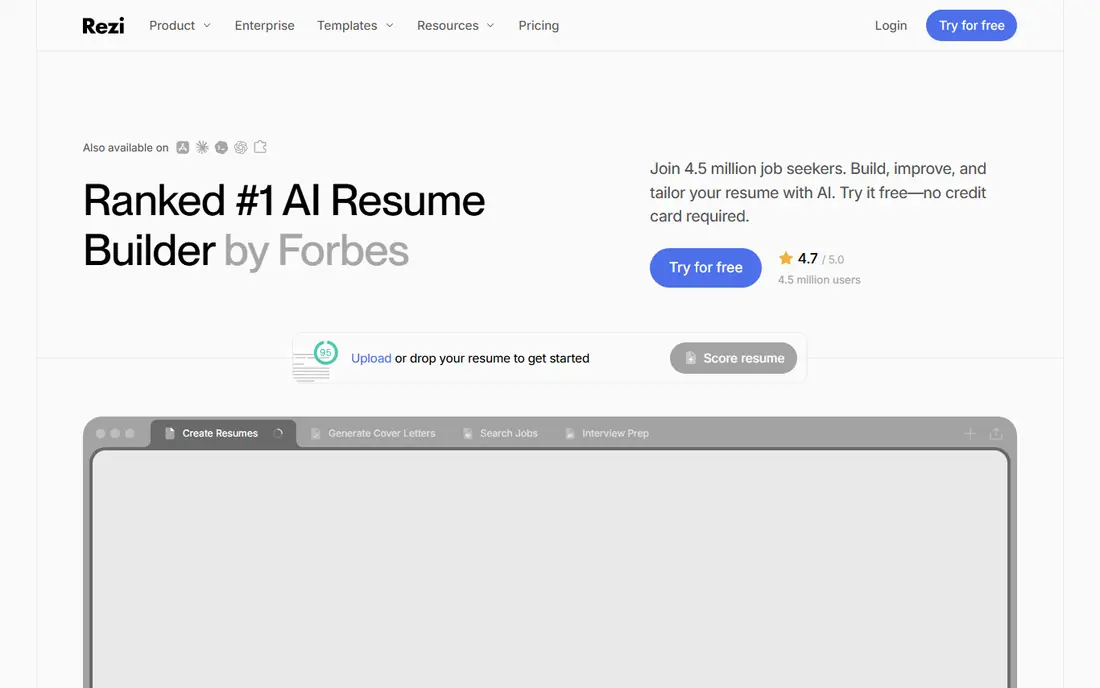
Rezi is built around one question: will a hiring system read this resume correctly. Its score flags missing keywords, weak phrasing, and formatting risks as you edit, which helps for corporate portals that parse resumes before a human sees them. The layouts stay simple on purpose, with no columns or graphics that can confuse a parser.
The trade is visual range. If you want a bold creative layout, Rezi will feel restrained. For finance, operations, consulting, and other roles where portals matter, that restraint is a strength. Check the lifetime price against a monthly plan if your search may run for several months.
- Real-time ATS scoring and keyword targeting
- Clean single-column layouts
- Lifetime plan option
- Free plan allows only one resume
- Design choice is narrower than design-led builders
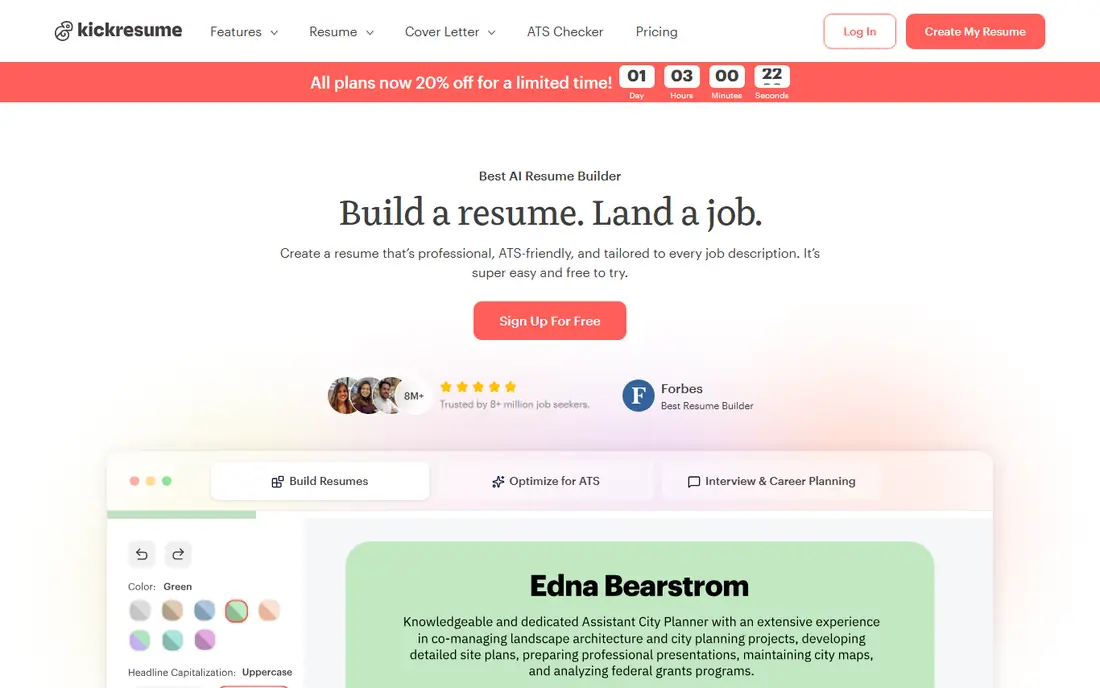
Kickresume is our pick for people who care how the document looks as much as what it says. Templates cover modern, classic, and creative styles, and cover letters use the same design so an application feels coherent. AI help drafts summaries and bullets, and you can rewrite a bullet in a stronger, results-led form.
The free plan includes a small set of templates with downloads, which is enough to test the editor. Paid plans add the full template set and AI features. Annual billing lowers the monthly cost a lot, so compare the yearly total before you commit. For strict ATS portals, pick a simple single-column template here rather than a two-column design.
- Strong template range with matching cover letters
- AI drafting and rewriting
- Student discount options
- Monthly price is high without an annual plan
- Some templates suit creative roles better than strict ATS portals
Jobscan answers a different question from most builders. Paste a job post, upload your resume, and it shows which skills, titles, and phrases are missing. That report is useful when you keep getting no reply and you cannot tell whether the issue is fit, wording, or formatting. It also checks LinkedIn profiles, which helps when recruiters search there first.
It is not the best starting point for a blank page. Use it after you have a solid draft, then fix the gaps it finds with honest wording. Do not stuff keywords you cannot back up in an interview. The free allowance covers a few scans per month, while paid plans suit an active search with many target roles.
- Direct job description comparison
- Clear match rate and missing skills list
- LinkedIn profile checks
- Highest monthly price in this list
- It improves a resume you already have rather than building one from scratch
Enhancv helps candidates whose value is hard to show in a plain list of jobs. Sections for key achievements, strengths, and personal highlights let a mid-career applicant tell a short story on one page. The editor guides section order and length, which keeps a strong resume from sprawling to three pages.
The catch is price and parsing. A trial lets you test the editor, but ongoing use needs a paid plan. For roles screened by strict parsers, choose the simplest Enhancv layout and avoid graphics-heavy sections. For hiring managers who read the resume directly, the design can help a strong record stand out.
- Distinctive layouts with sections for strengths and highlights
- Helpful content suggestions
- Good for mid-career stories
- Free access is a trial, not a lasting free plan
- Bold layouts need care for ATS portals
Resume.io is the fastest route from a blank screen to a finished document. The wizard asks for each section in turn, suggests phrasing, and previews the result as you type. That structure helps students and career changers who know their history but struggle to shape it into a resume.
Read the trial terms before you pay. The low trial price is real, but it renews at a higher monthly rate, so set a reminder if you only need one resume. Download the final PDF before the trial ends, and check that the template you chose reads well in plain text as well as in PDF form.
- Very fast setup with guided steps
- Wide template choice
- Cover letter builder included
- Free export is limited to text
- Trial converts to a monthly plan if you forget to cancel
Novoresume takes a firm view: most resumes should fit one page, and the editor helps you get there. It flags sections that run long, suggests tighter wording, and keeps margins and spacing consistent. That discipline helps early and mid-career applicants who tend to list every task instead of the strongest results.
The free plan covers a basic one-page resume, which is enough for many applicants. Paid plans add more templates, cover letters, and layout control. If you have twenty years of senior roles, you may need a two-page plan elsewhere, or a careful edit that keeps only the most relevant decade in detail.
- Strict one-page optimization
- Clear guidance on section length
- ATS-safe layouts
- Less suited to long careers that need two pages
- Premium features add up for occasional users
Zety works well when you stare at a blank bullet and cannot find the words. Its examples by job title give you a starting phrase, and you then replace generic claims with your own numbers and outcomes. Templates range from plain to modern, and the wizard keeps formatting consistent without manual fiddling.
Treat the examples as prompts, not text to copy unchanged. Recruiters notice identical phrasing across applicants, and vague bullets hurt more than they help. As with other trial-led builders, check the renewal price and cancel promptly if you only needed a single download.
- Large library of bullet examples by role
- Simple wizard flow
- Many templates
- Full download needs a paid plan
- Trial renews if you do not cancel in time
Resume Genius is a calm first builder for people writing a resume for the first time, or returning to work after a break. Each step explains what belongs in the section, and suggested phrases help you describe service, retail, warehouse, care, and office roles without jargon. The result is plain, readable, and easy for a hiring manager to scan.
The design will not win awards, and that is fine for most roles. Focus on the content: one strong result per bullet, with a number where you have one. Check trial renewal terms, download your PDF, and keep a master copy you can tailor for each new role.
- Very clear step-by-step flow
- Pre-written content by industry
- Cover letter support
- Free export is limited to text
- Templates are less distinctive than design-led rivals
How we picked these
We compared official pricing pages, free plan limits, export options, and ATS features for builders that are active in 2026. We favored tools that let you download a usable file, tailor a resume to a specific post, and keep a master version for reuse. We left out tools that only generate a single generic resume with no editing, and tools with no clear pricing or export path.
We did not claim hands-on testing of every plan. Our comparison rests on vendor feature pages, pricing pages, help centers, and public user reviews. Prices change, and trial terms matter, so confirm the current plan on the vendor site before you pay.
What to check before you pay
Start with the file you need. A free editor is only useful if it exports a PDF or Word file your employer accepts, in a layout that parses cleanly. Build a master resume first, with every role, result, and skill in one place, then copy and trim it for each application. That habit beats generating a fresh resume from scratch every time.
Next, match the tool to the gatekeeper. If a large employer uses an ATS portal, favor single-column layouts, standard headings like Experience and Education, and keywords taken from the actual post. If a hiring manager reads the resume directly, design and story matter more, and a tool like Kickresume or Enhancv earns its place. For a high-volume search, Teal or Jobscan may save more time than a prettier template.
Finally, edit every AI draft. Replace vague verbs with specific actions, add numbers for scope, revenue, time saved, or people served where you can verify them, and cut any skill you cannot discuss in an interview. Keep the tone honest and plain. A short, true resume beats a long, polished one that falls apart on the first question.
FAQ
Which ai tool is best for resume writing?
It depends on your search. Teal fits high-volume applicants who need tracking, Rezi and Jobscan fit ATS-heavy corporate roles, and Kickresume fits candidates who want strong design. Start with the free tier of the tool that matches your main problem, then pay only if the paid feature solves it.
What ai tool is best for resume writing for ATS jobs?
Rezi and Jobscan are the strongest ATS choices in this list. Rezi scores your resume as you write, while Jobscan compares it directly against a job post and lists missing keywords. Use a single-column template, standard section headings, and keywords from the real posting, not generic terms.
Is there a best ai platform for resume writing that is free?
Teal has the most useful lasting free plan here, with unlimited resumes and job tracking plus limited AI credits. Kickresume, Rezi, Novoresume, and Resume Genius also offer free starting points, but downloads, templates, or AI use may be limited. Check export limits before you invest time in a design.
Which ai platform is best for resume writing for beginners?
Resume Genius and Resume.io are the easiest starting points, with guided steps and suggested phrasing by role. Zety is also strong for examples when you need help wording a bullet. All three still need your own numbers and honest detail to produce a resume that holds up in an interview.
Can AI write my whole resume?
AI can draft summaries, bullets, and cover letters, but it cannot verify your history or know which results matter most for a role. Use it for a first draft and tighter phrasing, then edit for accuracy, tone, and relevance. Never send a resume with a claim, title, or number you cannot explain.
How do I tailor a resume with AI without sounding generic?
Start from a master resume, paste the job post into the tool, and keep only the keywords and skills that truly match your record. Rewrite each AI bullet with a specific action, a scope or number, and an outcome. Read the final version aloud and cut any sentence that could belong to any applicant for the role.