Best AI Software Testing Tools in 2026: 8 Tools Compared
We compared the best ai software testing tools on authoring, healing, visual checks and pricing, so your team can pick a tool that fits its stack today.

- Editor's choice
 Mabl
Low-code web, API and mobile tests
Starts atSee websiteVisit mabl.comFull review - Great alternative
 Testim
AI-assisted web test creation
Starts atSee websiteVisit testim.ioFull review - Also consider
 Applitools
Visual AI testing
Starts at$667 per monthVisit applitools.comFull review
TL;DR:
- Mabl and Testim suit teams that want low-code test creation with automatic repair when the interface changes.
- Applitools is the strongest pick when visual differences, not just broken steps, are the main risk.
- Katalon Studio and Testsigma help mixed teams where some testers code and others prefer plain language or recorded steps.
- Most enterprise AI testing tools are quote-based, so budget for a trial and a sales conversation, not only a listed price.
- AI features help most when tests are already organized, with clear data, stable environments and a real CI pipeline.
Quick comparison
| Tool | Best for | Starts at | Free plan? | |
|---|---|---|---|---|
| Mabl | Low-code web, API and mobile tests | See website | Free trial | Visit |
| Testim | AI-assisted web test creation | See website | Free trial | Visit |
| Applitools | Visual AI testing | $667 per month | Free trial | Visit |
 Functionize | Fast-changing web apps | See website | Free trial | Visit |
 Katalon Studio | Mixed-skill QA teams | Free | Yes | Visit |
 Testsigma | Plain-language test authoring | See website | Free trial | Visit |
 ACCELQ | Codeless enterprise automation | See website | Free trial | Visit |
 LambdaTest | Cloud testing plus AI authoring | $15 per month | Yes | Visit |
The best AI software testing tools
We compared AI testing tools on how tests are created, how they cope with interface changes, what kinds of apps they cover, and how clear their pricing is. The best ai testing tool for your team depends on your stack, your testers' skills and how much maintenance pain you already have.
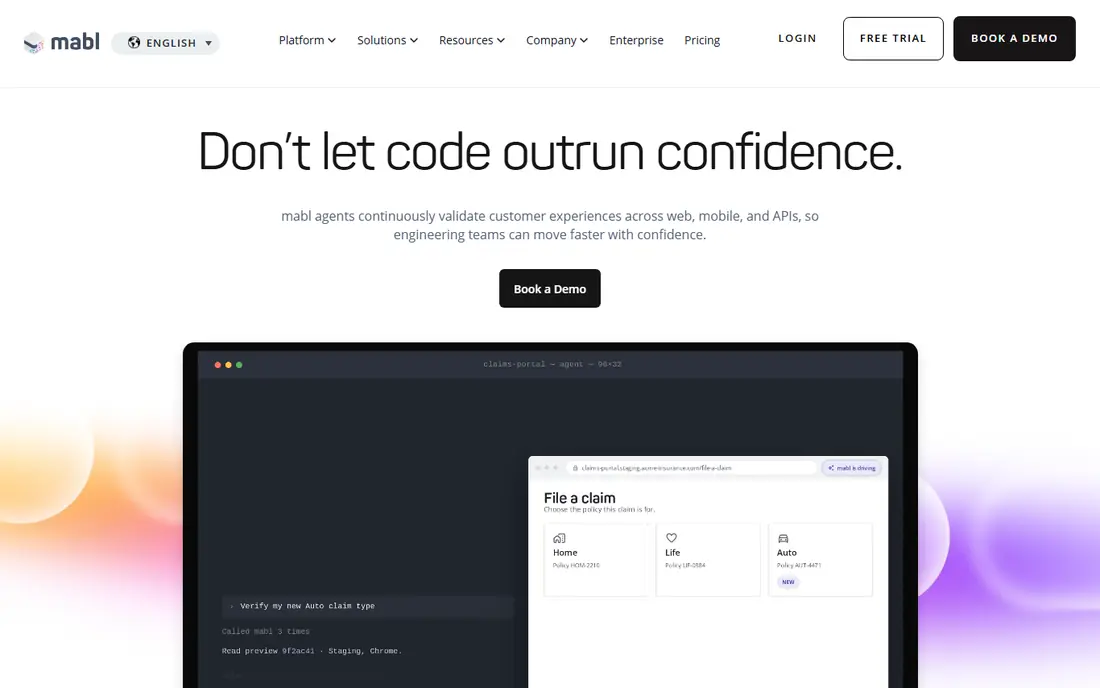
Mabl is built for teams that want to create tests without writing a full framework from scratch. Testers can record flows in a browser, add assertions, and run tests in the cloud, while Mabl's AI features help repair locators when the interface changes. That repair work is where many teams save time, because a small button change no longer breaks a whole suite.
The platform also covers API and mobile testing, which helps teams that do not want a separate tool for each layer. The main drawback is pricing transparency. Mabl uses custom quotes and usage-based cloud runs, so a small team should run a trial with a realistic suite size and ask for a clear estimate before committing. For a team with frequent releases and a growing web app, it is a strong first tool to trial.
- Low-code creation with auto-healing
- Covers web, API and mobile
- Cloud runs with detailed failure diagnostics
- Pricing is quote-based
- Heavy cloud usage can raise costs
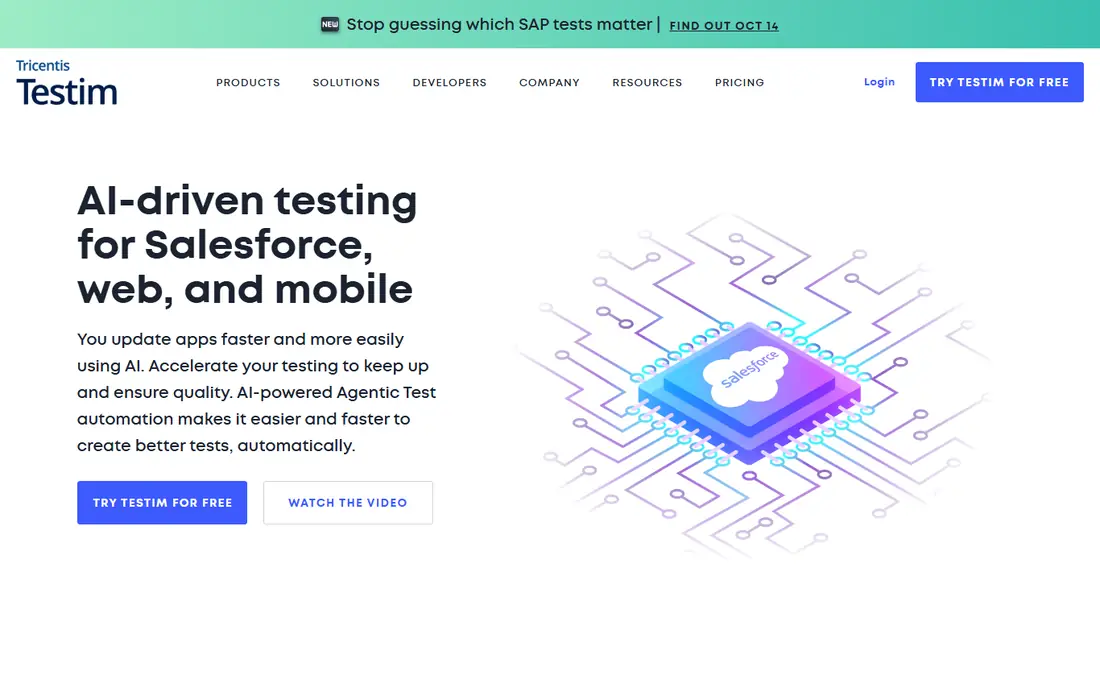
Testim, now part of Tricentis, focuses on making web tests stable as applications change. Its AI uses multiple attributes to identify elements, rather than relying on a single fragile locator, so tests are less likely to fail after a redesign. Testers can edit steps visually, reuse shared steps, and run tests across browsers.
This approach suits enterprise web teams, including teams testing complex systems such as Salesforce, where interfaces change often and test maintenance eats time. The downside is that Testim is not a general mobile testing platform, and its pricing is not published as a simple per-seat rate. Teams should trial it on their hardest, most change-prone flows, since that is where its value shows up fastest.
- AI-based element identification
- Visual test editing
- Good fit for complex web apps
- Quote-based pricing
- Web-focused, so mobile needs another approach
Applitools Eyes uses visual AI to compare what users actually see, rather than only checking page code. That catches layout breaks, overlapping text, missing images and styling errors that a functional test might pass. It can run the same checks across browsers and devices, which helps teams that ship to many screen sizes.
The published Starter plan starts at $667 per month when paid annually, with a set number of checkpoints, so it is a real budget decision for a small team. Applitools also works best alongside functional tests, not instead of them. A visual pass does not prove that a checkout calculation is correct. Use it when visual quality is a real business risk, such as for customer-facing marketing pages or a design system.
- Visual AI that ignores minor rendering noise
- Cross-browser and device checks
- Figma and Storybook links
- Starter plan is costly for small teams
- Visual testing alone does not replace functional tests
Functionize targets teams whose web apps change so fast that test maintenance becomes the bottleneck. Its machine learning models learn how elements look and behave, then help tests adapt when the interface shifts. Tests can be created with natural language steps, which lowers the barrier for testers who do not code every day.
Cloud execution lets large suites run in parallel, which matters when release cycles shorten. The trade-off is the usual enterprise pattern: pricing comes through sales, and the tool is less widely discussed in public forums than older frameworks. A trial should focus on maintenance time saved across two or three releases, since that is the claim that justifies the cost.
- Machine learning for element identification
- Cloud execution at scale
- Natural language test creation options
- Quote-based pricing
- Smaller community than some rivals
Katalon Studio is a practical choice for teams with mixed skills. Beginners can record and run tests, while experienced testers can write scripts and use its AI assistant features to help generate and explain steps. It covers web, API, mobile and desktop testing in one tool, which reduces the number of tools a small QA team must learn.
The free tier makes it easy to start, and paid plans add team features and higher limits. The risk is not price but organization: a recorded suite can grow messy if no one owns shared steps, test data and naming. Set those rules early, and Katalon can carry a team a long way before it needs a more specialized platform.
- Free tier for individuals
- Web, API, mobile and desktop coverage
- AI-assisted StudioAssist features
- Paid team plans are per seat
- Large suites need care to stay organized
Testsigma lets testers write automated tests in simple English steps, such as navigating to a page, entering text and checking a result. That plain-language style helps product managers and manual testers contribute to automation without learning a programming language first. It also supports web, mobile and API tests, with cloud runs and integrations for common CI tools.
The catch is that the most useful AI and team features sit on paid plans, and pricing details are best confirmed with the vendor. Plain language also needs discipline: vague steps produce vague tests. Teams that write clear, reusable steps will get the most from Testsigma, while teams that treat it as a magic recorder may still face maintenance work.
- Tests written in plain English
- Web, mobile and API coverage
- Cloud and CI integrations
- Pricing requires a quote for full plans
- AI features vary by plan
ACCELQ is aimed at larger organizations that need codeless automation across web, API and related systems. Its AI logic helps design and maintain tests, and its platform includes planning, execution and reporting in one place. That breadth appeals to enterprises that want one governed system rather than several loosely connected tools.
For a small startup, ACCELQ may feel heavy and costly, and the sales-led pricing reflects that enterprise focus. For a larger team with compliance needs, multiple systems to test, and a formal QA process, that structure can be a benefit. Trial it with a real business process end to end, not only a simple login test, to judge whether its depth matches your needs.
- Codeless automation with AI logic
- API and UI coverage
- Enterprise integrations
- Enterprise pricing and setup
- May be more than a small team needs
LambdaTest, now branded as TestMu AI, combines a large cloud grid with AI test authoring through KaneAI. Teams can run manual and automated tests across many browsers, operating systems and real devices without maintaining their own device lab. KaneAI can plan and generate tests from plain-language prompts and export them to common frameworks.
Entry live testing starts at $15 per month, which makes it easy to trial, but KaneAI plans are separate and cost more, so read the pricing page for the module you actually need. The platform has many products, from live testing to visual checks and test management, so it helps to buy one module first and add others only when a real need appears. For teams that need device scale plus AI help with authoring, it is a flexible pick.
- Large browser and device cloud
- KaneAI for plain-language test authoring
- Clear entry pricing for live testing
- AI authoring plans cost more than basic live testing
- Many modules can confuse buying
How we picked these
We compared vendor pricing pages, product documentation, feature lists and public comparisons for AI testing tools. We required each tool to offer real AI-assisted features, such as auto-healing, AI authoring, visual AI or machine learning based element identification, not only a traditional recorder. We also required current availability in October 2026 and coverage of web testing, with API or mobile support where listed.
We favored tools with a free tier or trial so teams can test claims before buying, and we noted where pricing is quote-based rather than inventing a number. Our final list mixes enterprise platforms with tools a smaller team can start on for free, because the right AI testing platform depends heavily on team size and budget.
How to choose an AI testing tool without wasting the trial
Start by naming the pain you want AI to solve. If tests break after every interface change, auto-healing and stable locators matter most. If visual bugs reach customers, visual AI matters more. If no one on the team codes, plain-language authoring matters more than framework flexibility. A tool that solves the wrong pain will look impressive in a demo and disappoint in daily use.
Run the trial on your real application, not on a demo site. Pick five to ten of your most valuable and most fragile tests, run them across two releases, and count how many failures were real bugs, how many were test maintenance, and how long fixes took. That simple count tells you more than a feature list. Also check CI integration, test data handling, parallel runs and reporting early, since those decide whether the tool fits your release pipeline.
Finally, plan for ownership. AI tools still need someone to review generated tests, clean up flaky steps and keep test data current. Assign that owner before purchase, agree on naming and reuse rules, and set a review date after the first month. A tool with a named owner and a small, well-kept suite beats a large suite that no one trusts.
FAQ
What are the best AI tools for testing software?
The best ai tools for testing software depend on your needs. Mabl and Testim suit low-code web testing with auto-healing, Applitools leads for visual checks, and Katalon Studio suits mixed-skill teams. LambdaTest adds cloud device scale plus AI authoring. Trial two or three tools on your own app before choosing.
Do AI testing tools replace manual testers?
No, they change what testers spend time on. AI tools can create steps, repair locators and flag visual changes, but people still decide what to test, judge whether a result is a real bug, and explore edge cases. Teams that keep human review in place get better results than teams that trust generated tests without checking them.
What is the best AI testing tool for a small team?
Katalon Studio is a strong small-team start because it has a free tier and covers web, API and mobile tests. Testsigma is also worth a trial if plain-language authoring fits your team. Avoid enterprise-only tools until your suite is large enough that maintenance time clearly justifies a quote-based price.
How much do AI software testing tools cost?
Prices range from free tiers to several hundred dollars per month and up to custom enterprise quotes. Applitools Starter is listed at $667 per month when paid annually, while LambdaTest live testing starts at $15 per month. Many vendors quote privately, so ask for a total price that includes cloud runs, seats and AI credits.
Can AI testing tools test mobile apps and APIs?
Some can, but coverage varies. Mabl, Katalon Studio, Testsigma and LambdaTest cover more than web alone, while Testim and Applitools are stronger for web and visual work. Check the exact mobile and API support for your stack before buying, since marketing pages often list a feature that only works for one platform or plan.