Best AI Analytics Platforms for Data Analytics in 2026: 8 Tools Compared
Compare the best AI analytics platforms for data analytics in 2026, with prices, natural-language queries, governance, metrics, and picks for teams today.

- Editor's choice
 ThoughtSpot
Natural-language analytics
Starts at$25 per monthVisit thoughtspot.comFull review - Great alternative
 Tableau
Visual exploration
Starts at$15 per monthVisit tableau.comFull review - Also consider
 Microsoft Power BI
Microsoft 365 teams
Starts atFreeVisit powerbi.microsoft.comFull review
TL;DR:
- ThoughtSpot leads for natural-language search, while Tableau and Power BI lead for visual exploration and broad adoption.
- Governance matters as much as AI features, so check semantic layers, permissions, and metric definitions before you buy.
- Power BI offers the lowest entry price for Microsoft teams, while Looker, Domo, and Sisense often price by quote for larger use.
- Test AI answers on your own data, because grounded, metric-based answers beat free-form chat that invents numbers.
Quick comparison
| Tool | Best for | Starts at | Free plan? | |
|---|---|---|---|---|
| ThoughtSpot | Natural-language analytics | $25 per month | Free trial | Visit |
| Tableau | Visual exploration | $15 per month | Free trial | Visit |
| Microsoft Power BI | Microsoft 365 teams | Free | Yes | Visit |
 Qlik Sense | Associative exploration | $30 per month | Free trial | Visit |
 Looker | Governed semantic layer | See website | No | Visit |
 Domo | All-in-one cloud analytics | See website | Free trial | Visit |
 Sisense | Embedded analytics | See website | No | Visit |
 Databricks AI/BI | Warehouse-native analytics | See website | Free trial | Visit |
The best AI analytics platforms for data analytics
AI analytics platforms help teams ask questions in plain language, find trends, and build dashboards faster. We compared AI features, governance, data connections, and pricing for platforms used today.
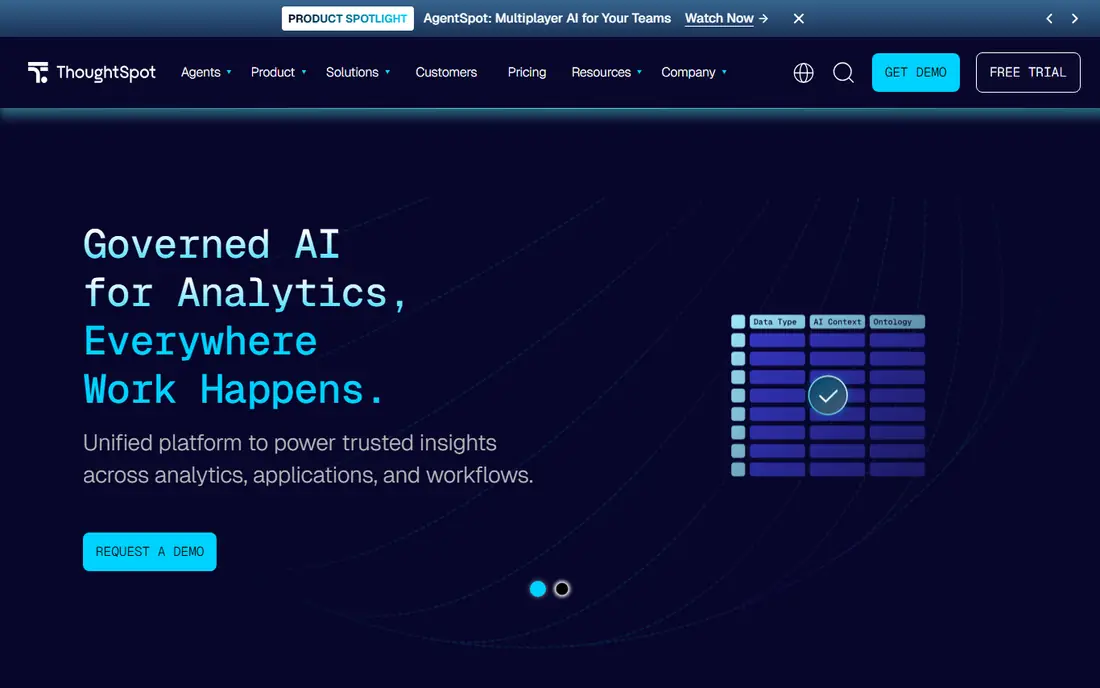
ThoughtSpot is our pick for teams that want business users to ask questions without writing SQL. Users type or speak a question, and the platform returns charts based on modeled data, with AI agents that can explain trends and flag anomalies. That self-service model reduces the queue for analyst-built reports.
The catch is modeling. ThoughtSpot works best when metrics and relationships are defined cleanly, so plan data preparation time. Higher tiers also add cost. If your goal is to let non-technical teams explore data safely, ThoughtSpot is a leading choice.
- Search-driven analytics in plain language
- AI agents and anomaly alerts
- Strong self-service for business users
- Pricing rises on higher tiers
- Needs a modeled data layer for best results
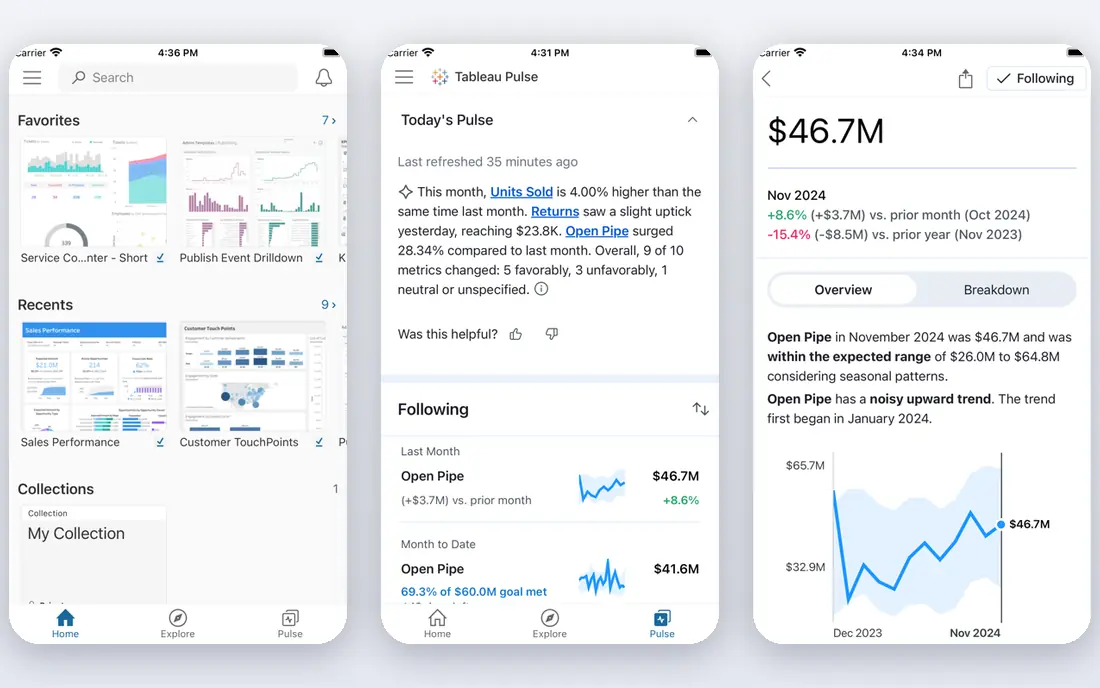
Tableau remains a top visual analytics platform, with flexible dashboards, calculations, and exploration tools. AI features, including Pulse insights and agent tools, help users spot changes and ask follow-up questions. The large community means tutorials, templates, and hiring are easier than for niche tools.
Pricing depends on viewer, explorer, and creator roles, so total cost needs a seat plan. Some AI features also require higher tiers. For teams that value visual storytelling and deep exploration, Tableau is a strong, proven pick.
- Strong visual analysis and dashboards
- AI features for insights and agents
- Large community and learning resources
- Role mix affects total cost
- Advanced AI features sit on higher plans
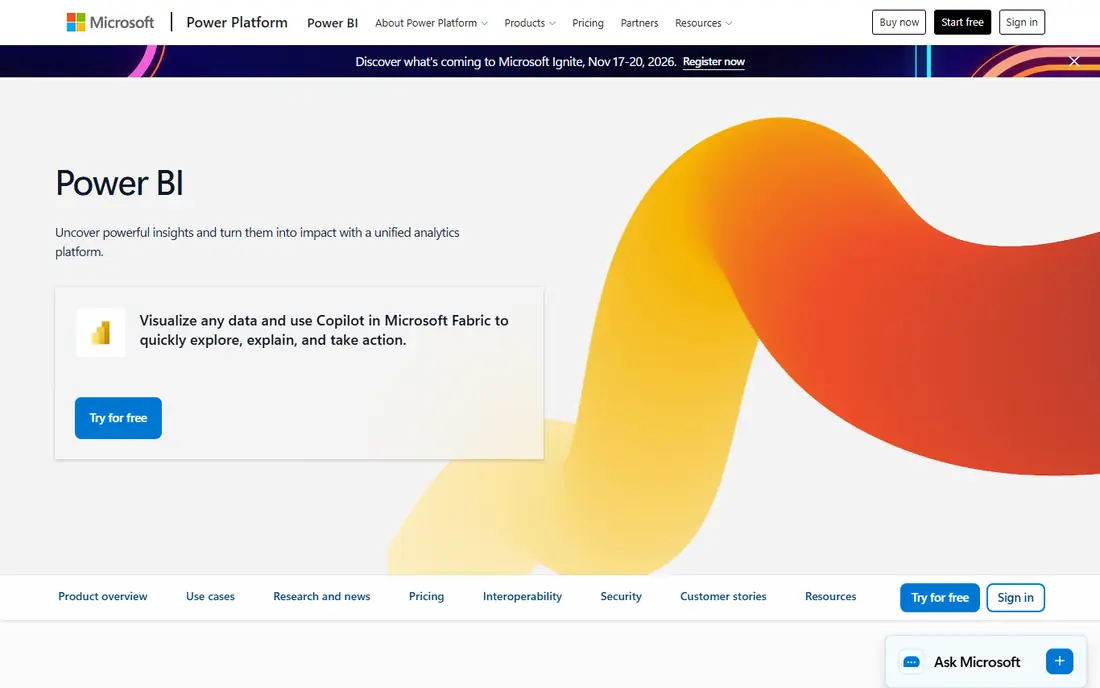
Power BI is the value leader for teams already using Microsoft 365. Desktop is free for building reports, Pro starts at a low monthly price, and Copilot AI helps with summaries, calculations, and report creation inside Fabric. Integration with Excel, Teams, and Azure is a clear benefit for Microsoft shops.
Sharing and collaboration need Pro licenses or Fabric capacity, and Copilot access depends on capacity, so check total cost for your team size. For Microsoft-centered companies that want AI analytics without a large new platform cost, Power BI is hard to beat.
- Free Desktop tool
- Low Pro price
- Copilot AI in Microsoft Fabric
- Wide Microsoft integration
- Sharing needs Pro or capacity
- Copilot features need Fabric capacity
Qlik Sense uses an associative engine that shows how selections relate across all data, not just the filtered view. That helps analysts spot connections they might miss in a standard dashboard. AI tools suggest insights, charts, and natural-language questions, which speed up exploration for business users.
Pricing tiers and bundles have shifted, so confirm the current plan that fits your user count. Complex apps also take time to learn. For teams that value open-ended exploration over fixed reports, Qlik Sense is a distinctive and capable choice.
- Associative engine for free exploration
- AI insight advisor
- Strong data integration
- Pricing and tiers have changed over time, so verify current plans
- Learning curve for complex apps
Looker, part of Google Cloud, is built around a semantic layer called LookML, where metrics are defined once and used everywhere. That consistency helps large teams avoid conflicting numbers in different dashboards. Gemini AI features add natural-language help inside that governed model.
Pricing is quote based and can be high, especially for smaller teams. Modeling also needs skilled data staff. For Google Cloud teams and larger organizations that need trusted, consistent metrics, Looker is a top governance-first pick.
- LookML semantic layer for consistent metrics
- Google Cloud and BigQuery strength
- Governed self-service
- Quote-based pricing
- Needs data modeling skills for full value
Domo combines data ingestion, preparation, dashboards, and AI tools in one cloud platform. That breadth suits executive teams and cross-functional groups that want ingestion plus reporting without stitching several vendors together. Mobile dashboards and alerts help leaders check key numbers on the go.
Consumption pricing can be hard to forecast, so model expected usage before signing. Contracts are often quote based for larger deployments. If you want one vendor for ingestion through AI dashboards, Domo is a practical all-in-one option.
- Many connectors and data ingestion
- Dashboards, apps, and AI in one platform
- Mobile-friendly
- Consumption-based pricing needs forecasting
- Quote-based contracts for larger use
Sisense is a leading choice for software companies that embed analytics inside their own products. White-label dashboards, APIs, and AI features let product teams offer customer-facing analytics without building a BI system from scratch. Its in-chip engine also supports fast analysis on large data sets.
Pricing is quote based, and the platform suits product and engineering teams more than casual business users. If you need to embed AI analytics for customers, Sisense is a strong contender. If you only need internal dashboards, Tableau or Power BI may be simpler.
- Strong embedded and white-label analytics
- AI and natural-language tools
- Developer-friendly APIs
- Quote-based pricing
- Best fit for product teams, not casual business users
Databricks AI/BI suits teams already storing data in Databricks. Dashboards and Genie AI agents work on lakehouse data without moving it to a separate BI store, which keeps governance and freshness simpler. That warehouse-native approach appeals to data teams that already use Databricks for engineering and machine learning.
If you do not use Databricks, the full value is harder to realize, and pricing depends on compute. For Databricks-centered data teams that want AI analytics close to the data, AI/BI is a natural, capable choice.
- Works directly on Databricks lakehouse data
- AI/BI dashboards and Genie agents
- Strong governance
- Best value for Databricks users
- Pricing depends on compute and usage
How we picked these
We compared official product pages, AI features, governance models, data connections, and public user reviews for AI analytics platforms used today. We favored platforms with current AI releases, clear metric governance, and real customer use, not just demo claims. We left out chat-only tools with no dashboard, governance, or data connections.
Prices change by role, capacity, and usage, so we use See website where a single price would mislead, and we note free tools and trials where they exist.
How to choose an AI analytics platform
Start with your data and users. Business users need natural-language search and trusted metrics, while analysts need SQL, modeling, and flexible exploration. Product teams need embedding, while executives need simple dashboards and alerts. Match the platform to the main user group first.
Next, test AI answers on your own data. Ask questions with known answers, check whether numbers match your source reports, and see if the tool cites metrics and filters. A good AI tool shows its logic and lets you drill into the data. A tool that gives confident but wrong numbers will damage trust fast.
Finally, check governance and total cost. Confirm who can see which data, how metrics are defined, and how changes are approved. Compare per-user, capacity, and consumption pricing for your expected team size and usage. Run a pilot with one team and a few key metrics before rolling out company-wide.
Semantic layers and trusted metrics
A semantic layer defines metrics once, so revenue or churn means the same thing in every report. Platforms with strong semantic layers, such as Looker and ThoughtSpot, reduce conflicting dashboards. Check this feature before you compare AI chat quality alone.
Pilot checklist
Pick three real business questions, three key metrics, and one dashboard to rebuild in the trial. Test AI answers, sharing, permissions, and mobile viewing. Measure time saved and accuracy, not just demo polish, before you buy.
FAQ
What is the best AI analytics platform for data analytics?
ThoughtSpot suits natural-language self-service, Tableau suits visual exploration, and Power BI suits Microsoft teams on value. Looker suits governed metrics, while Domo and Sisense suit all-in-one or embedded use. Pick based on your main users, data stack, and governance needs, then pilot two options.
Can AI analytics replace data analysts?
No, AI analytics helps analysts and business users work faster, but it does not replace modeling, validation, and judgment. Analysts still define metrics, check data quality, and explain results. Treat AI as a helper for first drafts and exploration, with human review for key decisions.
How much do AI analytics platforms cost?
Entry costs range from free Power BI Desktop and $15 per month for Tableau Viewer to $25 to $30 per month for ThoughtSpot and Qlik Sense entry tiers. Looker, Domo, Sisense, and Databricks often price by quote or usage. Compare total cost for your user count, capacity, and AI feature needs.
What is the difference between AI analytics and traditional BI?
Traditional BI relies on prebuilt dashboards and analyst-built reports. AI analytics adds natural-language questions, automated insights, anomaly alerts, and agent-assisted exploration. The best platforms combine both, with governed metrics underneath AI answers.
Is my data safe with AI analytics tools?
Safety depends on vendor controls, permissions, and whether your data trains shared models. Check data processing terms, region controls, and whether AI features use your data for model training. Use governed platforms with role-based access for sensitive data, and review terms before connecting production data.