Best AI Agent for Customer Service in 2026: 8 Agents Compared
Looking for the best AI agent for customer service? We compare 8 AI agents on resolution pricing, handoffs, integrations, and support quality for teams.

- Editor's choice
 Intercom Fin
Most support teams that use chat first
Starts at$0.99 per resolutionVisit intercom.comFull review - Great alternative
 Zendesk AI Agents
Teams already running Zendesk
Starts atSee websiteVisit zendesk.comFull review - Also consider
 Salesforce Agentforce
Large companies already on Salesforce
Starts atSee websiteVisit salesforce.comFull review
TL;DR:
- Intercom Fin is our pick for most teams because it pairs a clear per resolution price with strong chat, help center, and handoff tools.
- Zendesk AI agents suit teams already on Zendesk, since tickets, voice, and AI live in the same system.
- Salesforce Agentforce fits large companies that already run Salesforce, but its per conversation pricing needs careful budgeting.
- Freshworks Freddy and Tidio Lyro are better value for small teams with lower volume and simpler questions.
- Always test an agent on your real tickets, because resolution rates on simple questions do not predict results on billing or account issues.
Quick comparison
| Tool | Best for | Starts at | Free plan? | |
|---|---|---|---|---|
| Intercom Fin | Most support teams that use chat first | $0.99 per resolution | Free trial | Visit |
| Zendesk AI Agents | Teams already running Zendesk | See website | Free trial | Visit |
| Salesforce Agentforce | Large companies already on Salesforce | See website | Free trial | Visit |
 Freshworks Freddy AI Agent | Small teams using Freshdesk or Freshchat | See website | Free trial | Visit |
 Ada | Self serve automation at scale | See website | No | Visit |
 Decagon | Enterprise voice and chat automation | See website | No | Visit |
 Sierra | High stakes, brand sensitive service | See website | No | Visit |
 Tidio Lyro | Small shops using live chat | See website | Free trial | Visit |
The best AI agents for customer service
An AI agent for customer service should do more than answer questions. It should resolve common issues, take safe actions like checking an order or updating an address, and hand off cleanly to a human when it cannot help. We compared official pricing pages, integration lists, and documented handoff and guardrail features for agents active in October 2026.
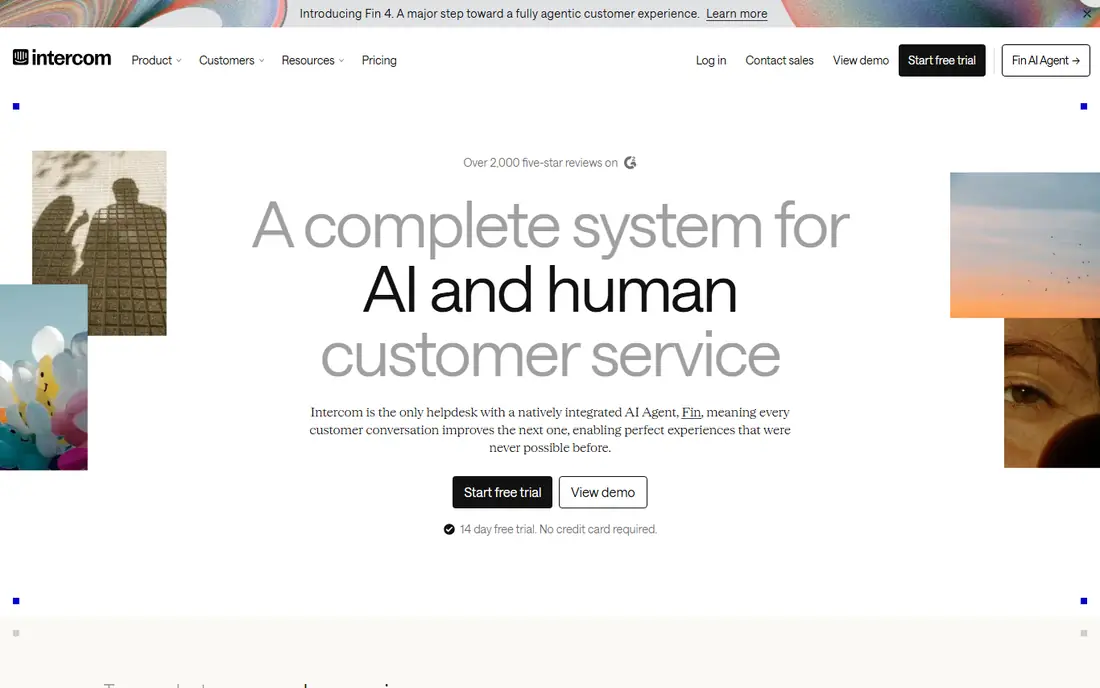
Intercom Fin is our pick for most teams because its model is easy to understand and its handoff is well designed. Fin answers from your help center articles and other connected sources, resolves common questions in chat, and passes the full conversation to a human when it cannot resolve the issue. Pricing is $0.99 per resolution on top of Intercom seats, which start at $29 per seat per month on some plans, so teams can model costs from their ticket volume rather than guessing.
The main risk is content quality. Fin repeats what your articles say, so outdated help center pages become outdated AI answers. Teams also need to watch volume, because a high resolution count at $0.99 each can exceed a flat plan for very large inboxes. For a chat first team with a maintained help center, Fin offers a strong mix of automation, control, and clear pricing.
- Clear per resolution pricing
- Strong help center grounding
- Clean human handoff
- Needs Intercom seats for full use
- Per resolution costs add up at high volume
- Content upkeep matters
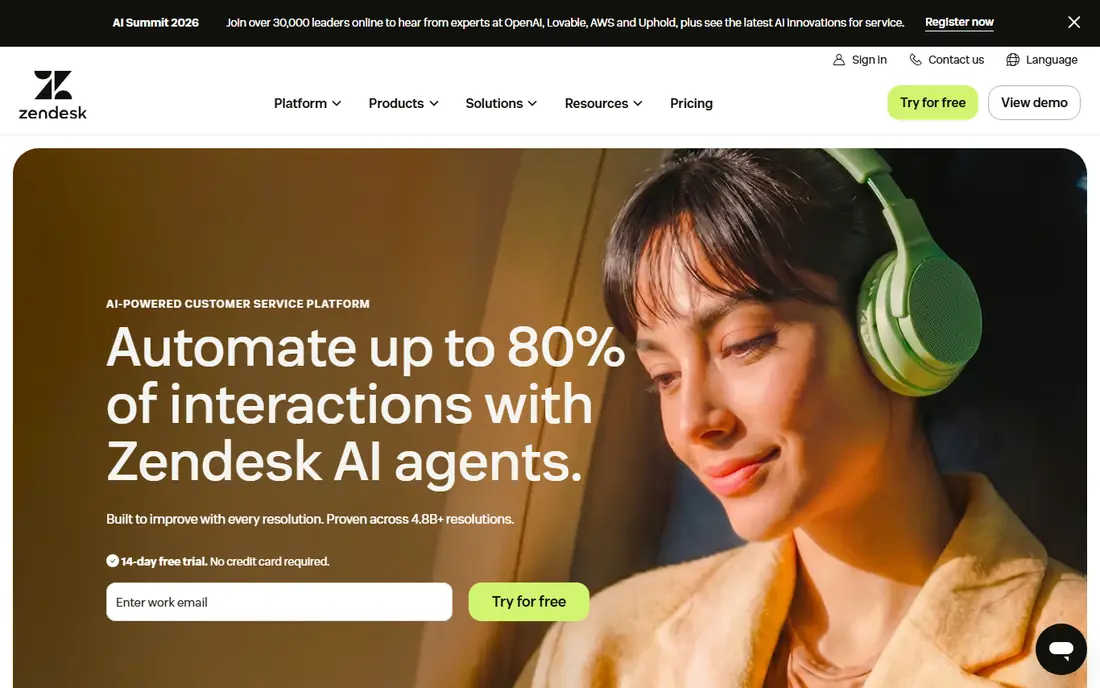
Zendesk AI agents are built for teams that already manage tickets, email, and voice in Zendesk. The agent can answer in chat and messaging, pull from the help center, and create or update tickets when a human needs to take over. That single system view is valuable, because agents see the AI conversation, the ticket history, and the customer record in one place, rather than switching tools.
Pricing is the caution. Zendesk charges per automated resolution in addition to agent seats, with published comparisons putting committed resolutions near $1.50 and pay as you go near $2.00, so teams should model a full month of volume before signing. Setup also takes more work than a simple chatbot, especially for custom actions. For a Zendesk team that wants AI inside its existing workflow, though, it is the most natural choice.
- Tickets, voice, and AI in one system
- Deep reporting
- Broad integrations
- AI billed per resolution on top of seats
- Setup can be complex
- Higher total cost
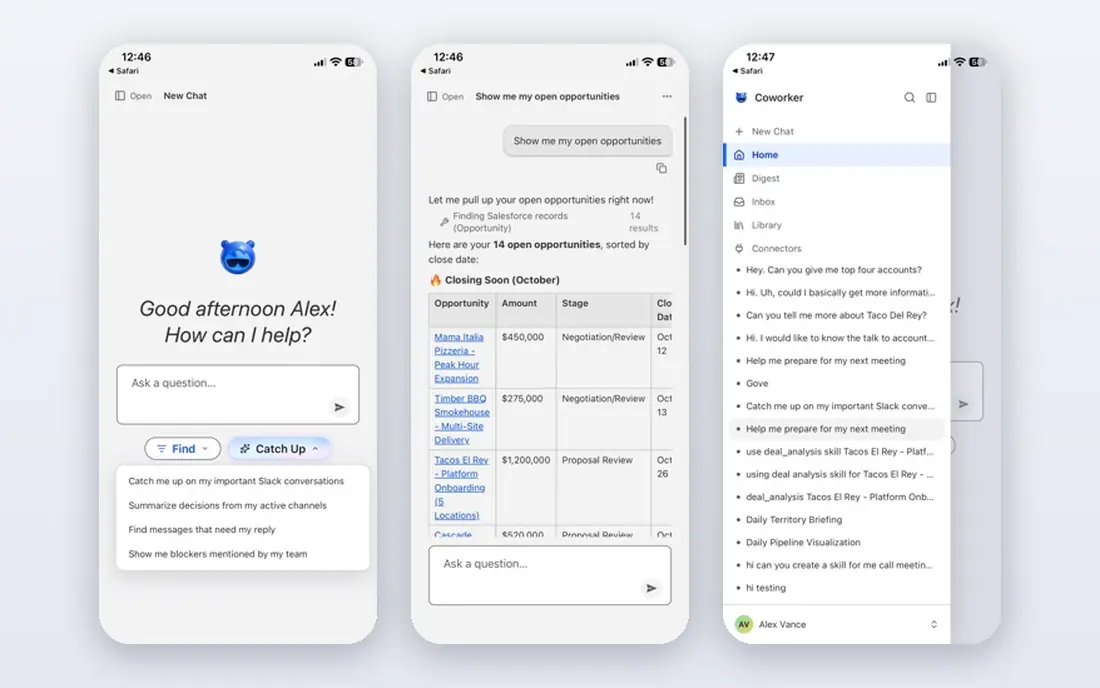
Salesforce Agentforce is designed for companies that already store customer data, cases, and orders in Salesforce. The agent can use that data to answer questions, check order status, and take actions inside Salesforce, rather than only quoting help articles. That data access is a real advantage for large service teams, where the answer often depends on the specific account, not just a general policy.
The trade offs are cost and complexity. Agentforce is commonly priced per conversation, with published comparisons near $2.00 per conversation, which means failed or escalated conversations still cost money. Implementation also needs Salesforce expertise, data cleanup, and guardrails for actions like refunds. Small teams should look elsewhere, but a large Salesforce shop that needs AI tied to real customer records will find Agentforce hard to replace.
- Deep Salesforce data access
- Actions inside CRM
- Enterprise controls
- Per conversation pricing
- Complex setup
- Overkill for small teams
Freshworks Freddy AI Agent suits small and mid sized teams that already use Freshdesk or Freshchat and want AI without an enterprise price tag. Freddy answers from help center content, handles common questions in chat and messaging, and hands off to human agents with conversation context. Published comparisons put Freddy sessions near $0.49 per session in packs, which can make it cheaper than per resolution rivals for teams with many short conversations.
The limits are depth and actions. Freddy is strong on common questions, but complex workflows that span several systems may need custom work or a larger platform. Teams should also check which actions are supported on their Freshworks plan, since some capabilities sit on higher tiers. For a small team that wants a quick, affordable AI layer on top of Freshdesk, Freddy is a sensible pick.
- Lower per session pricing in comparisons
- Fits Freshworks suite
- Simple setup
- Less depth than enterprise agents
- Action limits vary
- Needs Freshworks seats
Ada focuses on automated self serve, letting teams build AI agents that resolve questions across chat, voice, and messaging without writing code for every flow. It offers multilingual support, integrations with common help desks and CRMs, and analytics that show which intents are resolved and which still need human help. That focus makes Ada a good fit for companies with high, repeatable volume in a few languages.
Pricing is quote based, so small teams cannot easily compare it without a sales conversation, and setup rewards a team that can dedicate time to building and maintaining flows. Ada is less appealing for a five person support team with a few hundred tickets a month. For a larger team that wants to automate a clear set of intents at scale, Ada offers depth and control that simpler chatbots lack.
- Strong automation builder
- Multilingual support
- Detailed analytics
- Quote based pricing
- Needs dedicated setup time
- Better for larger volumes
Decagon builds AI agents for enterprise customer service across chat and voice, with an emphasis on taking actions, not just answering questions. That means checking orders, updating records, and completing multi-step tasks inside connected systems, with guardrails and human review where needed. For a large company with complex service workflows, that action focus is the difference between a helpful FAQ bot and a real support agent.
The obvious drawback is access. Decagon is quote based and aimed at larger companies, so pricing, minimums, and implementation time will not suit a small team. Teams should also ask for a pilot on their own ticket types, since enterprise demos often show polished flows that hide edge cases. For a large team ready to invest in voice and chat automation, Decagon is a serious contender to evaluate alongside Sierra and Agentforce.
- Voice and chat in one agent
- Action focused design
- Enterprise controls
- Quote based pricing
- Enterprise focus
- Longer implementation
Sierra, co-founded by a former Salesforce leader, builds AI agents for customer service with a strong emphasis on voice quality, supervision, and brand safe responses. Its agents are designed to handle full conversations, take actions, and escalate with context when a human is needed, which matters for industries where a wrong answer can damage trust or break a rule. Sierra also stresses monitoring and human oversight, rather than letting an agent run without review.
Like Decagon, Sierra is quote based and aimed at larger, brand sensitive companies, so small teams will find it hard to access and hard to budget. Implementation also takes time, because the agent must be trained on company policies and tested on edge cases. For a large company where service quality is a core brand promise, Sierra is worth a pilot, but it is not a quick plug-in for a small inbox.
- Strong voice quality
- Supervised agent design
- Focus on resolution quality
- Quote based pricing
- Selective customer fit
- Needs careful onboarding
Tidio Lyro is the simplest entry point in this list for a small online shop that already uses live chat. Lyro answers from your help content, handles common pre-sale and support questions, and hands off to a human in the same chat window. Published comparisons put Lyro near $0.78 per conversation at entry bundles, and the free plan includes a limited number of Lyro conversations, which lets a tiny team test AI without a large commitment.
The limits are scope and depth. Lyro is best for short, common questions, not for complex billing disputes or multi-system workflows, and its action options are narrower than enterprise agents. Volume also matters, because bundle pricing can rise quickly if traffic spikes. For a small shop that wants a fast, low risk AI chat helper, Lyro is a good first step before moving to Intercom or Zendesk.
- Easy setup for small sites
- Free conversations to start
- Chat focused
- Limited depth for complex tickets
- Action options are narrower
- Volume bundles add up
How we picked these
We compared official pricing pages, product documentation, and published pricing comparisons for AI agents active in October 2026. We favored agents that resolve issues, not just deflect chats, that pass full context to humans, and that let teams control sources, guardrails, and escalation rules. We also weighed pricing transparency, integration depth, voice support, and whether the agent fits small, mid sized, or enterprise teams.
How to buy an AI agent without regretting it
Start by listing your top twenty ticket types and the share of volume each one represents. Test the agent on those real tickets, not on a vendor demo set, and measure full resolution without a human, not just a polite answer. Check what counts as a billable resolution or conversation, whether failed handoffs still bill, and whether you can set monthly caps or alerts.
Next, check actions and guardrails. List the five actions your agents take most often, such as refunding an order, updating an address, or rebooking a service, and confirm the agent can do each one inside your actual systems with approval rules. Review data handling, retention, and human review options, and plan who will update help content when policies change. An AI agent is only as current as the sources it reads.
Pilot checklist for support leaders
Run a two to four week pilot on a limited set of intents, with human review of every AI answer at first. Track resolution rate, escalation rate, customer satisfaction, and cost per resolved conversation, and compare those numbers with your human only baseline. Only expand the agent to more intents when the pilot numbers hold up on real traffic, not just on test questions.
FAQ
What is the best AI agent for customer service?
Intercom Fin is the best pick for most teams because of its clear per resolution pricing and strong handoff. Zendesk AI agents are best for Zendesk teams, Salesforce Agentforce is best for Salesforce companies, and Tidio Lyro is best for small shops that want a simple start.
How much does an AI customer service agent cost?
It depends on the pricing model. Intercom Fin charges $0.99 per resolution plus seats, Zendesk charges per automated resolution plus seats, and Salesforce Agentforce charges per conversation. Always model a full month of volume, including escalated conversations, before comparing headline rates.
Can an AI agent replace human support agents?
No, not fully. AI agents handle common, repeatable questions well, but complex, emotional, or high stakes issues still need humans. The best setup uses AI for routine work, passes full context on handoff, and keeps humans for cases where judgment, empathy, or account access matters most.
What is the difference between an AI chatbot and an AI agent?
A chatbot usually answers questions or routes a customer to the right page. An AI agent can also take actions, such as checking an order, updating a record, or processing a change, and it can follow a multi-step task to completion. That action ability is what separates the tools in this list from a simple FAQ bot.
Do AI agents work with my existing help desk?
Many do. Intercom Fin can work on other help desks, Zendesk AI agents work inside Zendesk, and Ada, Decagon, and Sierra integrate with common CRMs and help desks. Check the integration list for your specific help desk and CRM before you sign, and test the handoff in a pilot.
How do I measure whether an AI agent is working?
Track full resolution without a human, escalation rate, repeat contact rate, customer satisfaction, and cost per resolved conversation. Compare those numbers with your human only baseline, and review a sample of AI conversations each week to catch wrong answers, outdated sources, or poor handoffs early.