Best Beekeeper Alternatives in 2026: 9 Apps Compared
Compare 9 beekeeper alternatives for frontline teams, from chat and scheduling to enterprise intranets, with prices and honest trade-offs in 2026 today.
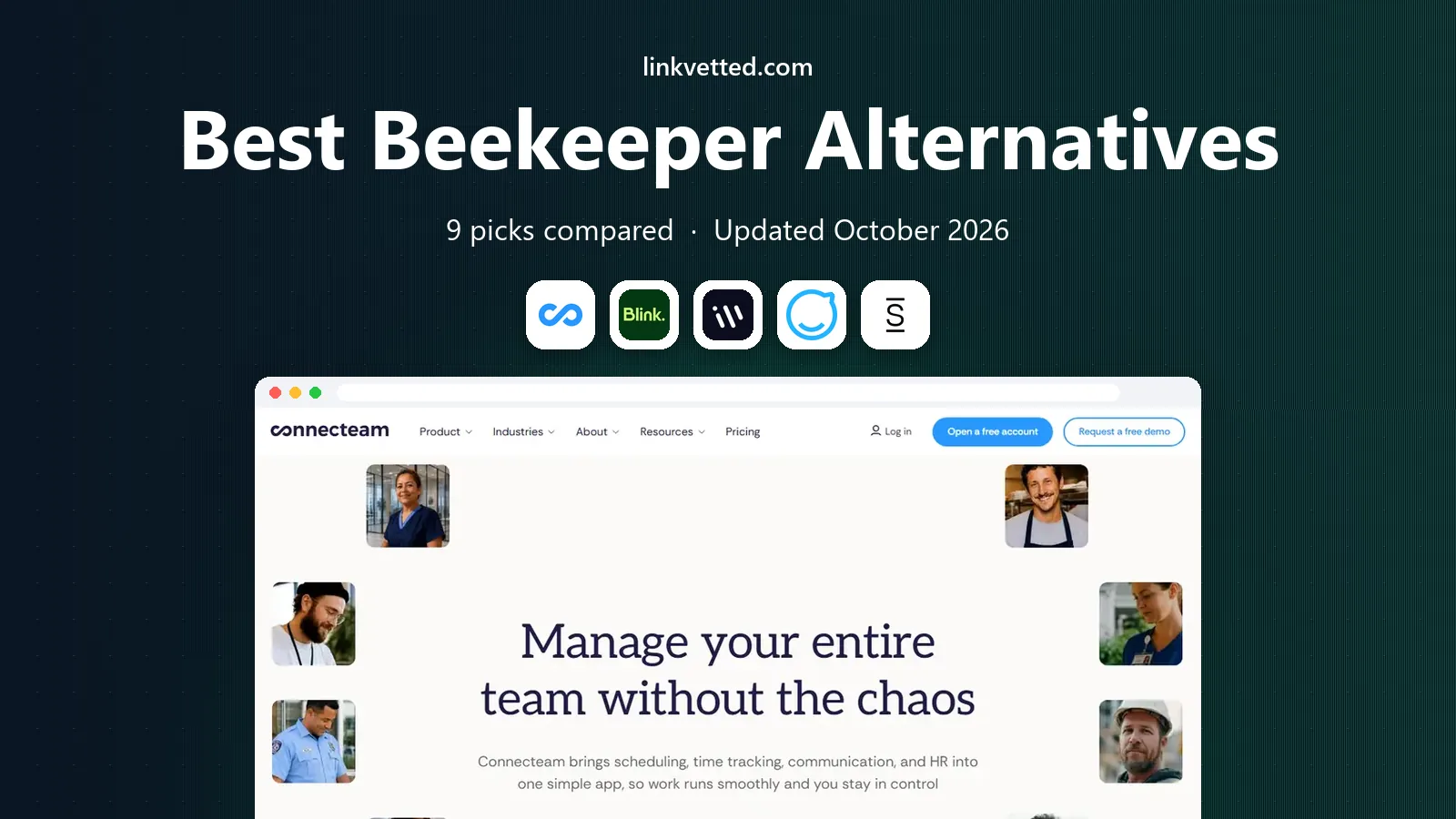
- Editor's choice
 Connecteam
Frontline operations in one app
Starts at$29 per monthVisit connecteam.comFull review - Great alternative
 Blink
Simple mobile-first communication
Starts at$3.75 per user per monthVisit joinblink.comFull review - Also consider
 Workvivo
Culture and engagement
Starts atSee websiteVisit workvivo.comFull review
TL;DR:
- Connecteam and Blink give small and mid-sized frontline teams a clear published price, while enterprise tools usually require a quote.
- The best choice depends on whether you need only messages, or messages plus scheduling, time tracking, and tasks in one app.
- Workvivo, Staffbase, and Simpplr suit larger employers that want an intranet feel, while Connecteam suits teams that want daily operations in one place.
- Check language support, offline access, and whether workers can join without a company email before you commit.
Quick comparison
| Tool | Best for | Starts at | Free plan? | |
|---|---|---|---|---|
| Connecteam | Frontline operations in one app | $29 per month | Yes | Visit |
| Blink | Simple mobile-first communication | $3.75 per user per month | No | Visit |
| Workvivo | Culture and engagement | See website | No | Visit |
 Staffbase | Enterprise internal communications | See website | No | Visit |
 Simpplr | Intranet-led communication | See website | No | Visit |
 Firstup | Targeted employee campaigns | See website | No | Visit |
 WorkJam | Large frontline workforces | See website | No | Visit |
 Haiilo | Employee advocacy and intranet | See website | No | Visit |
 Speakap | Retail and hospitality teams | See website | No | Visit |
The best Beekeeper alternatives
Beekeeper, now part of LumApps, is built for workers who do not sit at a desk. These alternatives cover the same ground, with different strengths in chat, scheduling, and company-wide publishing.

Connecteam is our pick for most small and mid-sized frontline teams because it covers communication and daily operations together. Managers can post updates, build schedules, track time, and assign checklists without asking staff to juggle several tools. That breadth matters for restaurants, cleaning firms, logistics teams, and care providers.
The trade-off is depth in any single area. A large employer that needs a polished intranet, advanced analytics, or complex approval chains may find Connecteam too light. For a team that wants one practical app that staff will actually open each shift, it is a strong starting point.
- Chat, scheduling, time tracking, and forms in one app
- Free plan for up to 10 users
- Clear published starting price
- Hub pricing can get confusing as you add modules
- Intranet features are lighter than enterprise rivals
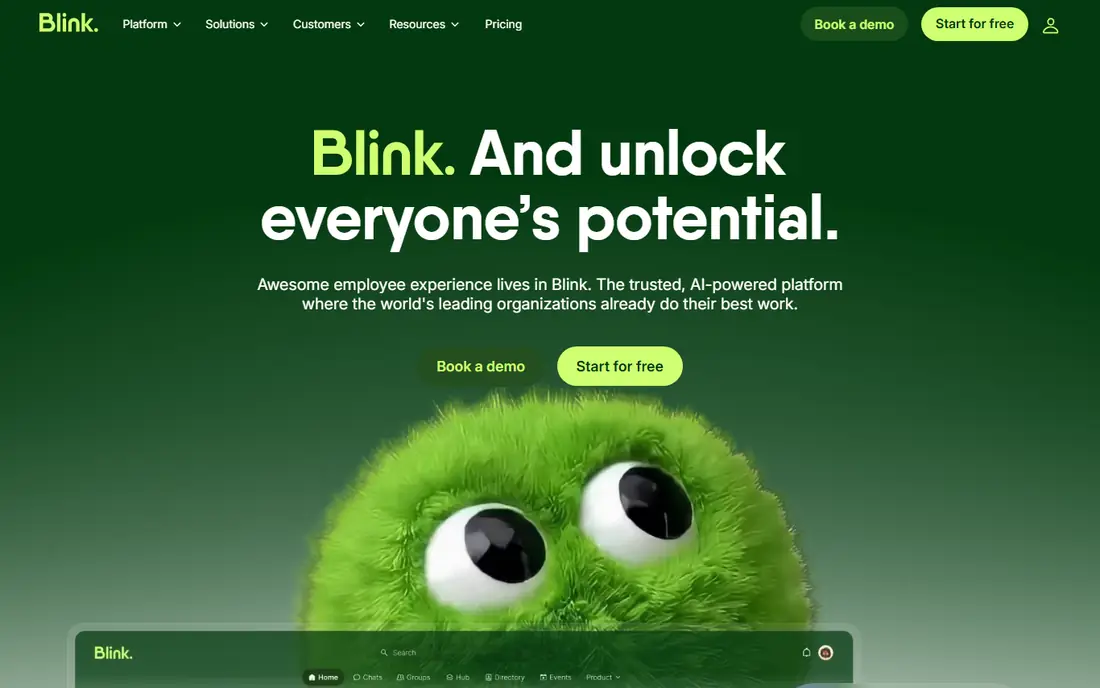
Blink keeps the focus narrow, and that is its appeal. Staff get a personalized feed, chat, and a single place for documents and links, which cuts down on group chats scattered across personal apps. Managers can target posts by team or location, so a warehouse crew does not get head office noise.
The limit is operational depth. If you also need rotas, clock-ins, and task follow-up, Blink will need companion tools or a higher tier. For employers whose main problem is simply reaching everyone with the right message, Blink is hard to beat on price and clarity.
- Low published per-user price
- Clean feed, chat, and content hub
- Workers can join without a company email
- No built-in scheduling or time tracking at the base level
- Fewer workforce tools than Connecteam
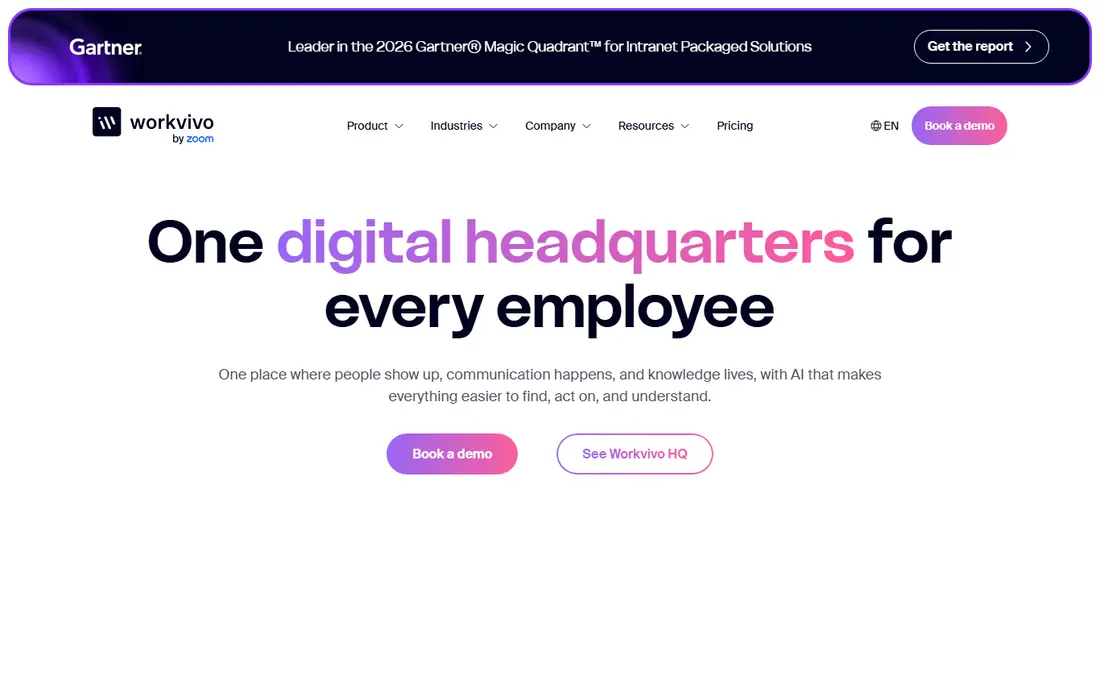
Workvivo feels more like a social intranet than a shift tool, and that suits companies trying to build connection across sites. Employees can react, comment, share updates, and recognize colleagues, while leaders can publish targeted news and track engagement. It works well when culture and retention are the main goals.
It is less direct as a Beekeeper replacement for pure operations. Scheduling and time tracking are not the focus, and pricing requires a sales conversation. Choose Workvivo when engagement matters more than rota management, and budget for a quote process.
- Social feed, recognition, and community spaces
- Strong for mixed desk and frontline workforces
- Targeted communications
- Quote-only pricing
- Chat is a paid add-on in some packages
Staffbase is built for communications teams that need control and reach at scale. One post can go to the app, email, intranet, and screens, with targeting that keeps messages relevant. That breadth helps hospitals, manufacturers, and retailers with many sites and languages.
Small teams may find it more than they need, and the lack of a published price makes early budgeting harder. If your main need is polished, auditable internal publishing rather than daily shift tasks, Staffbase belongs on the shortlist.
- Publishing across app, intranet, email, and signage
- Strong targeting by role and location
- Built for large employers
- Quote-only pricing
- No mobile app for administrators in some setups
- Can be heavy for small teams
Simpplr suits employers that want a single home for news, documents, and people, rather than a chat-only app. Its intranet approach helps new starters find policies and contacts without asking a manager, and it can carry video, events, and recognition. That structure helps larger firms that already think in terms of an intranet.
The catch is adoption among staff who rarely open a browser at work. You need a mobile rollout plan and clear ownership of content, or the intranet can go quiet. Simpplr is best when a communications team will keep it fresh.
- Modern intranet design
- Search and knowledge features
- Works for desk and frontline staff
- Quote-only pricing
- Frontline reach depends on rollout and licensing choices
Firstup treats internal communication like a campaign, not a single post. Teams can plan a series of messages, target them by audience, and see who actually saw them. That is useful for safety rollouts, system changes, and benefits enrollment, where one announcement is never enough.
It is not a workforce management tool, so scheduling and time tracking sit elsewhere. If your pain is unopened emails and missed updates during change, Firstup is a strong fit. If your pain is shift swaps, look elsewhere first.
- Campaign-style delivery across channels
- Strong analytics on reach and engagement
- Good for change programs
- Quote-only pricing
- Intranet features are an add-on
- Less focused on daily shift operations
WorkJam is aimed at large employers that need communication tied to execution. A message about a promotion can sit next to the task that proves it happened, and training can be assigned in the same place. That link between message and action is valuable at scale.
The downside is complexity and cost. Smaller teams will find the sales process and setup heavy, and some operational features sit in higher tiers. For chains with hundreds or thousands of frontline staff, WorkJam is a serious enterprise option.
- Communication plus tasks, learning, and shift management
- Built for national retail and hospitality chains
- Enterprise integrations
- Quote-only pricing
- Add-ons can raise the total cost
- More setup than smaller tools
Haiilo combines an intranet with tools that let employees share approved company content externally, which suits firms that want staff to help tell their story. Inside the company, it supports news, communities, and recognition, so it can replace a patchwork of older intranet and social tools.
Like other enterprise suites, it needs a clear owner and a rollout plan to reach deskless staff. Pricing is quoted, so compare the full suite cost, not just the intranet module. Haiilo fits employers that want communication, community, and advocacy together.
- Intranet, employee advocacy, and engagement in one suite
- Multi-channel publishing
- Community features
- Quote-only pricing
- Breadth can mean a longer rollout
- Frontline mobile use needs planning
Speakap is a focused frontline app for retail, hospitality, and similar sectors. Managers can post news, ask staff to confirm they read it, and reach teams in their own language on premium plans. That acknowledgement feature helps with safety and policy updates.
It does not try to be a full workforce platform, so rotas and time tracking need other tools. For a mid-sized operator that wants clear, trackable frontline messages without enterprise complexity, Speakap is worth a demo.
- News posts with read acknowledgement
- Automatic translation on higher plans
- Focused frontline app
- Quote-only pricing
- No built-in scheduling
- Smaller ecosystem than the largest rivals
How we picked these
We compared official feature pages, pricing pages, and public product descriptions for frontline communication and employee experience tools. We favored tools that reach workers without a company email, support targeting by team or location, and are actively sold for deskless teams in 2026. We weighed published pricing where available, and we noted quote-only pricing honestly rather than repeating unverified estimates. We did not claim hands-on testing.
Choosing the right frontline app
Start with the job, not the feature list
Write down the three messages or tasks that fail most often today. If missed shift changes are the problem, a chat-only app will not fix it. If unread safety updates are the problem, read acknowledgement and targeting matter more than scheduling.
Check access on day one
Ask how workers join, what happens if they change phones, and whether managers can reach staff who have no company email. Also ask about language support, because a message staff cannot read is not really delivered. A short pilot with one site will reveal more than a long demo.
Count the total cost
Published per-user prices are easy to compare, but hub pricing, add-ons, and frontline licensing can change the total. Get a written quote for your exact headcount, including any chat, intranet, or analytics modules you plan to use. Confirm contract length, renewal terms, and data export options before you sign.
FAQ
What is the best Beekeeper alternative for a small team?
Connecteam is a strong starting point for small teams because it combines chat, scheduling, and time tracking with a free plan for up to 10 users. Blink is also worth a look if you only need communication and want a low published per-user price. Run a pilot with one team before rolling either out company-wide.
Do these apps work for staff without a company email?
Most frontline tools in this list are built for that case, including Blink, Connecteam, and Speakap. Workers usually join with a phone number or a personal email, and managers invite them by link or code. Confirm the exact signup flow during a trial, since it affects adoption.
Is Beekeeper still available?
Beekeeper continues as part of LumApps, so existing customers are not left without a product. If you are comparing alternatives, the question is less about availability and more about fit, price, and whether you want an intranet suite or a focused frontline app.
How much do Beekeeper alternatives cost?
Prices range from a free small-team plan at Connecteam and $3.75 per user per month at Blink to quote-only enterprise pricing at Workvivo, Staffbase, and WorkJam. Always compare the price for your full headcount and required modules, not just the headline rate.
Can I replace group chats with one of these apps?
Yes, in most cases, and that is a common reason teams switch. A dedicated app keeps work messages separate from personal chats, lets managers target posts, and creates a record of who saw an update. Set clear rules about response times outside shifts so staff do not feel always on call.