Best Bark Alternatives in 2026: 8 Child Safety Apps Compared
Looking for Bark alternatives? We compare 8 child safety and parental control apps on monitoring, filtering, location, pricing and privacy for families.
- Editor's choice
 Qustodio
All-round parental control
Starts atSee websiteVisit qustodio.comFull review - Great alternative
 Aura
Family safety plus monitoring
Starts atSee websiteVisit aura.comFull review - Also consider
 Net Nanny
Web filtering
Starts atSee websiteVisit netnanny.comFull review
TL;DR:
- Qustodio and Aura are the strongest all-round picks for filtering, time limits and location.
- Net Nanny and Norton Family suit families that mainly need web filtering and screen time controls.
- Google Family Link is the best free starting point for Android families and basic controls.
- Canopy and MMGuardian suit families focused on blocking explicit content and managing devices.
Quick comparison
| Tool | Best for | Starts at | Free plan? | |
|---|---|---|---|---|
| Qustodio | All-round parental control | See website | Yes | Visit |
| Aura | Family safety plus monitoring | See website | Free trial | Visit |
| Net Nanny | Web filtering | See website | Free trial | Visit |
 Norton Family | Screen time and filtering | See website | Free trial | Visit |
 Google Family Link | Free basic controls | Free | Yes | Visit |
 Canopy | Blocking explicit content | See website | Free trial | Visit |
 MMGuardian | Device management | See website | Free trial | Visit |
 Kidslox | Screen time and location | See website | Free trial | Visit |
The best Bark alternatives
Bark is known for monitoring texts, email and social activity for signs of bullying, predatory contact and other risks, and alerting parents. The tools below cover similar ground, with different strengths in filtering, screen time, location and monitoring. Parents should use these tools to support conversations with children about online safety, not as a replacement for them. Check local laws and your child age and device before you install monitoring software, and be open with older children about what is monitored and why.
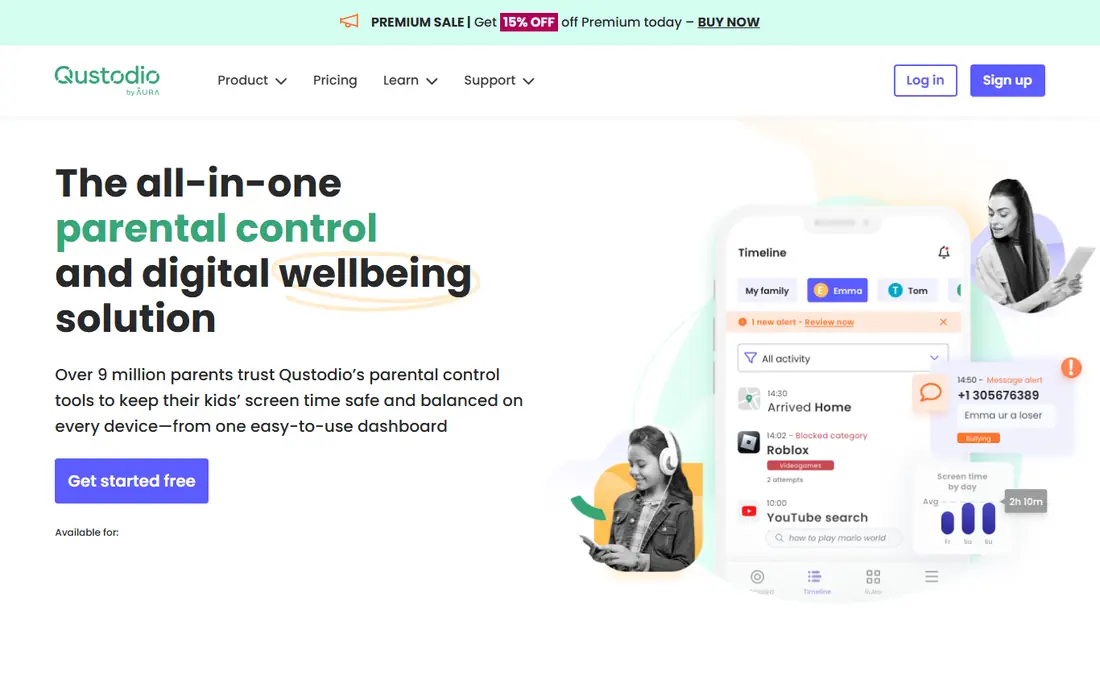
Qustodio is the most balanced alternative for families that want one app for filtering, screen time and location. Parents can set time limits, block categories, view activity reports and locate devices from a clear dashboard, and it works across Android, iOS, Windows, Mac and Chromebook devices. That breadth makes it easy to manage a household with mixed devices.
Its monitoring of social messages is lighter than Bark, which focuses on alerts for risky content in texts and social activity. If message monitoring is your main need, compare Qustodio carefully with Aura or Canopy. For most families, Qustodio is our pick for a straightforward, all-round parental control app.
- Web filtering, time limits and location in one app
- Clear parent dashboard
- Works across devices
- Social monitoring is lighter than Bark
- Advanced features need a paid plan
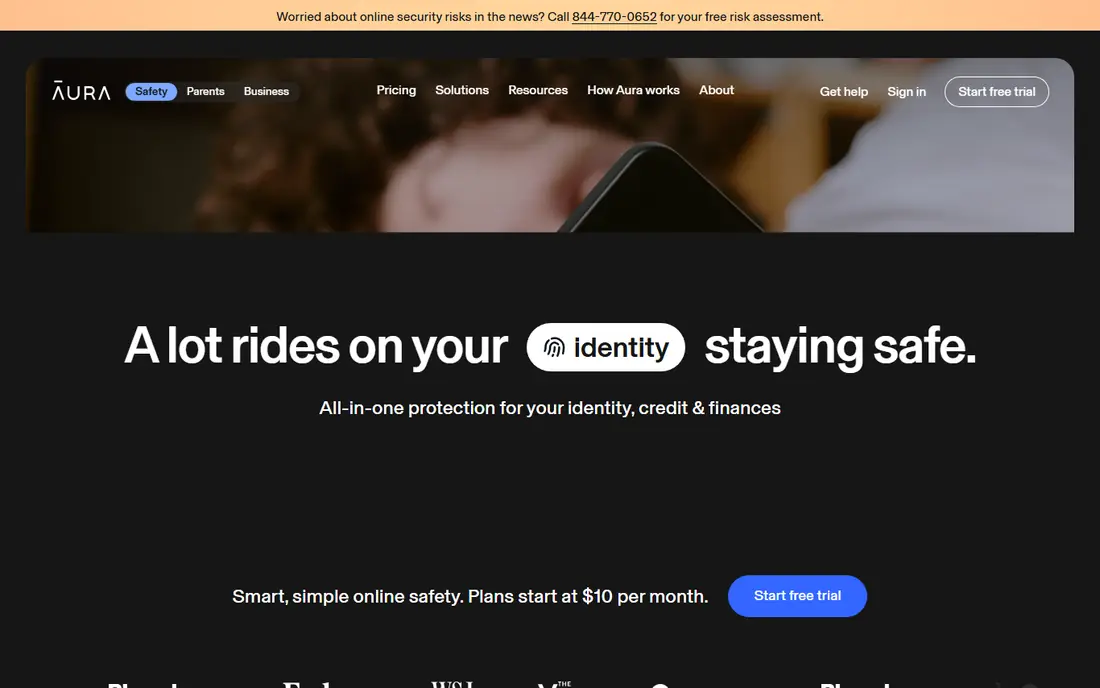
Aura combines parental controls with broader family safety features, including device protection and identity monitoring for adults on family plans. For parents, its controls cover content filtering, screen time and safe browsing, alongside alerts and activity insights. That combination suits families that want safety tools beyond a single child device app.
The price is higher than a basic parental control app, and some identity features are more relevant in the US than elsewhere. If you only need screen time and filtering, Qustodio or Google Family Link may be cheaper. Choose Aura when you want family safety, device protection and parental controls in one subscription.
- Parental controls plus identity and device protection
- Content filtering and time limits
- Family plans
- Pricing is higher than simple control apps
- Some features are US focused

Net Nanny has long focused on web filtering, and it remains a strong pick for parents whose main worry is what children can access online. It blocks categories by age, filters search results and gives parents activity reports, with screen time controls to set device schedules. Setup is straightforward for most households.
It does not offer the same depth of text and social monitoring as Bark, so families focused on messaging risks should look elsewhere. Choose Net Nanny when web access is the main concern, and you want filtering that adapts by child age without a complex setup.
- Strong web filtering by category and age
- Screen time controls
- Activity reports
- Social monitoring is limited
- Interface feels dated in places
Norton Family offers web supervision, search monitoring, time limits and location features, with school time scheduling that helps parents manage device use during school hours. It pairs well with Norton security products, which many households already use, and its parent dashboard is clear.
iOS limits mean some features work better on Android and Windows than on iPhones and iPads, so check device coverage before you buy. It also does not focus on social message alerts in the way Bark does. Pick Norton Family if you already use Norton products and you mainly need filtering, time limits and location.
- Web supervision and time limits
- School time scheduling
- Works with Norton security products
- IOS features are more limited than Android and Windows
- No social message monitoring focus
Google Family Link is the best free starting point, especially for Android families. Parents can approve app downloads, set screen time limits, manage content settings and see device location, all without a subscription. For younger children on a first phone or tablet, those controls cover the basics well.
Its limits are clear. Web filtering, activity reporting and social monitoring are far simpler than paid tools, and iOS coverage is more limited. Use Family Link as a first step, and move to Qustodio or Aura when you need stronger filtering, reporting or cross-device controls.
- Free
- App approvals, screen time and location for Android
- Simple setup
- Filtering and reporting are basic
- Monitoring features are limited
Canopy focuses on blocking explicit content, using filtering that works across apps and browsers rather than only in a single browser. For families whose main concern is exposure to pornography and explicit images, that focus is a clear advantage, and it includes screen time and location tools as well.
It is narrower than Qustodio or Aura as an all-round parental control app, so families that need deep activity reports or message alerts may need another tool alongside it. Choose Canopy when blocking explicit content is your top priority and you want filtering that follows the device, not just one app.
- Focus on blocking explicit images and videos
- Filtering across apps and browsers
- Screen time tools
- Narrower than all-round control apps
- Pricing and device coverage need checking
MMGuardian gives parents strong device management, including SMS and call controls, app blocking, web filtering and time limits. Its alert features help parents spot contact from unknown numbers and other changes, which suits families managing a first phone for a child.
The app interface is less polished than Qustodio or Aura, and iOS features are more limited than Android, as with many parental control tools. Pick MMGuardian if you want detailed phone and message controls on Android, and you value function over a polished design.
- SMS and call controls
- App blocking and time limits
- Location and alerts
- Interface is less polished than larger rivals
- IOS features are limited
Kidslox focuses on screen time, app blocking and location, with schedules that let parents set device use by time of day. It is easy to set up across Android, iOS and other platforms, and its parent controls are clear for daily use. For families whose main problem is too much screen time, that focus is helpful.
Message and social monitoring are limited, so it is not a direct replacement for Bark alerts. Choose Kidslox when screen time management and location are your main needs, and you want a simple app that children and parents can both understand.
- Screen time schedules and app blocking
- Location tracking
- Works across platforms
- Monitoring of messages is limited
- Advanced filtering needs a paid plan
How we picked these
We compared official feature pages, pricing pages and privacy information for each app, and we checked that each one is available in October 2026. We favoured apps with clear safety, privacy and moderation practices, and we flagged where monitoring, filtering or device coverage is limited. We left out tools with unclear privacy terms or tools that market themselves for secret monitoring of adults, since this article is about family safety for children.
What to check before you choose
Start with your child age, device and main risk. A young child on a tablet needs filtering and time limits, while an older teen may need a conversation about messaging safety more than strict blocking. Match the tool to that stage, and review settings as your child grows.
Talk about monitoring first
Tell your child what the app monitors and why, especially for teens. Secret monitoring can damage trust and may raise legal issues depending on age and location. Use alerts as a prompt for conversation, not as a punishment tool, and agree on rules for screen time, apps and contacts together where possible.
Check device coverage carefully
Parental control features vary a lot between Android and iOS, because Apple limits what third-party apps can monitor. Before you pay, check the official feature list for your exact device and operating system version, and test the free trial or free plan on that device first.
FAQ
What is the best Bark alternative?
Qustodio is the best all-round alternative for most families, since it covers filtering, screen time and location across devices. Aura is also strong if you want broader family safety features, while Canopy suits families focused on blocking explicit content.
Does Bark monitor social media?
Bark monitors texts, email and many social platforms for signs of bullying, predatory contact, depression and other risks, and it alerts parents to potential issues. The exact platforms covered change over time, so check Bark current coverage and compare it with the monitoring features of Qustodio, Aura and Canopy before you choose.
Is parental control software legal?
Parental control software is generally legal for parents monitoring their own minor children, but laws vary by country and state, and rules differ for older teens and adults. Check local law, use a reputable app with clear privacy terms, and avoid tools that promise secret monitoring of adults.
Can my child bypass these apps?
Children can sometimes find workarounds, such as using another device, a friend phone or a browser trick, so no app is foolproof. Keep device software updated, use app approvals, review activity reports, and talk with your child about why limits exist, since trust and conversation are stronger than blocking alone.
Which app is best for iPhone parental controls?
Qustodio and Aura offer reasonable iPhone coverage, but Apple limits third-party monitoring on iOS, so features are often lighter than on Android. Google Family Link and Apple built-in Screen Time are also worth using on iPhones, and combining built-in controls with a paid app can cover more gaps.
Do these apps protect against online predators?
No app can fully protect a child from predatory contact, and alerts are only one part of safety. Combine a monitoring or filtering app with clear rules about sharing personal information, talking to strangers online, and telling a trusted adult about uncomfortable messages, and review contacts and messages together regularly.