Best Alternatives to Zotac in 2026: 8 Graphics Card and PC Hardware Brands Compared
Compare the best alternatives to zotac for graphics cards and PC hardware brands, with strengths, cooling designs, warranties, and honest limits in 2026.

- Editor's choice
 ASUS
Widest graphics and component range
Starts atSee websiteVisit asus.comFull review - Great alternative
 MSI
Gaming graphics cards and motherboards
Starts atSee websiteVisit msi.comFull review - Also consider
 Gigabyte
Graphics cards and motherboards
Starts atSee websiteVisit gigabyte.comFull review
TL;DR:
- This article frames alternatives to Zotac plainly as alternative graphics card and PC hardware brands, not as a single product type.
- ASUS, MSI, and Gigabyte are the largest and most widely available alternatives, with broad graphics card, motherboard, and component ranges.
- Sapphire and PowerColor are the strongest AMD-focused graphics card brands, while PNY and XFX suit value and workstation buyers.
- Check card length, power supply wattage, and warranty terms before buying, since those three details cause most build problems.
Quick comparison
| Tool | Best for | Starts at | Free plan? | |
|---|---|---|---|---|
| ASUS | Widest graphics and component range | See website | No | Visit |
| MSI | Gaming graphics cards and motherboards | See website | No | Visit |
| Gigabyte | Graphics cards and motherboards | See website | No | Visit |
 Sapphire | AMD graphics cards | See website | No | Visit |
 PowerColor | AMD gaming graphics cards | See website | No | Visit |
 PNY | Value and workstation graphics cards | See website | No | Visit |
 XFX | AMD value graphics cards | See website | No | Visit |
 ASRock | Graphics cards and motherboards | See website | No | Visit |
The best alternatives to zotac
Zotac is known for graphics cards and compact PCs, so the fair comparison is other graphics card and PC hardware brands that sell the same kinds of products. The brands below cover NVIDIA and AMD graphics cards, motherboards, and related components.

ASUS is the largest alternative graphics card and PC hardware brand on this list, with ROG Strix, TUF Gaming, Dual, and ProArt graphics card lines covering gaming, creator, and workstation needs. Its motherboards, monitors, and components let builders source many parts from one brand, which simplifies support and driver updates. Cooling designs on higher end models are well regarded.
The drawback is price and naming. Premium ROG models carry a clear premium over entry cards with the same GPU chip, and the many model variants can confuse first-time buyers. Compare clock speeds, cooling design, and warranty, not only the GPU name, before choosing between ASUS variants.
- Very broad graphics card lineup
- Strong cooling designs
- Large motherboard and component range
- Premium models cost more
- Model names can confuse buyers
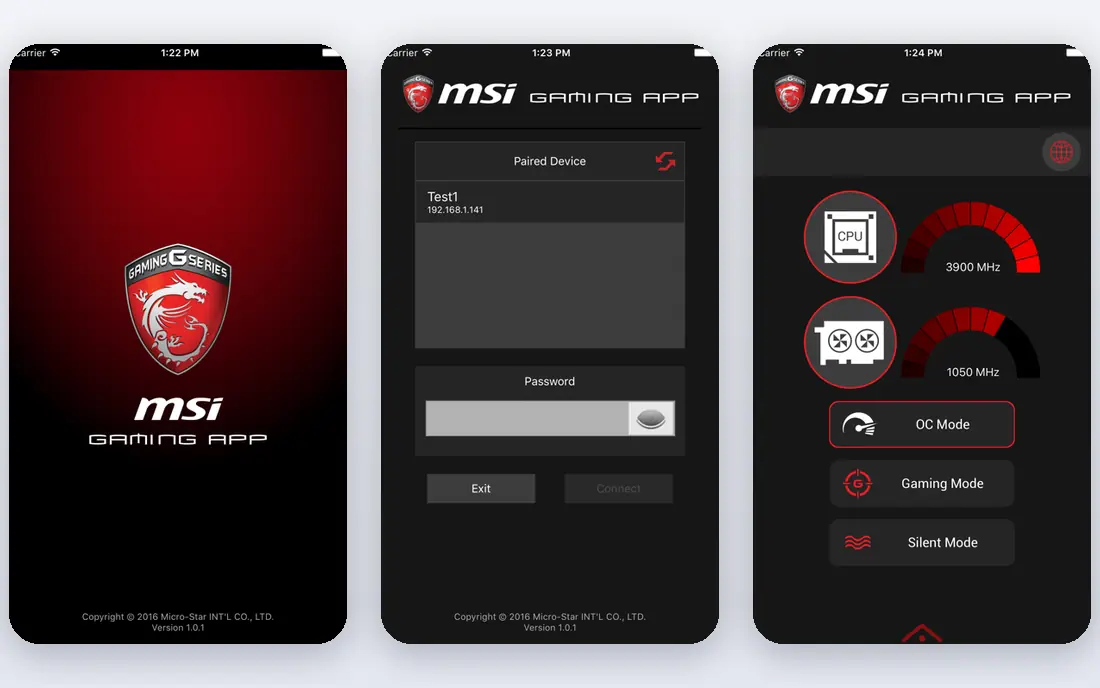
MSI is a close rival to ASUS for gaming graphics cards, with Gaming, Ventus, and Suprim lines spanning budget to premium builds. Its Twin Frozr and Tri Frozr cooling designs are well known, and its motherboards pair naturally with its graphics cards for builders who want one brand across a system. MSI also sells laptops, monitors, and components.
Premium Suprim models cost more than entry Ventus cards with the same GPU, so buyers should decide whether the better cooling and quieter fans justify the gap. MSI software for lighting and fan control divides opinion, so check whether you need it or can leave it uninstalled.
- Strong gaming card cooling
- Broad motherboard range
- Clear gaming product tiers
- Higher end cards cost more
- Software suite divides opinion
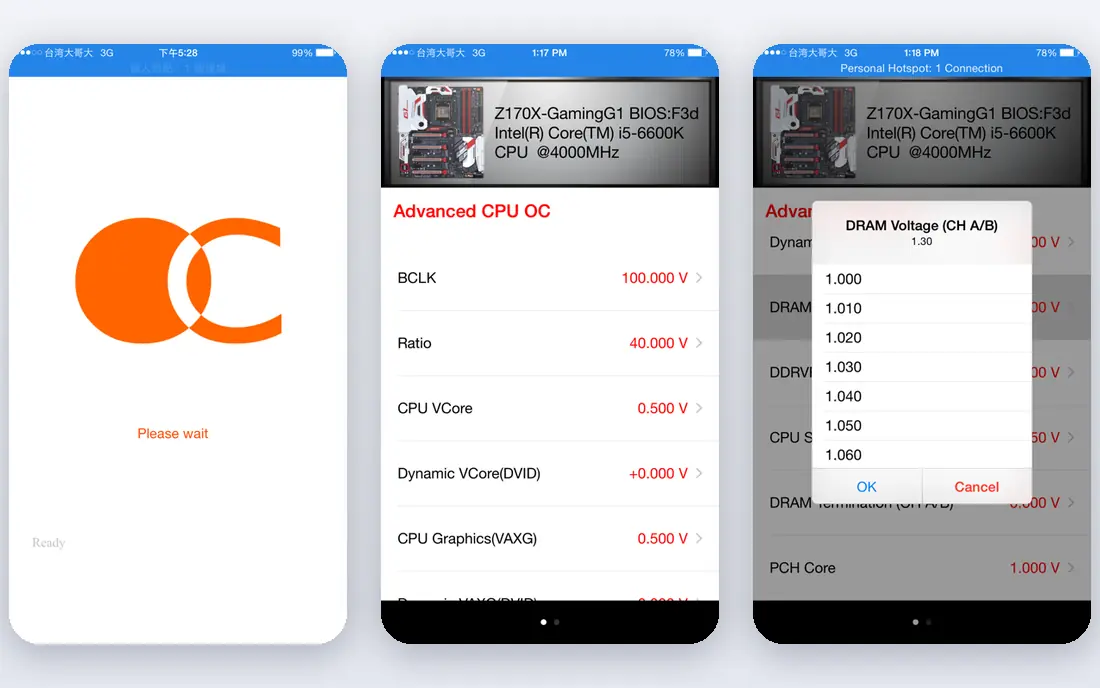
Gigabyte sells a wide range of graphics cards under its Aorus, Gaming, Eagle, and Aero lines, covering both NVIDIA and AMD GPUs. Windforce cooling with multiple fans is standard across many models, and its Aorus motherboards are popular for gaming builds. That breadth makes Gigabyte easy to find in stock at many retailers.
The large model range means two Gigabyte cards with the same GPU can differ in cooling, size, and power needs, so check the exact model page before buying. Warranty length and service terms also vary by region, so confirm the terms for your country rather than assuming a global standard.
- Broad NVIDIA and AMD card range
- Windforce cooling
- Strong motherboard lineup
- Model range is large
- Warranty terms vary by region
Sapphire is the best known AMD-only graphics card brand, with Pulse and Nitro+ lines covering mainstream to high end AMD GPUs. Nitro+ models in particular are known for strong cooling and quiet operation, and build quality is consistently well regarded by reviewers. For an AMD build, Sapphire is often the first brand builders shortlist.
The obvious limit is choice: Sapphire sells AMD cards only, so NVIDIA buyers must look elsewhere. Premium Nitro+ cards also cost more than Pulse models with the same GPU, so buyers should weigh cooling and noise against price for their case and airflow.
- Leading AMD card maker
- Strong Nitro+ cooling
- Good build quality
- AMD only, so no NVIDIA options
- Premium models cost more
PowerColor is another AMD-focused graphics card brand, with Hellhound and Red Devil lines for gaming builds. Red Devil models offer strong cooling and factory overclocks for enthusiasts, while Hellhound models balance price and performance for mainstream gamers. Pricing is often competitive against larger brands.
Like Sapphire, PowerColor sells AMD cards only, so it cannot serve an NVIDIA build. Its wider PC component range is also smaller than ASUS, MSI, or Gigabyte, so builders sourcing a full system from one brand will need other suppliers for motherboards and cases.
- Strong AMD gaming focus
- Red Devil premium cooling
- Competitive pricing
- AMD only
- Smaller motherboard and component range than ASUS or MSI
PNY suits buyers who want a straightforward NVIDIA graphics card at a fair price, including professional workstation cards for creators and engineers. Its cards tend to be plainer in design than ASUS ROG or MSI Suprim models, which matters little inside a closed case and matters more for showcase builds. PNY also sells memory, storage, and other components.
Gamers chasing the quietest cooling or the most elaborate lighting may prefer MSI, ASUS, or Gigabyte premium models. For value gaming, office workstations, and professional visualization, PNY is a practical and widely available Zotac alternative.
- Good value NVIDIA cards
- Workstation Quadro and RTX professional options
- US support presence
- Gaming designs are plainer than rivals
- Fewer premium gaming models
XFX focuses on AMD graphics cards with its Speedster series, offering competitive pricing at mainstream and mid-range tiers. Its cards suit budget and mid-range gaming builds where the GPU chip matters more than premium cooling or lighting. XFX has a long history in the graphics card market and is widely stocked in the US.
The range is AMD only, and its premium tier is smaller than Sapphire Nitro+ or PowerColor Red Devil lineups. High end buyers may find fewer flagship options, while mainstream buyers will find XFX pricing hard to beat for the same AMD GPU.
- Competitive AMD pricing
- Speedster designs
- Good value at mainstream tiers
- AMD only
- Premium range is smaller than Sapphire or PowerColor
ASRock is best known for motherboards, but it also sells graphics cards under its Challenger, Steel Legend, and Phantom Gaming lines, covering both NVIDIA and AMD GPUs in recent generations. Pricing is often competitive, and its motherboards offer good value for builders who want a matched board and card brand.
The graphics card range is smaller than ASUS, MSI, or Gigabyte, so flagship choice is more limited. Cooling performance varies by model tier, so check reviews for the exact card rather than judging the brand as a whole. For a value build with an ASRock motherboard, its graphics cards are a natural pairing.
- Competitive pricing
- Both NVIDIA and AMD card options
- Strong motherboard value
- Graphics card range is smaller than ASUS or MSI
- Cooling varies by model
How we picked these
We compared official brand pages, graphics card lineups, motherboard and component ranges, and US availability for graphics card and PC hardware brands in October 2026. We favored brands that actively sell graphics cards in the US, cover NVIDIA or AMD GPUs, and offer clear model tiers and warranty terms. Prices are listed as See website because graphics card prices vary by GPU model, retailer, and stock.
How to choose the right graphics card brand
Start with the GPU chip and your budget, not the brand. A mid-range GPU from any brand on this list will outperform a lower tier GPU from a premium brand in most games. Once the GPU tier is set, compare cooling, card length, power connectors, and warranty between brands at that tier.
Next, check fit and power. Measure your case for card length and height, confirm your power supply wattage and connectors, and check airflow if you choose a high power card. Finally, read the warranty terms for your region and keep the purchase receipt, since graphics card warranties and service processes differ by brand and country.
FAQ
What is the best alternative to Zotac for graphics cards?
ASUS, MSI, and Gigabyte are the best overall alternatives, with the widest graphics card ranges and broad availability. Sapphire and PowerColor are the best AMD-focused alternatives, while PNY suits value and workstation buyers.
Are ASUS, MSI, and Gigabyte better than Zotac?
Not automatically. All brands sell cards built around the same NVIDIA or AMD GPU chips, so performance at the same tier is close. Differences come from cooling design, noise, size, factory clock speeds, warranty terms, and price, so compare the exact models, not only the brand names.
Do these brands sell motherboards and other PC hardware too?
Yes, most do. ASUS, MSI, Gigabyte, and ASRock sell motherboards and other components, while Sapphire, PowerColor, PNY, and XFX focus mainly on graphics cards, with PNY also selling memory and storage.
How much should I spend on a graphics card?
That depends on your monitor resolution, target frame rate, and games or creative work. Set the GPU tier from those needs first, then pick a brand model at that tier that fits your case, power supply, and budget, rather than buying the most expensive card by default.
What warranty should I expect on a graphics card?
Warranty length and terms vary by brand and region, commonly from two to three years, with some premium models offering longer coverage. Check the exact warranty page for your country before buying, and register the card promptly if the brand requires registration for full coverage.