8 Alternatives to StreamYard in 2026: Live Shows Compared
Looking for alternatives to streamyard for live shows, guests, and multistreaming? We compare 8 tools on price, guests, and ease of use for creators today.
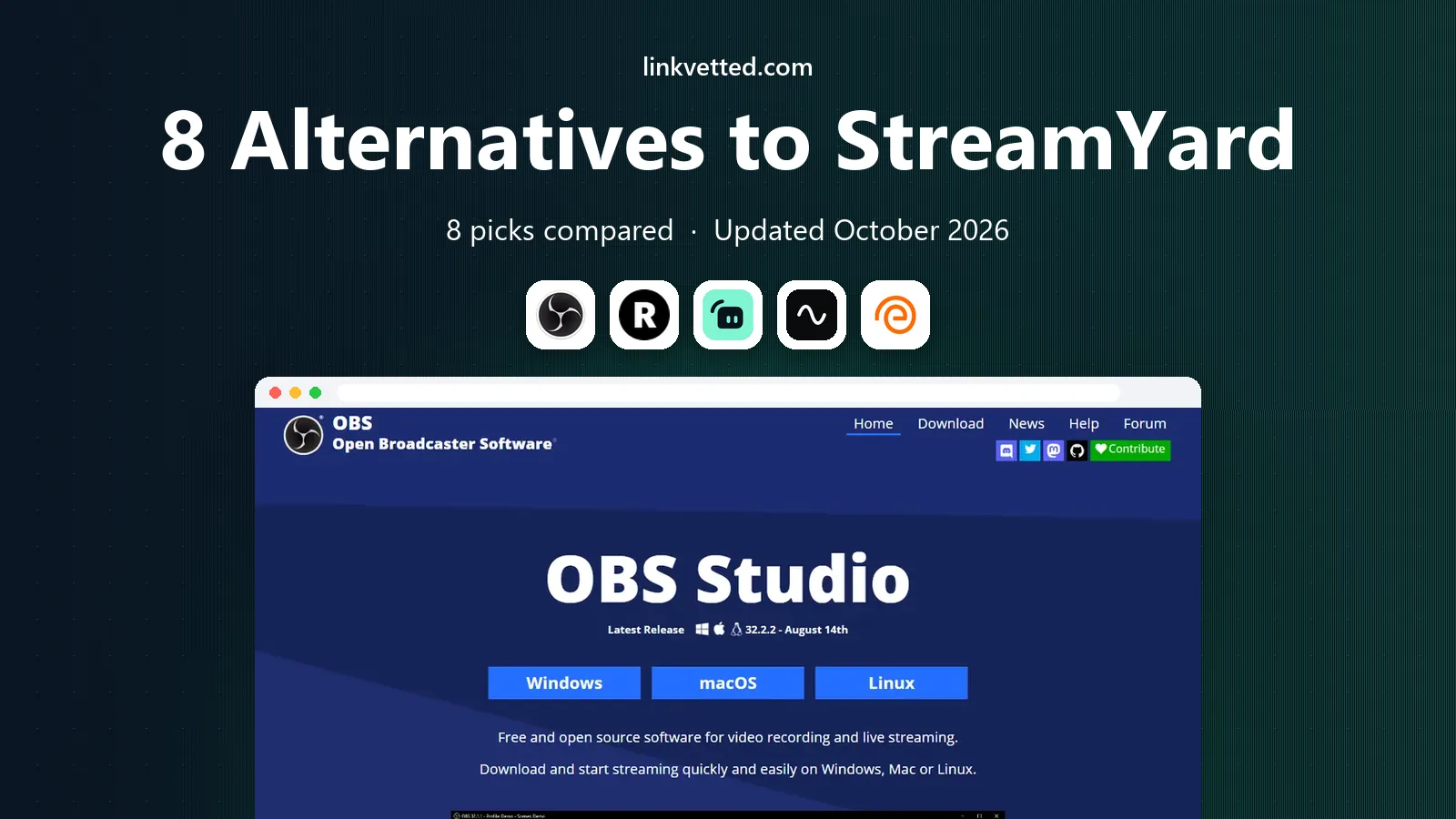
- Editor's choice
 OBS Studio
Free, full control streaming
Starts atFreeVisit obsproject.comFull review - Great alternative
 Restream
Multistreaming to many platforms
Starts at$16 per monthVisit restream.ioFull review - Also consider
 Streamlabs
Beginner-friendly streaming suite
Starts atFreeVisit streamlabs.comFull review
TL;DR:
- Restream and OneStream Live are the closest browser-based swaps for multistreaming, with free plans that cover two destinations.
- OBS Studio costs nothing and gives the most control, but it asks more of your computer and your setup time.
- Riverside is the pick when the recording matters as much as the live show, thanks to separate tracks for each guest.
- Ecamm Live and vMix suit producers who want a studio feel, while Wirecast fits Mac and Windows teams with bigger budgets.
Quick comparison
| Tool | Best for | Starts at | Free plan? | |
|---|---|---|---|---|
| OBS Studio | Free, full control streaming | Free | Yes | Visit |
| Restream | Multistreaming to many platforms | $16 per month | Yes | Visit |
| Streamlabs | Beginner-friendly streaming suite | Free | Yes | Visit |
 Riverside | High-quality guest recordings | See website | Yes | Visit |
 Ecamm Live | Mac live production | $16 per month | Free trial (14 days) | Visit |
 vMix | Windows multi-camera production | $60 one-time | Free trial (60 days) | Visit |
 Wirecast | Cross-platform pro production | See website | Free trial | Visit |
 OneStream Live | Scheduled and pre-recorded streams | $15 per month | Yes | Visit |
The best StreamYard alternatives
StreamYard made browser-based live shows simple, but it is not the only way to run one. The tools below cover free desktop software, browser studios, and full production suites, so you can match the tool to your show rather than the other way around.

OBS Studio is the free workhorse behind a large share of live streaming, and it earns that place by staying out of your way once it is set up. You build scenes from cameras, screens, images, and browser sources, then switch between them with hotkeys or a stream deck. Audio filters, noise suppression, and per-source controls give you a level of polish that browser tools often charge for.
The trade-off is that OBS Studio does not invite guests with a link or send your show to several platforms at once on its own. You pair it with a guest tool or a multistreaming service such as Restream when you need those jobs done. That extra step is worth it if you want a free tool that grows with you, from a simple webcam show to a multi-camera production, without a monthly bill.
- Free and open source
- Works on Windows, Mac, and Linux
- Deep scene, source, and audio control
- No built-in guest links or multistreaming
- Setup takes longer than a browser studio
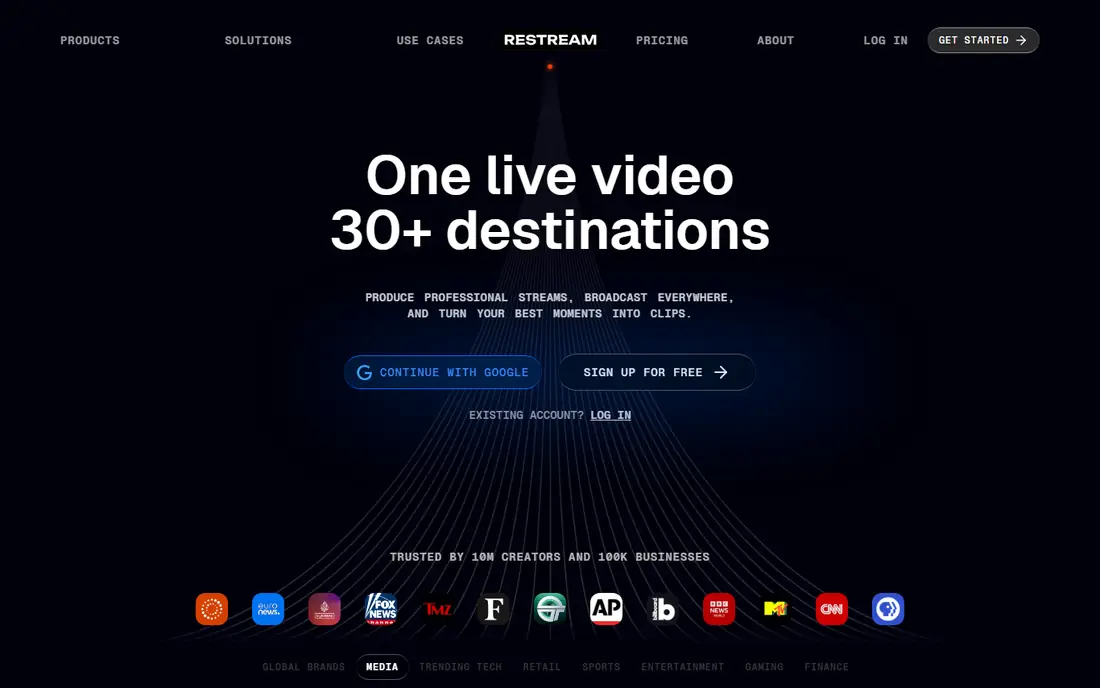
Restream answers a different question from OBS Studio. Instead of asking how to produce a show, it asks where that show should appear, and it answers by sending one feed to YouTube, Twitch, Facebook, LinkedIn, and other destinations at the same time. Its browser studio lets you bring guests on screen, add graphics, and read chat from every platform in one window, which keeps a small team from juggling tabs during a live show.
The free plan covers two channels, which is enough to test YouTube plus Twitch or to run a regular show on two homes. Paid plans remove the branding, raise the channel count, and add full HD in the studio at the Professional tier. If your main frustration with StreamYard is reach rather than production, Restream is the most direct fix, and it still works well when you send it a feed from OBS Studio.
- Streams to many platforms at once
- Browser studio with guests
- Combined chat from all destinations
- Free plan is limited to two channels and 720p in the studio
- Higher tiers cost more for full HD
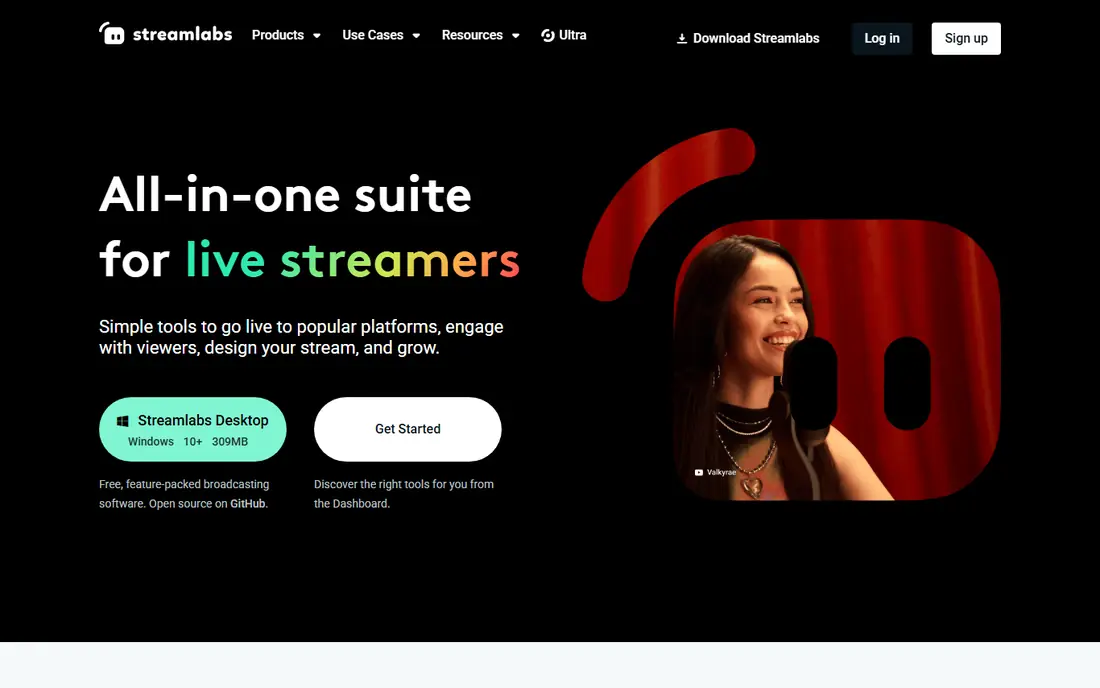
Streamlabs takes the OBS engine and wraps it in a friendlier package for creators who want to go live fast. The free Starter tier covers streaming and recording, overlays, alert widgets, a tip page, and chat moderation tools, so a new streamer can look polished without paying anything. Collab Cam adds guests by link, and Dual Output lets you stream horizontal and vertical video at the same time, which matters if your audience splits between YouTube and short-form platforms.
Ultra, at $27 per month, adds multistreaming, premium themes, and the wider Streamlabs toolset, including video editing and clip tools. That bundle suits creators who already use several Streamlabs products, but it is easy to overspend if you only stream to one platform. Start free, learn what you actually use, and upgrade only when a paid feature solves a real problem in your show.
- Free desktop app built on OBS
- Hundreds of free overlays and widgets
- No-fee tip page
- Best extras sit behind the Ultra subscription
- Can feel heavy on older computers
Riverside starts from the recording, not the live moment, and that changes how it feels to use. Each guest is recorded locally on their own device, so a shaky connection during the call does not have to ruin the final video or audio. Separate audio and video tracks then let you edit one person without touching the rest, and the text-based editor makes cutting filler as simple as deleting words.
Live streaming arrives on the Grow plan and above, so Riverside is a weaker pure StreamYard replacement if going live is your only job. It shines when a show also becomes a podcast, clips, and a polished video after the stream ends. The free plan is a fair test, with two hours of separate-track downloads, but check the hour caps on paid plans before you commit, since they are the part of the price that catches people out.
- Records each guest locally in high quality
- Text-based editing and clips
- Live streaming on higher plans
- Free plan caps separate-track downloads and video at 720p
- Recording hours shape the real cost
Ecamm Live turns a Mac into a small television studio, with camera switching, scenes, overlays, sound effects, and a virtual camera output that feeds your polished look into Zoom, Teams, or other meeting apps. Guests join through a browser link, and you can run the same setup for a live show, a recorded video, or a presentation without rebuilding scenes each time. For Mac-based podcasters and educators, that range is the main appeal.
The catch is the platform limit. There is no Windows version, so mixed teams need a different pick, and the 14-day trial is your only free test. Standard pricing starts at $16 per month, with Pro adding 4K and NDI camera sources. If you live on a Mac and want more production control than a browser studio offers, Ecamm Live is a strong step up from StreamYard.
- Mac-native camera switching and scenes
- Virtual camera for Zoom and other apps
- Interview guest mode
- Mac only, so Windows teams cannot use it
- No permanent free plan
vMix is production software for people who think in cameras, inputs, and switcher buses rather than browser tabs. It handles many inputs, overlays, instant replay, and remote guests through vMix Call, and its editions scale from a $60 Basic HD license to a $1,200 Pro license with 4K and ISO recording. The one-time model appeals to studios that would rather own software than rent it, with a year of updates included and a discounted renewal after that.
That power comes with hardware demands and a learning curve. vMix runs on Windows only, and a weak GPU will show up fast in a multi-camera show. The free 60-day trial, with full Pro features, is the right way to judge it, since the entry edition is too limited for most real productions. Choose vMix when you are building a studio, not when you want the quickest way to go live.
- One-time licenses instead of a subscription
- Instant replay and NDI on higher editions
- VMix Call for remote guests
- Windows only
- The editions that suit serious work cost far more than Basic HD
- Needs a capable PC
Wirecast, from Telestream, is the cross-platform answer to vMix, with a long history in live event production. It captures cameras, screens, and web sources, mixes them with titles and graphics, and streams to several destinations at once. Pro adds replay, ISO recording, live scoreboards, and 3D virtual sets, which is why sports producers and event teams keep returning to it.
Pricing sits at the professional end, with Studio historically around $599 and Pro around $799, so check the current Telestream store before you budget, since prices move between versions. Wirecast also asks more of your machine and your preparation than a browser studio does. It fits teams that run regular events and need repeatable, broadcast-style shows, rather than creators who go live once in a while.
- Runs on Mac and Windows
- Built-in titles, scoreboards, and virtual sets on Pro
- Strong capture device support
- One-time price is high compared with browser tools
- Major version upgrades may cost extra
OneStream Live is easy to overlook next to bigger names, but it has a clear strength that StreamYard users often miss. It treats pre-recorded video as a first-class stream, so you can upload a finished video, schedule it, and present it as a live event on several platforms without sitting at your desk at broadcast time. Playlists and looping extend that idea for channels that want a steady presence.
The browser studio covers live shows with guests, overlays, and unified chat, so it works as a daily driver too, not just a scheduler. The free plan streams at 720p to two destinations with short pre-recorded clips, while Basic at $15 per month raises destinations and recording length. If your show is often recorded in advance, OneStream Live may save you more time than a fancier live studio.
- Free plan with scheduled streams
- Pre-recorded video can go live on a schedule
- Browser studio with guests
- Free plan is limited to 720p and two destinations
- Pre-recorded streams are capped by length on lower plans
How we picked these
We compared official feature pages, pricing pages, and app listings for live streaming and production tools, and we kept only tools that are currently offered and that cover at least one core StreamYard job: browser guests, multistreaming, or live production. We favored a mix of free, browser-based, and professional desktop options, and we noted where a free plan is limited or where a trial replaces a free tier. Prices shown are the entry paid price or the free tier where that is the honest starting point, and we say See website where pricing was not confirmed on the vendor page at the time of writing.
What to decide before you switch
Start with the job, not the logo. A browser studio suits a talk show with remote guests, a desktop app suits a gaming or multi-camera show, and a multistreaming service suits a creator whose audience is split across platforms. Write down how many guests you have, how many destinations you need, and whether the recording or the live moment matters more, then shortlist two tools and test them on a real show, not a demo.
Guests and chat
Guest links, waiting rooms, and combined chat save more stress than any overlay pack. If you host panels, check how many guests can appear on screen at once on the plan you would actually pay for, and test a guest on a weak connection before show day. A tool that looks fine in a solo test can fall apart when four guests join from four networks.
Quality, cost, and your computer
Resolution labels hide real limits, since some plans cap studio quality while letting an external encoder pass higher quality through. Check whether 1080p needs a higher tier, whether recordings carry a watermark, and whether your computer can handle the software you picked. A free tool on a strong PC often beats a paid browser tool on a weak laptop, and a one-time license can beat a subscription over two or three years of regular shows.
A simple test week
Run the same show format on your top two picks in one week, with the same guests and the same length. Keep notes on setup time, audio problems, chat handling, and how long editing took afterwards. The tool with the fewest surprises, not the longest feature list, is usually the right one to keep.
FAQ
What is the closest StreamYard alternative?
Restream and OneStream Live are the closest browser-based matches, since both offer a studio, guests, and multistreaming without installing desktop software. Restream has the wider destination list, while OneStream Live has the stronger scheduling and pre-recorded streaming. If you also want desktop control, OBS Studio paired with Restream covers both worlds for less money.
Can I stream to several platforms for free?
Yes, with limits. Restream and OneStream Live both offer free plans for two destinations, and OBS Studio is free but needs a multistreaming service or a custom setup to reach several platforms at once. Free plans usually cap resolution, add branding, or limit recording, so read those limits before you promise a show to an audience on a new platform.
Is OBS Studio a good StreamYard alternative?
OBS Studio is a good alternative if you want free, powerful production and you do not mind learning scenes, sources, and audio settings. It is a weaker match if you want guest links and multistreaming built in, since those need extra tools. Many creators use OBS Studio for production and Restream for distribution, which gives them control and reach at a low cost.
Which alternative is best for podcast recording?
Riverside is the best pick in this list when the recording matters most, because it records each guest locally and gives you separate tracks to edit. Ecamm Live also works well for Mac podcasters who want a live video look. If you only need a live show and not a polished edit afterwards, a browser studio will be simpler and cheaper.
Do I need a paid plan to remove branding?
In most cases, yes. Free plans from Restream and other browser tools usually show the vendor brand on the stream or the player, and paid plans remove it. OBS Studio, vMix, and Wirecast do not add a vendor watermark to your stream in the same way, though trial versions may carry limits. Check the plan page for the exact wording before you go live for a client.
Can I use these tools on a Mac and on Windows?
It depends on the tool. OBS Studio, Streamlabs, Restream, Riverside, and OneStream Live work across the main platforms or in a browser. Ecamm Live is Mac only and vMix is Windows only, so those two need a platform check first. Wirecast runs on both Mac and Windows, which makes it a safer pick for mixed teams.