Algolia Alternatives in 2026: 8 Tools Compared
Our algolia alternatives guide compares 8 search engines and site search tools, from free open-source engines to managed enterprise search for sites today.
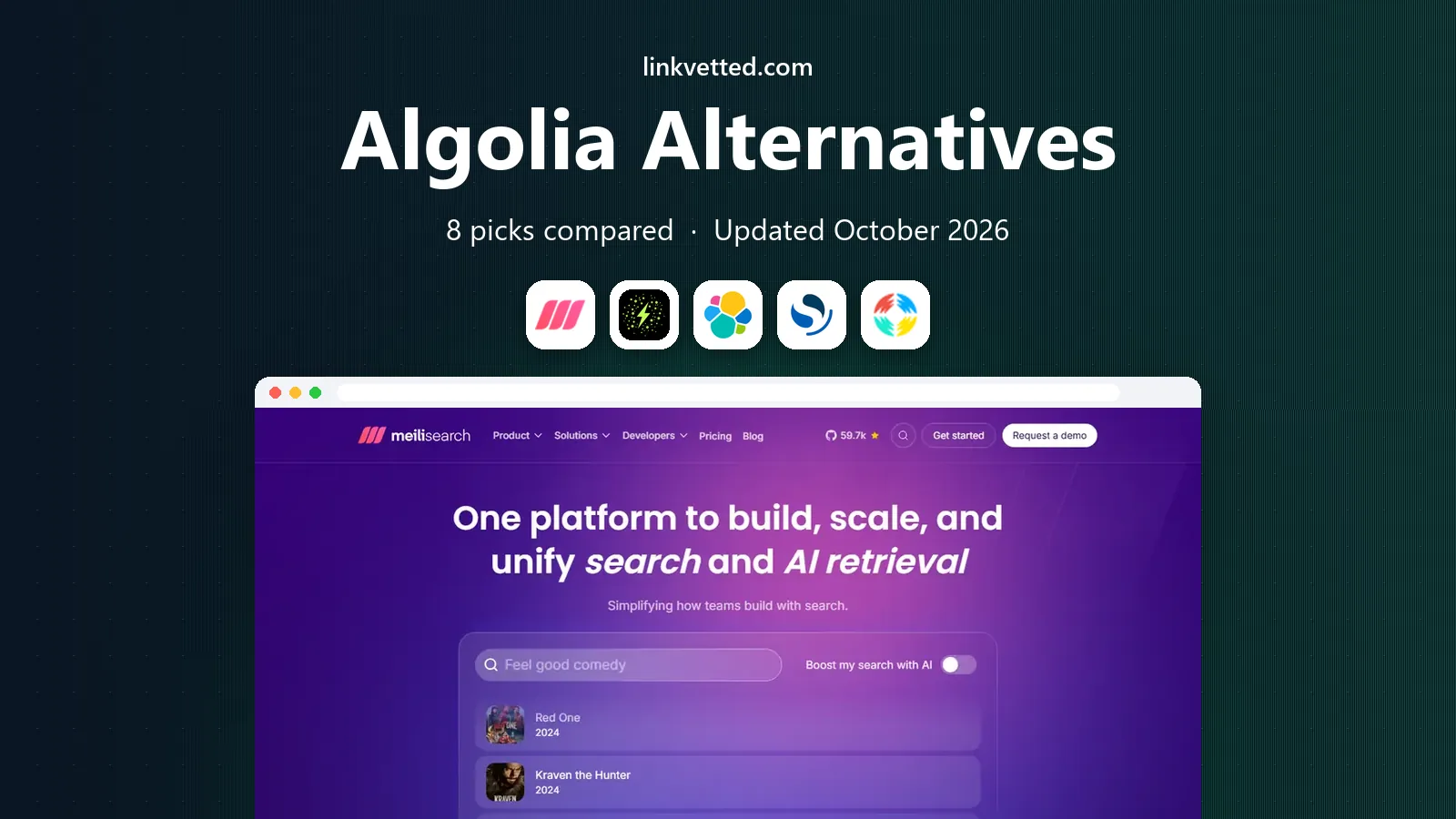
- Editor's choice
 Meilisearch
Fast open-source search with cloud option
Starts at$20 per monthVisit meilisearch.comFull review - Great alternative
 Typesense
Predictable capacity-based search
Starts atSee websiteVisit typesense.orgFull review - Also consider
 Elasticsearch
Large and complex search workloads
Starts atSee websiteVisit elastic.coFull review
TL;DR:
- Meilisearch and Typesense are the closest open-source replacements, with self-hosted versions free and cloud plans from about $20 and $22 per month in published comparisons.
- Elasticsearch and OpenSearch suit teams that already run search infrastructure and need full control over indexing, scaling, and analysis.
- Coveo and Bloomreach target ecommerce and enterprise sites that need personalization, merchandising, and AI answers beside basic search.
- Doofinder and Searchspring suit online stores that want a ready-made search bar, filters, and merchandising without building a search engine.
Quick comparison
| Tool | Best for | Starts at | Free plan? | |
|---|---|---|---|---|
| Meilisearch | Fast open-source search with cloud option | $20 per month | Free trial | Visit |
| Typesense | Predictable capacity-based search | See website | Free trial | Visit |
| Elasticsearch | Large and complex search workloads | See website | Free trial | Visit |
 OpenSearch | Open-source Elasticsearch-style search | Free | Yes | Visit |
 Coveo | Enterprise search with AI answers | See website | No | Visit |
 Bloomreach | Ecommerce search and personalization | See website | No | Visit |
 Doofinder | Ready-made search for online stores | $39 per month | Free trial | Visit |
 Searchspring | Ecommerce search with merchandising | See website | No | Visit |
The best Algolia alternatives
Algolia is known for fast, typo-tolerant site search, so we compared alternatives on speed, relevance controls, pricing model, hosting, and how much engineering work each one needs.

Meilisearch is the most popular open-source Algolia replacement for teams that want fast search without per-search billing. It handles typo tolerance, filters, sorting, and faceting out of the box, and a single binary makes self-hosting simpler than a full search cluster. Cloud plans start at $20 per month in published comparisons, with usage or resource billing and a 14-day trial, while the open-source version stays free.
The catch is ownership, since self-hosted Meilisearch needs your team to handle updates, backups, and scaling as indexes grow. Teams that want a fully managed service with analytics and A/B testing may also miss Algolia dashboard depth, so compare those features before switching.
- Open-source core free
- Typo tolerance and filters
- Hybrid and vector search
- Self-hosted setup needs engineering time
- Cloud sizing needs care

Typesense is an open-source search engine built for sub-50 millisecond responses, with an API style that feels familiar to Algolia developers. Typo tolerance, faceting, filtering, and vector search are built in, and cloud billing is based on provisioned RAM and CPU rather than per-search fees. That capacity model makes costs predictable for sites with many small records, since a traffic spike does not directly raise the search bill.
The catch is memory, since the index lives in RAM and larger indexes need larger, pricier instances. The GPL-3.0 server license also deserves a legal check if you plan to distribute Typesense inside a proprietary product.
- Open-source server
- Capacity billing on cloud
- Typo tolerance and vector search
- Index lives in RAM, so memory sizing drives cost
- Server license is GPL-3.0
Elasticsearch is the heavyweight option for teams that need full-text search, analytics, and large-scale indexing in one platform. It supports complex queries, aggregations, and vector search, and its ecosystem includes Kibana dashboards, Beats ingestion, and many client libraries. Elastic Cloud offers managed clusters, while self-hosting gives full control over hardware, plugins, and data residency.
The catch is operations, since Elasticsearch clusters need tuning, monitoring, and upgrade planning that smaller engines avoid. Licensing has also changed over time, so confirm the current license and cloud pricing for your use case before you build on it.
- Full-text and vector search
- Aggregations
- Large ecosystem and tooling
- Needs real operations skill
- Licensing and pricing need care
OpenSearch is an open-source search and analytics suite forked from Elasticsearch, suited to teams that want a free core without license fees. It includes search, aggregations, and dashboards, and it runs on your own servers or on managed hosting from cloud providers. That freedom appeals to teams with data residency needs or existing search operations experience.
The catch is the same as Elasticsearch, since running a cluster well takes engineering time for scaling, backups, and upgrades. Managed hosting removes much of that work but adds a monthly bill, so compare self-hosted effort against managed cost honestly.
- Open-source fork with search and analytics
- Dashboards included
- No license fee for software
- Needs operations skill
- Managed hosting costs extra
Coveo targets enterprises that need search across websites, help centers, and internal knowledge, with AI answers beside result lists. Generative answering can summarize relevant documents, while personalization and testing help merchandising and support teams improve results over time. Analytics show which queries fail and which content helps, which matters when search supports sales or support deflection.
The catch is price and project scope, since Coveo is quote based and implementation involves content sources, relevance tuning, and governance. Smaller sites that only need a fast search bar will likely find Coveo more platform than they need.
- AI search and generative answering
- Personalization
- Analytics and testing
- Quote-based pricing
- Implementation is a project
Bloomreach combines product search with merchandising and personalization for online stores that live or die by product discovery. Search results can reflect inventory, margins, promotions, and shopper behavior, while merchandisers can pin, boost, or hide products without code. Personalization across web, email, and other channels helps larger retailers keep the experience consistent.
The catch is fit and price, since Bloomreach is built for ecommerce and priced by quote, so a blog or docs site will not get value from its merchandising depth. Stores should also confirm integration with their ecommerce platform and catalog size before committing to a demo.
- AI-driven product search
- Merchandising
- Personalization across channels
- Quote-based pricing
- Best fit is ecommerce, not general site search
Doofinder gives online stores a fast search bar with filters, suggestions, and merchandising without building a search engine from scratch. Setup is largely no-code for supported ecommerce platforms, and store owners can adjust ranking, banners, and synonyms from a dashboard. Published comparisons list pricing from $39 per month, which makes it easy to budget for a single store.
The catch is flexibility, since Doofinder is designed for storefront search rather than custom applications or large internal knowledge bases. Larger catalogs or multiple stores should also check how pricing scales with records, searches, and store count.
- Fast search bar for stores
- Filters and merchandising
- No-code setup
- Per-store pricing
- Less flexible for custom apps
Searchspring helps online stores improve product discovery with search, recommendations, and merchandising tools in one platform. Merchandisers can control ranking, badges, and campaigns, while analytics show search terms that return no results or low conversion. Integration with major ecommerce platforms keeps catalog, inventory, and pricing data in sync with search results.
The catch is quote-based pricing and catalog work, since accurate search depends on clean product data and regular syncing. Small stores with simple catalogs may get similar results from Doofinder at a published price, without a full merchandising platform.
- Product search and recommendations
- Merchandising tools
- Analytics
- Quote-based pricing
- Implementation needs catalog work
How we picked these
We compared vendor pricing pages, documentation, and public comparisons in October 2026, judging each tool on query speed, relevance controls, hosting options, pricing model, and engineering effort. We favored tools with a free tier, trial, or open-source core and clear pricing, and we weighed managed convenience against self-hosted control. No vendor paid for placement, and where pricing is quoted or capacity based we explain the model instead of giving a single misleading figure.
Choosing an Algolia replacement by team and catalog
Start with who will own search, since a solo developer, a small product team, and an enterprise merchandising team need different tools. Then check your catalog size and query volume, because per-search, per-record, and capacity pricing punish different patterns. Finally, test relevance with real queries, including typos, synonyms, and empty results, since speed alone does not help if shoppers cannot find the right product. Also check analytics, synonym handling, and how easily merchandisers can adjust ranking without developer help, since those daily tasks decide whether search stays useful after launch. A short pilot with real catalog data will reveal relevance gaps faster than any feature checklist, so run one before signing a yearly contract.
FAQ
Why do teams leave Algolia?
Cost at scale is the most common reason, since usage-based pricing for searches and records can rise quickly with traffic. Some teams also leave for self-hosting control, data residency, or a simpler pricing model, even if that means more engineering work.
Is open-source search really free?
The software is free, but servers, storage, backups, and engineering time are not, so model total cost before you switch. Cloud versions of Meilisearch and Typesense remove operations work but add a monthly bill that still beats per-search pricing for many sites.
What is the difference between capacity and usage pricing?
Capacity pricing charges for the server size you provision, regardless of query count, while usage pricing charges per search or record. Capacity suits spiky traffic, while usage suits steady low volume, so match the model to your traffic pattern.
Can I migrate from Algolia without rebuilding my frontend?
Often yes, since Meilisearch and Typesense offer migration guides and compatible InstantSearch adapters. Test the migration with a copy of your index and your top queries before you change production search.
Do I need AI search or just keyword search?
Keyword search with typo tolerance and filters covers most sites, while vector and hybrid search help when shoppers use natural language or vague descriptions. Start with keyword relevance, then add AI features only if failed queries show a real gap.