Best Alchemer Alternatives in 2026: 8 Survey Tools Compared
Looking for Alchemer alternatives? We compare 8 survey tools on pricing, question types, logic, reporting and free plans to help you pick the best one.
- Editor's choice
 SurveyMonkey
Established survey research
Starts atSee websiteVisit surveymonkey.comFull review - Great alternative
 Typeform
Conversational surveys
Starts atSee websiteVisit typeform.comFull review - Also consider
 Qualtrics
Enterprise research programs
Starts atSee websiteVisit qualtrics.comFull review
TL;DR:
- Google Forms is the clear choice for a simple, free survey, while SurveyMonkey and Qualtrics suit larger research work.
- Typeform and SurveySparrow are the strongest picks when completion rates matter more than deep analysis.
- Jotform works well if you need surveys, forms and payments in one account.
- Check response limits before you pay, since free plans cap questions, responses or exports in different ways.
Quick comparison
| Tool | Best for | Starts at | Free plan? | |
|---|---|---|---|---|
| SurveyMonkey | Established survey research | See website | Yes | Visit |
| Typeform | Conversational surveys | See website | Yes | Visit |
| Qualtrics | Enterprise research programs | See website | Yes | Visit |
 Google Forms | Simple free surveys | Free | Yes | Visit |
 Jotform | Forms and surveys together | See website | Yes | Visit |
 QuestionPro | Research-grade surveys | See website | Yes | Visit |
 SurveySparrow | Chat-style customer surveys | See website | Yes | Visit |
 Zoho Survey | Low-cost branded surveys | See website | Yes | Visit |
The best Alchemer alternatives
Alchemer is a capable survey platform, but its pricing and feature set are not the right fit for every team. We compared official pricing pages, feature lists and public documentation for the tools below, and we focused on what each one does best in plain terms.
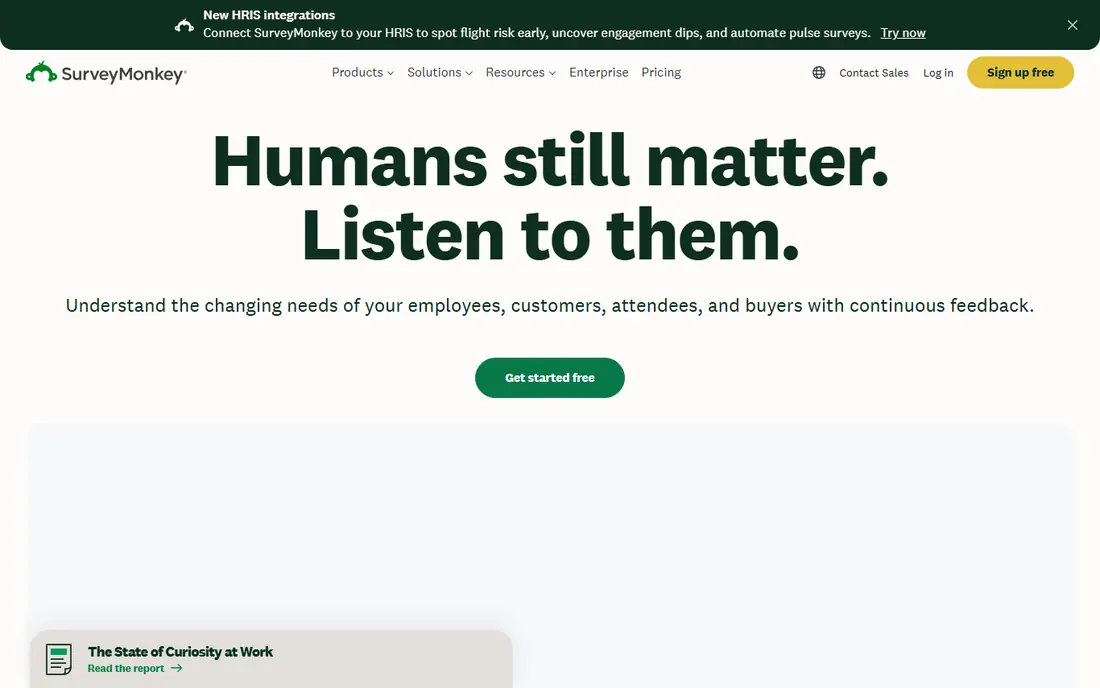
SurveyMonkey is the safe, familiar choice for teams that send surveys often and need results that other people can read without training. Its templates cover customer satisfaction, employee feedback, market research and event feedback, and its question bank helps you avoid weak or leading questions. Reporting is clear, with charts, filters and exports that make it easy to share findings with managers.
The catch is cost. The free plan caps questions and viewable responses, so it works for a quick poll but not for an ongoing program. If you need branching logic, custom branding and deeper analysis, expect a paid plan. For a small team running occasional surveys, that may feel like a lot. For a team that lives in survey data, the depth is worth it.
- Large template and question library
- Strong reporting and exports
- Widely recognised by respondents
- Free plan is limited
- Advanced analysis sits on higher plans
Typeform turns a survey into a conversation. Respondents see one question at a time, which feels lighter than a long page of fields, and that design often helps completion rates on short surveys, quizzes and lead forms. Its templates and design options also make it easy to build something that looks polished without a designer.
Where Typeform is weaker is in heavy research. Long questionnaires with complex logic, quotas and detailed cross-tabulation are not its main strength, and monthly response limits matter if you send to a large list. Our pick for most people is Typeform when the survey is short, public facing and needs to look good. For a 100-question research study, look at SurveyMonkey or QuestionPro instead.
- Clean one-question-at-a-time design
- Strong templates
- Good completion rates for short surveys
- Response limits on lower plans
- Less suited to very long research questionnaires
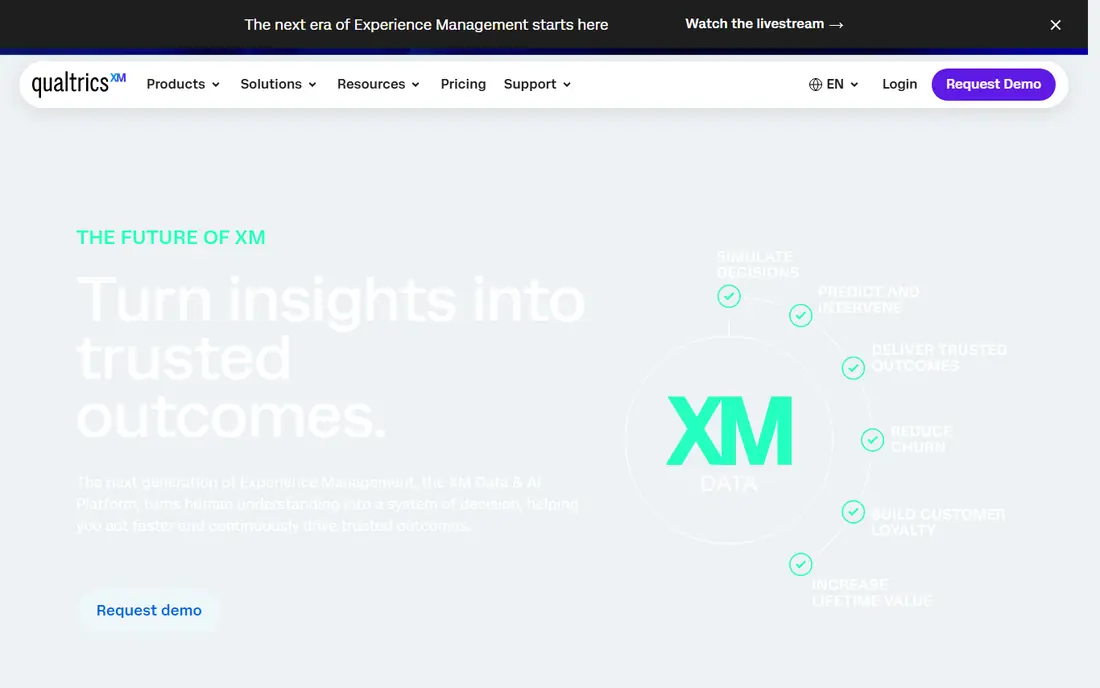
Qualtrics is built for organisations that run research as a program, not as a one-off survey. It handles complex logic, panel management, text analysis and dashboards in one place, and it is commonly used for customer experience, employee experience and academic research. If you need to run the same study across regions, languages and teams, this is the level of control you will want.
That power comes with a learning curve and a price that is rarely listed as a simple monthly figure. Small teams may find it more than they need, and the free account is a starting point rather than a full replacement for a paid licence. Choose Qualtrics when research quality, governance and scale matter more than a low monthly bill.
- Deep logic, workflows and analytics
- Strong enterprise security and controls
- Broad research features
- Pricing is quote based for most teams
- Setup can take time
Google Forms does the basics well and costs nothing. You can build a form in minutes, share a link, collect responses and view them in a spreadsheet or a simple summary chart. For a classroom poll, a signup sheet, an internal vote or a short feedback form, it is hard to beat on speed and price.
Its limits show up quickly on serious work. Branding is basic, question logic is simple, and reporting is far thinner than a dedicated survey tool. There is also no built-in panel, advanced distribution or detailed analysis. We recommend Google Forms as the default for personal use and small internal surveys, and as a backup when you need something fast.
- Free with a Google account
- Very easy to share
- Responses feed into Sheets
- Limited design control
- No advanced logic or analysis
Jotform is a form builder first, and that is its strength for many small businesses. You can build a survey, an order form, a registration form and a payment form in the same account, using templates that cover most common needs. Conditional logic, widgets and integrations let you connect responses to email, spreadsheets and other tools without much setup.
As a pure survey tool, it is not as deep as Qualtrics or QuestionPro. Cross-tabulation, panel tools and advanced analysis are limited, and free and lower plans cap monthly submissions. Pick Jotform if surveys are one part of a wider set of forms your business needs. Pick a research tool if analysis is the main job.
- Huge template library
- Payments, widgets and conditional logic
- Offline mobile forms
- Survey reporting is lighter than dedicated research tools
- Submission limits apply
QuestionPro sits between the simple form tools and the enterprise platforms. It offers a wide range of question types, logic, multilingual surveys and real-time dashboards, which makes it a strong choice for market research, academic work and customer feedback programs. Its free Essentials plan lets you test the core builder before paying.
The trade-off is polish. The interface packs in a lot, so new users may need a short learning period before building complex surveys. Pricing also rises with users and features, so check the plan that covers your question types and export needs. For research on a budget, QuestionPro gives you a lot of depth for the money.
- Many question types and languages
- Strong logic and reporting
- Free Essentials plan
- Interface feels busy at first
- Higher plans are priced per user
SurveySparrow presents surveys as a chat conversation, which can feel friendlier than a traditional form, especially for customer satisfaction and feedback surveys sent by email or link. It includes templates for NPS and CSAT surveys, recurring surveys and simple dashboards that track scores over time.
It is not the best pick for very long academic questionnaires, and its free plan limits responses, so larger programs will need a paid plan. Choose SurveySparrow when you want regular customer feedback that people will actually finish, and when a clear score dashboard matters more than complex research analysis.
- Chat-like survey experience
- Good for NPS, CSAT and feedback
- Clear dashboards
- Free plan is capped
- Advanced features need higher plans
Zoho Survey is a sensible low-cost option, especially for teams already using Zoho products. It covers the core needs well: drag-and-drop building, skip logic, branded surveys, QR sharing and more than 250 templates. Results are easy to view and export, and the price is lower than most dedicated survey platforms.
It does not match Qualtrics or SurveyMonkey for advanced research, and its template range is smaller. For a small business that needs branded customer or employee surveys without a large budget, though, it is a strong value pick. Check the response and question limits on the plan you choose, since those decide whether it stays cheap as you grow.
- Affordable paid plans
- Branded surveys and templates
- Works well with other Zoho apps
- Smaller template library than larger rivals
- Reporting is simpler
How we picked these
We compared official feature pages, pricing pages, free plan terms and public documentation for each tool, and we checked that each one is available and working in October 2026. We favoured tools that cover the core Alchemer use cases: building surveys, distributing them by link or email, applying logic, and reporting results. We left out tools that only handle polls inside another app, and tools that had no clear pricing or free plan information.
What to check before you choose
Start with your survey length and audience. A short customer survey needs a friendly design and a high completion rate, while a research study needs logic, quotas and analysis. Match the tool to that job first, and do not pay for enterprise features you will not use in the next year.
Check limits, not just the headline price
Free plans and low plans often cap responses, questions, exports or users. A plan that looks cheap can become costly if you hit a response cap mid-campaign. Read the limits for responses, storage and exports, and check whether overages are charged or whether collection simply stops.
Test with a real survey
Build one full survey before you commit, including logic, branding and an export. Send it to a few colleagues and check how it looks on a phone. Small issues, such as awkward question wording on mobile or a confusing results export, are easier to spot in a test than after you have sent a survey to customers.
FAQ
What is the best free Alchemer alternative?
Google Forms is the best free option for simple surveys, since it has no response cap tied to a paid plan and works with a standard Google account. SurveyMonkey, Typeform, Jotform and QuestionPro also offer free plans, but each caps questions, responses or features, so they suit testing and small surveys better than large programs.
Is SurveyMonkey better than Alchemer?
SurveyMonkey is better for teams that want a familiar tool with a large template library and strong reporting, while Alchemer can suit teams that want flexible survey building and support options. The better choice depends on your budget, response volume and whether you need advanced research analysis or simple feedback collection.
Which Alchemer alternative is best for customer satisfaction surveys?
SurveySparrow and Typeform are strong picks for customer satisfaction surveys because their chat-style and one-question designs help people finish short surveys. SurveyMonkey also works well, especially if you want benchmarking templates and detailed reporting on satisfaction trends over time.
Can I move my surveys from Alchemer to another tool?
Most tools do not offer a one-click import of a full Alchemer survey with logic intact, so expect to rebuild complex surveys by hand. You can usually export past response data as a spreadsheet and keep it for reference, and you can copy question wording and structure into the new tool during the rebuild.
Do these survey tools work for employee feedback?
Yes, most of them do, but check privacy and anonymity settings before you run an employee survey. Look for anonymous response options, access controls and clear data handling terms, and tell staff how results will be used so they can answer honestly.
Which tool is best for long research questionnaires?
Qualtrics and QuestionPro are the best picks here, since they handle complex logic, many question types, quotas and detailed reporting. Typeform and SurveySparrow are better for short surveys, and Google Forms is best kept for simple forms rather than long research work.