Best accessiBe Alternatives in 2026: 8 Accessibility Tools Compared
Compare accessibe alternatives for WCAG and ADA work, including UserWay, AudioEye and EqualWeb, with widget, audit, monitoring and pricing details today.

- Editor's choice
 UserWay
Widget plus monitoring at a low entry price
Starts at$49 per monthVisit userway.orgFull review - Great alternative
 AudioEye
Managed accessibility with expert layers
Starts atSee websiteVisit audioeye.comFull review - Also consider
 EqualWeb
Widget with expert remediation options
Starts at$39 per monthVisit equalweb.comFull review
TL;DR:
- UserWay at $49 per month and EqualWeb at $39 per month are the most direct widget-style replacements for accessiBe, with visitor controls and scanning included.
- AudioEye, Siteimprove, Silktide and Level Access suit teams that want audits, manual testing and reporting rather than a widget alone.
- No widget alone guarantees ADA or WCAG compliance, so teams with legal risk should pair automation with manual review and real fixes in the site code.
- Pricing is often based on page views, visits or page count, so check your traffic before you compare headline prices.
Quick comparison
| Tool | Best for | Starts at | Free plan? | |
|---|---|---|---|---|
| UserWay | Widget plus monitoring at a low entry price | $49 per month | Free trial | Visit |
| AudioEye | Managed accessibility with expert layers | See website | Free trial | Visit |
| EqualWeb | Widget with expert remediation options | $39 per month | Free trial | Visit |
 Siteimprove | Enterprise accessibility and quality checks | See website | No | Visit |
 Silktide | Detailed accessibility analysis | See website | Free trial | Visit |
 Level Access | Large organisations and governance | See website | No | Visit |
 Monsido | Accessibility plus web governance | See website | Free trial | Visit |
 DubBot | Automated monitoring for public sector sites | See website | Free trial | Visit |
The best accessiBe alternatives
We compared these tools on widget features, scanning, manual audit support, reporting and published pricing. The list mixes quick widget options with deeper platforms, because the right choice depends on whether you need a fast front-end aid or a full compliance programme.
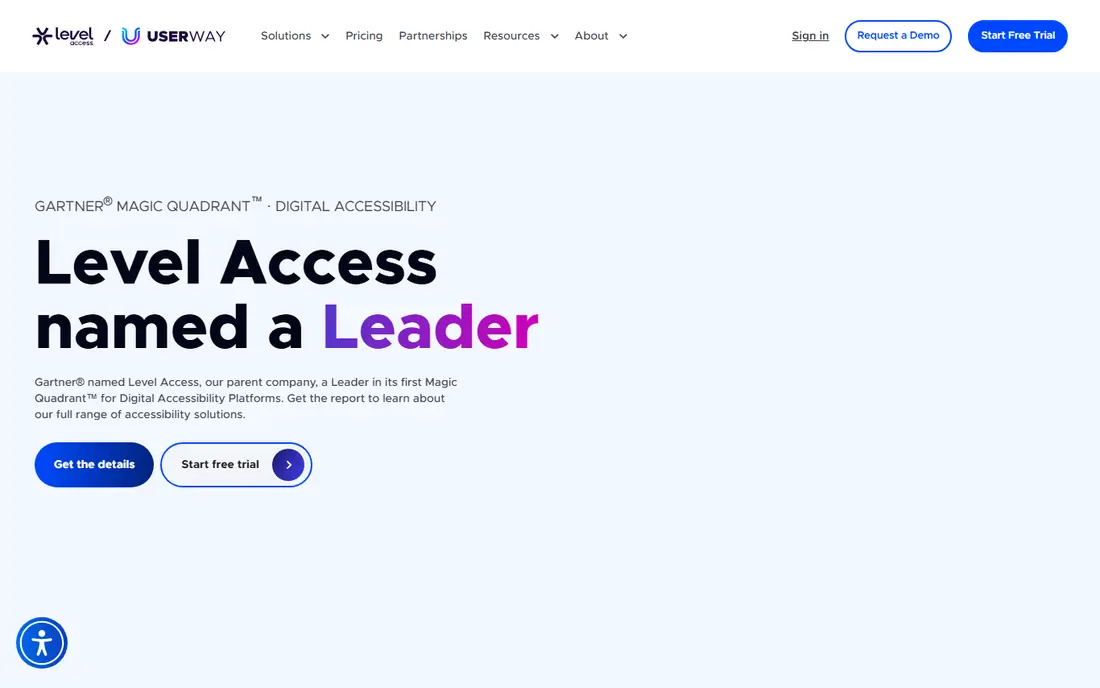
UserWay is the closest like-for-like switch for many accessiBe users. Its widget gives visitors controls for text size, contrast, spacing and other display settings, and its higher plans add scanning, monitoring and audit help. The entry plan starts at $49 per month, or $490 per year, for up to 100,000 page views, which suits many small and mid-size sites.
The honest limit applies to every widget in this list. A front-end overlay can help some visitors, but it cannot rewrite inaccessible navigation, forms or media in your own code. Use UserWay for visitor controls and monitoring, and plan real code fixes for issues the scanner flags. That combination is far stronger than a widget on its own.
- Widely used widget with visitor display controls
- Monitoring and audit options on higher plans
- Pricing by page views is easy to understand
- Widget alone does not fix underlying code issues
- Higher tiers cost much more as traffic grows
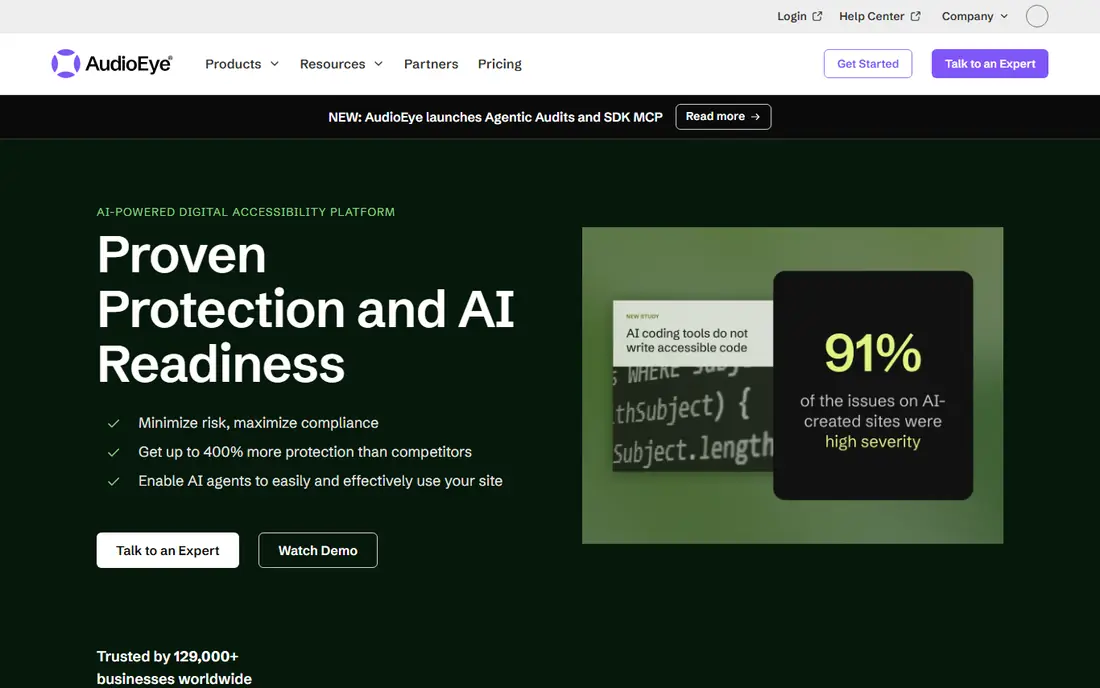
AudioEye pairs automated testing with human review, which is why larger teams often pick it over a widget alone. You get an accessibility score when you sign up, ongoing monitoring and, on managed plans, expert help to fix issues that automation cannot handle. That layered approach suits sites with steady traffic and real legal exposure.
The main drawback is pricing transparency. AudioEye does not publish plan prices, so you will need a quote based on your site size and needs. Smaller sites may find the quote higher than a simple widget plan. If your team wants a vendor to manage more of the work, AudioEye is worth a demo, but compare the quote with UserWay and EqualWeb first.
- Automation paired with manual audits on higher plans
- Clear accessibility score to track progress
- Monitoring with every site visitor
- No published pricing, so budgeting needs a sales quote
- Automated fixes cover only part of the issues found
EqualWeb starts at $39 per month for sites up to 100 pages, which makes it one of the cheapest entry points in this group. The widget offers visitor controls, while scanning looks for issues across the site. Teams that want human help can move to a Managed plan, where experts handle remediation work.
Page-count pricing is the catch to watch. A site with hundreds or thousands of pages will pay more than the headline rate, so count your indexed pages before you compare. For small business sites, blogs and brochure sites, EqualWeb is a practical and affordable alternative. Larger sites should get a quote for their true page count.
- Lowest published entry price here
- AI widget plus scanning
- Expert remediation available on the Managed plan
- Pricing rises with page count
- Small-page tiers may not suit large sites
Siteimprove suits organisations that manage many pages, subdomains or brands. Accessibility findings appear next to SEO, spelling and broken-link checks, which helps content teams fix issues in their normal workflow. Reporting also helps managers show progress over time, rather than relying on a single score.
Small sites will likely find Siteimprove heavy and expensive, since pricing is quote-based and built for scale. It makes most sense when accessibility is one part of a wider web governance job. If you run a single small site, a widget tool will be faster and cheaper. If you run a portfolio, Siteimprove earns its place on the shortlist.
- Strong reporting for large site portfolios
- Accessibility checks sit alongside SEO and content quality tools
- Good for governance across teams
- Quote-based pricing
- More platform than a small site needs
Silktide is a good choice when your main problem is understanding what to fix and in what order. Its analysis gives teams detailed findings, rather than just a widget for visitors, and that helps developers work through issues in the code itself. That focus on real fixes is what many accessibility specialists recommend.
It is not a direct widget replacement in the same way as UserWay. If you mainly want visitor display controls, look elsewhere first. If you want a testing and reporting platform that supports a proper remediation programme, Silktide is a strong option. Ask for pricing based on your page volume and testing frequency.
- Detailed analysis that helps teams prioritise real fixes
- Clear issue explanations for developers
- Strong reporting for ongoing work
- No published starting price
- Less of a visitor widget product than UserWay or EqualWeb
Level Access is built for large organisations with many websites, apps and internal teams. It combines a platform with audit and remediation services, plus governance tools that help set standards across properties. That depth suits government, education, healthcare and large corporate teams with formal compliance duties.
The trade-off is scale and cost. Pricing is custom, and the platform expects a team that can act on findings across many properties. A single small site will get little value from that depth. For enterprises that need consistent reporting and expert support, Level Access is one of the most established alternatives to accessiBe.
- Enterprise platform with audits, remediation and governance
- Suited to many properties and teams
- Long track record in accessibility services
- Quote-based enterprise pricing
- Implementation can be heavy for small teams
Monsido, part of Acquia, appeals to marketing and web teams that want one dashboard for site health. Accessibility findings sit next to SEO and content quality checks, so fixes can be planned alongside normal site updates. That shared view helps when accessibility competes for time with other web work.
It is not as specialised as Level Access or Silktide for deep audit work. Teams with complex applications or strict legal duties may still need a dedicated audit partner. For content-led sites that want steady improvement across quality, SEO and accessibility, Monsido is a balanced choice. Get a quote tied to your page count.
- Accessibility checks alongside SEO, content quality and data privacy tools
- Useful for marketing teams
- Clear dashboards
- Pricing is quote-based
- Accessibility depth varies by plan
DubBot focuses on monitoring and reporting, which suits teams that must show steady progress to stakeholders. It scans sites, flags accessibility issues and helps teams track whether fixes actually land. Public sector and education teams often value that audit trail, since compliance work needs evidence, not just a widget.
If you want a visitor-facing accessibility toolbar, DubBot is not the closest match. If you want to monitor a site, assign fixes and prove improvement over time, it is a practical alternative. Use the trial to test scanning on your real pages, and check how well reports map to WCAG criteria your team follows.
- Automated accessibility monitoring with clear reports
- Strong fit for government, education and healthcare sites
- Helps teams track fixes over time
- Less widely known than larger rivals
- Widget-style visitor controls are not the focus
How we picked these
We compared official product and pricing pages, widget and audit features, and public reviews for accessibility tools that serve the same buyers as accessiBe. We included both widget-led tools and audit-led platforms, because buyers split between those two needs. Prices are vendor-published figures where available, and marked See website where vendors use quotes. We did not treat any widget as a guarantee of legal compliance.
How to choose without wasting money
Start by deciding what you actually need: visitor controls, monitoring, or full remediation. A widget helps visitors adjust display settings today, but it does not fix code. Monitoring finds problems, but someone still has to fix them. A full programme combines scanning, manual testing and code fixes, and it costs more because it does real work.
Check your traffic and page count before you compare prices, since most tools price by one of those measures. A cheap headline price can double when your true traffic is counted. Also ask each vendor what manual testing is included, how findings map to WCAG 2.2, and what evidence you get for legal or procurement teams. Those answers matter more than a marketing score.
A note on compliance claims
No tool on this list can promise that your site is fully ADA compliant or lawsuit-proof. Accessibility law and standards depend on your content, code and user journeys, not on a single script. Treat vendor scores as a guide, keep records of audits and fixes, and get legal advice for high-risk sites. This article is general information, not legal advice.
FAQ
Are accessiBe alternatives better than a widget alone?
Often, yes, when they add manual testing and code fixes. Widgets help some visitors adjust a site, but they do not fix inaccessible forms, navigation or media. The strongest approach pairs a widget or monitoring tool with real fixes in your site code and checks by people who use assistive technology.
What is the cheapest accessiBe alternative?
EqualWeb starts at $39 per month for up to 100 pages, and UserWay starts at $49 per month for up to 100,000 page views. Which is cheaper for you depends on whether your site is small in pages but high in traffic, or large in pages with modest traffic. Check both measures before you decide.
Does UserWay guarantee ADA compliance?
No vendor can guarantee compliance for every site, and UserWay does not change that fact. It offers a widget, scanning and audit options that can support a compliance programme. Real compliance still needs code fixes, manual testing and ongoing checks as content changes.
Should small sites use AudioEye or Siteimprove?
Most small sites will find a widget tool faster and cheaper. AudioEye and Siteimprove suit larger sites and portfolios where reporting, governance and expert services justify the cost. Start with your page count, traffic and legal risk, then shortlist tools built for that scale.
How often should accessibility be checked?
At least monthly for active sites, and after every major redesign or template change. Content changes daily on many sites, so a one-time audit goes stale fast. Ongoing monitoring plus periodic manual testing keeps findings current and gives your team a record of progress.