Best Zoho CRM Alternatives in 2026: 8 CRMs Compared
Looking for zoho crm alternatives? We compare 8 CRMs on price, pipeline tools, automation, and ease of use to help your team switch with full confidence.
- Editor's choice
 HubSpot CRM
Free start and growth
Starts at$15 per seat per monthVisit hubspot.comFull review - Great alternative
 Pipedrive
Visual sales pipeline
Starts at$14 per seat per monthVisit pipedrive.comFull review - Also consider
 Freshsales
Low-cost sales CRM
Starts at$9 per user per monthVisit freshworks.comFull review
TL;DR:
- HubSpot is the best free starting point, while Pipedrive is the simplest pipeline tool for sales-led teams.
- Freshsales offers the lowest paid entry price on this list, with built-in calling and AI insights.
- Salesforce and monday sales CRM suit teams that need deep customisation or a visual workflow across departments.
- Switching costs come from data migration and retraining, so trial your top two CRMs with real deals before you buy.
- Per-user pricing multiplies fast, so model the total cost for your full team, not just a single seat.
Quick comparison
| Tool | Best for | Starts at | Free plan? | |
|---|---|---|---|---|
| HubSpot CRM | Free start and growth | $15 per seat per month | Yes | Visit |
| Pipedrive | Visual sales pipeline | $14 per seat per month | No | Visit |
| Freshsales | Low-cost sales CRM | $9 per user per month | Yes | Visit |
 Salesforce | Scale and customisation | $25 per user per month | No | Visit |
 monday sales CRM | Visual team workflows | $12 per seat per month | No | Visit |
 Close | Outbound calling | See website | No | Visit |
 Insightly | Projects plus CRM | $29 per user per month | No | Visit |
 Copper | Gmail-centred CRM | $9 per seat per month | No | Visit |
The best zoho crm alternatives
Zoho CRM is known for value, with a free plan for up to three users and a deep feature set at a low price. The tools below are the best alternatives to Zoho CRM when you want a simpler pipeline, a stronger free plan, better Gmail integration, or room to scale. We compared official pricing pages, free plans, and core sales features to sort them by the job they do best.

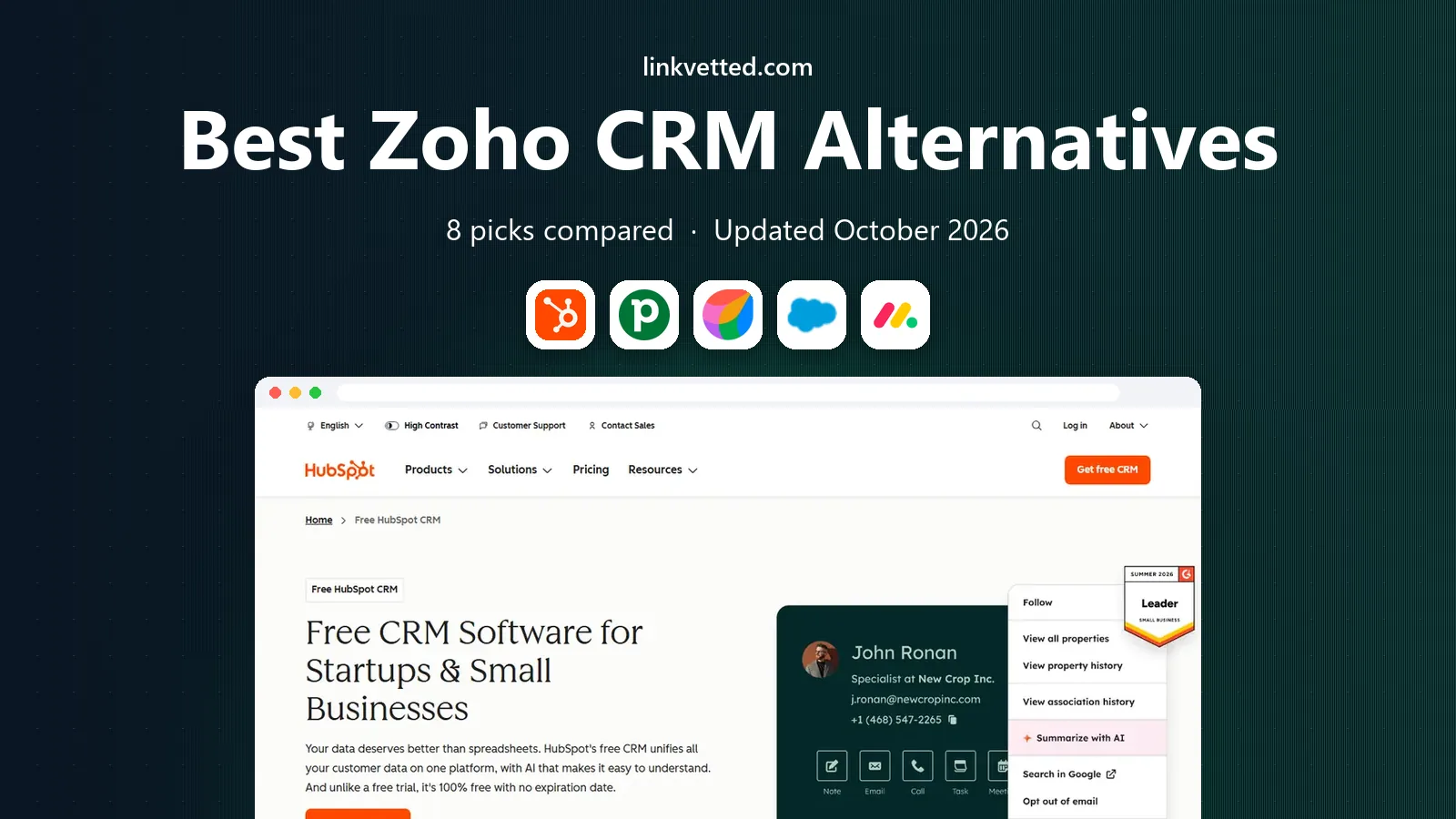
HubSpot is the default recommendation for teams leaving Zoho because the free CRM is genuinely usable. Contacts, deals, tasks, forms, and meeting scheduling work without payment, and a small team can run on the free tier for months. When you grow, marketing, sales, and service tools share one contact record, so a lead's history stays in one place.
The catch is the price jump to professional tiers. Real automation, sequences, and custom reporting sit on Sales Hub Professional, which costs far more per seat, and some plans add onboarding fees. Start free, and move up only when the automation will clearly pay for itself in saved time or closed deals.
- Generous free CRM
- One shared contact record
- Marketing and sales in one database
- Automation and reporting jump in price on higher tiers
- Onboarding fees on some plans

Pipedrive is built around one idea: a pipeline you can read at a glance. Deals move across stages by dragging, activities sit next to each deal, and managers can see where deals stall without running a complex report. Sales teams tend to adopt it quickly, which matters more than any feature list, since a CRM nobody updates is useless.
There is no free plan, only a trial, and marketing tools such as email campaigns come as add-ons rather than in the core product. If your team is sales-led and wants a tool that stays out of the way, Pipedrive is one of the best Zoho CRM alternatives. If you need marketing automation in the same subscription, look at HubSpot or Freshsales first.
- Clearest visual pipeline
- Fast setup
- Strong adoption by sales teams
- No free plan
- Marketing features need add-ons

Freshsales, from Freshworks, is the budget pick on this list, with a free plan for small teams and paid plans starting at a low per-user rate. Built-in calling, email tracking, and deal management cover the daily sales workflow, and AI insights on paid plans help prioritise leads. Setup is fast, which suits teams that want to leave Zoho without a long migration project.
Marketing depth is thinner than HubSpot, and some advanced features sit on higher tiers. For a sales team that mainly needs pipeline, calling, and follow-up reminders, Freshsales gives strong value. Check the current free plan limits, since they change over time.
- Low entry price
- Built-in phone
- AI insights on paid plans
- Less marketing depth than HubSpot
- Some features need higher tiers
Salesforce is the choice when a team has outgrown a simple CRM and needs custom objects, complex automation, and an app ecosystem that covers almost any business process. Its Starter Suite starts at a modest per-user price, but the real strength appears on higher tiers, where reporting, forecasting, and automation become far more powerful. Large teams with dedicated admins get the most from it.
Complexity is the honest downside. Setup takes time, and many teams need an admin or a consultant to get the most from the platform. Small teams that want a simple pipeline will find Salesforce heavy. Buy it when scale and customisation are the main reasons for leaving Zoho.
- Deepest customisation
- Huge app ecosystem
- Strong enterprise reporting
- Complex setup
- Costs rise fast with add-ons and implementation help
monday sales CRM builds on the visual boards many teams already know from monday work management, with pipelines, contact lists, and deal tracking in a colourful, drag-and-drop layout. It suits teams where sales, marketing, and operations share work, since the same board style can track deals, projects, and onboarding. Customisation is easy without code, which helps small teams adapt the CRM to their own process.
The entry plan limits contacts and automation runs, so growing teams may need a higher tier sooner than expected. If your team likes visual work management and wants a CRM that feels like a project board, monday is a strong Zoho alternative. If you need deep sales automation, Pipedrive or HubSpot may fit better.
- Visual boards teams know
- Flexible workflows
- Good cross-team use
- Contact limits on the entry plan
- Automation caps can bite early
Close is built for outbound teams that live on the phone. Calling, SMS, and email sit inside the CRM, so a rep can call, log, and follow up without switching apps, and power dialling on higher plans speeds up call lists. The pipeline itself is simple, which keeps the focus on conversations rather than admin.
There is no free plan, and marketing features are thinner than on HubSpot or ActiveCampaign-style tools. If your team makes many outbound calls a day, Close can save hours a week. If your sales are mostly inbound, a broader CRM will give you more for the money.
- Native calling and SMS
- Simple pipeline
- Built for outbound teams
- No free plan
- Less marketing depth than HubSpot
Insightly combines CRM with project management, which suits service businesses that sell a deal and then deliver a project. A deal can turn into a project with tasks, milestones, and files, without moving to a separate tool. That link between sales and delivery is the reason many small service firms choose Insightly over a pure sales CRM.
The entry price is higher than Pipedrive or Freshsales, and the interface is more functional than pretty. If your business delivers projects after a sale, the combined workflow can justify the cost. If you only need pipeline tracking, a cheaper sales-only CRM will do the same job for less.
- CRM plus project management
- Good for service businesses
- Clear linking of deals to projects
- Higher entry price
- Interface feels dated to some users
Copper is designed for teams that run their business in Gmail and Google Workspace. It sits inside the inbox, captures contacts and emails automatically, and keeps pipeline data close to the messages that drive deals. For a small team that never leaves Gmail, that closeness removes a lot of manual data entry and keeps the CRM up to date with less effort.
The Google focus is also the limit. Teams on Outlook or mixed email systems will get less value, and advanced automation is thinner than on HubSpot or Salesforce. If your team is all-in on Google, Copper is one of the easiest Zoho alternatives to adopt. Check current pricing on the site, since plan names and rates have changed over time.
- Lives inside Gmail
- Automatic contact capture
- Simple setup for Google teams
- Google-only focus
- Fewer advanced automation features than rivals
How we picked these
We compared CRMs by pricing, free plans, pipeline quality, automation, calling, and ease of migration, using official pricing and product pages. We kept only CRMs that are live and actively sold in October 2026, and we favoured tools with a clear strength, such as a free plan, a visual pipeline, or Gmail integration, over tools that try to do everything at a middling level. We did not rank by review scores alone, since scores vary by reviewer and by the size of team surveyed.
How to switch from Zoho without losing deals
Start by exporting contacts, deals, and notes from Zoho in a clean spreadsheet, and check for duplicates and missing fields before you import anything. Map Zoho pipeline stages to the new CRM stages on paper first, since a stage that means different things in two systems will confuse reporting for months. Import a small test batch, check that owners, dates, and custom fields survived, and only then import the full set.
Next, run both systems in parallel for two weeks if you can. Let reps log new deals in the new CRM while keeping Zoho readable for history, and hold a short training session on the new pipeline, not just a feature tour. A switch fails more often from unclear stages and missing training than from missing features, so spend time on process before you cancel Zoho.
Cost check before you sign
Multiply the per-user price by your full team, including managers who only need read access, and add any required add-ons for calling, marketing, or automation. Ask whether annual billing locks you in for a year, and whether you can reduce seats mid-term. A CRM that looks cheap for three users can cost far more for ten, so model the year-two price, not just the trial price.
FAQ
What is the best alternative to Zoho CRM?
HubSpot is the best free starting point, Pipedrive is the best simple pipeline, and Freshsales is the best low-cost paid option. The right pick depends on whether you need marketing tools, calling, or deep customisation.
Is there a free Zoho CRM alternative?
Yes. HubSpot offers a free CRM with contacts, deals, and tasks, and Freshsales offers a free plan for small teams. Both have paid tiers for automation and advanced reporting, so start free and upgrade only when you hit a real limit.
Is HubSpot better than Zoho CRM?
HubSpot has a stronger free plan and a smoother path from marketing to sales, while Zoho offers more features per dollar at low paid tiers. Teams that value ease of use and a free start often prefer HubSpot, while teams that value low paid prices often stay with Zoho.
Can I migrate data from Zoho to another CRM?
Yes. Most CRMs offer import tools for contacts, companies, and deals, and Zoho lets you export data for migration. Clean duplicates and map pipeline stages before you import, and test with a small batch first.
Which Zoho CRM alternative is best for small business?
For most small businesses, HubSpot free, Pipedrive, or Freshsales will cover the core pipeline at a fair price. Choose HubSpot for marketing depth, Pipedrive for pipeline clarity, and Freshsales for low cost with calling included.