Best YTS.mx Alternatives in 2026: 9 Legal Streaming Services Compared
Looking for yts.mx alternatives that are legal and licensed? We compare 9 streaming services, their prices, catalogs, and free options for US viewers.
- Editor's choice
 Netflix
Broad originals and films for most households
Starts at$8.99 per monthVisit netflix.comFull review - Great alternative
 Hulu
Current TV plus a solid film library
Starts at$12.49 per monthVisit hulu.comFull review - Also consider
 Disney Plus
Family viewing and franchise films
Starts at$12.49 per monthVisit disneyplus.comFull review
TL;DR:
- The safest yts.mx alternatives are licensed services that pay creators and studios for the films they stream.
- Free options such as Tubi and Pluto TV give you a large catalog with ads and no monthly bill.
- Netflix and Prime Video offer the broadest general catalogs, while Disney Plus and Paramount Plus are stronger for franchises and family viewing.
- Prices change often, so check the official pricing page before you sign up and set a reminder to review your subscriptions.
Quick comparison
| Tool | Best for | Starts at | Free plan? | |
|---|---|---|---|---|
| Netflix | Broad originals and films for most households | $8.99 per month | No | Visit |
| Hulu | Current TV plus a solid film library | $12.49 per month | No | Visit |
| Disney Plus | Family viewing and franchise films | $12.49 per month | No | Visit |
 Prime Video | Prime members and flexible rentals | $8.99 per month | Free trial | Visit |
 Peacock | NBCUniversal films and affordable entry pricing | $8.99 per month | No | Visit |
 Paramount Plus | Paramount films and live sports fans | $8.99 per month | Free trial | Visit |
 Apple TV Plus | High quality original films and series | $14.99 per month | Free trial | Visit |
 Tubi | Free films with ads and no subscription | Free | Yes | Visit |
 Pluto TV | Free live channels and on-demand films | Free | Yes | Visit |
The best yts.mx alternatives
If you searched for yts.mx alternatives, you were probably looking for an easy way to watch films online. The services below do that legally, with licensed catalogs, reliable playback, and apps for phones, TVs, and computers. We compared official pricing pages, catalog descriptions, device support, and free options.
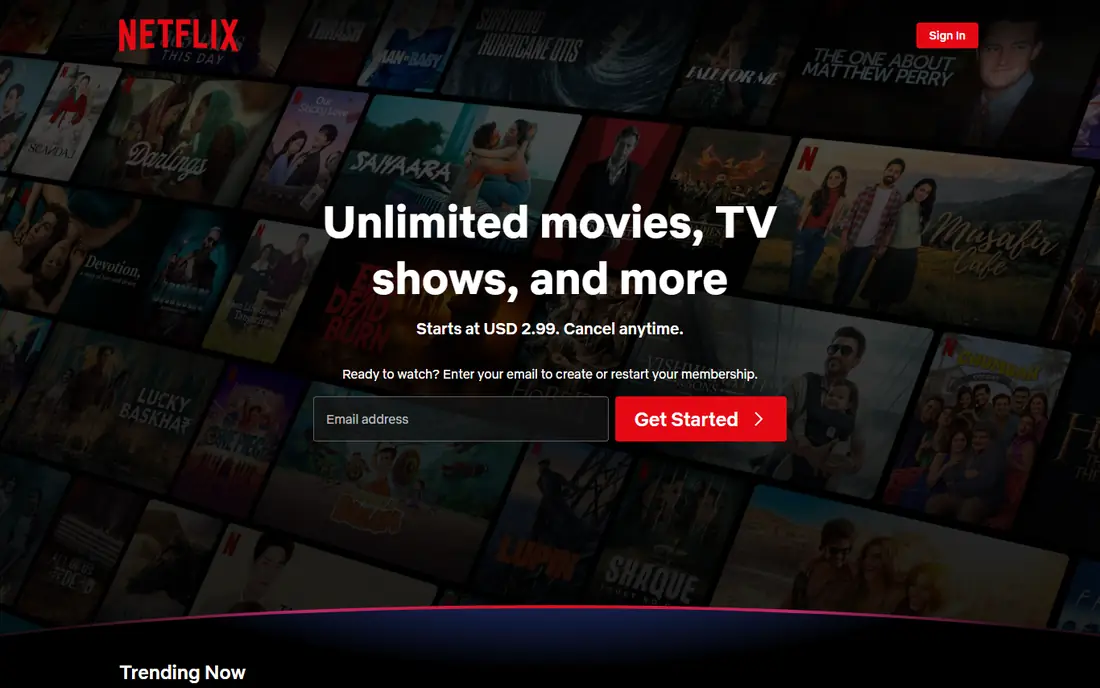
Netflix remains the default pick for many US viewers because it covers so many tastes in one place. You will find original dramas, comedies, documentaries, international films, and a rotating set of licensed titles. The interface is simple, profiles keep viewing separate, and parental controls help families manage what children can watch. For a household that watches a little of everything, Netflix is hard to beat on breadth alone.
The catch is cost and catalog churn. Licensed films leave when deals expire, so a title you planned to watch may disappear. The ad-supported plan keeps the entry price lower, but ad-free viewing costs more. If you mainly want recent blockbusters or a specific studio catalog, one of the studio services below may fit better. Still, for general film watching, Netflix gives you the most choice per subscription.
- Very large catalog of originals and licensed films
- Strong apps on almost every device
- Downloads for offline viewing on mobile plans that support it
- Prices have risen several times
- The cheapest plan includes ads

Hulu suits viewers who want films and current television in the same app. Its film section covers comedies, thrillers, indie titles, and documentaries, and its originals have built a loyal following. If you already watch broadcast shows, Hulu reduces the need for a separate live TV service for many programs, though sports and some channels still need a live plan.
The main trade-off is ads on the entry plan and a catalog that shifts with licensing deals. Check whether the films you care about are included in the base plan before you subscribe. Bundles with Disney Plus can lower the combined cost if your household uses both services. For film fans who also follow TV closely, Hulu is a strong single subscription.
- Next-day episodes from many broadcast shows
- Good mix of films, documentaries, and originals
- Bundles available with Disney Plus
- The cheapest plan includes ads
- Some films require add-ons or live TV plans
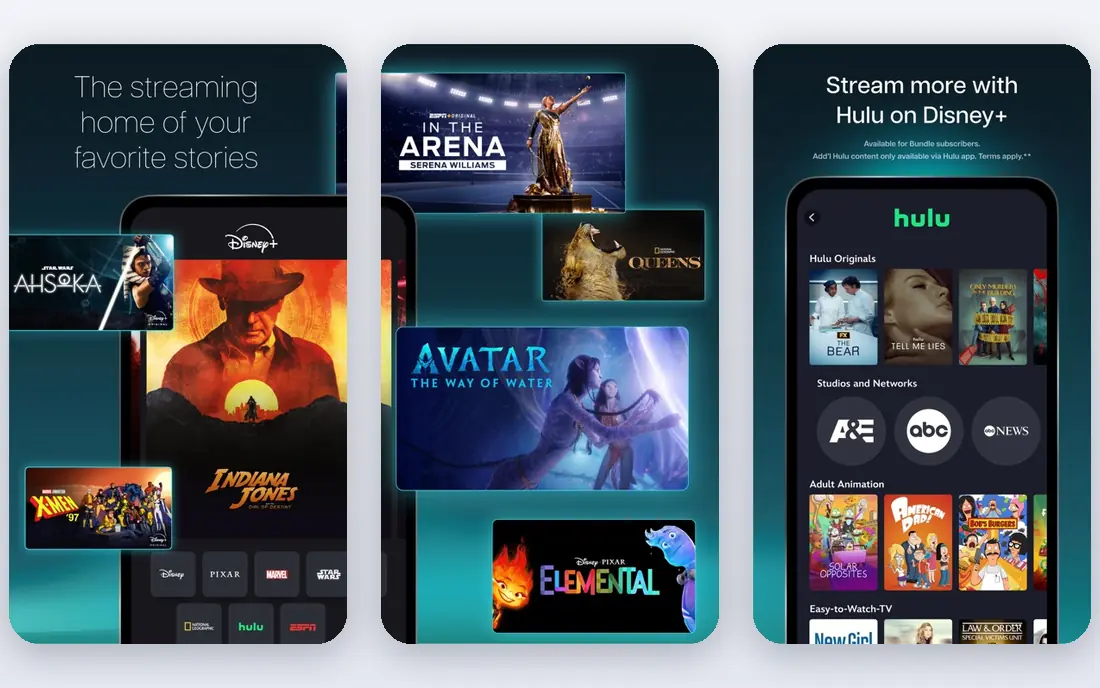
Disney Plus is the clearest pick if your household watches franchise films, animation, or family titles again and again. Its catalog is deep for those brands, and new releases from Disney studios often arrive there first. The app is polished, downloads work well for travel, and profiles make it easy to separate adult and child viewing.
Adults who want a wide range of independent, foreign, or classic films may find the catalog narrower than Netflix or Prime Video. Disney Plus works best as a family core service paired with a free service such as Tubi for variety. If franchise films dominate your watchlist, it offers good value and a very consistent experience.
- Disney, Pixar, Marvel, Star Wars, and National Geographic in one place
- Strong 4K support
- Good parental controls and profiles
- Less depth for adult indie and arthouse films
- The cheapest plan includes ads
Prime Video makes sense first for people who already pay for Amazon Prime, since video is part of that membership. The included catalog covers originals, licensed films, and older favorites, and you can rent or buy newer releases that are not included. That rental option is useful when you want one specific film without adding another monthly subscription.
Browsing takes some care because paid titles sit beside included titles. Use the filters for included content if you want to avoid extra charges. The standalone video plan is a reasonable price for non-Prime members, but Prime members get the best deal. For flexible film watching, Prime Video is a practical choice.
- Included with Amazon Prime
- Large included catalog plus rentals and purchases
- Good device support
- Included titles are mixed with paid rentals, which can confuse browsing
- The standalone plan includes ads
Peacock is a good value pick for viewers who like Universal films, comedies, and franchise titles from NBCUniversal. It also adds current TV, reality shows, and live sports, which makes it useful beyond film night. The entry plan is priced below several competitors, and the interface is straightforward on TVs and mobile devices.
The film library is smaller than the largest services, and not every new Universal release is included at once. If you want the widest possible film choice, pair Peacock with a free service. If you like its TV and sports mix, Peacock can stand on its own for casual film viewing and regular TV watching.
- Films from Universal and Focus Features
- TV, news, and sports in the same app
- Lower entry price than some rivals
- Smaller film catalog than Netflix
- Some premium films cost extra or arrive later
Paramount Plus brings together Paramount films, CBS television, and, on the Premium plan, Showtime programming. That mix appeals to viewers who like blockbuster franchises, crime dramas, and live sports coverage. The app supports profiles, downloads on supported plans, and viewing on most major devices.
Check the plan details carefully, since the Essential plan and the Premium plan differ on live local stations and Showtime content. Film fans who want a broad indie catalog may need a second service. For Paramount franchises and sports, however, Paramount Plus is a direct and affordable legal option.
- Paramount films, Showtime titles on Premium, and CBS shows
- Live sports and news options
- Straightforward plans
- The cheapest plan includes ads and limits some content
- Catalog depth varies by franchise
Apple TV Plus takes a different approach from the big catalog services. It focuses on originals rather than a huge licensed library, and many of those originals have earned critical praise. Picture and sound quality are consistently strong, and the app is clean and easy to use across Apple devices, smart TVs, and the web.
The smaller catalog means you may finish the titles that interest you faster than on Netflix. That makes Apple TV Plus a good rotating subscription: subscribe for a few months, watch its originals, then pause. If you value quality over quantity and already use Apple devices, it is a strong pick.
- Strong original films and series with high production values
- No ad-supported tier confusion
- Good 4K and Dolby support
- Smaller licensed back catalog than larger rivals
- Fewer older films to browse
Tubi is our pick for viewers who want a legal film service with no monthly cost. Its catalog includes thousands of films across genres, from classics and cult titles to recent independent releases. You can browse by genre, search for specific titles, and start watching without a paid plan. For many households, Tubi covers casual film nights on its own.
Ads are the trade-off, and you will not find most brand new theatrical releases here. Treat Tubi as a discovery service: browse its rotating catalog, save titles you like, and use a paid service only for the films Tubi does not carry. For budget viewers, it is the best free starting point on this list.
- Large free catalog of films and TV
- No subscription or credit card needed for the free tier
- Apps on most devices
- Ads interrupt viewing
- Newer blockbusters are limited
- Picture quality varies by title
Pluto TV feels like a mix of cable and streaming. You can flip through live genre channels for movies, drama, comedy, and documentaries, or pick on-demand films when you want control. It requires no subscription, which makes it a low risk way to test legal streaming if you are moving away from unlicensed sites.
The on-demand catalog is not as deep as Tubi for film browsing, and live viewing means you cannot always start a film at once. Pluto TV works best as a companion service: use its channels for background viewing and discovery, and use Tubi or a paid service for specific film choices. Together, the two free services cover a lot of ground for no monthly cost.
- Free live TV channels plus on-demand films
- No account needed for basic viewing
- Genre channels make browsing easy
- Ads interrupt viewing
- On-demand film selection is smaller than Tubi
- Live channels follow a schedule
How we picked these
We compared official pricing pages, catalog descriptions, app store listings, and device support for licensed US streaming services. We favored services that are widely available in the United States, offer a clear legal catalog, and work on common TVs, phones, and computers. We included both paid and free options so readers with different budgets can find a fit. We did not include unlicensed download or streaming sites, since those carry legal risk, malware risk, and unreliable quality.
What to check before you subscribe
Start with how you actually watch films. If you watch every night, a broad paid catalog such as Netflix or Prime Video may be worth the cost. If you watch once or twice a week, a free service plus occasional rentals may save money. List the films and franchises you care about, then check which services include them in the base plan, not as rentals.
Check ads, downloads, and device limits before you pay. Ad-supported plans cost less but interrupt films, while ad-free plans cost more. Downloads matter if you watch on planes or with limited internet. Also check how many screens can stream at once, since that affects households. Finally, review your subscriptions every few months and cancel services you no longer use, since catalogs and prices change.
FAQ
Are yts.mx alternatives legal?
The services on this list are legal because they license the films they stream from studios and rights holders. Unlicensed sites that offer downloads or streams without permission carry legal risk and often expose users to malware and misleading links. If a site offers brand new theatrical films for free with no ads and no subscription, treat that as a warning sign.
What is the best free yts alternative?
Tubi is the best free starting point for most viewers because it offers a large on-demand film catalog with no subscription. Pluto TV is a good companion for live genre channels and casual viewing. Both services are ad-supported, so you trade some interruptions for no monthly bill.
Which service has the most films?
Netflix and Prime Video offer the broadest general catalogs, though exact counts change as licensing deals shift. Disney Plus and Paramount Plus are deeper for their own franchises, while Tubi offers a large free catalog. The best choice depends on the genres and studios you watch most.
Can I watch these services on my TV?
Yes, most services on this list offer apps for smart TVs, streaming sticks, phones, tablets, and web browsers. Check the service help page for your exact TV model before you subscribe if you use an older set. Free services such as Tubi and Pluto TV also support most major TV platforms.
Do I need more than one service?
Not always. One broad service plus one free service covers many viewers. Add a second paid service only if it carries franchises or genres you watch often. Rotating subscriptions, where you subscribe for a month or two and then pause, can also keep costs down.